Free trial
A free starting tier is advertised with no credit card required. The length and limits of any paid trial are not described on the homepage.
Learn moreTurn scattered customer feedback into a scored, evidence-backed backlog.

Pilea AI is an AI task generator tool that turns scattered customer feedback into a scored, evidence-backed backlog. Pilea AI turns interviews, call notes and feedback from Slack, Intercom and HubSpot into a scored backlog with customer quotes attached.
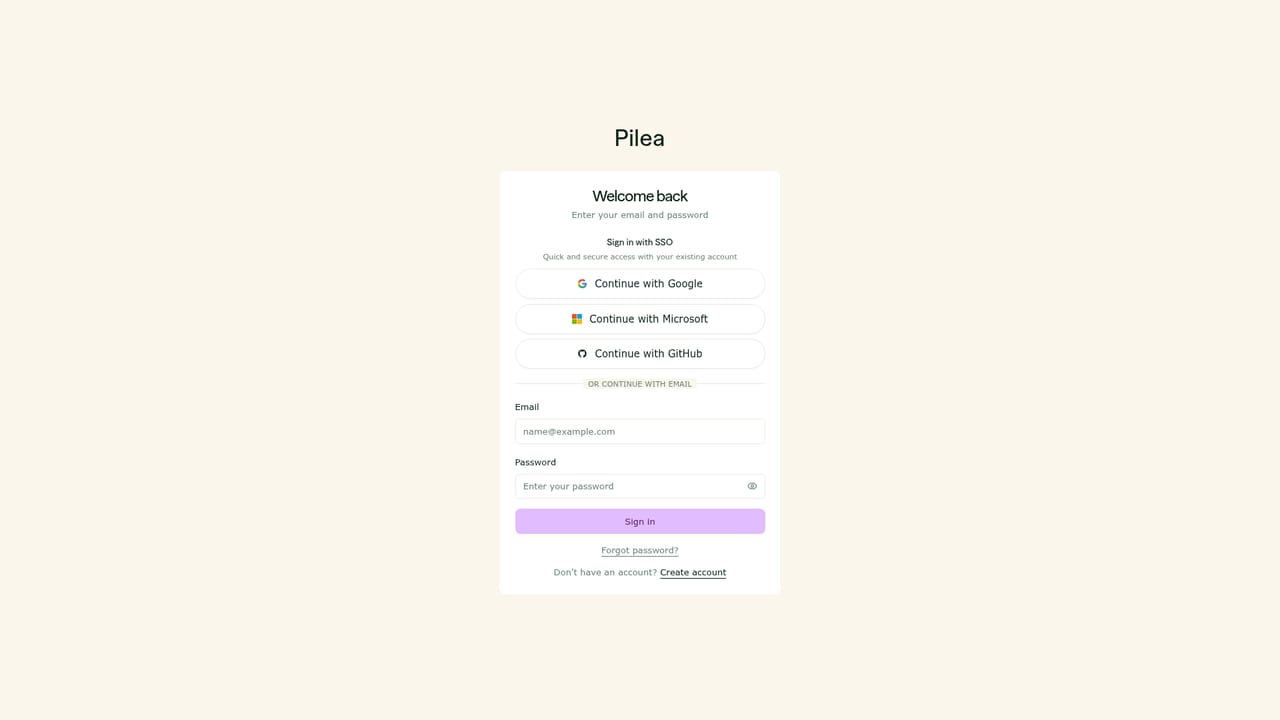
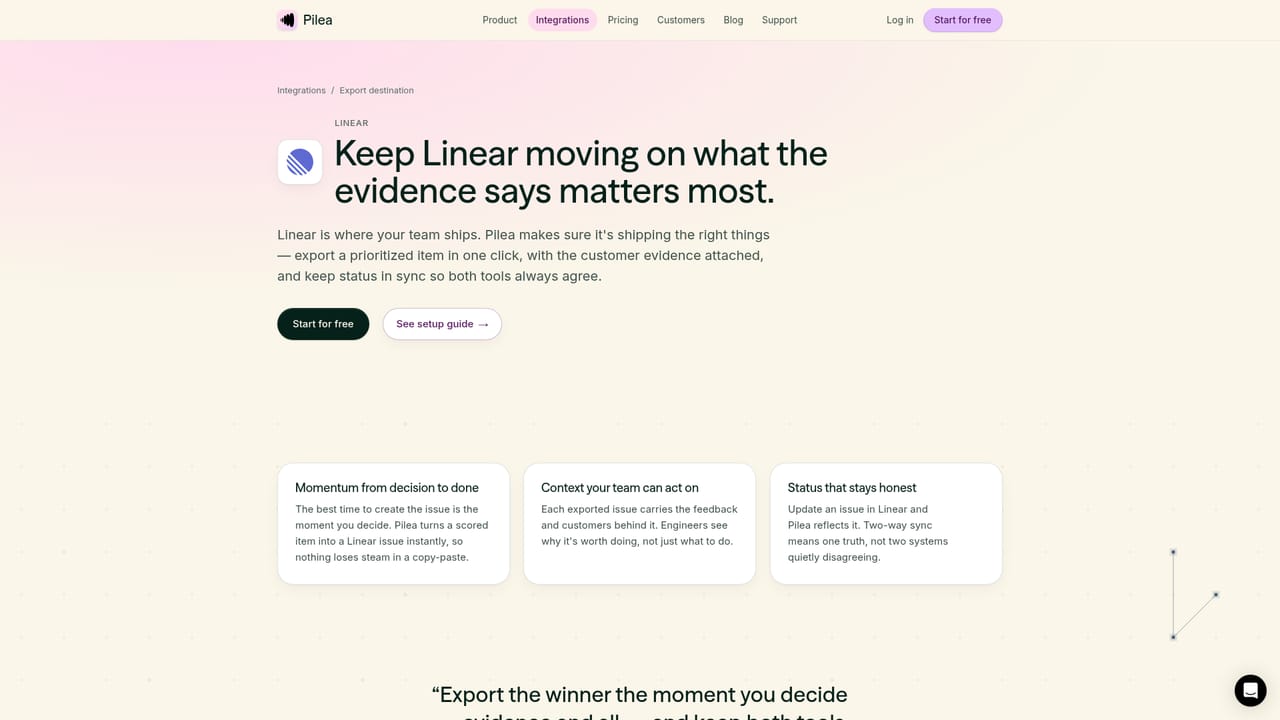
Pilea AI is a feedback synthesis workspace built for product managers and UX researchers who already have more customer input than they can process. It collects signals from interview recordings, call notes, spreadsheet exports and connected tools such as Slack, Intercom and HubSpot, then groups that material into themes tagged by customer, sentiment and revenue. Each theme stays linked to the original quotes, so a roadmap argument can be settled by opening the source rather than defending an opinion. The product is designed to be adopted without friction. A new user can upload a CSV, a PDF of call notes or an MP3 of a user call and get a ranked backlog in minutes, with no admin access and no integrations required on day one. Connections to support desks, CRMs and meeting recorders are optional and can be added later. From the backlog, Pilea scores requests with its own Priority Score or WSJF, drafts PRDs and research summaries from the attached evidence, and pushes chosen items to Jira, Linear or GitHub with two-way sync so status changes stay aligned. In daily use it behaves like a workspace assistant rather than a dashboard. A chat surface answers questions across all collected feedback, scheduled skills deliver recurring reads such as thematic analysis or a continuous discovery digest to Slack or email, and reusable skills encode methodologies including jobs-to-be-done framing and opportunity-solution trees. Personal tone of voice settings shape the drafts it produces. For teams running coding agents, an MCP server exposes backlog items and their customer quotes to Claude Code, Cursor, VS Code and similar editors. Compared with general purpose research repositories or survey analytics suites, Pilea leans toward lightweight setup and evidence traceability rather than heavyweight data pipelines. It competes with feedback management platforms and manual spreadsheet triage, and its EU hosting, GDPR posture and default PII redaction make it a reasonable fit for European product organisations.
A free starting tier is advertised with no credit card required. The length and limits of any paid trial are not described on the homepage.
Learn moreThe homepage states that Pilea is free to start, requires no credit card and allows users to quit anytime while keeping their data. Published plan tiers and per-seat rates are not shown on the homepage.
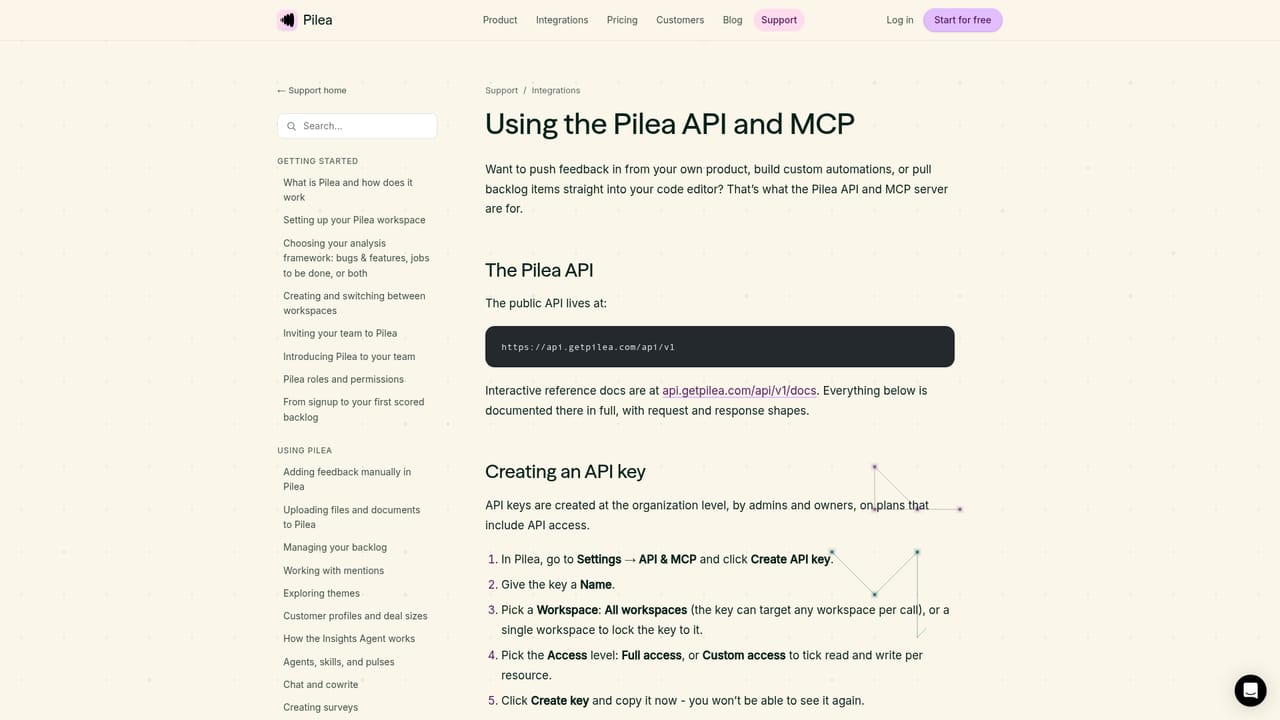
Learn moreThe homepage offers a weekly live demo session, an API and MCP setup guide, and in-product chat with the Pilea assistant. Dedicated support channels and response times are not listed.
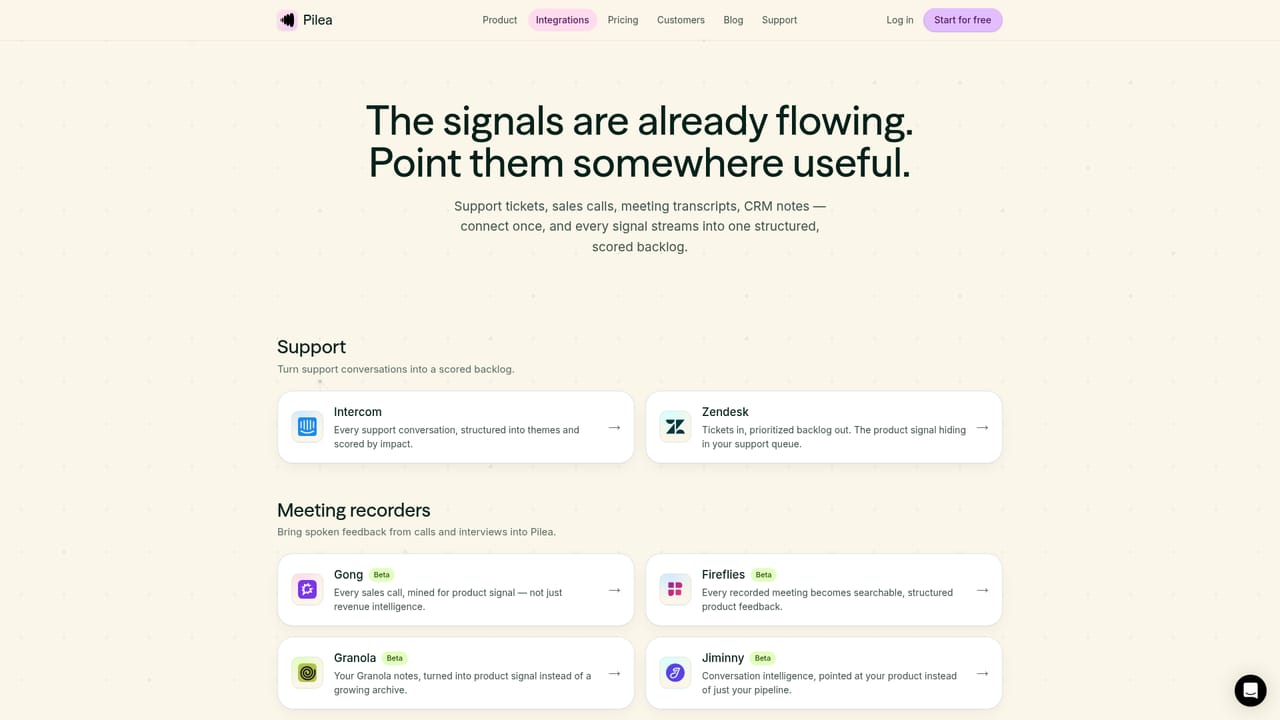
Learn moreSlack, Intercom, HubSpot, Zendesk, Notion, Gong, Fireflies, Granola, Jiminny, Attio, Jira, Linear and GitHub, plus backlog export to Asana, ClickUp, Monday and Trello, AppFollow reviews and a public API.
Learn moreFeedback ingestion from uploads and connected tools, theme clustering with sentiment and revenue tagging, a Priority Score or WSJF ranked backlog, linked source quotes on every item, PRD and research summary drafting, scheduled skills for recurring analysis, customer profiles, two-way tracker sync, PII redaction and MCP access for coding agents.
 AI Angels400+ customizable AI girlfriends for NSFW chat, voice calls, and roleplay
 Candy AIExperience the future of companionship with AI friends who chat, role-play, and connect with you on a human level.
 ourdream.aiA vast AI roleplay platform with millions of characters for chat, images, video and voiceAI Angels400+ customizable AI girlfriends for NSFW chat, voice calls, and roleplayCandy AIExperience the future of companionship with AI friends who chat, role-play, and connect with you on a human level.ourdream.aiA vast AI roleplay platform with millions of characters for chat, images, video and voice


