Free trial
A free signup is offered with no credit card required, and a public demo portfolio is available for exploring the product before registering. The homepage does not state whether paid plans come with a time limited trial.
Learn moreWall Street style portfolio tracking and forecasting for everyday investors

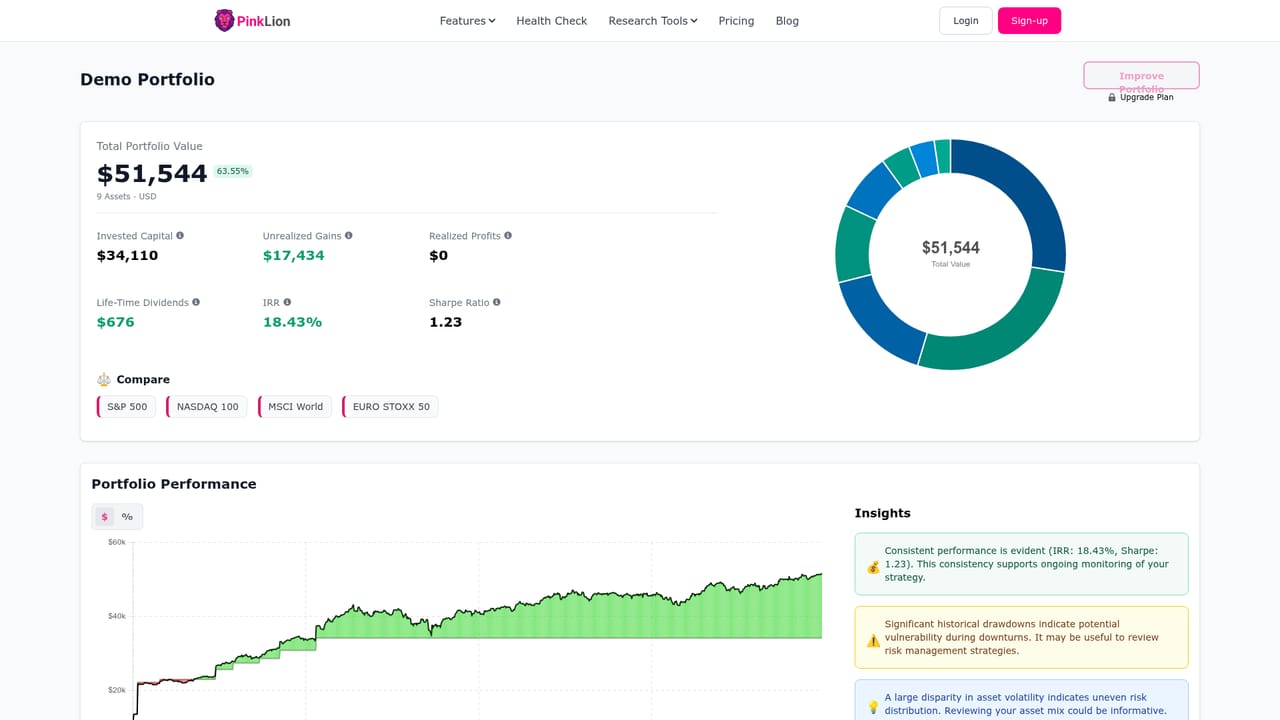
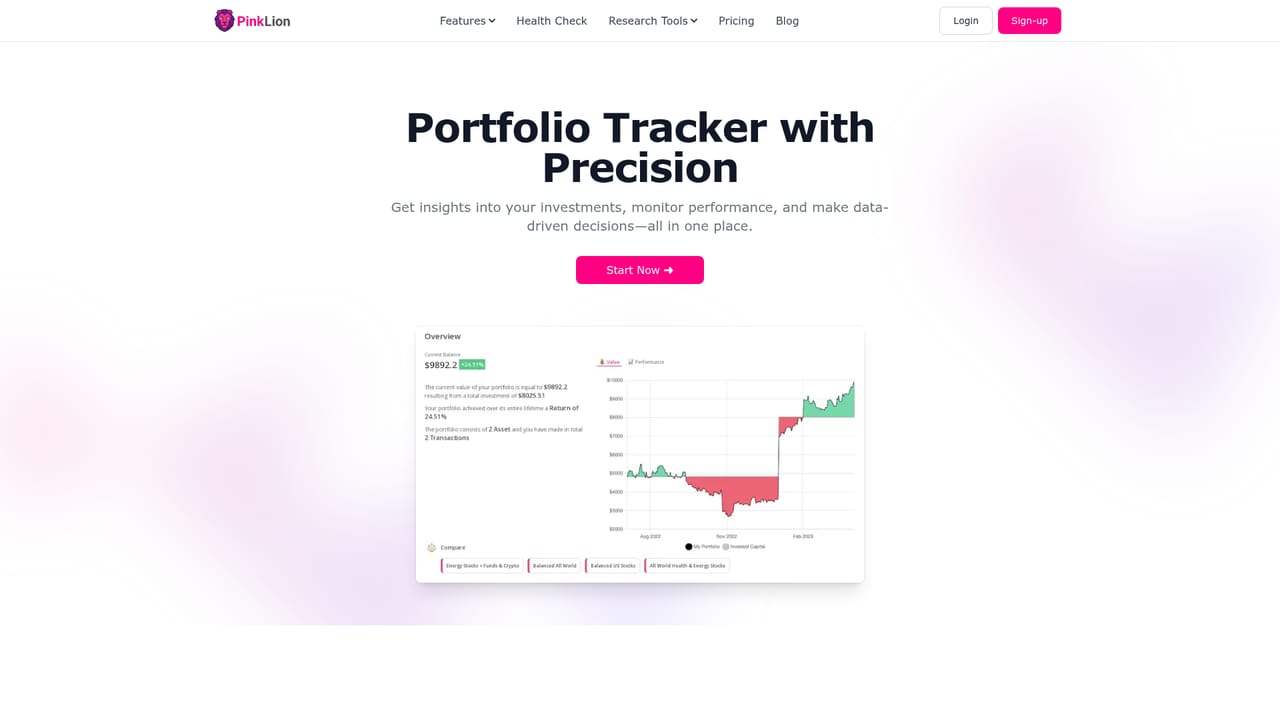
PinkLion is a portfolio tracking and analysis tool for retail investors. It syncs broker accounts into one dashboard, shows performance and contribution analytics, runs AI assisted scenario simulations, and provides one year asset forecasts. A free signup and a public demo portfolio are offered on the homepage.
PinkLion is a portfolio intelligence platform aimed at retail investors who want institutional style reporting without an institutional account. Accounts signed up through the site collect holdings from linked brokers and present them on a single dashboard, so stocks, ETFs, crypto and other assets sit side by side instead of being spread across several provider apps. Performance, current value and recent transactions update automatically once a connection is live. The analytics layer goes past a balance figure. PinkLion breaks down how much each holding contributes to overall returns, highlights performance trends, and frames the portfolio in terms of risk against potential reward. A separate optimization module asks for risk and return preferences, then generates candidate portfolio mixes and lets the user compare scenarios directly against each other before changing anything. Forecasting adds one year asset level projections built from expert estimates and market data, which is useful for planning but should be read as an estimate rather than a promise. The product suits self-directed investors with accounts at more than one broker, people who want a periodic rather than daily review, and beginners who find raw brokerage screens hard to interpret. People who trade intraday or need advanced charting will likely still keep a dedicated trading platform. PinkLion positions itself as the overview and planning layer on top of brokerage accounts, not a replacement for the broker itself. Onboarding starts with a free signup and no credit card, and a public demo portfolio is available for anyone who wants to look around before registering. Broker linking is presented as a matter of minutes. The company also runs a Slack community for support and a public roadmap where users vote on features. Detailed subscription tiers are not spelled out on the homepage, so pricing should be confirmed on the site.
A free signup is offered with no credit card required, and a public demo portfolio is available for exploring the product before registering. The homepage does not state whether paid plans come with a time limited trial.
Learn moreSupport runs through a Slack community where users can get quick help. A public feature roadmap lets users suggest ideas and upvote others. No email or ticket based support channel is described.
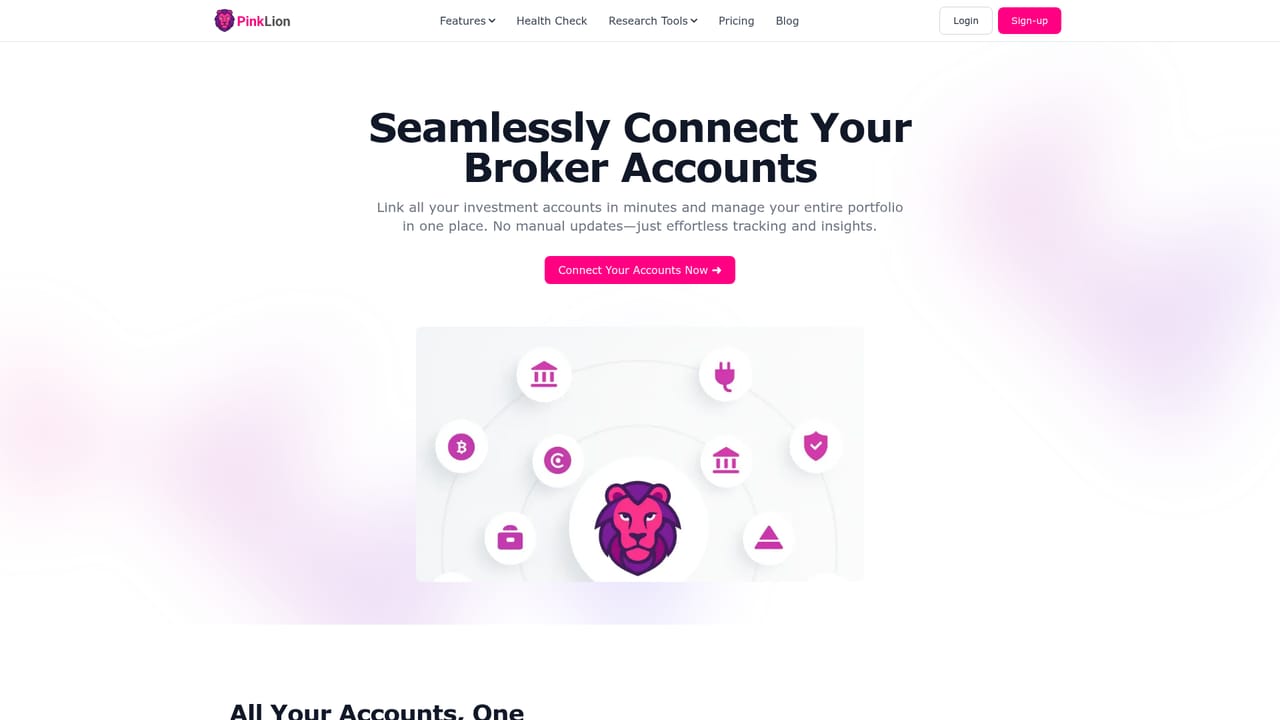
Learn moreBroker account connections are the core integration, with several major brokers shown plus a note that more are supported. A Slack community is also linked from the homepage.
Learn morePortfolio tracking across all accounts with real time value, transactions and performance; support for stocks, ETFs, crypto and more in one dashboard; contribution and risk versus reward analytics; AI powered portfolio optimization with comparable scenario simulations; one year asset forecasts from expert estimates and market data; automatic broker connections.
Learn more AI Angels400+ customizable AI girlfriends for NSFW chat, voice calls, and roleplay
 Candy AIExperience the future of companionship with AI friends who chat, role-play, and connect with you on a human level.
 ourdream.aiA vast AI roleplay platform with millions of characters for chat, images, video and voiceAI Angels400+ customizable AI girlfriends for NSFW chat, voice calls, and roleplayCandy AIExperience the future of companionship with AI friends who chat, role-play, and connect with you on a human level.ourdream.aiA vast AI roleplay platform with millions of characters for chat, images, video and voice


