Free trial
The site advertises a free trial, but every trial button opens the contact page, so access is requested through the team rather than self-serve signup.
Learn moreAI business intelligence and reporting for finance teams

PixelAI is an AI business intelligence and reporting tool aimed at banking and investment teams. It offers performance dashboards, automated data aggregation, predictive analytics and natural language reporting, with plans from $29 to $149 per month covering 10 to unlimited users.
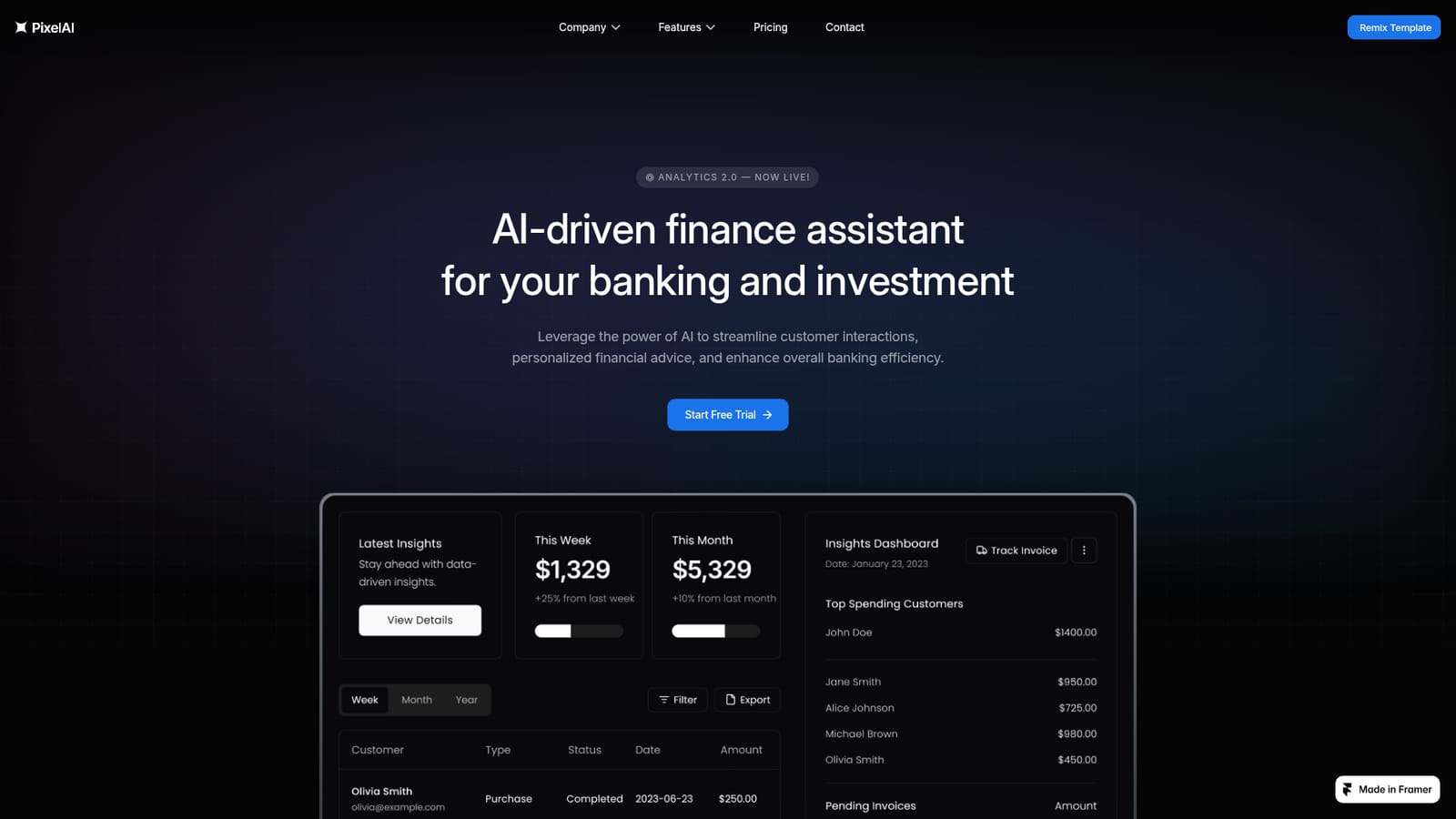
PixelAI is positioned as an AI-driven finance assistant built for banking and investment workflows. The product combines analytics, performance tracking and natural language reporting in a single dashboard, so finance teams can review data and produce written summaries without stitching together separate BI and reporting tools. The site describes it plainly as an AI-powered business intelligence and reporting tool for data-driven decision-making. The feature set is organized around tracking and interpretation. Performance trends analysis surfaces weekly fluctuations with charts of key indicators, a performance metrics overview compares month over month movement against a monthly goal, and real-time analysis charts hourly patterns across multiple years. The 180+ action modules are grouped into data acquisition, user engagement and financial metrics, covering insight generation, live activity tracking and evaluation of financial indicators. Behind the assistant is third-party LLM technology, which the site credits for natural language interactions and faster, more accurate responses. In day to day use, a team at a bank, investment firm or finance department connects its systems, watches the dashboards, and asks questions in plain language to get reports. Data aggregation is automated, which the site frames as a way to cut manual entry errors and keep records current. Tiering follows the depth of that workflow: Basic covers core features and monthly insights for up to 10 users, Pro adds predictive analytics, weekly insights and bank integrations for up to 50 users, and Enterprise unlocks natural language reporting, daily insights, custom dashboards, personalized recommendations and unlimited seats. It sits in the same bracket as established BI suites and newer AI reporting layers, competing on the finance-specific framing rather than breadth of connectors. Buyers comparing options should weigh the small number of named integrations and the template-style presentation against the straightforward pricing ladder and the reporting focus. Note: the public site is built as a Framer template demo, so some marketing copy and testimonials read as placeholder content.
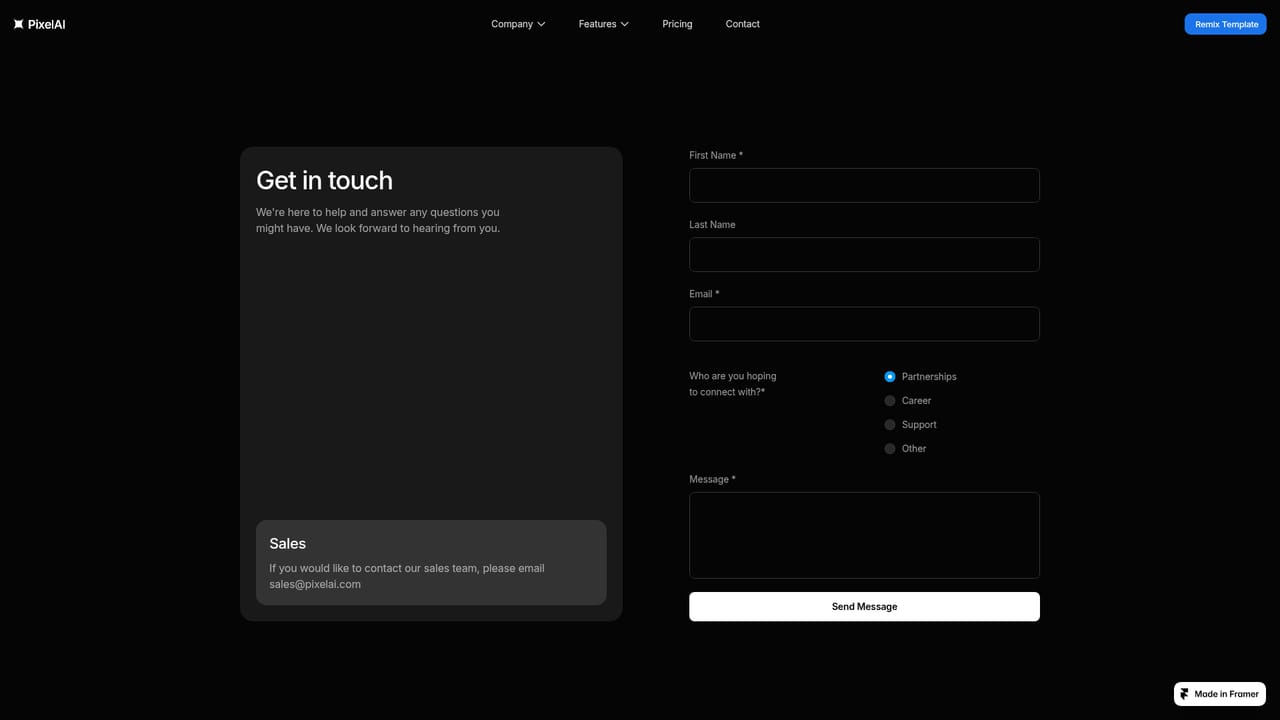
The site advertises a free trial, but every trial button opens the contact page, so access is requested through the team rather than self-serve signup.
Learn moreBasic is $29 per month with core features, automated data aggregation and up to 10 users. Pro is $79 with predictive analytics, weekly insights, bank integration and up to 50 users. Enterprise is $149 with natural language reporting, daily insights, custom dashboards and unlimited users. Yearly billing is advertised at a 17 percent saving.
Learn moreSupport is tiered: basic support on Basic, enhanced support on Pro and 24/7 priority support on Enterprise. The contact page is the published channel.
Learn moreIntegration with popular banks is listed as a Pro feature. No named connectors, API or developer documentation are published on the site.
Performance trends analysis with weekly charts, a metrics overview comparing month over month results plus goal setting, and real-time hourly analysis across years. Around 180 action modules cover data acquisition, user engagement tracking and financial metrics. Higher tiers add predictive analytics, natural language reporting, personalized recommendations and customizable dashboards.
 AI Angels400+ customizable AI girlfriends for NSFW chat, voice calls, and roleplay
 Candy AIExperience the future of companionship with AI friends who chat, role-play, and connect with you on a human level.
 ourdream.aiA vast AI roleplay platform with millions of characters for chat, images, video and voiceAI Angels400+ customizable AI girlfriends for NSFW chat, voice calls, and roleplayCandy AIExperience the future of companionship with AI friends who chat, role-play, and connect with you on a human level.ourdream.aiA vast AI roleplay platform with millions of characters for chat, images, video and voice


