Free trial
A free starting path is offered through the Get Started for free and Try for free buttons, which lead to account creation and the console.
Learn moreAI photo editor, image generator and video studio in one browser workspace
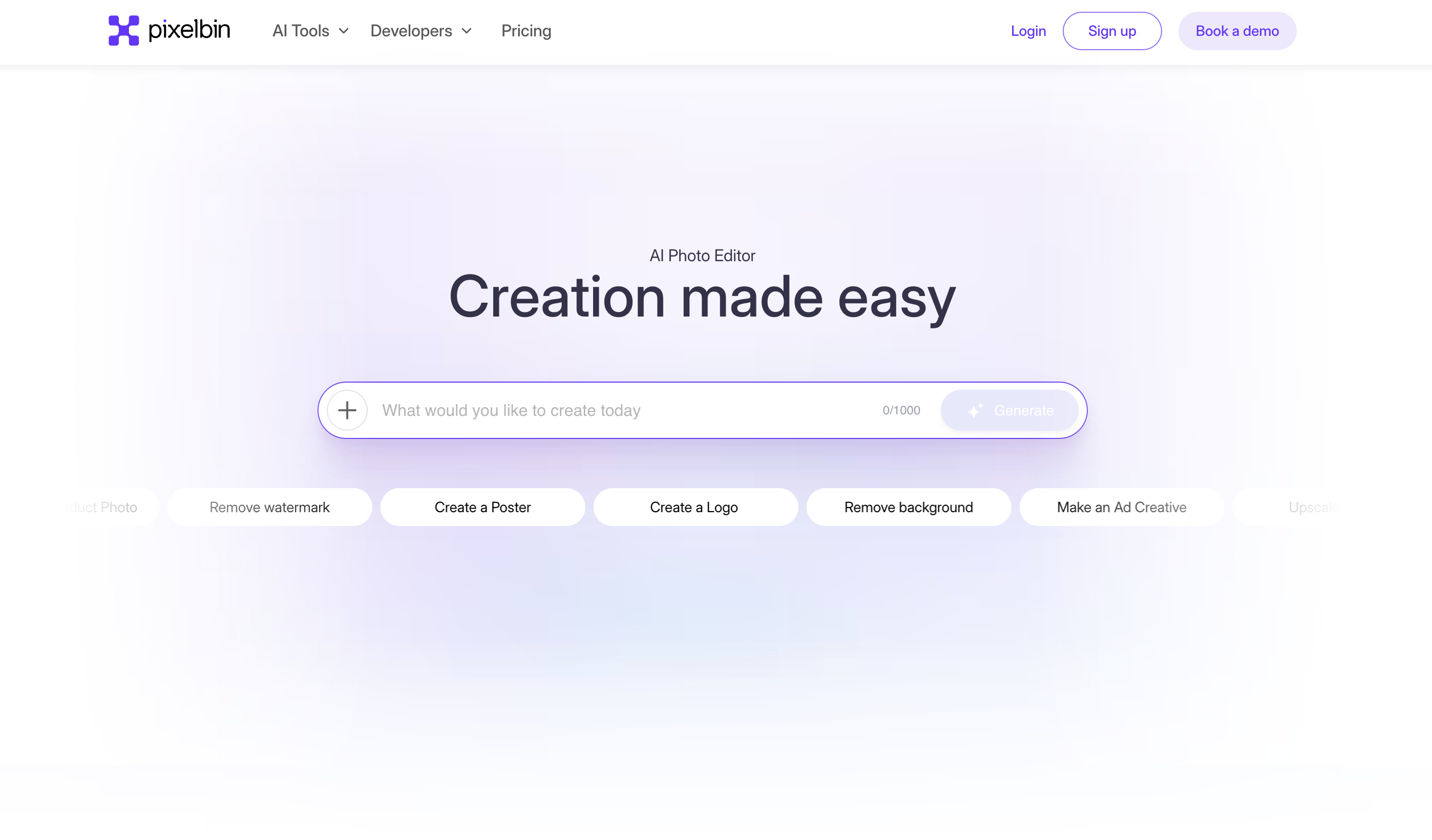
PixelBin is a bulk image generator tool. A browser studio combining AI image generation, video generation and a photo editing toolkit for ecommerce, social and marketing visuals.
PixelBin is a browser-based creative studio that bundles AI image generation, AI video generation and a practical photo editing suite behind one login. The homepage positions it around a simple question, what will you make today, and then presents a rotating set of entry points: video generator, image editor, upscale, avatar, ad creative, photoshoot and watermark remover. It is aimed at marketers, ecommerce sellers, social media teams and independent creators who need finished visuals quickly without juggling several subscriptions. In practice the workflow starts from a text prompt or an uploaded image. The image editor accepts a reference upload alongside a prompt, so a product shot can be restyled or a portrait reworked while keeping the original subject. Dedicated tools cover narrower jobs: product photoshoot scenes for commercial imagery, old photo restoration, black and white to color conversion, a Ghibli style image generator, and text to video. A bulk editor sits in the console for teams handling many assets at once, and the site advertises a batch oriented studio rather than one-off edits. Streetwear brand The Pant Project appears as a customer case study, which signals an ecommerce focus. The tool sits somewhere between a general image generator and a full retouching suite. Compared with prompt-only generators, PixelBin adds the cleanup work most projects still need (upscaling, watermark removal, background changes, filters). Compared with traditional editors, the heavy lifting is automated. It is closest in spirit to all-in-one creative platforms such as Canva's AI features or Freepik's suite, and it favours speed over granular manual control. Some tools are still in beta, and output quality depends heavily on how well the prompt and reference image are prepared.
A free starting path is offered through the Get Started for free and Try for free buttons, which lead to account creation and the console.
Learn moreThe homepage advertises a holiday sale with a flat 30 percent discount on all Pro plans, applied with a code at checkout. No plan tiers, credit allowances or per-seat prices are listed on the landing page.
Learn moreA documentation portal is linked from the site, and a Book a demo route is offered for teams that want a walkthrough before committing. No other support channels are described on the homepage.
Learn moreThe studio covers AI image generation from prompts or reference uploads, AI video creation, text to video, product photoshoot scenes, an image editor with camera angle control, upscaling, watermark removal, background changes, filters, avatar generation, old photo restoration, black and white to color conversion, a Ghibli style generator, a bulk editor, and ready made ad creative and social templates.
Learn more AI Angels400+ customizable AI girlfriends for NSFW chat, voice calls, and roleplay
 Candy AIExperience the future of companionship with AI friends who chat, role-play, and connect with you on a human level.
 ourdream.aiA vast AI roleplay platform with millions of characters for chat, images, video and voiceAI Angels400+ customizable AI girlfriends for NSFW chat, voice calls, and roleplayCandy AIExperience the future of companionship with AI friends who chat, role-play, and connect with you on a human level.ourdream.aiA vast AI roleplay platform with millions of characters for chat, images, video and voice


