Free trial
New accounts receive complimentary credits on sign-up to try both generation and editing, and no credit card is required.
Learn moreBrowser-based AI studio for generating and editing images with several models

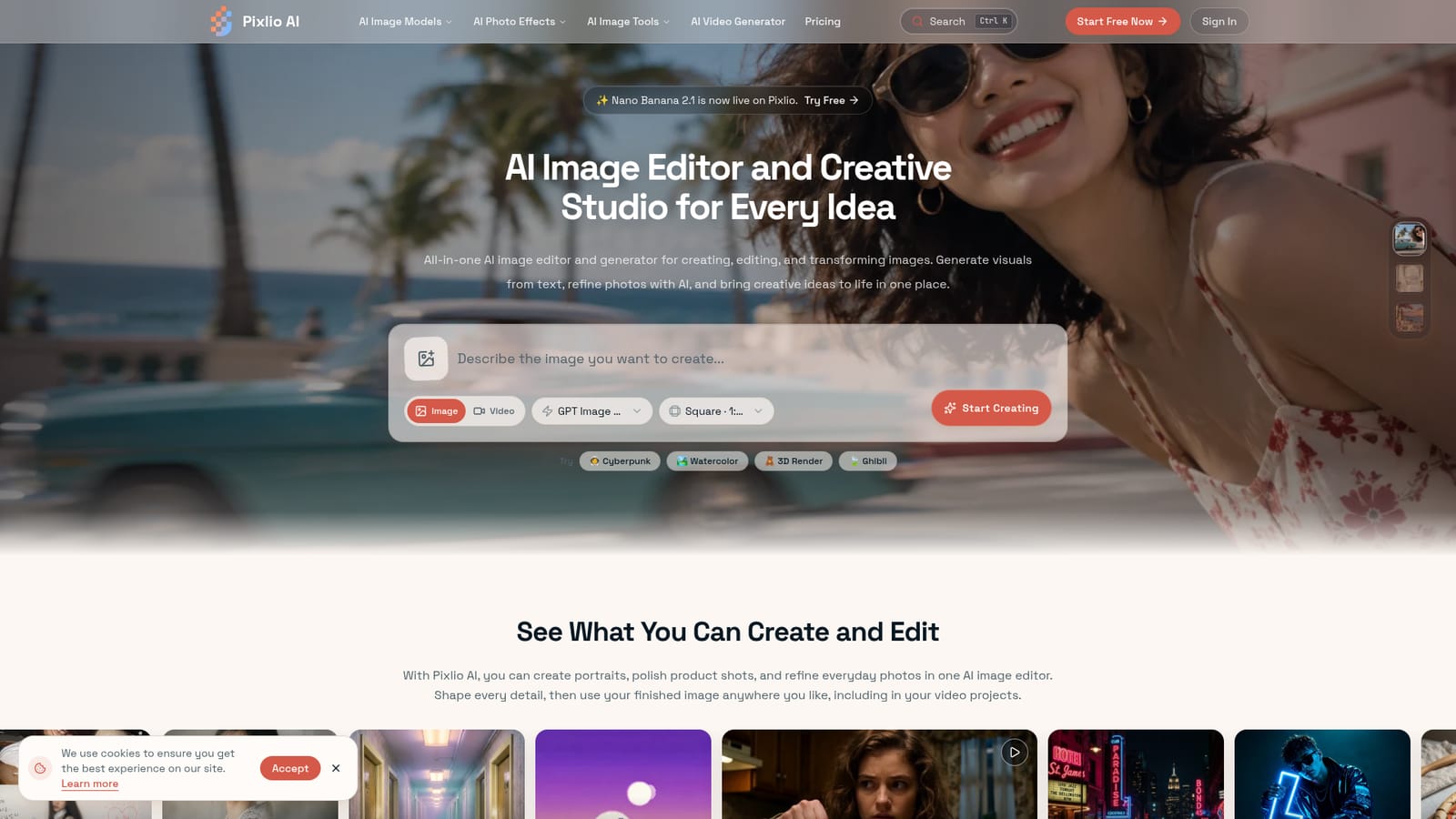
Pixlio AI is a web studio that pairs text-to-image generation with AI photo editing across multiple models, with style presets, fine controls, a video generator and credit-based plans that include a free sign-up allowance.
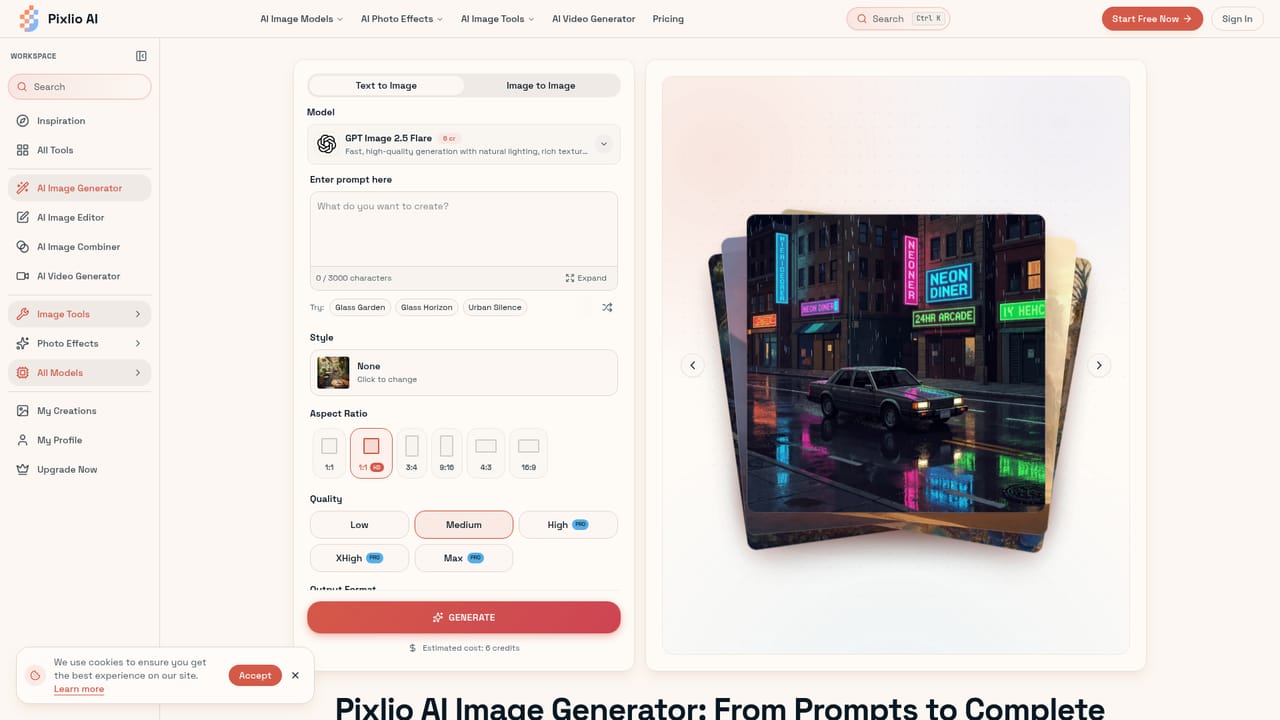
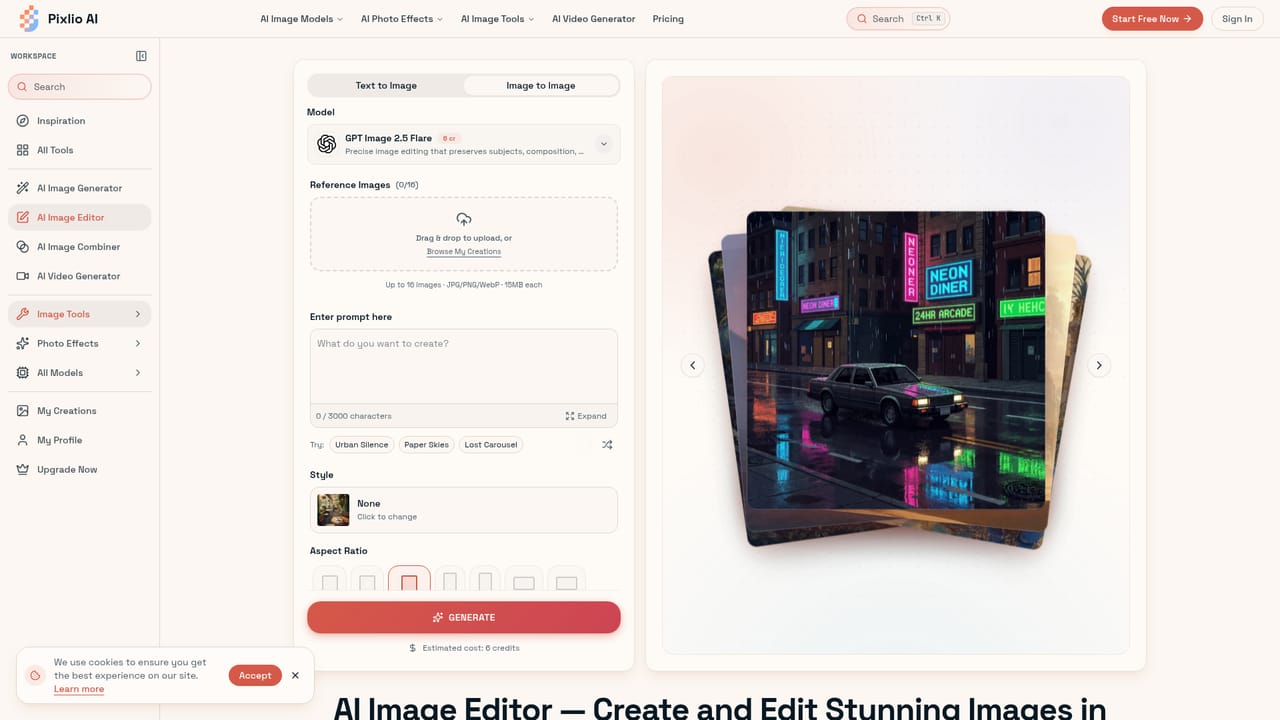
Pixlio AI is a web-based creative studio that combines text-to-image generation with photo editing in a single workspace. It gives access to several third-party image models, among them GPT Image, Seedream, Nano Banana and Qwen Image, so users can pick the engine that suits a given job instead of committing to one. A separate video generator lets finished images become short clips. The editing side covers practical tasks: removing or replacing background scenes, adding or erasing objects and text, adjusting lighting, enhancing quality and applying filters. Style presets such as Studio Ghibli anime, Pixar-style 3D, pixel art, watercolor and photorealism can be used at creation time or applied to an existing photo. Sample use cases on the homepage include clearing old captions from a photo, moving a pet or product into a new setting, producing lifestyle product shots, and drafting social graphics, ads and blog visuals. In practice, a user signs up, receives free credits, then either types a prompt or uploads a photo. Controls go beyond a bare prompt box: aspect ratio, seed values for reproducible results, negative prompts, guidance scale and output format (PNG or JPG). The site states that most operations finish in under 20 seconds and that outputs are high resolution. Images made with paid credits carry commercial usage rights. Pricing is credit-based. Subscription tiers (Basic, Pro, Max) offer monthly credit allowances with monthly or annual billing, and one-off credit packs are available for project work. Higher tiers add longer storage, private generation, no watermark and access to premium video models. Among alternatives, Pixlio sits closer to aggregator tools that bundle many models behind one login than to single-model generators or full manual editors. That suits marketers, e-commerce sellers and casual creators who want fast results without layer-based software. Designers who need pixel-level manual control, or who want a fixed single model, will find a credit-metered, multi-model approach less predictable.
New accounts receive complimentary credits on sign-up to try both generation and editing, and no credit card is required.
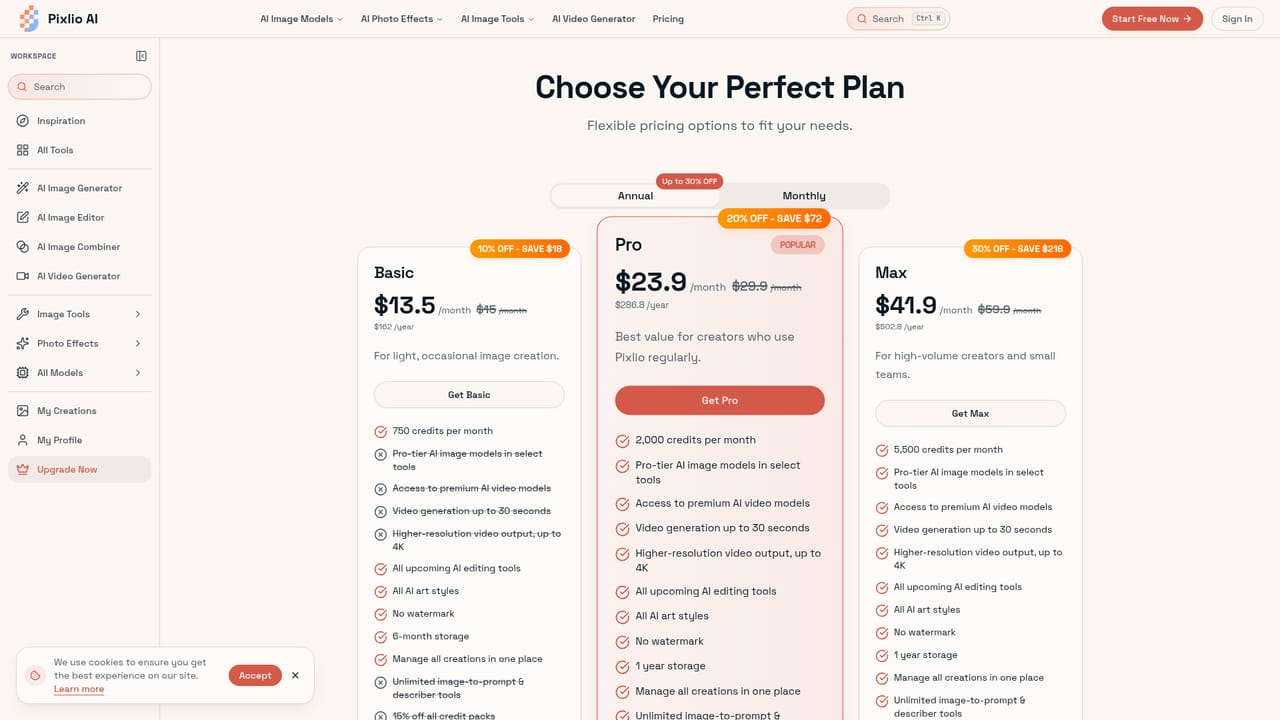
Learn moreCredit-based. Subscription tiers (Basic, Pro, Max) are billed monthly or annually, with annual discounts of up to 30%. Basic is $15/month ($13.5 annual) for 750 credits; Pro is $29.9/month ($23.9 annual) for 2,000 credits. Credit packs are sold separately.
Learn moreEmail support is included on paid plans, with priority email support listed on the subscription tiers.
Text-to-image generation with multiple models, AI photo editing (background, object and text changes), style presets, seed and negative prompt controls, aspect ratios, high-resolution PNG or JPG export, and a video generator.
Learn more


