Pixo

Chat with AI to script, storyboard and assemble a video

Beginner
Screenshot of Pixo, Chat with AI to script, storyboard and assemble a video

What is Pixo?

Pixo is a generative video tool that chats with AI to script, storyboard and assemble a video. Pixo is a chat driven video workspace that turns a brief into a script, a timecoded storyboard with reusable character and location references, generated assets and an assembled cut.

Pixo is a browser based video production workspace built around a chat interface. Instead of stitching together a script tool, an image generator and an editor, the product asks users to describe what they want in conversation and then carries that brief through scriptwriting, storyboard construction, asset generation and final assembly. The homepage frames the workflow as "from idea to final cut, in one chat," with the AI agents handling research, scripting and editing while the user directs. The storyboard is the centre of the product. Each scene gets a duration, a visual description broken into timed beats, named references for recurring elements (a lead character, a location, a vehicle, a visual style), an audio and SFX column, and a preview thumbnail. Those references are written into prompts with @mentions, so the same character or car can be reused across scenes without re describing it each time. Audio is planned with the same precision as picture: ambience, sound effects and music cues are annotated against timecodes, and beats are timed to land on specific gestures. The homepage showcases this with a long music video style sequence, spanning garage scenes, a muscle car, a party, and a ceiling that dissolves into a starfield. That example signals the intended audience: creators producing music videos, YouTube content, product demos, educational videos, podcast video and marketing spots. Pixo positions itself against a stack of separate generation tools by keeping direction and continuity in one place, though the quality of individual generated assets still depends on the underlying models. There is also an intriguing element on the homepage: a hidden access code ("Your personal Vi$#a@\_1\_y#") appears to gate entry, and creating an account starts at the sign in page. Pricing, plans and output limits are not published in the supplied content, so budget conscious buyers should confirm those details before committing.

How do you use Pixo?

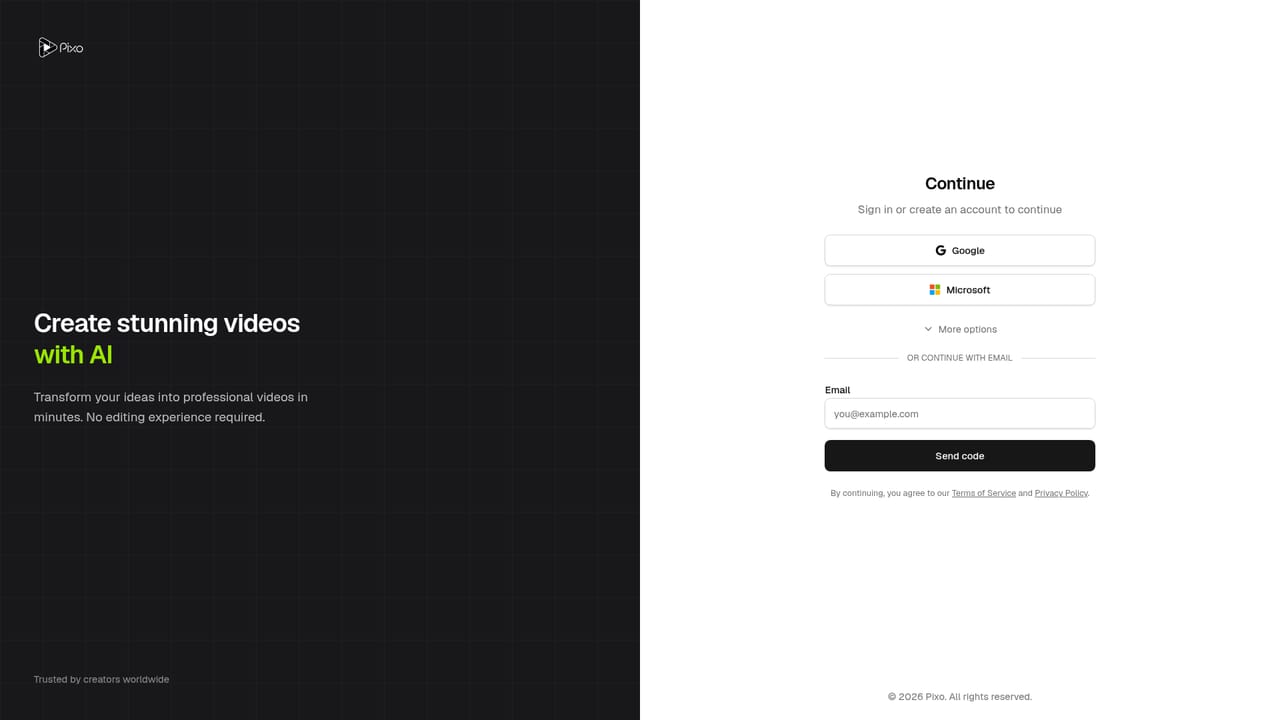
  1. 1Sign in and open a chat workspace
    Create an account or sign in, then start a new chat workspace where the brief and the project both live.
    Pixo — Sign in and open a chat workspace
  2. 2Describe the video you want
    State the concept, tone, length and audience in the chat. The agents use this brief to research and draft a script.
  3. 3Build the storyboard scene by scene
    Review the script as a storyboard. Each scene carries a duration, timed visual beats, references and an audio and SFX column you can adjust.
  4. 4Set reusable references with @mentions
    Define your lead, locations, props and visual style once, then @mention them in scene prompts to keep them consistent across the cut.
  5. 5Generate assets and assemble the cut
    Trigger generation for the scenes and audio, then let the workspace assemble the video in storyboard order and review the result.
  6. 6Match the workflow to your format
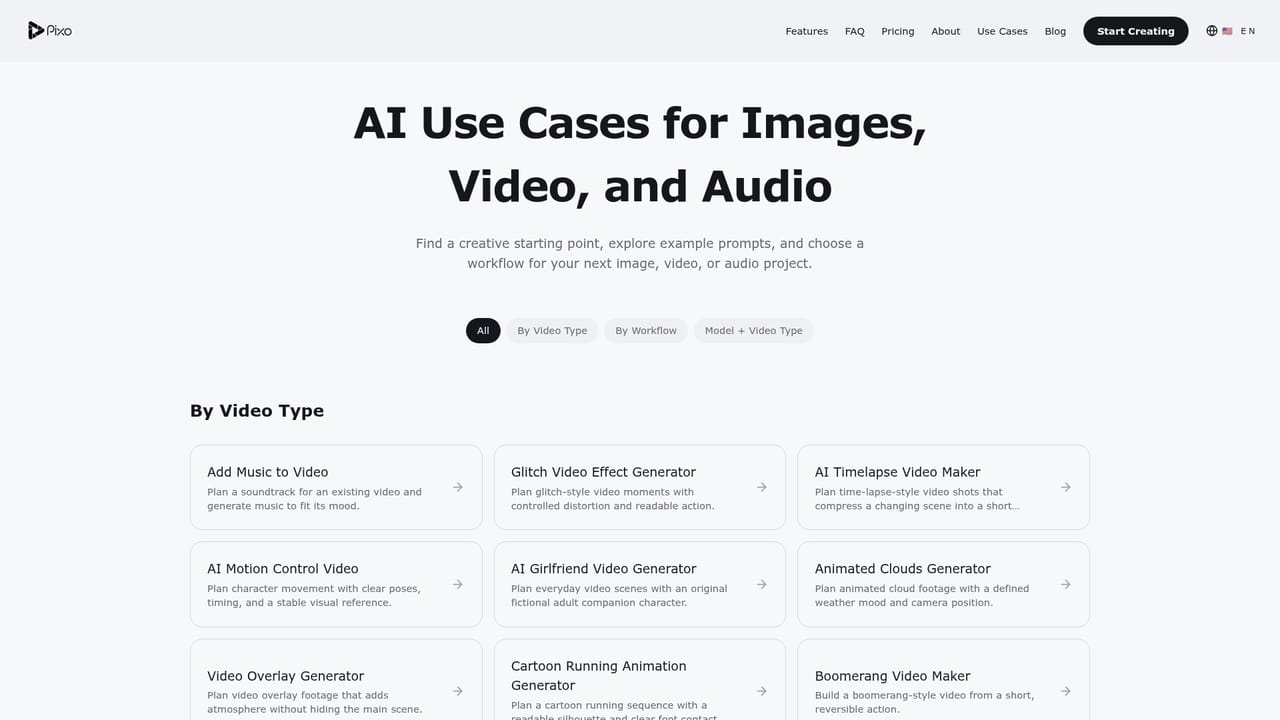
    Read the use case page closest to your project (music video, product demo, YouTube, education) before you start, to see which structure suits it.
    Pixo — Match the workflow to your format

Pros and cons

Pros

  • Storyboard, script, assets and assembly live in one workspace, so continuity does not break when moving between stagesAI
  • Timed visual beats and an audio/SFX column make it possible to plan edits and music hits before generating anythingAI
  • Reusable @mention references for characters, locations and props support consistent characters across many scenesAI
  • Chat based direction suits creators who can describe what they want but do not want to learn a timeline editorAI
  • Use case pages cover music video, product demo, YouTube, education, podcast video and marketing, which makes the fit easy to judgeAI

Cons

  • No pricing, plan tiers or generation limits appear on the homepage, so cost per finished video is impossible to estimate up frontAI
  • Output quality is only as good as the generated assets, and the homepage shows one polished showcase rather than raw, unedited resultsAI
  • Nothing on the homepage states export formats, resolution, watermark policy or commercial usage rightsAI
  • The homepage includes an unexplained access code, which suggests gated or invite style onboarding rather than open signupAI
  • Chat driven control may frustrate editors who want frame accurate manual trimming and keyframesAI

How much does Pixo cost?

Features

Chat based scriptwriting and research agents, a timecoded storyboard with per scene durations, timed visual descriptions and preview thumbnails, reusable @mention references for characters, locations, props and visual style, an audio and SFX planning column with music cues, asset generation, and final video assembly in one workspace.

Frequently asked questions about Pixo

  • How do you use Pixo?
    The walkthrough on this page covers 6 steps: 1. Sign in and open a chat workspace 2. Describe the video you want 3. Build the storyboard scene by scene 4. Set reusable references with @mentions 5. Generate assets and assemble the cut 6. Match the workflow to your format.
  • What platforms does Pixo support?
    Pixo is available on Web App.
  • What are the limitations of Pixo?
    No pricing, plan tiers or generation limits appear on the homepage, so cost per finished video is impossible to estimate up front. Output quality is only as good as the generated assets, and the homepage shows one polished showcase rather than raw, unedited results. Nothing on the homepage states export formats, resolution, watermark policy or commercial usage rights.

Status

StatusActive
Views0
Outbound clicks0
Added10/21/2026

Platforms

Web App

Pricing

Freemium