Free trial
Creators can start for free with no video editing skills; free output is watermarked. Trial length and credit limits are not specified.
Learn moreTurn an uploaded song into a beat-synced AI music video
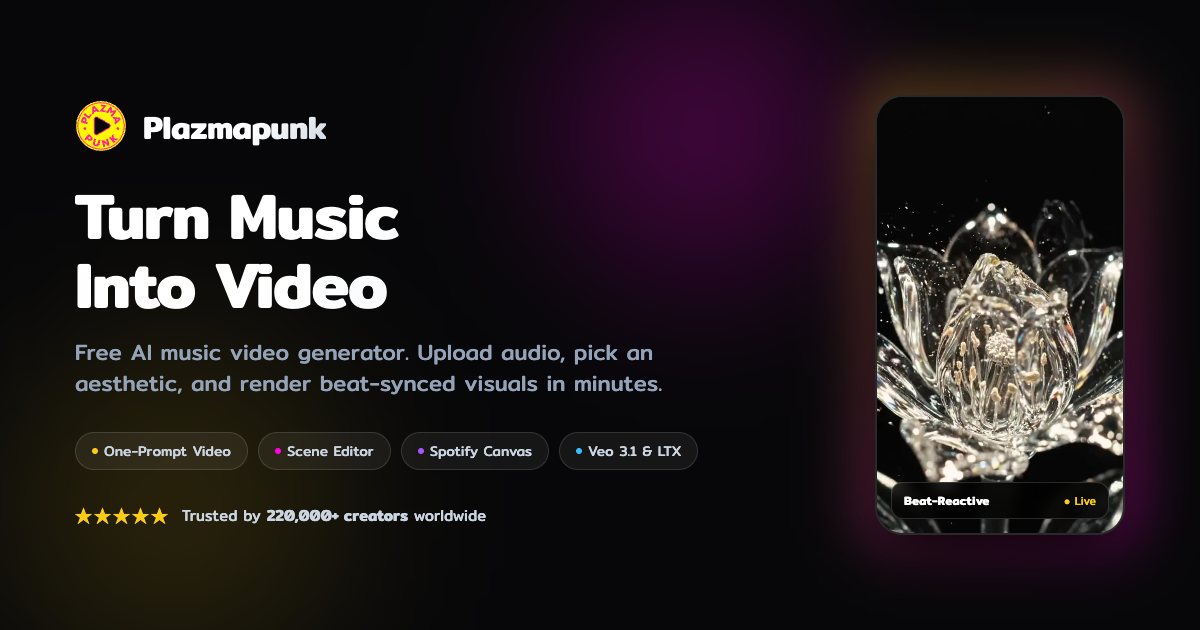
Plazmapunk is an audio to video tool that turns an uploaded song into a beat-synced AI music video. Plazmapunk is a web-based AI music video generator. Upload a track, choose a style, and it renders a beat-synced MP4 using LTX 2.5 or Google Veo 3.1, with Quick Video, Scene Editor and Spotify Canvas modes.
Plazmapunk is a browser-based generator that turns an audio track into a finished music video. A user uploads an MP3 or WAV of at least 15 seconds, records from a microphone, or picks a song from the built-in free library, then chooses a visual look and lets the system render the clip. The site says more than 220,000 creators have used it, and its audience is mainly independent musicians, producers and artists who need visuals for releases without learning video editing. Three modes cover different release needs. Quick Video takes a single prompt and produces a 15 to 30 second clip in about two minutes. The Scene Editor lays out a full-length video along the song's waveform, with a prompt for each scene, retakes for weak clips, cuts placed on the beat, and an AI Director that can draft a whole set of scene prompts from one idea. Spotify Canvas produces seamless vertical loops of 3 to 8 seconds intended for Spotify for Artists. Visuals come from two video models: LTX 2.5, described as the company's own model, and Google Veo 3.1 for premium clips. Still images run on ZImageTurbo or Stable Diffusion XL. Users can pick preset looks such as 16mm film, anime, cyberpunk, claymation and vaporwave, or write their own aesthetic, with Magic Enhance expanding a short prompt into a fuller scene description. The tool analyzes beat, instruments and lyrics so cuts follow the music. Exports are MP4 in 16:9, 9:16, 1:1 or 4:3, aimed at YouTube, TikTok, Reels and Shorts. Paid plans add Full HD output and remove the watermark. Among alternatives, Plazmapunk sits closer to music-specific generators than to general text-to-video tools, since the audio drives the structure of the video. Generalist tools offer wider creative range but leave syncing and assembly to the user. Rendering usually takes two to four minutes, and a public gallery plus a Discord community let creators browse work from others before starting their own project.
Creators can start for free with no video editing skills; free output is watermarked. Trial length and credit limits are not specified.
Learn moreFree to start. Paid plans add Full HD export and remove the watermark. Specific prices and plan limits are not stated on the homepage.
Learn moreA Discord community is linked from the homepage. No help center or dedicated support channel is described.
Exports MP4 for YouTube, TikTok, Reels and Shorts, and produces Spotify Canvas loops for Spotify for Artists. No API or third-party integrations are listed.
Beat-synced music video generation, Quick Video, Scene Editor with AI Director, Spotify Canvas loops, LTX 2.5 and Google Veo 3.1 models, preset looks, Magic Enhance, up to 50 clips per song, MP4 export in four aspect ratios.
 AI Angels400+ customizable AI girlfriends for NSFW chat, voice calls, and roleplay
 Candy AIExperience the future of companionship with AI friends who chat, role-play, and connect with you on a human level.
 ourdream.aiA vast AI roleplay platform with millions of characters for chat, images, video and voiceAI Angels400+ customizable AI girlfriends for NSFW chat, voice calls, and roleplayCandy AIExperience the future of companionship with AI friends who chat, role-play, and connect with you on a human level.ourdream.aiA vast AI roleplay platform with millions of characters for chat, images, video and voice