Cliptude

Turn a topic or script into a finished faceless YouTube video

Beginner
Screenshot of Cliptude, Turn a topic or script into a finished faceless YouTube video

What is Cliptude?

Cliptude is a text-to-video tool that turns a topic or script into a finished faceless YouTube video. Cliptude is a web-based AI video generator for faceless YouTube channels. It turns a topic, script or voiceover into a narrated 16:9 documentary, top 10, 2D animation or avatar video, with an approval step before rendering.

Cliptude is a web-based video generator built for faceless YouTube channels. A user supplies a topic, a finished script or an uploaded voiceover, and the service assembles a long-form 16:9 video with narration, footage, burned-in captions and generated graphics. Maps, timelines, counters and data charts are produced from the figures that appear in the script, which removes a good deal of manual motion-graphics work. The workflow is staged. A brief step sets the format: avatar video, faceless documentary, faceless top 10 or 2D animation. Cliptude then researches the topic, splits the script into scenes and presents the script, voice, style and credit estimate for review. Nothing renders until the user approves that plan, and credits are charged only after a successful render. Once the video exists, a timeline editor allows adjustments, or the MP4 can be downloaded along with a project ZIP containing separate audio, video and SRT stems and an FCP7 XML timeline that opens in DaVinci Resolve, Premiere Pro or Final Cut. Picture sources depend on the format. Documentary and top 10 videos pull real clips from online sources, backed by licensed stock and public-domain footage when a clip does not fit. Maps, charts, 2D animation and avatar scenes are generated for the script. Narration comes from more than 21 AI voices that can be previewed beforehand, or from a custom voice clone linked through an ElevenLabs Voice ID. There are 21 caption styles, and the site states that creators keep full commercial rights with no watermarks. Cliptude sits between manual editing in a desktop suite and general text-to-video models. It is opinionated toward YouTube long-form content, so it suits documentary, top 10 and explainer channels, as well as writers and narrators who already have a script. Pricing is credit based, with the rate set by format and model, which makes cost planning a matter of estimating minutes rather than counting renders. Teams needing vertical or short-form output, or frame-level creative control from the start, will find the scope narrower than a full editor.

How do you use Cliptude?

  1. 1Create an account
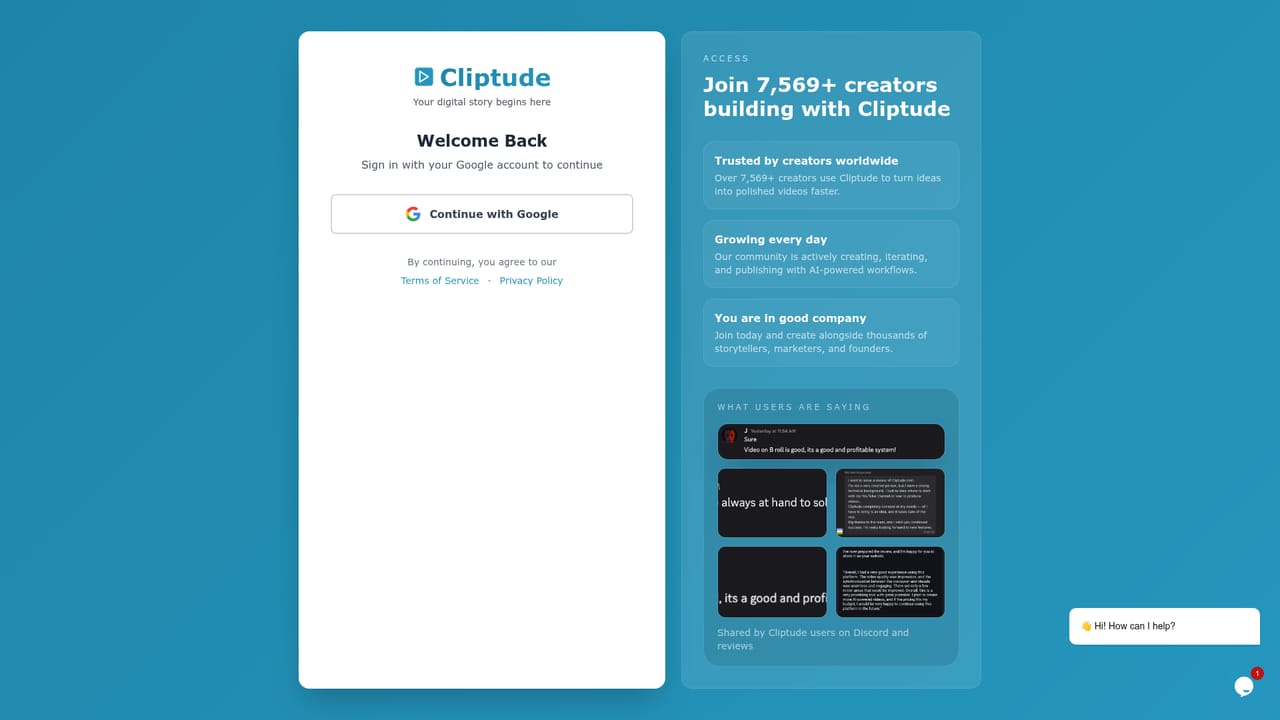
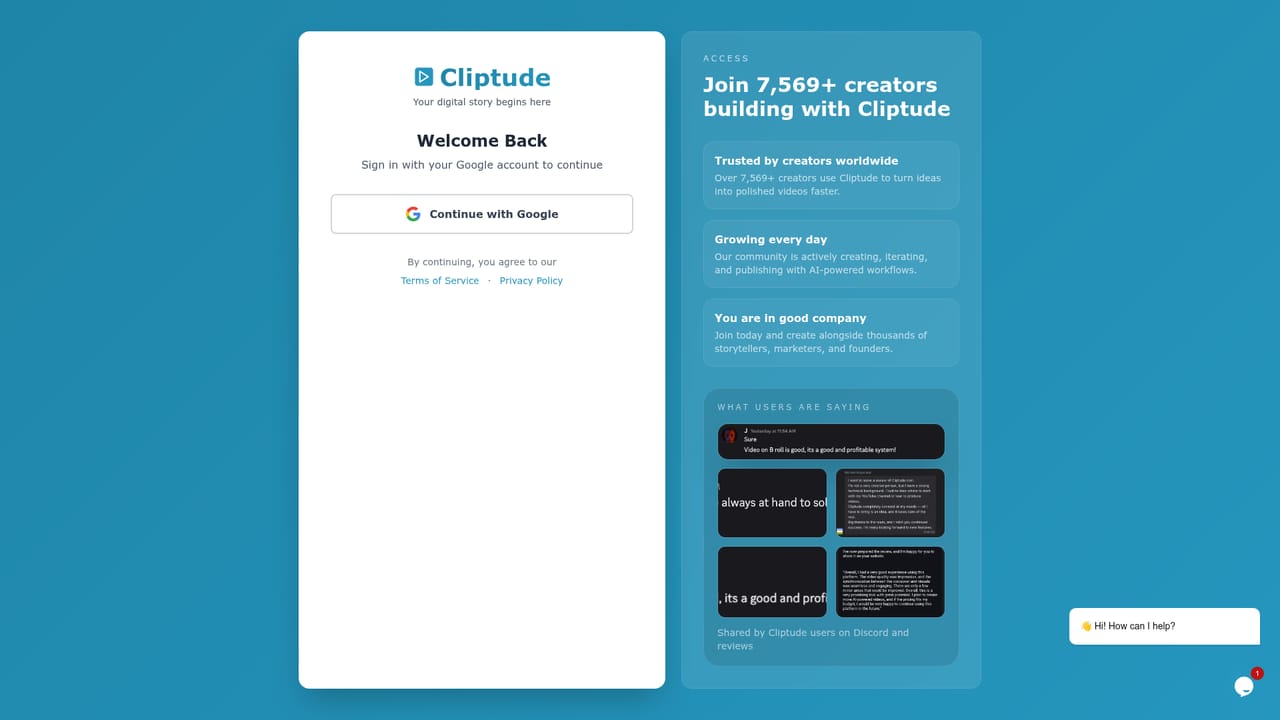
    Sign in or register on Cliptude to reach the video creation screen and your credit balance.
    Cliptude — Create an account
  2. 2Pick a format and write the brief
    Choose avatar video, faceless documentary, faceless top 10 or 2D animation, then type a topic, paste a finished script or upload a voiceover.
    Cliptude — Pick a format and write the brief
  3. 3Review the plan
    Check the researched script, preview and select a voice, confirm the style, and read the credit estimate for your video length. Nothing renders yet.
  4. 4Approve and render
    Approve the plan so Cliptude sources footage, builds the maps and charts, adds captions and renders the video. Credits are charged after a successful render.
  5. 5Polish and export
    Adjust scenes and captions in the timeline editor, then download the MP4 or the project ZIP for Resolve, Premiere Pro or Final Cut.

Pros and cons

Pros

  • Approval step shows script, voice, style and credit estimate before anything renders, and credits are charged only after a successful renderAI
  • Four YouTube formats (documentary, top 10, 2D animation, avatar) cover most faceless channel styles in one toolAI
  • Exports an MP4 plus a project ZIP with stems and an FCP7 XML timeline for Resolve, Premiere Pro or Final CutAI
  • Accepts a pasted script or uploaded voiceover, and supports ElevenLabs voice clones alongside 21+ built-in voicesAI
  • Generates maps, charts and timelines from numbers in the script, saving manual motion-graphics workAI

Cons

  • Output is 16:9 landscape only, so vertical short-form content is not supportedAI
  • Credit costs vary by format and model (about 138 credits per minute for animated 2D video), which makes budgeting harderAI
  • Documentary footage is matched from online sources and stock, so clip relevance may need checking in the timeline editorAI
  • No free plan or trial is mentioned on the homepage, so testing quality means buying a paid planAI
  • Monthly credit allowances are fixed per plan, and heavy producers must move up a tier or buy top-up creditsAI

How much does Cliptude cost?

Pricing

Credit-based subscriptions: Starter $19/mo (1,050 credits, about 21 minutes), Lite $49/mo (2,000), Creator $119/mo (6,000) and Pro $319/mo (18,000). Yearly billing saves 20%. Pay-as-you-go top-ups exist, and charges apply only after a successful render.

Learn more

Support

The homepage cites a published refund policy and a FAQ covering credits, refunds and footage sourcing. A customer testimonial says the developers respond quickly to issues.

Learn more

Integrations

Accepts an ElevenLabs Voice ID for custom voice clones. Exports an FCP7 XML timeline with stems and raw media for DaVinci Resolve, Premiere Pro and Final Cut Pro.

Features

Researched scripts from a prompt, scene splitting, stock and web footage, 21+ AI voices or an ElevenLabs clone, auto-generated maps and data charts, 21 caption styles, a timeline editor, and MP4 or project ZIP export with an FCP7 XML timeline.

Frequently asked questions about Cliptude

  • How much does Cliptude cost?
    Credit-based subscriptions: Starter $19/mo (1,050 credits, about 21 minutes), Lite $49/mo (2,000), Creator $119/mo (6,000) and Pro $319/mo (18,000). Yearly billing saves 20%. Pay-as-you-go top-ups exist, and charges apply only after a successful render.
  • How do you use Cliptude?
    The walkthrough on this page covers 5 steps: 1. Create an account 2. Pick a format and write the brief 3. Review the plan 4. Approve and render 5. Polish and export.
  • What platforms does Cliptude support?
    Cliptude is available on Web App.
  • What does Cliptude integrate with?
    Accepts an ElevenLabs Voice ID for custom voice clones. Exports an FCP7 XML timeline with stems and raw media for DaVinci Resolve, Premiere Pro and Final Cut Pro.
  • What are the limitations of Cliptude?
    Output is 16:9 landscape only, so vertical short-form content is not supported. Credit costs vary by format and model (about 138 credits per minute for animated 2D video), which makes budgeting harder. Documentary footage is matched from online sources and stock, so clip relevance may need checking in the timeline editor.

Status

StatusActive
Views0
Outbound clicks0
Added10/18/2026

Platforms

Web App

Pricing

SubscriptionPaid