Free trial
The homepage repeatedly offers a free sign-up and a free start on the text-to-presentation page, but it does not define what a free account includes or how long any trial lasts.
Learn moreTurn notes and outlines into editable slide decks
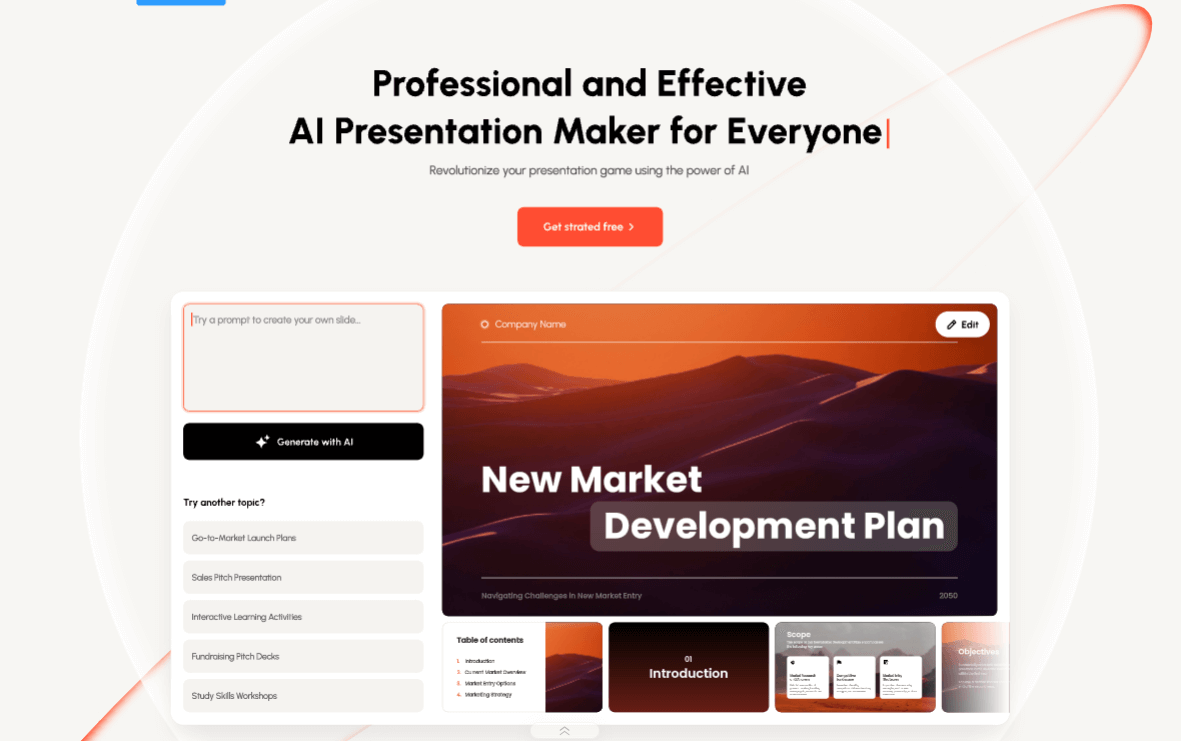
Presenti is a note maker tool that turns notes and outlines into editable slide decks. Presenti converts a topic prompt or pasted notes, outlines and long-form text into an editable slide deck.
Presenti's text-to-presentation workspace converts written material into an editable slide draft. Two input paths are offered: a short topic prompt when only a subject exists, or a paste field for notes, outlines and longer source text when the wording is already there. The tool then organizes that input into a numbered deck, with page counts running from 1 to 75 in the picker, larger decks sitting behind the Pro and Ultra tiers. A language selector spans dozens of locales, and the model menu lists Gemini 2.5 Pro alongside GPT-5.6 Luna and GPT-5.6 Sol, so output can be regenerated under a different engine. After the draft lands, the job shifts to styling and cleanup. Templates, layouts, assets and backgrounds give the deck a consistent look, and the online editor handles rewriting slide text with AI assistance, adjusting layouts, building charts and graphs, and pulling images from a stock library. Presenti frames the result as a starting point rather than a finished file, and repeats that framing in its own FAQ: check facts and wording before sharing. Export to PPT or PDF happens after review, and presentations can also run live from the browser. Files are kept in cloud storage. The product suits people who arrive with material already in hand, such as a report, a proposal, a study outline or a long brief, and who want the structural work done quickly. Students, consultants, analysts and marketing teams are the obvious audience. Against tools that generate a deck from a single sentence, Presenti leans harder on pasting real source text, which tends to produce slides that follow an argument instead of a generic template. The caveats are practical. The paste field shows a 15,000-word placeholder, and the page points to the workspace or plan for account-specific limits, so very long inputs need checking. Export availability is described as plan dependent. Nothing on the page mentions third-party integrations, and there is no API. Anyone wanting a finished, presentation-ready deck in one click will still spend time on review, since the editor and the fact-checking guidance exist precisely because the first draft needs work.
The homepage repeatedly offers a free sign-up and a free start on the text-to-presentation page, but it does not define what a free account includes or how long any trial lasts.
Learn moreThe site names Free, Pro and Ultra tiers through the page count picker, where decks above 25 pages carry a Pro marker and 60 or 75 pages carry an Ultra marker. A plans and price page is linked from the homepage, but no rates or included credits are stated in the homepage content.
Learn moreNo help centre, contact route or documentation page is referenced in the homepage content; the only guidance is an on-page FAQ covering input choice and review of generated drafts.
Topic prompt and paste text inputs, adjustable deck length from 1 to 75 pages, a choice of Gemini 2.5 Pro or GPT-5.6 Luna and Sol models, dozens of output languages, curated templates and example decks, an online editor with AI rewriting and layout controls, charts and graphs, a stock image library, cloud storage, live browser presenting, and PPT or PDF export.
 AI Angels400+ customizable AI girlfriends for NSFW chat, voice calls, and roleplay
 Candy AIExperience the future of companionship with AI friends who chat, role-play, and connect with you on a human level.
 ourdream.aiA vast AI roleplay platform with millions of characters for chat, images, video and voiceAI Angels400+ customizable AI girlfriends for NSFW chat, voice calls, and roleplayCandy AIExperience the future of companionship with AI friends who chat, role-play, and connect with you on a human level.ourdream.aiA vast AI roleplay platform with millions of characters for chat, images, video and voice


