Integrations
Connects to the OpenAI API for hosted models and to Ollama through a custom base URL for local inference. Works with any Prisma project that has a schema file.
Learn moreChat with your Prisma schema to get answers and generated queries.
Own Prisma Assistant? Verify ownership to get a dofollow link

Prisma Assistant is a developer tool that chats with your Prisma schema to get answers and generated queries. A local command line tool that opens a chat UI over your Prisma schema, answering questions and drafting TypeScript Prisma Client queries.
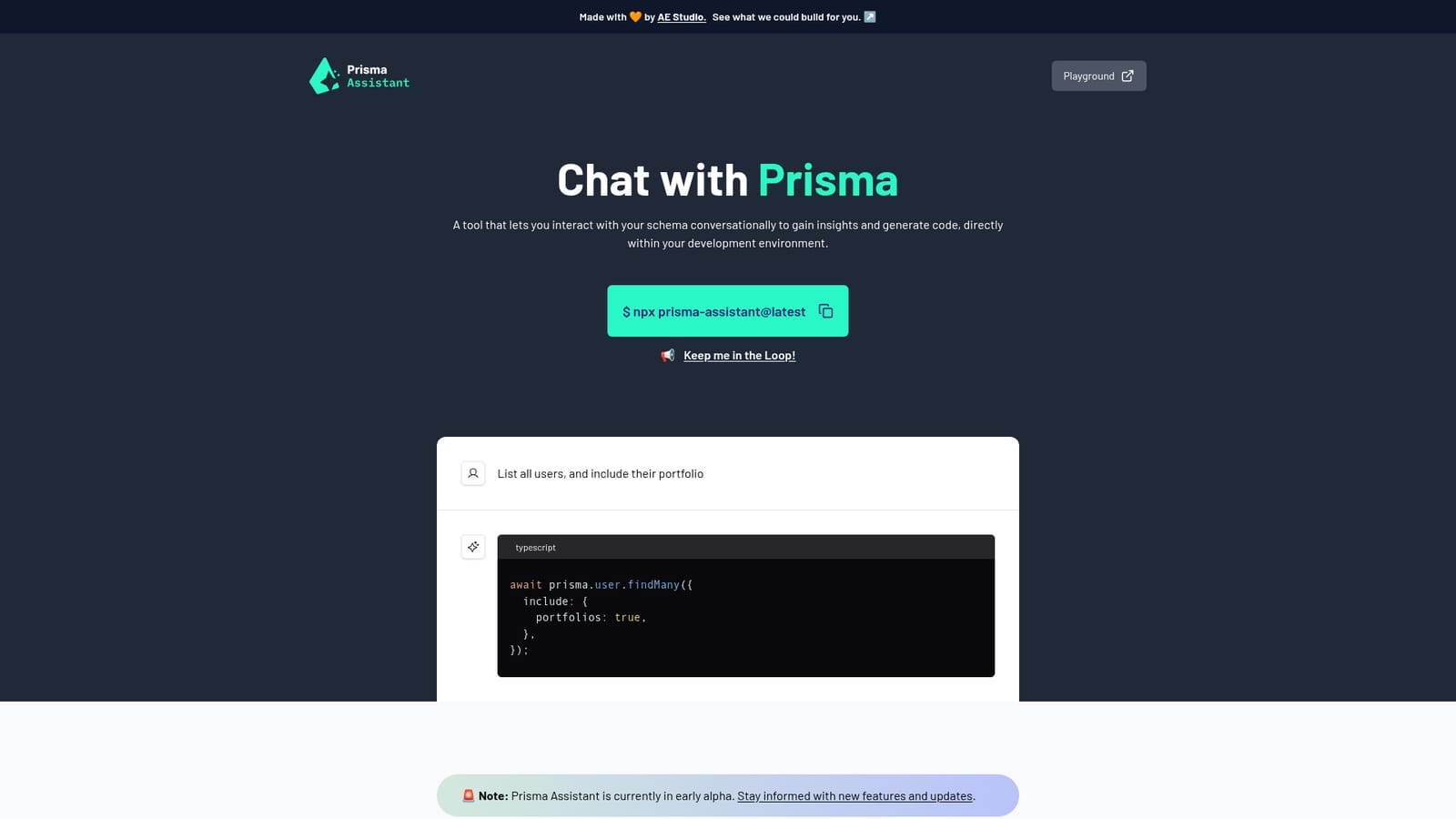
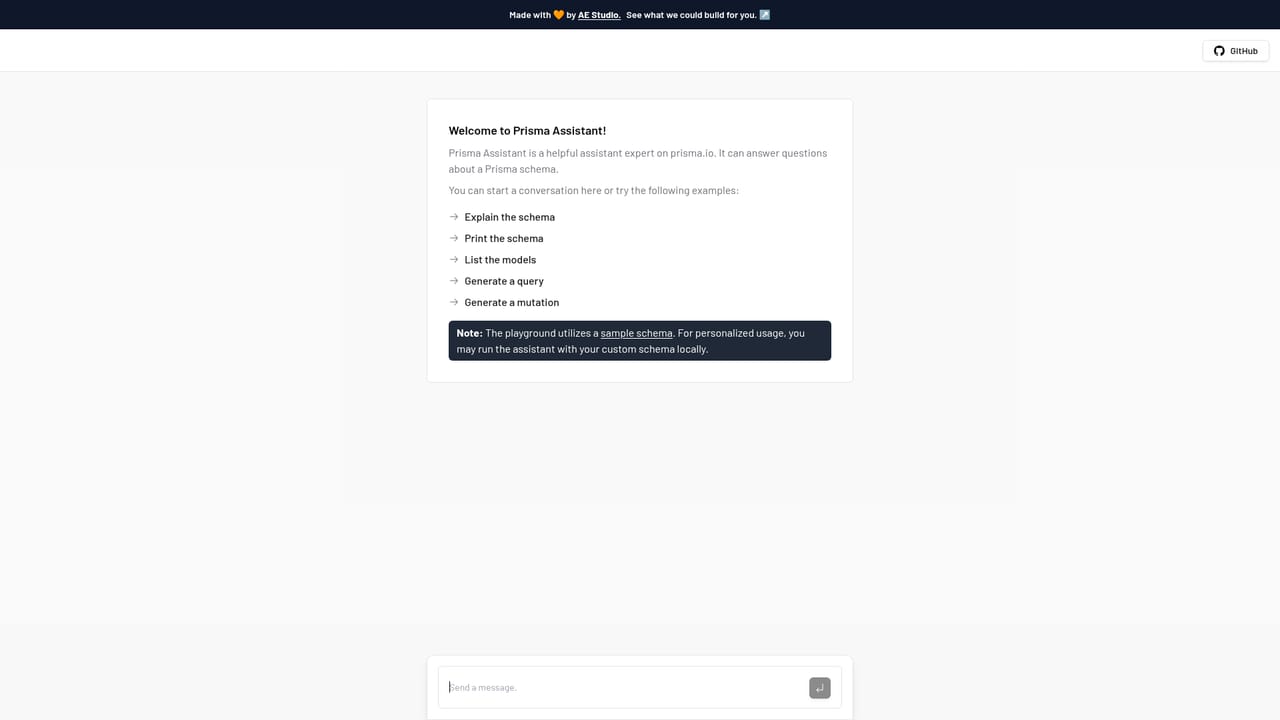
Prisma Assistant is a command line launcher that opens a chat interface over your existing Prisma schema. It runs a local server from the root of a Prisma project and serves a browser UI where you ask questions in plain language, such as listing users together with their related portfolios, and receive TypeScript Prisma Client code in response. The pitch is practical: skip the loop of opening the schema file, re-reading relations, and hand-writing a query that may or may not respect how the models connect. The setup is deliberately minimal. You export an OpenAI API key as an environment variable, run npx prisma-assistant@latest inside the project, and the tool prints a local URL to open. Two optional variables let you swap the model and override the API base URL, which is what makes the Ollama path work: point the base URL at a local Ollama endpoint, set the key to a placeholder string, and pick a model such as llama2. In that configuration the schema and prompts stay on your own hardware rather than going to a hosted provider. It fits best in the early stages of feature work, when a developer is new to a schema or wants a first draft of a query with includes and relations already wired up. The output is a starting point to review and adjust, not a replacement for understanding the data model. Because the assistant reads the schema that sits in the working directory, it is only as useful as that schema is complete and current. The project labels itself early alpha, so expectations should match. There is no pricing page, no account system, and no stated support channel. Security is framed around locality: the server runs on your machine and the maintainers say they do not hold your API key. Compared with general coding chat tools, the value here is narrower but sharper, since the conversation is grounded in one schema rather than an entire repository.
Connects to the OpenAI API for hosted models and to Ollama through a custom base URL for local inference. Works with any Prisma project that has a schema file.
Learn moreConversational interface over an existing Prisma schema that answers questions and drafts TypeScript Prisma Client code, including relations and nested includes. Optional environment variables choose the model and override the API base URL, enabling a local Ollama setup. Runs as a local server started with npx from the project root.
Learn more AI Angels400+ customizable AI girlfriends for NSFW chat, voice calls, and roleplay
 Candy AIExperience the future of companionship with AI friends who chat, role-play, and connect with you on a human level.
 ourdream.aiA vast AI roleplay platform with millions of characters for chat, images, video and voiceAI Angels400+ customizable AI girlfriends for NSFW chat, voice calls, and roleplayCandy AIExperience the future of companionship with AI friends who chat, role-play, and connect with you on a human level.ourdream.aiA vast AI roleplay platform with millions of characters for chat, images, video and voice


