Professional Headshot.io

Studio-style AI headshots built from a handful of selfies

Beginner
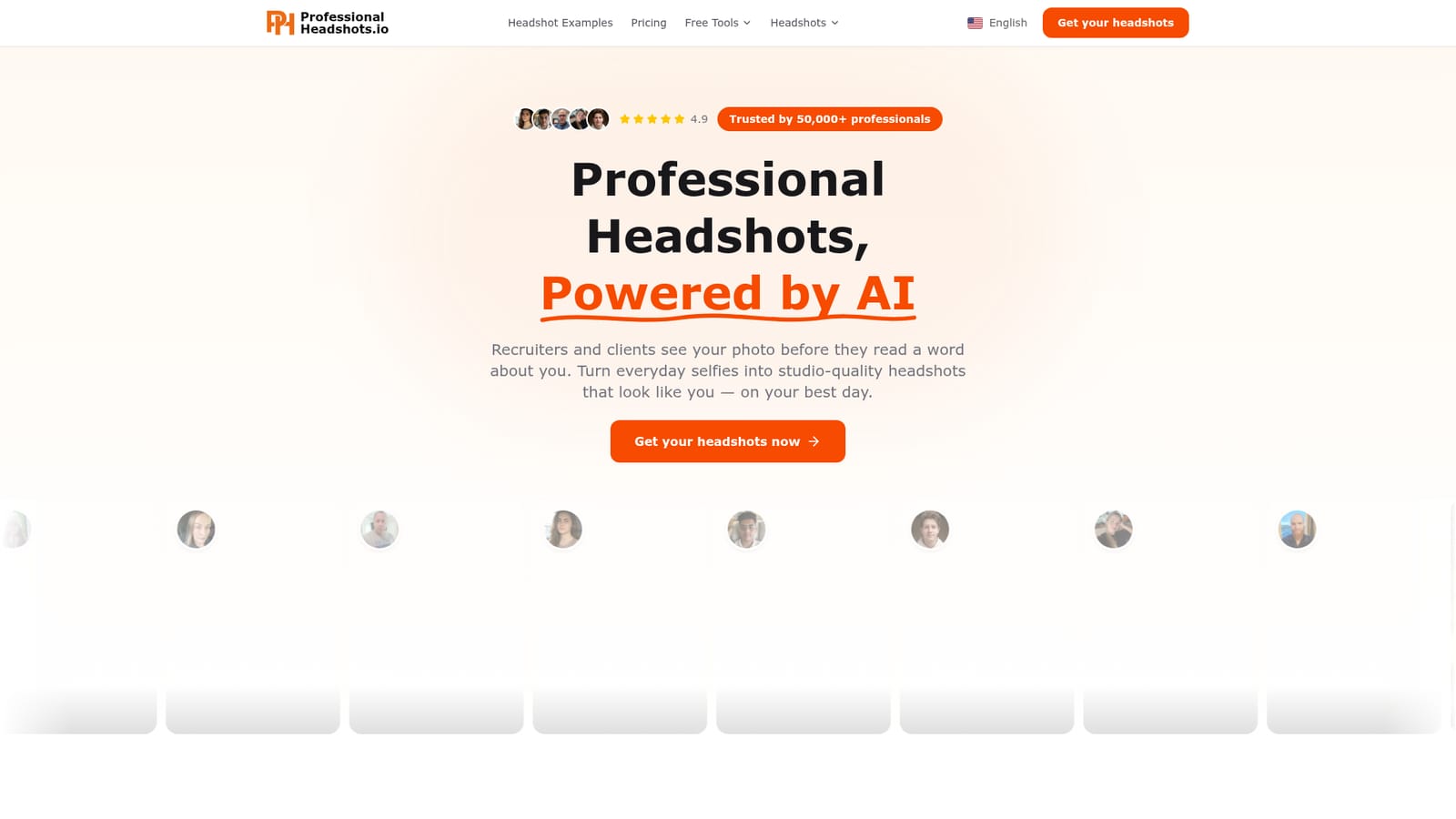
Screenshot of Professional Headshot.io, Studio-style AI headshots built from a handful of selfies

What is Professional Headshot.io?

Professional Headshot.io is an avatar tool. Professional Headshot.io trains a personal AI model on 5 to 20 selfies and returns 40 to 100 studio-style headshots in about 15 to 30 minutes, for LinkedIn, resumes, company pages and press use.

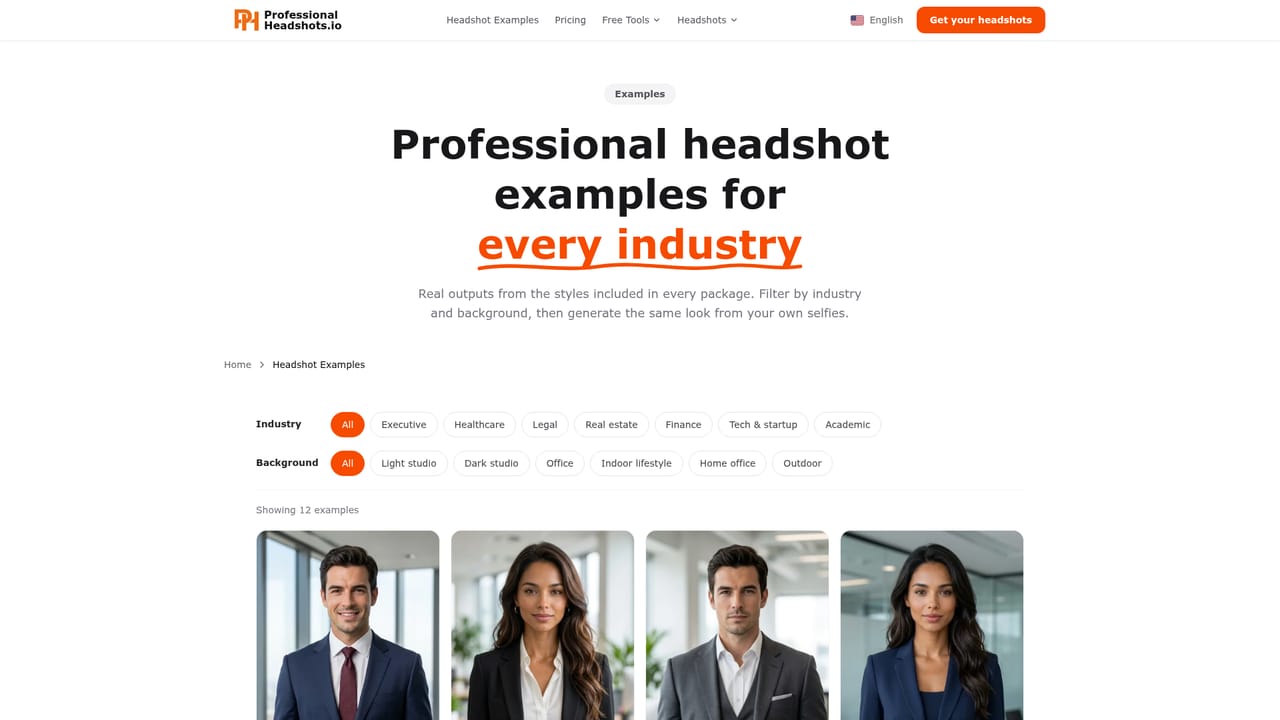
Professional Headshot.io is a web-based AI headshot generator that turns ordinary phone selfies into polished portraits meant for LinkedIn profiles, resumes, corporate bios, company pages and press releases. The pitch is simple: recruiters and clients see a face before they read anything else, so the photo should look like the person on a good day, without a booking at a photography studio. The workflow runs in three stages. A user uploads between 5 and 20 casual photos taken from different angles and in different lighting. They then choose an industry, outfit styles and backgrounds, and the service trains a personalized model of that person and renders every combination of the selections. The homepage says results arrive in roughly 15 to 30 minutes, and a finished order delivers somewhere between 40 and 100 images to download. The style library covers more than 30 outfit options across 5 industries, plus 14 professional backgrounds, so one session can produce variations for different audiences, such as a formal look for a corporate page and a lighter one for a freelance portfolio. The site also publishes landing pages aimed at specific professions and uses: LinkedIn, corporate, executive and business headshots, plus pages for realtors, doctors, nurses, lawyers, models and actors. A gallery of before and after examples shows consultants, managers, engineers and developers, and a refund page is linked from the site. The homepage cites a 4.9 rating and says more than 50,000 professionals have used it. In the wider market, the tool sits with other personal-model headshot services that train on a customer's own photos, as opposed to general image generators or photo editors that retouch an existing picture. It suits individuals and small teams who need a consistent, work-appropriate portrait quickly and who are comfortable uploading a set of selfies. Anyone who needs a photo that documents a real camera session, or who wants fine manual control over lighting and retouching, will find the approach less suited to those needs.

How do you use Professional Headshot.io?

  1. 1Start from the homepage
    Open the site and choose the get your headshots option. It leads to a login and then to the payment step of the dashboard.
    Professional Headshot.io — Start from the homepage
  2. 2Browse examples for your profession
    Look through the before and after gallery or a page for your role, such as LinkedIn, executive or realtor headshots, to judge the style you want.
    Professional Headshot.io — Browse examples for your profession
  3. 3Upload 5 to 20 selfies
    Pick casual phone photos taken from different angles and in varied lighting. Variety gives the personalized model more to learn from.
  4. 4Choose industry, outfits and backgrounds
    Select your industry, the outfit styles and the backgrounds you want. The service generates every combination you pick.
  5. 5Download your finished headshots
    Wait about 15 to 30 minutes, then download the 40 to 100 images and choose the best for LinkedIn, bios or press.
  6. 6Check the refund terms if needed
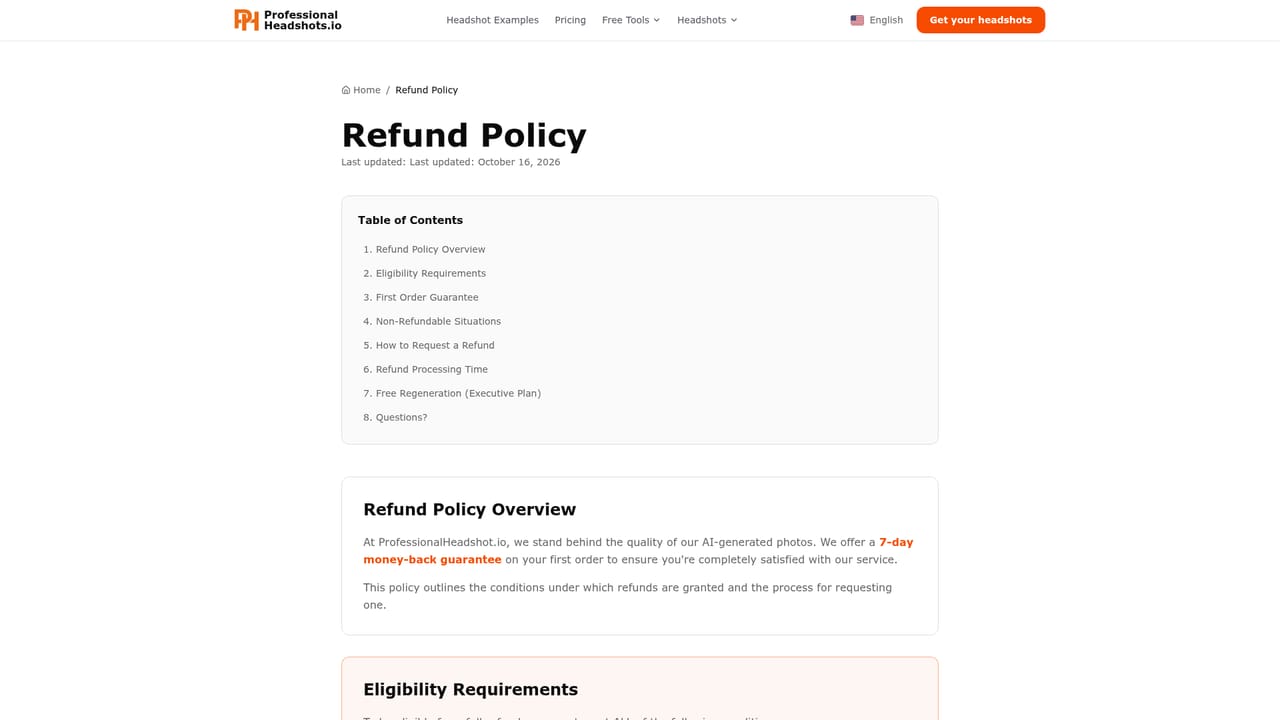
    If the results fall short, read the refund page to see what the service offers before contacting them.
    Professional Headshot.io — Check the refund terms if needed

Pros and cons

Pros

  • Needs only 5 to 20 casual phone selfies, so no camera gear or photography skill is requiredAI
  • Fast turnaround: the homepage promises results in about 15 to 30 minutesAI
  • Delivers a large batch of 40 to 100 images per order, giving plenty of options to choose fromAI
  • Wide style range: 30+ outfit styles, 5 industries and 14 professional backgroundsAI
  • Profession-specific landing pages and a before and after gallery help buyers judge fit before orderingAI

Cons

  • The homepage shows no prices, so cost cannot be compared before signing in and reaching the payment stepAI
  • Signup is required before purchase, and no free trial or free sample is mentionedAI
  • Output is AI-generated, so it may not suit contexts that demand an unaltered photograph of a real sessionAI
  • Quality depends on the uploaded selfies, and users get little manual control over lighting or retouchingAI
  • Uploading personal face photos raises privacy questions, and the homepage says nothing about data handlingAI

How much does Professional Headshot.io cost?

Features

Trains a personal AI model from 5 to 20 selfies, then generates 40 to 100 headshots across 30+ outfit styles, 5 industries and 14 professional backgrounds. Results arrive in about 15 to 30 minutes, with profession-specific pages and a before and after example gallery.

Learn more

Frequently asked questions about Professional Headshot.io

  • How do you use Professional Headshot.io?
    The walkthrough on this page covers 6 steps: 1. Start from the homepage 2. Browse examples for your profession 3. Upload 5 to 20 selfies 4. Choose industry, outfits and backgrounds 5. Download your finished headshots 6. Check the refund terms if needed.
  • What platforms does Professional Headshot.io support?
    Professional Headshot.io is available on Web App.
  • What are the limitations of Professional Headshot.io?
    The homepage shows no prices, so cost cannot be compared before signing in and reaching the payment step. Signup is required before purchase, and no free trial or free sample is mentioned. Output is AI-generated, so it may not suit contexts that demand an unaltered photograph of a real session.

Status

StatusActive
Views0
Outbound clicks0
Added10/18/2026

Platforms

Web App

Pricing

Paid