Free trial
A free tier is available with no credit card required. Paid plans include short trials: 2 days for Essentials and 1 day for Premium.
Learn moreA team of specialized AI assistants that remember your context.

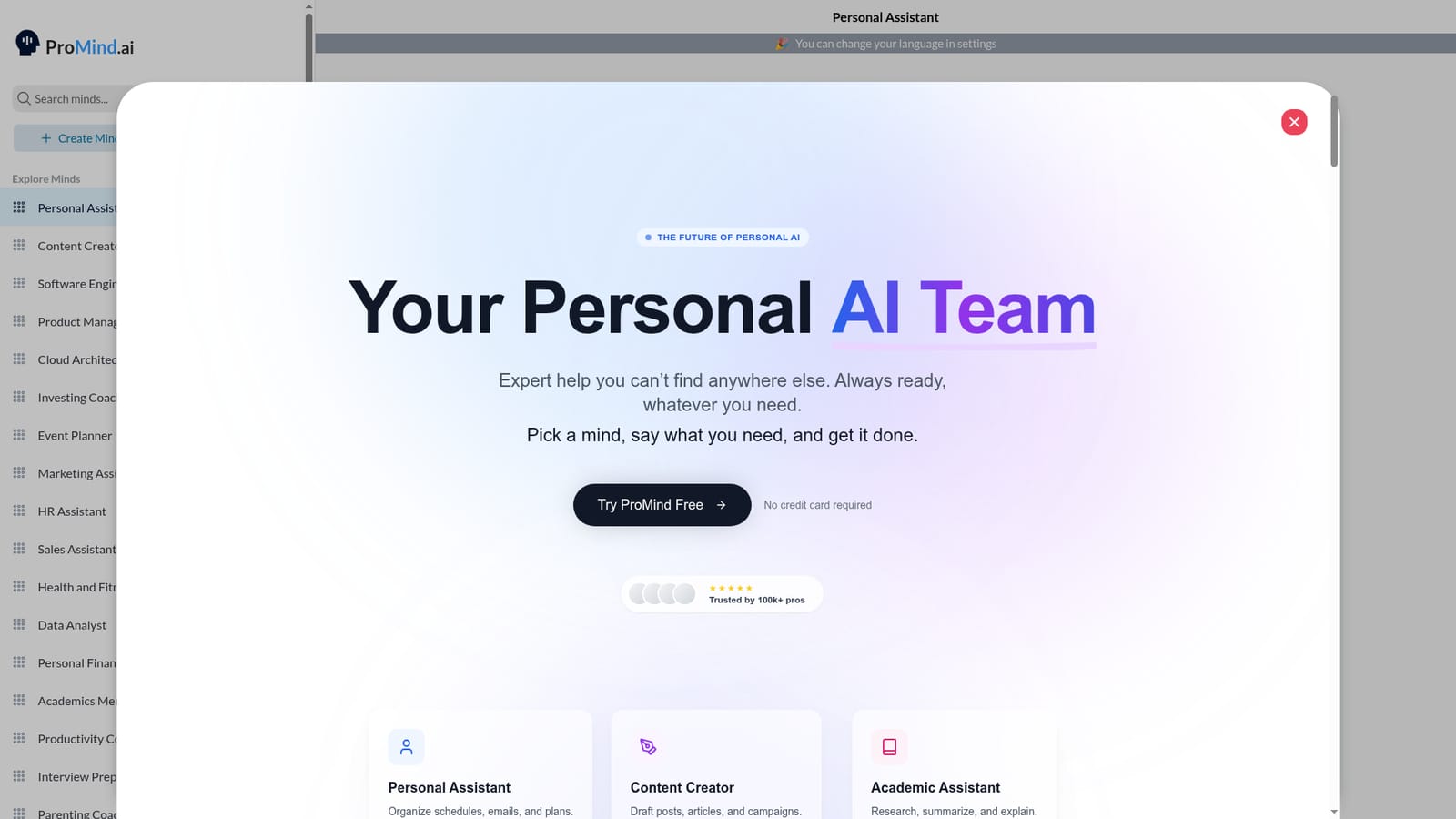
ProMind is an AI task generator tool. ProMind offers a gallery of specialized AI agents (Minds) for tasks like personal assistance, content creation, software engineering, and marketing. Each Mind remembers context and supports text, voice, and file inputs. Paid plans add internet search, Google integrations, and image generation.
ProMind is a collection of AI agents called Minds, each built for a specific professional or personal task. Instead of a single general chatbot, the platform offers a gallery of pre-built assistants covering roles like Personal Assistant, Content Creator, Software Engineer, Product Manager, Marketing Coach, and Academics Mentor. Users pick a Mind, describe what they need, and receive a focused response. The system remembers past conversations, so context carries over and answers get more personal with use. Custom Minds can be created to match individual goals and working style. The tool is designed for professionals and individuals who want more targeted help than a generic AI provides. It handles tasks such as planning a week, drafting social posts or blog articles, debugging code, summarizing long documents or YouTube videos, and generating diagrams or images. Inputs can be typed, spoken, or uploaded as files and screenshots, and the platform supports multiple languages. A free tier offers a taste of the experience without a credit card, while paid plans unlock longer messages, voice notes, file uploads, internet search, and Google Workspace integration. In practice, ProMind works like a roster of specialists you consult on demand. You might use the Personal Assistant Mind to organize your calendar and emails, then switch to the Content Creator to turn those notes into a LinkedIn post. The interface is simple: pick a Mind, paste or say what you have, and review the output. Because each Mind is tuned for one domain, responses tend to be more specific than what a general model returns, though they still depend on clear input from the user. ProMind sits between general-purpose chatbots and dedicated single-task tools. It offers broader coverage than a niche writing or coding assistant but less depth in any one area than a specialist product. It is a reasonable fit for freelancers, small teams, and independent professionals who want a single subscription that covers many everyday knowledge-work needs.
A free tier is available with no credit card required. Paid plans include short trials: 2 days for Essentials and 1 day for Premium.
Learn moreEssentials costs $4/month with a 2-day free trial, 1,000-character messages, PDF uploads, custom Minds, and 15+ specialist Minds. Premium is $19/month with a 1-day trial, unlimited input, voice notes, all file types, internet search, Google Calendar and Drive integration, and image generation. Premium Annual is $199/year, saving $29 versus monthly billing.
Learn moreCustomer support is available, with a priority queue for Premium subscribers. No further details on support channels or hours are provided on the homepage.
Premium plans connect with Google Calendar, Docs, Sheets, and Drive. Internet search is also included for current information.
ProMind provides specialized AI Minds for roles like Personal Assistant, Content Creator, Software Engineer, and Marketing Coach. Key features include conversation memory, multi-language support, PDF and image uploads, voice notes, YouTube video summaries, custom Mind creation, internet search, Google Workspace integration, and diagram or image generation on higher tiers.
 AI Angels400+ customizable AI girlfriends for NSFW chat, voice calls, and roleplay
 Candy AIExperience the future of companionship with AI friends who chat, role-play, and connect with you on a human level.
 ourdream.aiA vast AI roleplay platform with millions of characters for chat, images, video and voiceAI Angels400+ customizable AI girlfriends for NSFW chat, voice calls, and roleplayCandy AIExperience the future of companionship with AI friends who chat, role-play, and connect with you on a human level.ourdream.aiA vast AI roleplay platform with millions of characters for chat, images, video and voice


