Free trial
Pro carries a 7-day free trial. Cancelling before it ends returns the account to the Free plan.
Learn moreRun AI prompts as real Mac apps, or invoke them on any selection

Promptix is a prompt management tool. A macOS app that turns saved prompts into launchable .app shortcuts and runs AI actions on selected text through a hotkey, with five built-in prompts, custom prompt creation and support for your own provider keys.
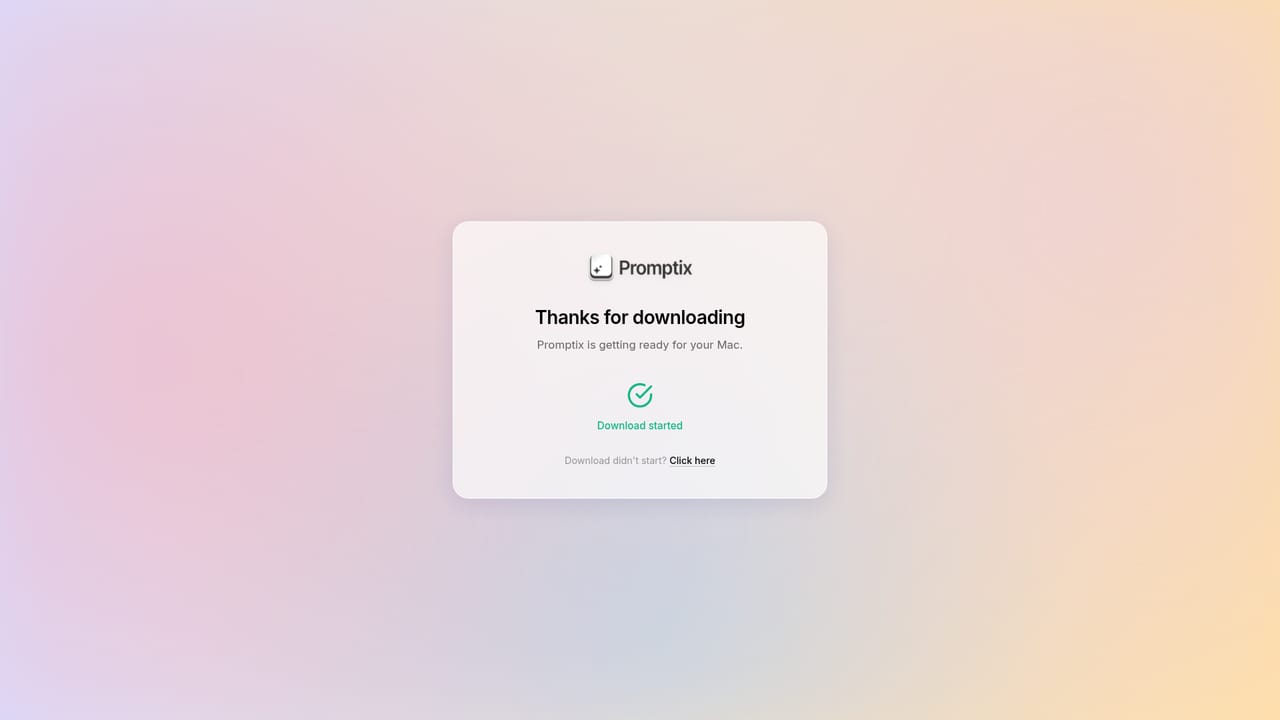
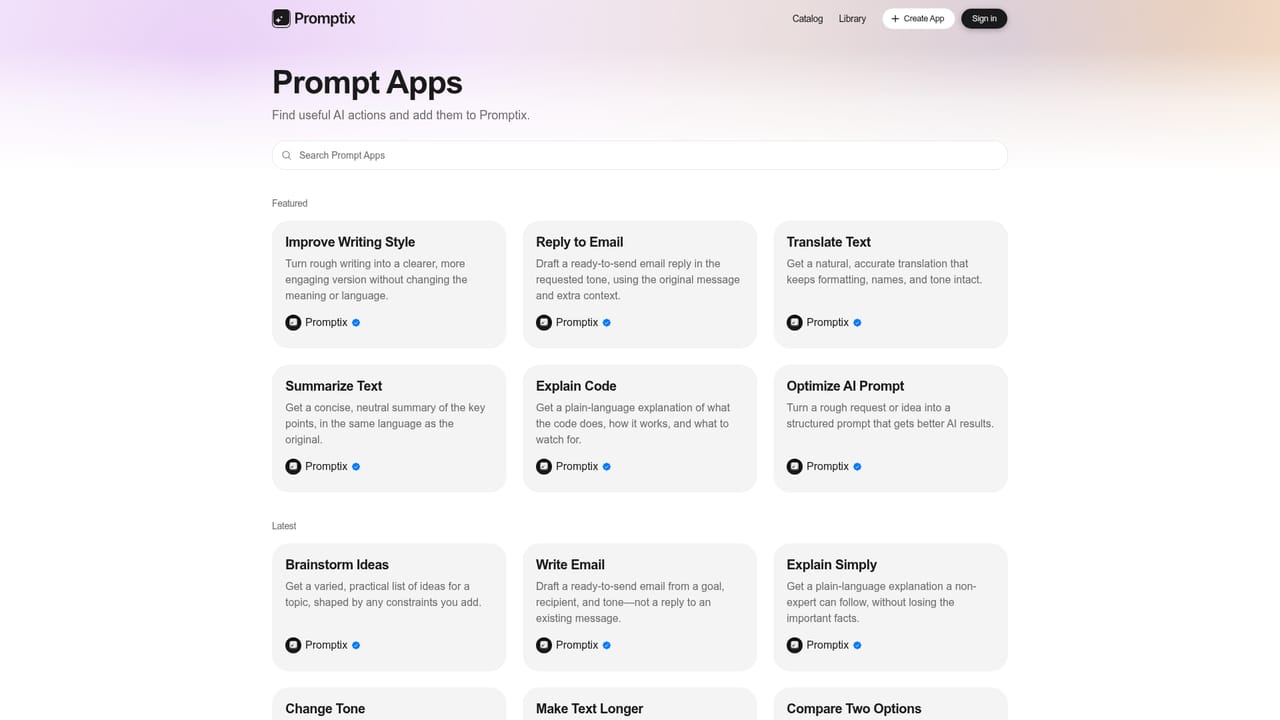
Promptix is a macOS utility that moves AI prompting out of a browser tab and into the operating system itself. Two ideas carry the product. The first is "Prompt as App": a saved prompt becomes a genuine .app in your Applications folder, complete with a name and icon, so it opens from the Dock or Spotlight like any other program. The second is a hotkey workflow: select text inside any application, press a shortcut, and pick an action such as Translate, Rewrite, Improve text, Fix grammar or Summarize. The result lands in place, without a window switch. The tool ships with five ready-made actions and lets you build your own. You describe a task in plain language and Promptix drafts the prompt for you, then you attach a shortcut so it can fire from anywhere. Prompts-as-apps expose their own input fields, so a translation or rewriting routine can be filled in and run repeatedly. There is also a voice mode: speak, choose a prompt, run it. A small dashboard tracks spending across connected providers including OpenAI, Grok, DeepSeek and OpenRouter. It suits writers, editors, support staff and anyone who corrects or translates text all day and resents copying it into a chat window. Developers and tinkerers get the same value from a different angle, since Promptix accepts OpenAI, Anthropic, Google, Mistral, DeepSeek, Cohere or any OpenAI-compatible endpoint, local models included. With your own key, request and model caps disappear and billing goes straight to the provider. Where does it sit? Tools like Raycast, Alfred and dedicated writing assistants occupy nearby ground. Promptix narrows its bet to prompt management plus the macOS shell, converting routines into launchable apps rather than burying them in a menu. The catch is that it does nothing on Windows or mobile, and the Prompt-as-App allowance is tied to the plan even when you bring your own key.
Pro carries a 7-day free trial. Cancelling before it ends returns the account to the Free plan.
Learn moreFree costs $0 and includes 15 Promptix requests a day, a 10,000 character limit per request, one Prompt-as-App and basic models. Pro is $9.99 monthly or $89 yearly (26% off) with 100 requests a day, no character cap, unlimited Prompt-as-Apps and all Promptix models. Bringing your own API key removes request and model limits on either plan, though the Prompt-as-App count still follows the plan.
Learn moreWorks with OpenAI, Anthropic, Google, Mistral, DeepSeek, Cohere and any OpenAI-compatible API, including locally hosted models. Keys are added by the user and usage bills directly to that provider.
Prompt as App converts any saved prompt into a real .app that opens from the Dock, Spotlight or Applications with its own name, icon and input fields. A hotkey workflow runs prompts on selected text inside any app, and five prompts are built in: Translate, Rewrite, Improve text, Fix grammar and Summarize. You can describe a task and have Promptix write the prompt, assign shortcuts, run prompts by voice, and monitor provider balances.
 AI Angels400+ customizable AI girlfriends for NSFW chat, voice calls, and roleplay
 Candy AIExperience the future of companionship with AI friends who chat, role-play, and connect with you on a human level.
 ourdream.aiA vast AI roleplay platform with millions of characters for chat, images, video and voiceAI Angels400+ customizable AI girlfriends for NSFW chat, voice calls, and roleplayCandy AIExperience the future of companionship with AI friends who chat, role-play, and connect with you on a human level.ourdream.aiA vast AI roleplay platform with millions of characters for chat, images, video and voice


.png)