Pricing
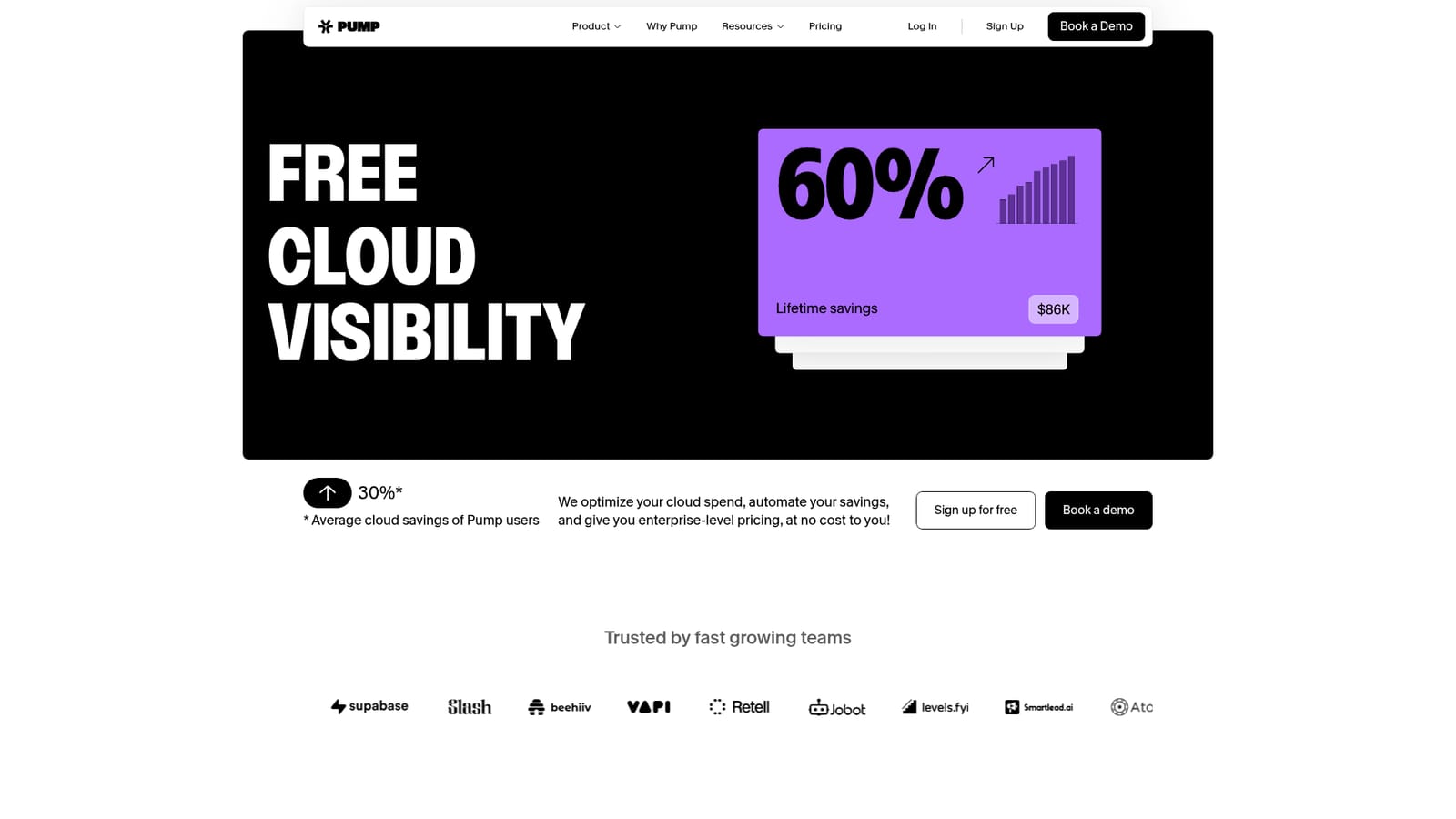
The homepage states that Pump is free, with no cost to the customer. It explains this by saying cloud providers pay Pump to manage billing complexity and retain customers, and it points to a pricing page for the full breakdown.
Learn moreMonitor, optimize and secure your cloud spend without an engineering hire

Pump is an analytics tool that monitors optimize and secure your cloud spend without an engineering hire. Pump is a cloud operations platform for AWS, GCP and Azure teams. It automates cloud savings, breaks down and forecasts spend, and scans for compliance and security issues, with the vendor claiming a 30 percent average saving and no cost to the customer.
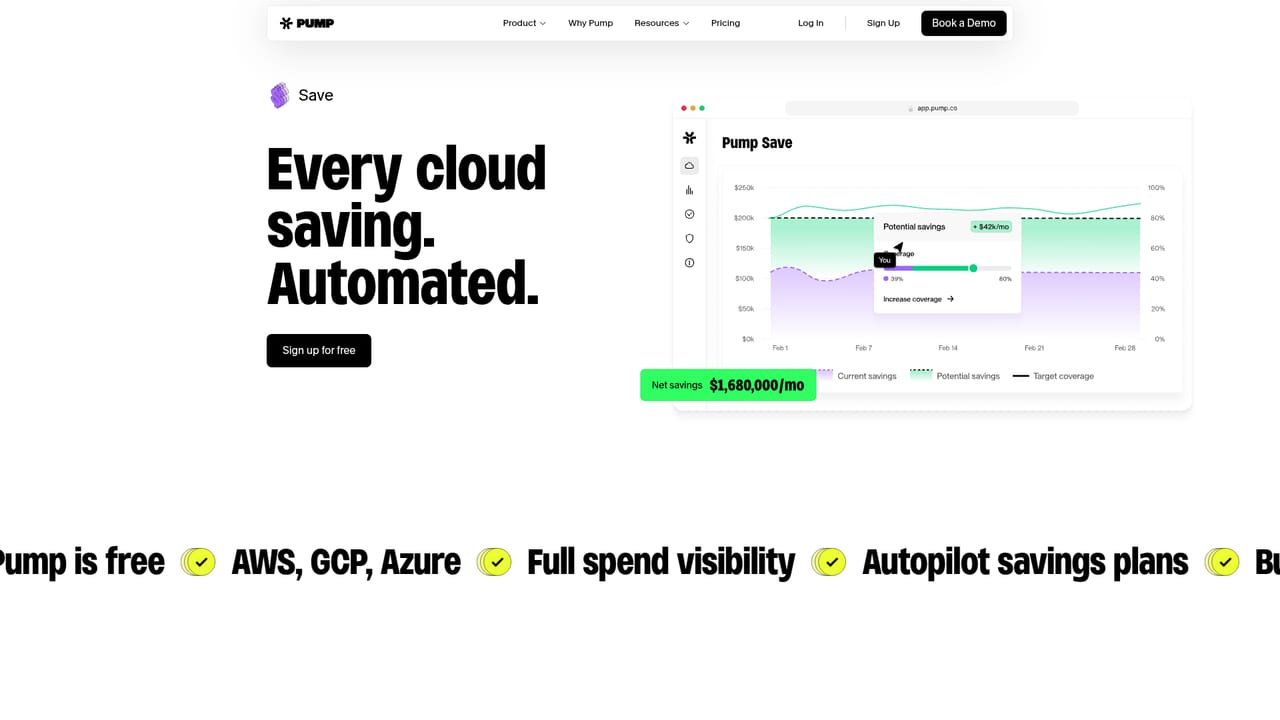
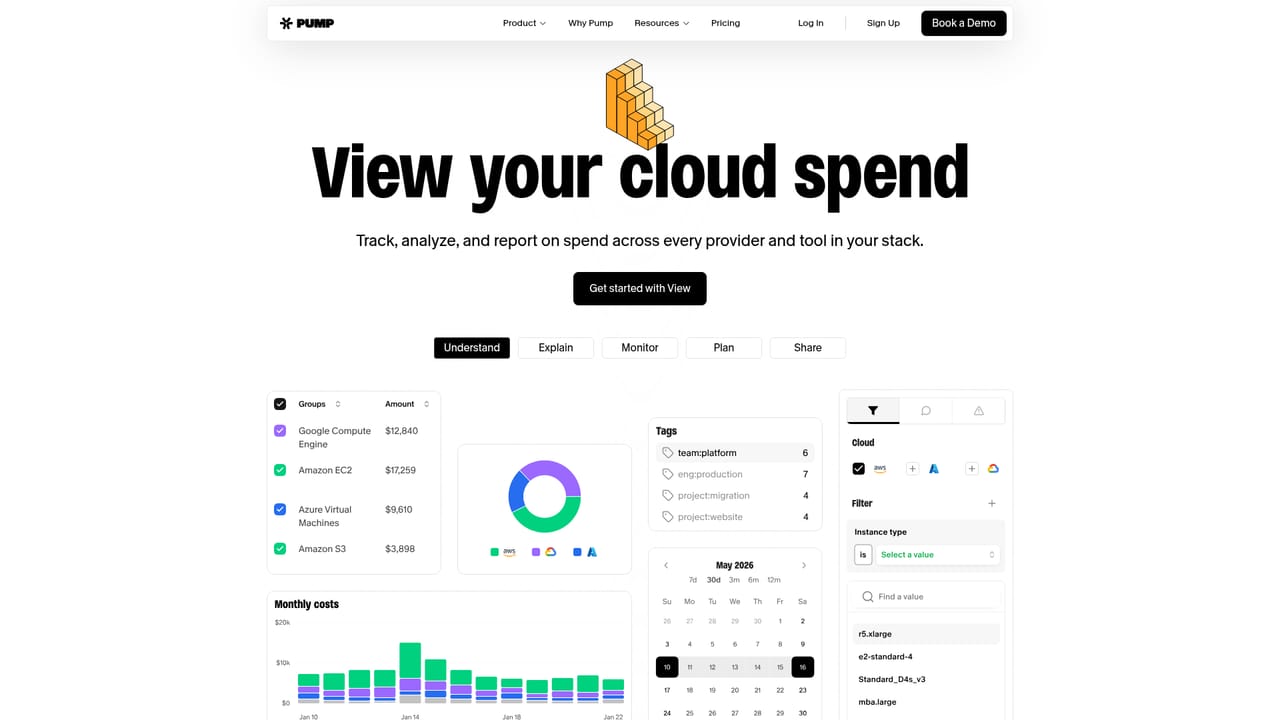
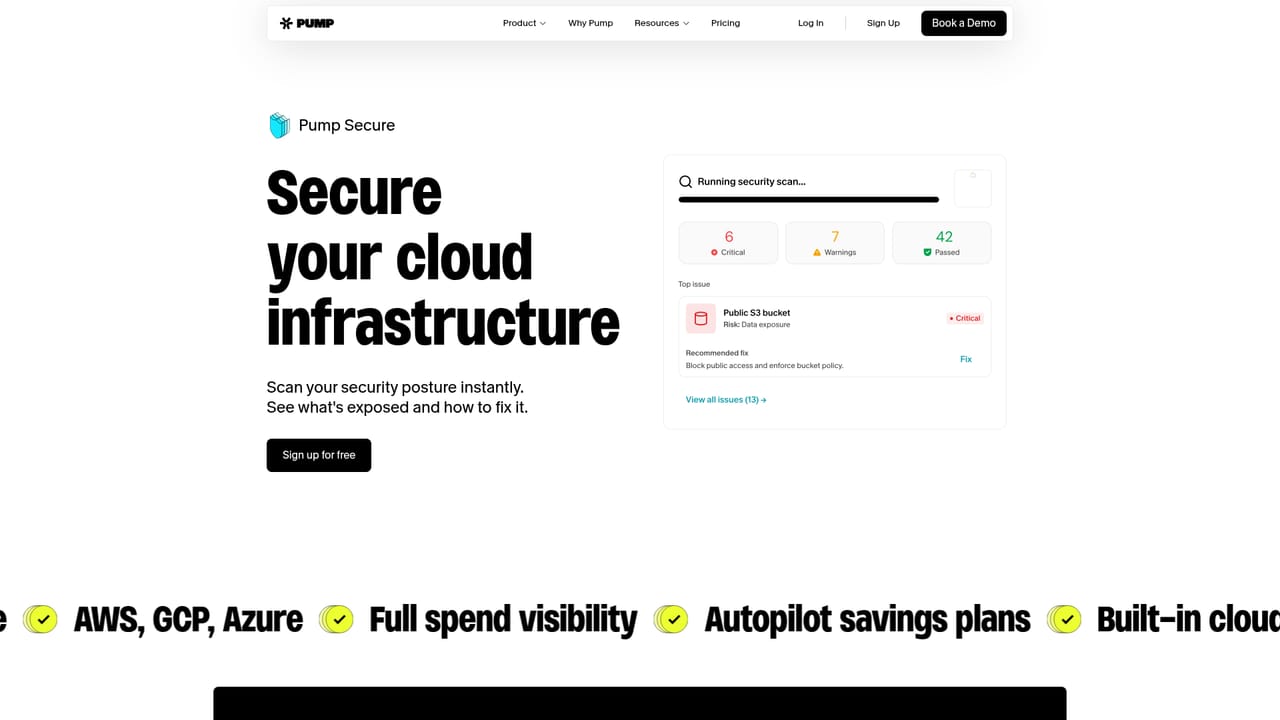
Pump is a cloud operations platform that combines automated cost savings, spend observability and security scanning for teams running on AWS, GCP or Azure. The company describes itself as one platform to monitor, optimize and manage your cloud, with no engineering required, and it pitches the product as free to use. The headline number on the homepage is a 30 percent average cloud saving across its user base, alongside a stated total of more than one billion dollars in managed cloud spend. The product splits into three shipped modules and one that is not yet available. Pump Save applies an AI savings engine that watches usage as it spikes, dips or grows and locks in better pricing automatically. Pump View breaks down and forecasts cloud costs so finance and product teams can see where money goes. Pump Secure scans the cloud estate against industry compliance frameworks, returns step-by-step remediation guidance and runs 24/7 monitoring. A fourth module, Pump Intelligence, is listed as coming soon and is positioned as an always-on AI site reliability engineer for incident response. Onboarding is deliberately light. A team connects its cloud account by syncing AWS, GCP or Azure in what the site claims takes under two minutes, or alternatively creates a read-only role or uploads a CSV. From there Pump previews savings opportunities before anything is committed. The homepage frames the free model around the cloud providers themselves: they pay Pump to handle billing complexity and retain customers, so the platform carries no cost for the team using it. Existing commitments do not block adoption, and the site addresses that scenario directly in its FAQ. Pump fits teams that already run meaningful cloud infrastructure and want savings, visibility and basic compliance posture handled in one place rather than stitching together a FinOps tool, a security scanner and spreadsheets. It is closer to a managed cost and security layer than to a general AI assistant, and buyers who need deep custom dashboards or a broad AI toolkit will find the scope narrower than the pitch suggests.
The homepage states that Pump is free, with no cost to the customer. It explains this by saying cloud providers pay Pump to manage billing complexity and retain customers, and it points to a pricing page for the full breakdown.
Learn moreSupport runs through a demo booking and a FAQ section covering the free model, how the product works, existing commitments and comparisons with buying commitments directly.
Learn moreThe homepage names AWS, GCP and Azure as the supported cloud providers. An integrations page exists on the site for further detail.
Learn morePump Save applies an AI engine that finds and applies cloud savings as usage changes. Pump View decomposes and forecasts cloud costs. Pump Secure scans against compliance frameworks, gives step by step fixes and monitors 24/7. A fourth module, Pump Intelligence, promises AI driven incident response and is listed as coming soon.
Learn more AI Angels400+ customizable AI girlfriends for NSFW chat, voice calls, and roleplay
 Candy AIExperience the future of companionship with AI friends who chat, role-play, and connect with you on a human level.
 ourdream.aiA vast AI roleplay platform with millions of characters for chat, images, video and voiceAI Angels400+ customizable AI girlfriends for NSFW chat, voice calls, and roleplayCandy AIExperience the future of companionship with AI friends who chat, role-play, and connect with you on a human level.ourdream.aiA vast AI roleplay platform with millions of characters for chat, images, video and voice


