Free trial
The Free tier requires no card. Lite subscribers get a 7-day free trial for new subscribers only.
Learn moreConversational stock screening, backtesting and portfolio analysis on US market data

QuantiBot.ai turns plain-language questions into stock screens, backtests and portfolio analysis using real daily US market data. Free standalone screener, backtester and portfolio X-ray tools are available without an account, and the AI research tiers start at $0 with paid upgrades for heavier question volume.
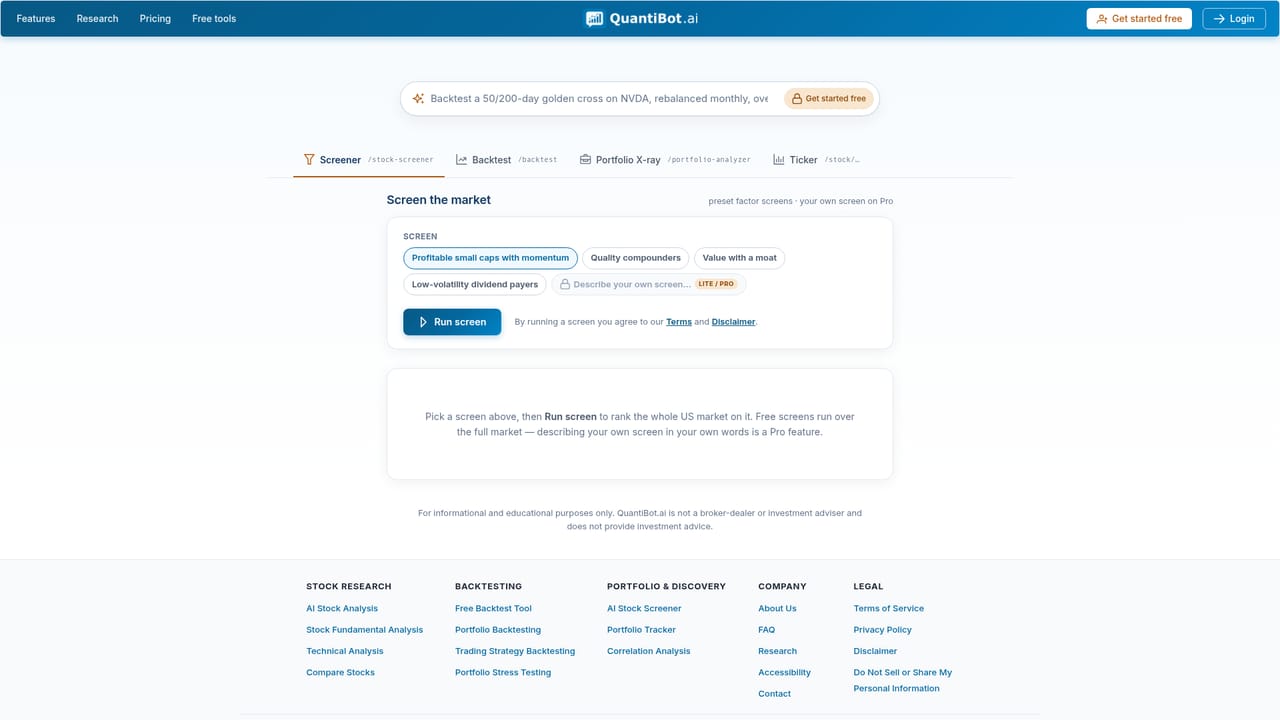
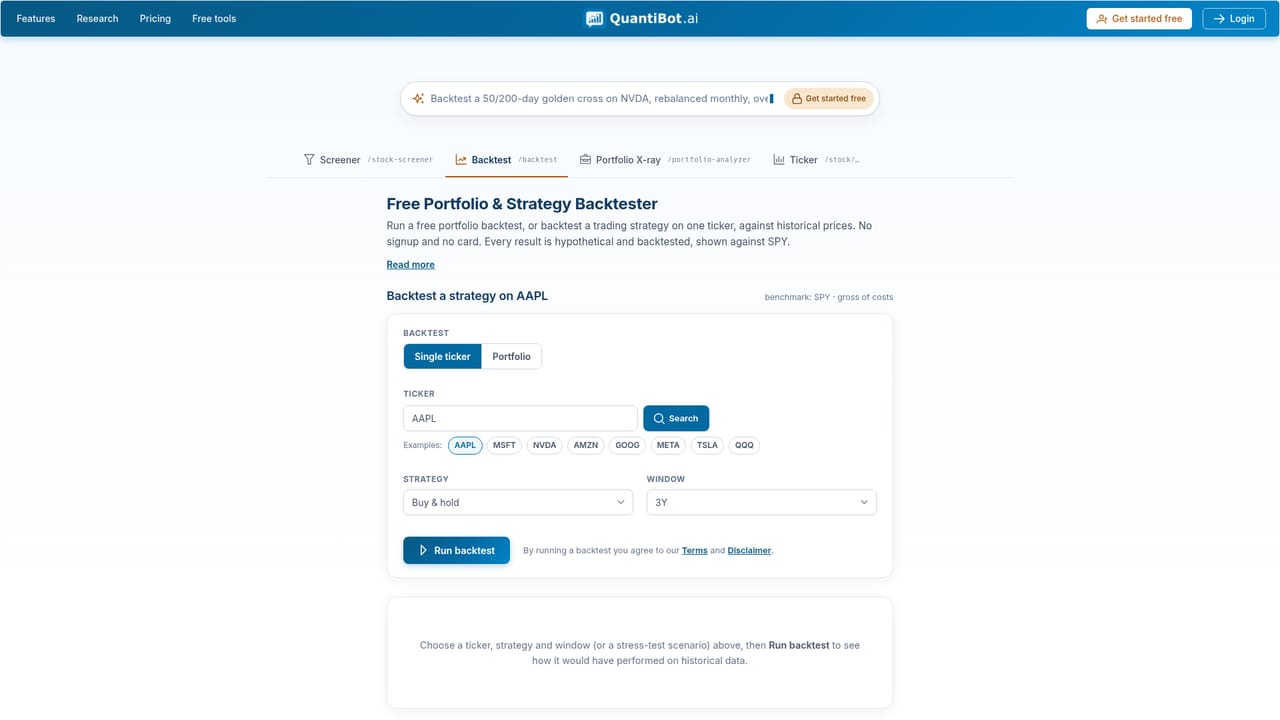
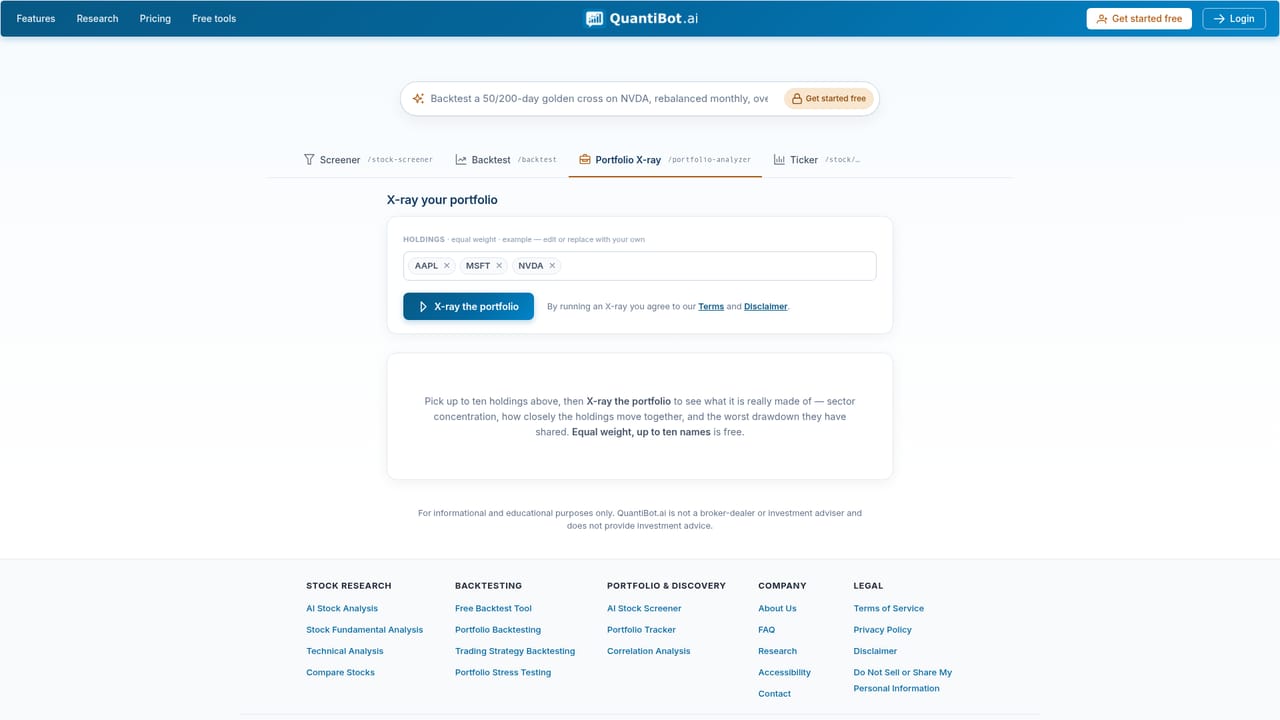
QuantiBot.ai is an AI investment research platform built around a conversational interface. Instead of clicking through screeners or building spreadsheets, users type a request such as backtesting a momentum strategy on SPY since 2015 or screening for cheap quality stocks. The system interprets the question, runs the screen or backtest against real daily US market data, and returns a written answer with the numbers, charts and a table to work from. The company positions this as transparent analysis rather than a black box, with results tied back to the underlying data. The product covers three core jobs. An AI stock screener filters thousands of US stocks and ETFs by value, quality, momentum and low-volatility factors, or by a plain-language description of the company profile. A backtester runs a strategy or full portfolio across periods that include the 2008, 2020 and 2022 crashes, reporting equity curve, drawdown, Sharpe ratio and a trade log. A portfolio X-ray shows look-through overlap, concentration and sector or factor tilt across holdings, surfacing hidden shared risk between funds. Free standalone versions of the screener, backtester and X-ray are available without an account. The tool suits self-directed investors, analysts and finance students who want research speed without programming, and it assumes no finance degree. Its main differentiators are the natural-language entry point and the emphasis on stress periods rather than single happy-path charts. Users who need live brokerage execution, non-US markets or institutional data feeds will find it narrower than full research terminals. The site also runs an investing education blog on agentic trading, crash correlations and concentration risk. All content is informational and educational only, not investment advice. Coverage is limited to the US market, and hypothetical backtest results do not predict future performance.
The Free tier requires no card. Lite subscribers get a 7-day free trial for new subscribers only.
Learn moreFree plan at $0 with 3 AI research questions per week and access to screener, backtest and X-ray tools. Lite is $9.99/month with 15 questions per week, portfolio and advanced strategy backtesting, and custom signal screeners. Pro is $49.99/month with hundreds of questions, alerts and priority email support. No card to start.
Learn morePriority email support is listed on the Pro tier. Other support channels are not described on the homepage.
AI stock screener by value, quality, momentum and low volatility factors or plain description. Backtesting across 2008, 2020 and 2022 with equity curve, drawdown, Sharpe and trade log. Portfolio X-ray for look-through overlap, concentration and sector or factor tilt. Unlimited watchlists and saved portfolios, custom signal screeners and automated alerts on higher tiers.
 AI Angels400+ customizable AI girlfriends for NSFW chat, voice calls, and roleplay
 Candy AIExperience the future of companionship with AI friends who chat, role-play, and connect with you on a human level.
 ourdream.aiA vast AI roleplay platform with millions of characters for chat, images, video and voiceAI Angels400+ customizable AI girlfriends for NSFW chat, voice calls, and roleplayCandy AIExperience the future of companionship with AI friends who chat, role-play, and connect with you on a human level.ourdream.aiA vast AI roleplay platform with millions of characters for chat, images, video and voice


