Free trial
A 7-day free trial with full feature access is available; no credit card required. The free plan also offers limited use at no cost.
Learn moreYour AI-powered research assistant for academic writing.

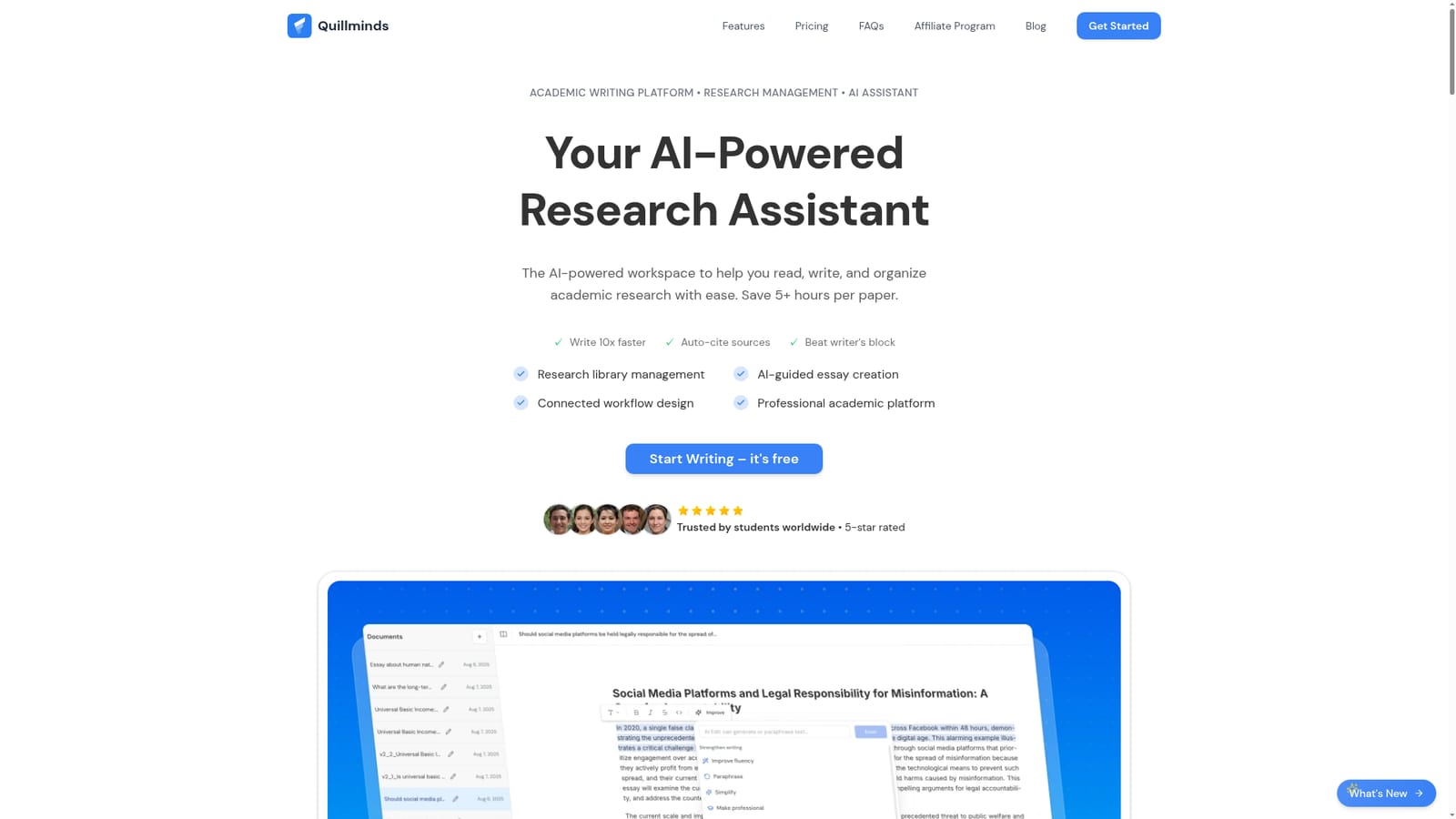
QuillMinds is a web-based academic platform that unifies a research library, AI writing assistant, and citation engine. It lets students and researchers import PDFs and DOIs, write with research-aware AI suggestions, and auto-format citations in major styles. Free tier available; Pro plan adds unlimited documents, sources, and AI use.
QuillMinds is an academic operating system that merges research management, AI writing help, and citation handling into a single web workspace. Instead of juggling a reference manager, a word processor, and separate citation generators, users work from one interface where the research library feeds directly into the document. The platform is built for students, researchers, and academic professionals who need to move from reading sources to drafting papers without losing track of where ideas came from. In practice, QuillMinds starts with a personal library. Users import PDFs, DOIs, and web sources, and the system tags and indexes them so that search works while writing. The AI writing assistant is research-aware: it pulls from the uploaded sources when suggesting text or autocomplete options, and it maintains an academic tone. A separate research chat lets users ask questions across their library, get summaries of individual papers, and spot connections between documents. Citations are auto-formatted in APA, MLA, Harvard, Chicago, and IEEE, and smart paste adds a citation whenever a quote is pulled from a source. The tool competes with a combination of Zotero, Google Docs, citation generators, and general AI chatbots. Its pitch is that the writing environment already knows the library, so suggestions are grounded in the user's own material rather than general knowledge. The free tier includes five documents, fifty sources, two citation styles, and fifty AI credits per day, while the Pro plan removes those limits and adds version history, AI chat, and advanced export. The homepage says 200+ institutions use it and 95% of users report a better workflow, though those are vendor claims. Overall, QuillMinds targets the academic segment specifically, not general content writing.
A 7-day free trial with full feature access is available; no credit card required. The free plan also offers limited use at no cost.
Learn moreFree plan: 5 documents, 50 library sources, 2 citation styles, 50 AI credits daily, basic export. Pro plan: $12.99 per month (yearly billing saves 40%), unlimited documents and library entries, 5 citation styles, unlimited AI, version history, AI chat, advanced export. All prices in USD; cancel anytime.
Learn moreSupport is available via email at support@quillminds.com. No other support channels are listed on the homepage.
QuillMinds combines a research library (import PDFs, DOIs, web sources; AI search and tagging; 500+ sources per project on paid plans), an AI writing assistant that uses your sources for suggestions, research chat for querying PDFs and finding connections, and automatic citation formatting in APA, MLA, Harvard, Chicago, and IEEE. Smart paste adds citations when quoting. Pro adds version history and advanced export.
 AI Angels400+ customizable AI girlfriends for NSFW chat, voice calls, and roleplay
 Candy AIExperience the future of companionship with AI friends who chat, role-play, and connect with you on a human level.
 ourdream.aiA vast AI roleplay platform with millions of characters for chat, images, video and voiceAI Angels400+ customizable AI girlfriends for NSFW chat, voice calls, and roleplayCandy AIExperience the future of companionship with AI friends who chat, role-play, and connect with you on a human level.ourdream.aiA vast AI roleplay platform with millions of characters for chat, images, video and voice


