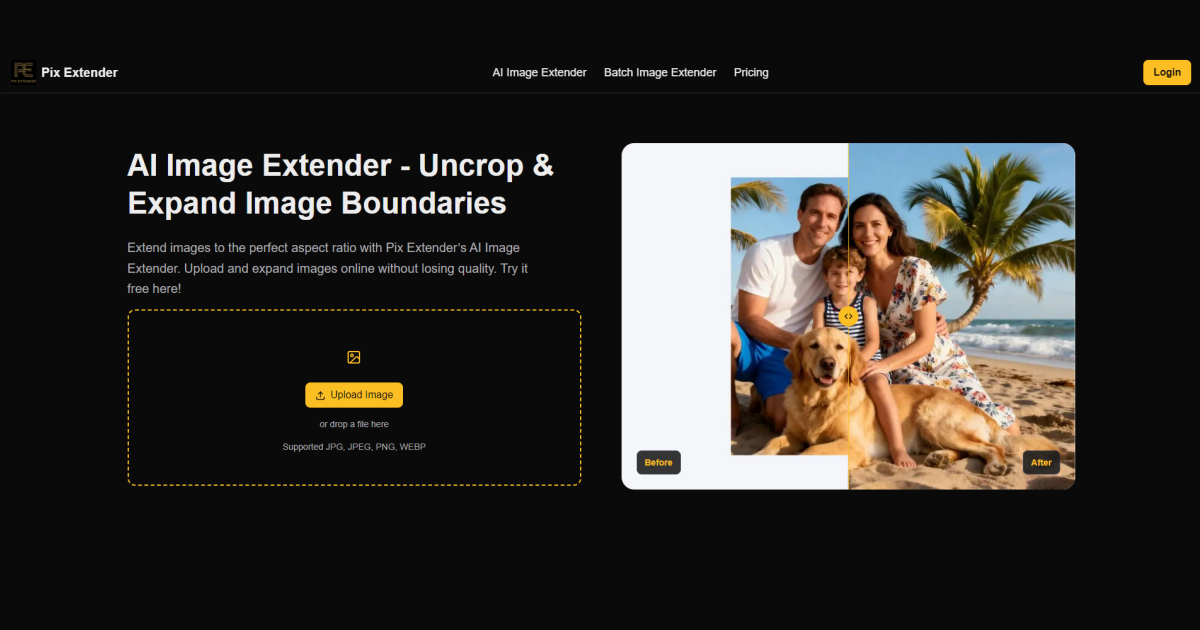
What image extending tools do
Extend images tools use AI outpainting to add new canvas around an existing photo and generate content that continues the scene. A portrait becomes a landscape banner, a square product shot becomes a wide header, and a tight crop gets room to breathe. The model reads what is already in the picture and invents plausible sky, background, floor or texture to fill the added borders.
The people who use them are mostly designers, social media managers, ecommerce sellers, bloggers and hobbyists who have a photo in the wrong shape. Before these tools, the options were cropping away part of the subject, stretching the image, padding it with blur or solid color, or rebuilding the background by hand in a photo editor. An AI extender replaces that manual cloning work with a single step.
How to choose a free AI to extend images
Start with the pricing label. Anyone searching for a free ai to extend images should look at which tools are listed as Freemium, Free or Free Trial, then check what the free tier actually allows before committing to a batch of photos. Several tools here are Freemium with a paid subscription behind it, so the free allowance is usually a way to test results rather than a permanent unlimited plan.
Next, consider sign-up friction. If you need a single quick extension, a tool that works without an account saves time. If you will return often, an account with credits may be more practical.
Then check the target ratio. Some tools are built around extending to any aspect ratio, which matters when the same photo must become a 16:9 cover, a 4:5 post and a story. Platform is the other filter: most tools run in the browser, while one also has iOS and Android apps for editing on a phone.
Finally, decide whether you want a single-purpose extender or a broader suite. A hub that also generates images, edits photos and handles layers suits people who do more than outpainting, while a focused extender is simpler for one job.
Notable tools
Getimg.ai covers both creating and editing images with AI, and is listed with Free Trial, Free, Subscription and Paid options on the web.
AI Image Extender.io expands photos to any aspect ratio and states that no sign-up is needed. It is Freemium with a subscription tier, and runs in the browser.
Image Extender by Picsman is browser-based outpainting that extends photos to any ratio. It is also available on iOS and Android, with Freemium, Free Trial and Subscription pricing.
ImageStretcher grows a photo to any aspect ratio by letting AI fill the new borders. It is a Freemium web app with a subscription option.
ImageLayered is a credit-based hub that brings AI images, photo edits, layers and video into one place. It is subscription-based and suits people who want extending as one feature among several.
Common questions
Is there a free AI to extend images?
Yes, several tools here offer a free entry point, through Freemium plans, a free trial or a free tier. The limits differ by tool, so check the allowance on each site before relying on it for a large set of photos.
Do I need an account to extend a photo?
Not always. AI Image Extender.io describes its service as needing no sign-up, while credit-based platforms generally expect an account.
Can I extend an image to any aspect ratio?
Four of the tools here describe extending to any aspect ratio, which covers banners, social posts and print formats. Always check the generated edges at full size, since filled areas can show seams or repeated patterns.
When to look elsewhere
If the goal is to remove or replace something inside the frame instead of growing the canvas, Content Aware Fill is the closer category. If the photo is already the right shape but looks soft or low in resolution, Image Enhancer covers sharpening and upscaling.