Free trial
Eligible guests can try the enhancer without creating an account using a shared pool of free daily credits, with the remaining allowance shown before processing.
Learn moreClean up soft photos, old scans and small text with scene-aware AI enhancement.

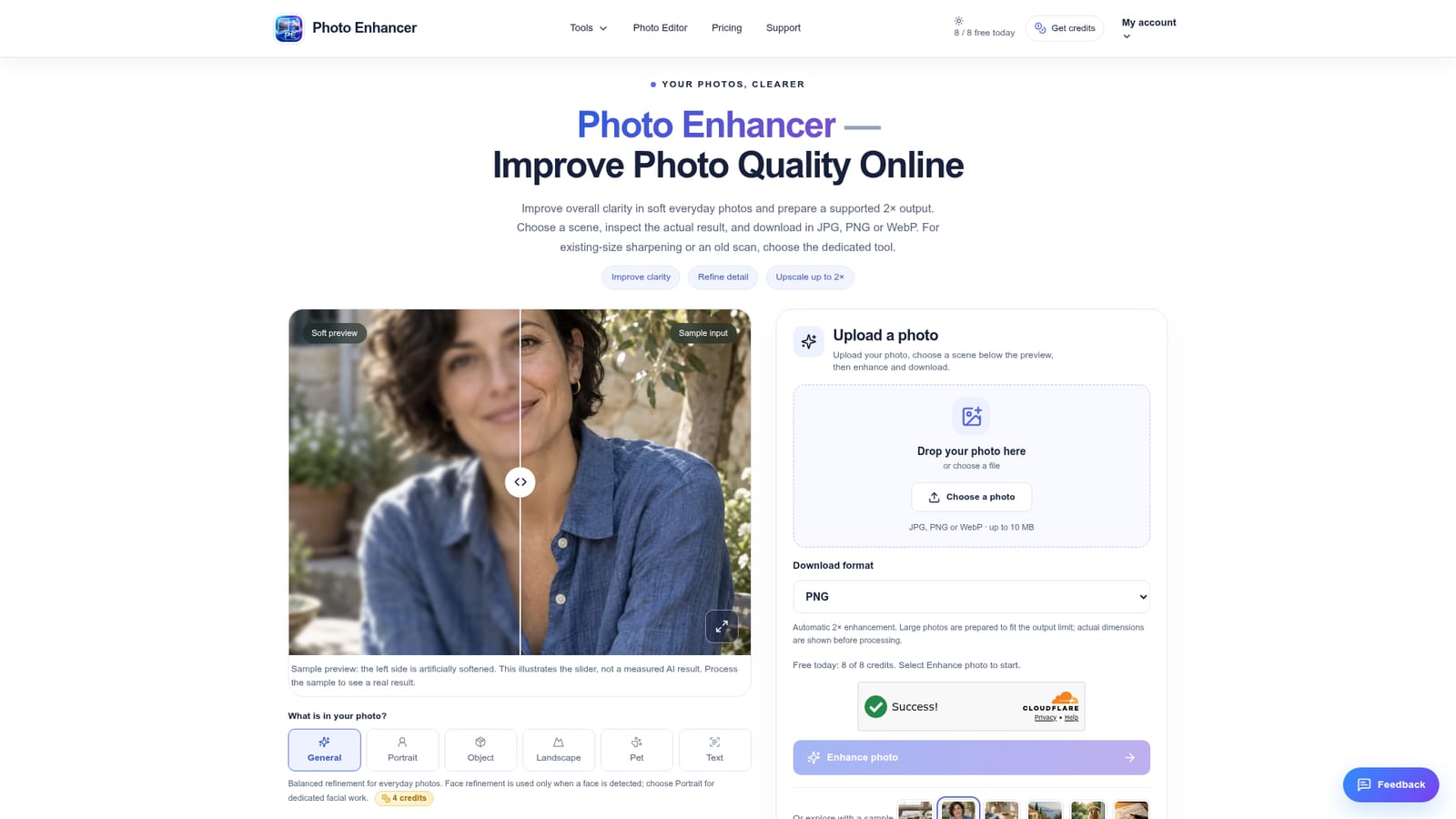
photo enhancer is an AI image upscaler tool. A scene-aware AI photo enhancer that sharpens soft everyday photos, portraits, products, landscapes, pets and text, with a 2x output, before/after comparison, and dedicated tools for upscaling, sharpening and restoration.
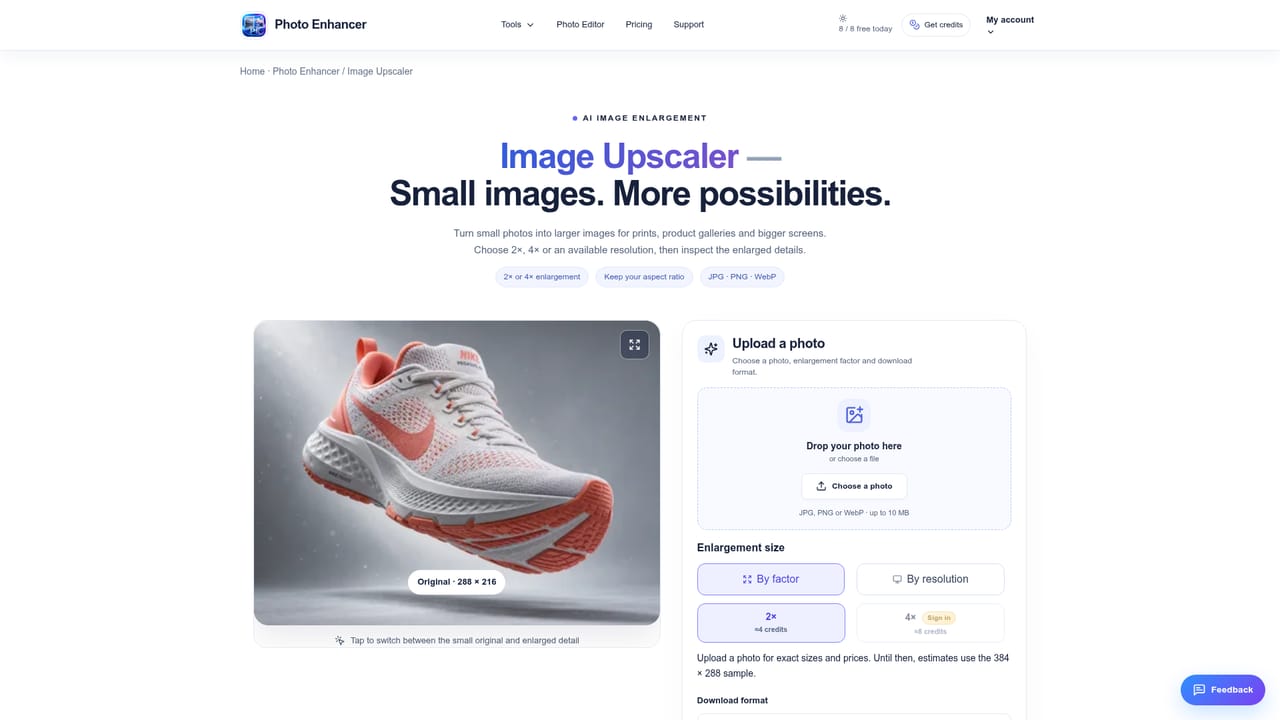
Photo Enhancer is a web-based image enhancement suite built around one core job: taking a soft, low-detail photograph and producing a clearer, larger version a person can actually compare against the original before trusting it. The main tool works from six selectable scenes (General, Portrait, Object, Landscape, Pet and Text), each routing to a different processing path so that a face, a product shot, a pet photo or a block of text gets treatment suited to what actually needs protecting, whether that is identity, texture, geometry or individual characters. The site is aimed at people dealing with everyday soft photos rather than professional retouchers: someone cleaning up a phone picture of a meal or gift, a seller trying to make a product listing photo look presentable, a family member restoring an old scratched print, or anyone trying to read text in a blurry screenshot or scan. Alongside the all-purpose enhancer, the site separates out dedicated single-purpose tools, an image upscaler for pure enlargement, a sharpen tool for original-size clarity, a photo restoration tool for scratches and faded tone, an unblur tool for text, a general photo editor, and a background remover, so a user with a narrower problem can skip the scene selector and go straight to the matching workflow. In practice, a photo is uploaded, a scene is chosen, the tool shows the real output dimensions and credit cost before processing, and the result is delivered as a 2x output in JPG, PNG or WebP with a before and after slider for inspection. The emphasis throughout is on honesty about limits: severe blur, missing detail and badly damaged originals are explicitly described as not reliably recoverable, which sets it apart from marketing-heavy competitors that imply any photo can be fixed. It sits among general-purpose AI photo enhancers but differentiates through scene-specific routing and transparent dimension and cost previews.
Eligible guests can try the enhancer without creating an account using a shared pool of free daily credits, with the remaining allowance shown before processing.
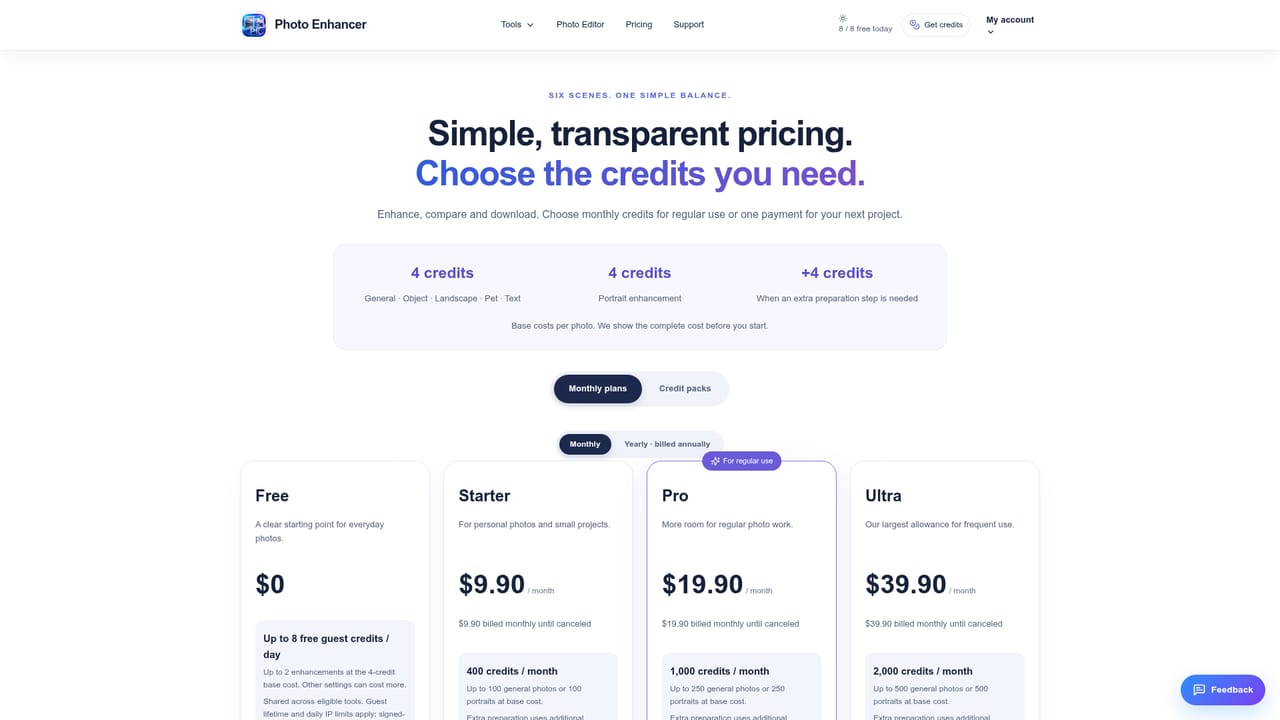
Learn moreThe homepage references a pricing page and a visible credit cost shown before each enhancement, plus free daily credits for guests, but it does not state specific plan prices or tiers.
Learn moreSupport is handled through a contact page and an account ticketing system, alongside an about page and a refund policy page.
Learn moreScene-based photo enhancement (General, Portrait, Object, Landscape, Pet, Text) with automatic 2x output, before/after comparison slider, PNG/JPG/WebP export, plus dedicated upscaler, sharpener, restoration, text-unblur, editor and background remover tools.
Learn more AI Angels400+ customizable AI girlfriends for NSFW chat, voice calls, and roleplay
 Candy AIExperience the future of companionship with AI friends who chat, role-play, and connect with you on a human level.
 ourdream.aiA vast AI roleplay platform with millions of characters for chat, images, video and voiceAI Angels400+ customizable AI girlfriends for NSFW chat, voice calls, and roleplayCandy AIExperience the future of companionship with AI friends who chat, role-play, and connect with you on a human level.ourdream.aiA vast AI roleplay platform with millions of characters for chat, images, video and voice


