Free trial
The homepage invites visitors to get started for free with an email address, but does not state the length or scope of any trial.
Learn moreAI agents that handle expense review, invoice coding and policy enforcement

Ramp is an AI task generator tool. Ramp Intelligence adds autonomous AI agents to Ramp's spend management platform. They flag fraud, code invoices and expenses, enforce policy, run three way matches and escalate risky items to a human, with every action auditable.
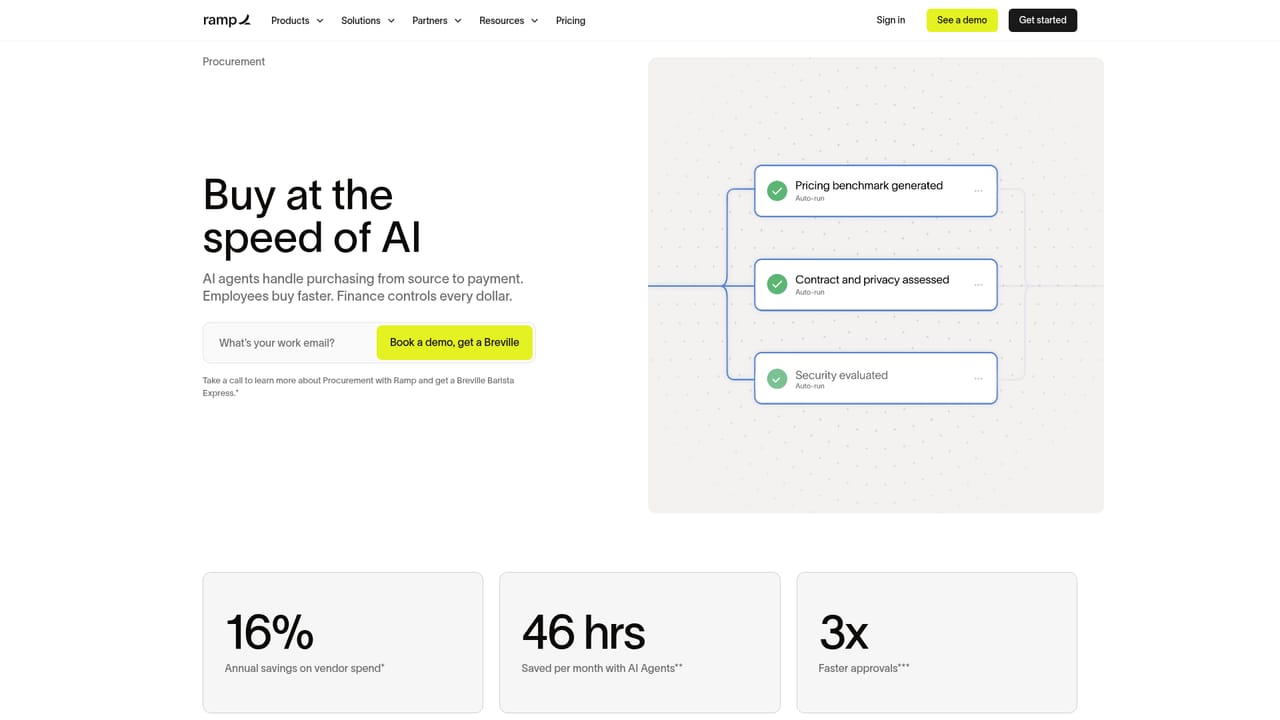
Ramp Intelligence is the AI layer that runs across Ramp's finance products, including expense management, accounts payable and procurement. The pitch is not a single chatbot but a set of autonomous agents that work continuously in the background: flagging suspicious transactions, coding invoices to the general ledger, matching receipts to charges and enforcing spend policy. Ramp says the agents were developed with CFOs and controllers and refined using patterns from more than 85,000 customer accounts. In daily use the agents take on the routine work that consumes finance teams. They read and transcribe complex invoices down to individual line items, apply coding logic learned from past invoices, and run a three way match that checks invoices against purchase orders and item receipts before payment. Employees can text an agent to ask whether a purchase is within policy instead of emailing the finance team. Low risk approvals are handled automatically, while ambiguous or risky items are escalated for human review. Ramp also monitors booked hotel rates and rebooks when the price drops, and its agents spot card eligible vendors and can submit card payments directly. The product is aimed squarely at finance departments: controllers, AP clerks, CFOs and anyone who reviews expenses or reconciles cards. It suits mid market and enterprise teams with enough transaction volume that manual coding and receipt chasing become a real cost. Because no money moves without human confirmation and every agent action is logged and auditable, it is designed for organizations that want automation without surrendering control. Ramp positions Intelligence as a complement to accounting suites rather than a direct substitute, since the agents sit inside a spend management platform that competes with tools like Brex and Expensify. Code your invoices here, then push to your ERP, is roughly the workflow. Companies that only need standalone bookkeeping or expense reports may find the agent layer is bundled value rather than a reason to switch on its own.


The homepage invites visitors to get started for free with an email address, but does not state the length or scope of any trial.
Learn moreNo support channels or service level details are described on the homepage. A separate Ramp Trust Center is linked for data handling questions.
The homepage states that Ramp codes invoices and expenses to your ERP and references three way matching with purchase orders and item receipts, but it does not name specific integrations.
Agents autonomously code expenses and invoices to your ERP, transcribe complex invoices including line items, run a three way match against purchase orders and receipts, scan transactions for fraud and AI generated fakes, auto approve low risk spend, escalate risky items, answer policy questions by text, monitor hotel rates for rebooking, and surface policy violations on a compliance dashboard.
Learn more AI Angels400+ customizable AI girlfriends for NSFW chat, voice calls, and roleplay
 Candy AIExperience the future of companionship with AI friends who chat, role-play, and connect with you on a human level.
 ourdream.aiA vast AI roleplay platform with millions of characters for chat, images, video and voiceAI Angels400+ customizable AI girlfriends for NSFW chat, voice calls, and roleplayCandy AIExperience the future of companionship with AI friends who chat, role-play, and connect with you on a human level.ourdream.aiA vast AI roleplay platform with millions of characters for chat, images, video and voice


