RapVideo.ai

Turn two photos into a lip-synced Hotel Lobby rap video

Beginner
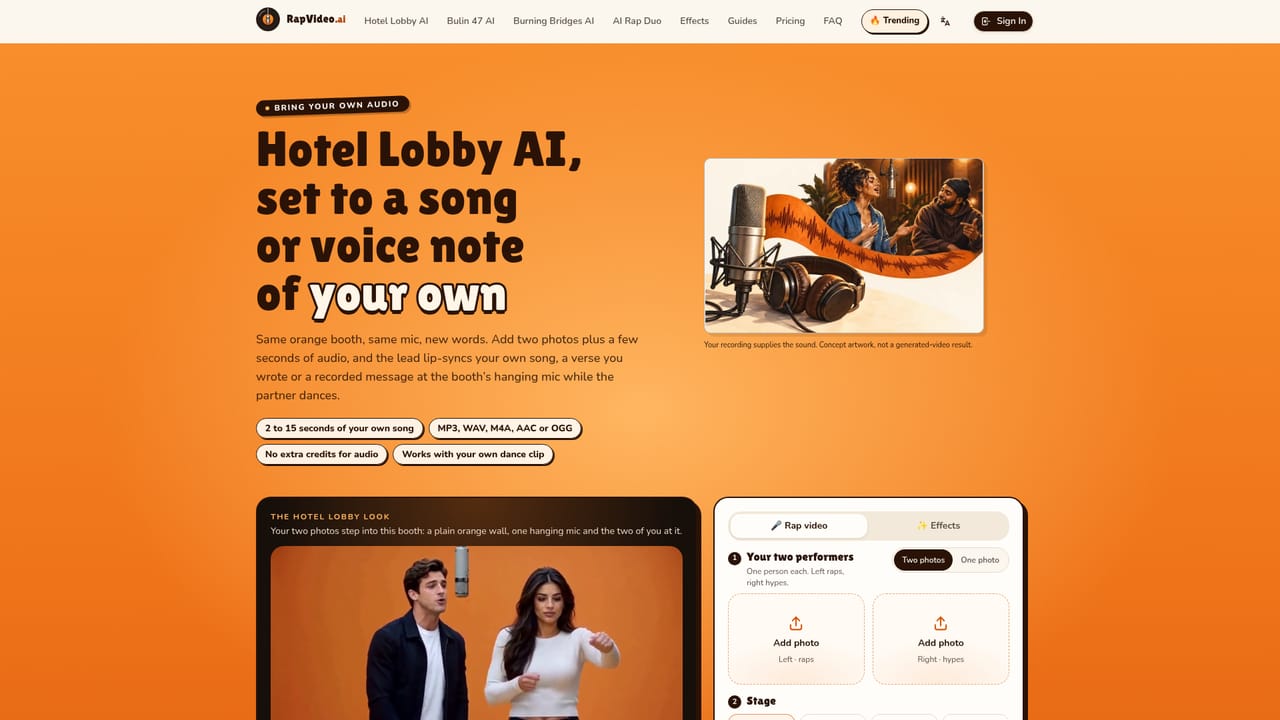
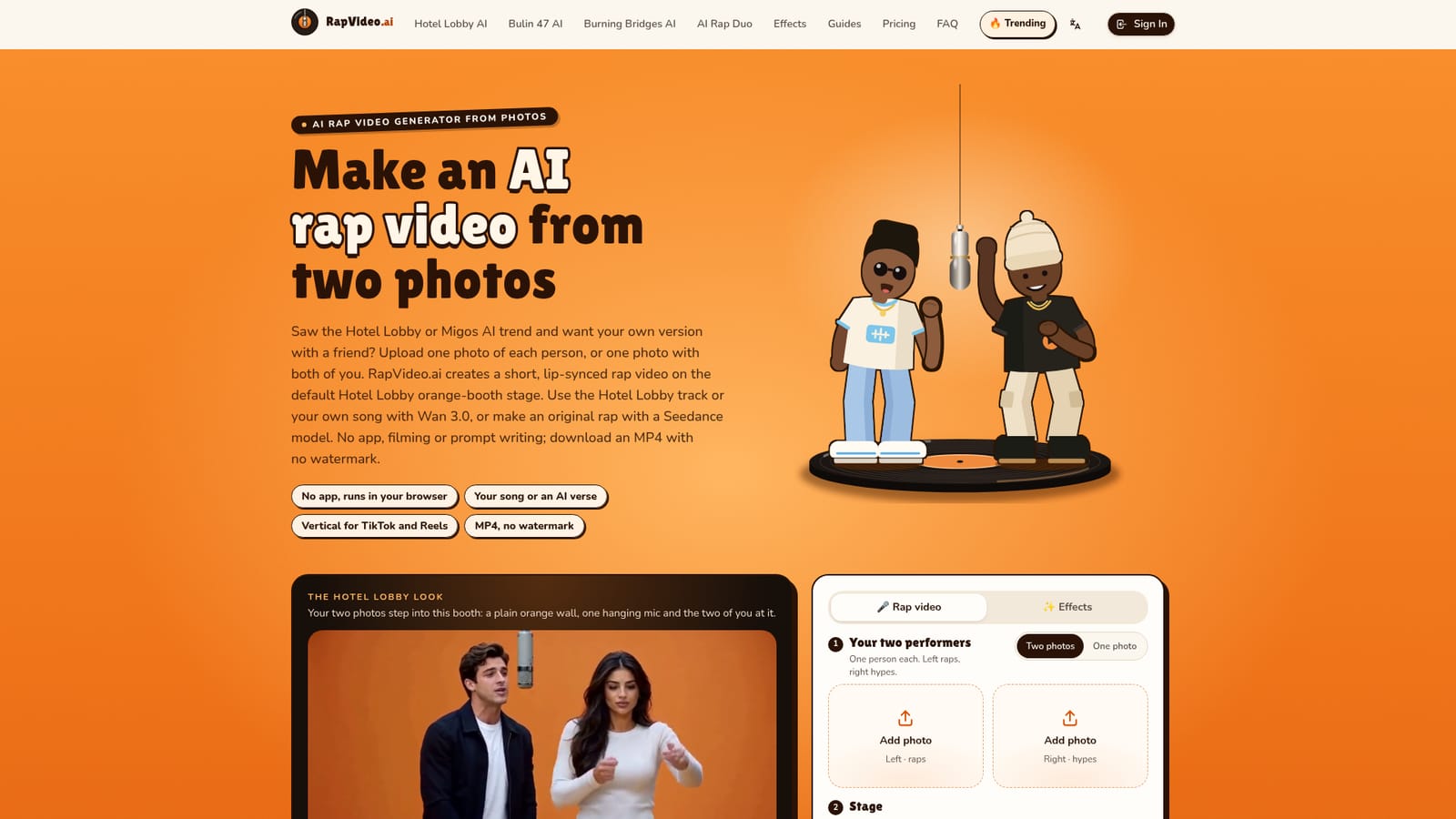
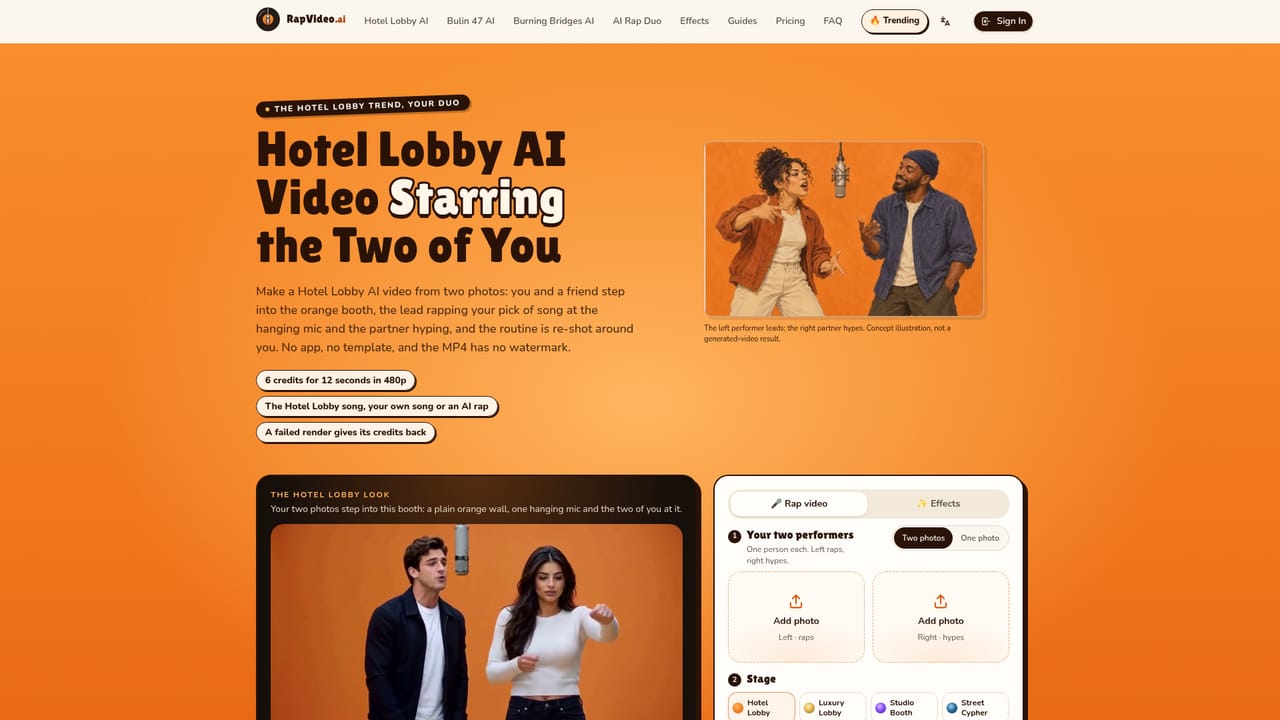
Screenshot of RapVideo.ai, Turn two photos into a lip-synced Hotel Lobby rap video

What is RapVideo.ai?

RapVideo.ai is a generative video tool that turns two photos into a lip-synced Hotel Lobby rap video. RapVideo.ai makes short, lip-synced rap videos from two photos in the browser, built around the Hotel Lobby trend. Use the template track, your own song or an AI-written verse, and download an MP4 with no watermark.

RapVideo.ai is a browser-based generator that turns two portraits, or one photo of two people, into a short lip-synced rap video. It was built around the Hotel Lobby and Migos AI social trend, so the default setting is the orange booth stage, with a lead performer on the left and a hype partner on the right. The output is an MP4 between 5 and 30 seconds long with no watermark, framed vertically for TikTok and Reels or in landscape. The sound can come from three sources. The Hotel Lobby template track and your own recording (2 to 15 seconds of a verse, hook or voice note in MP3, WAV, M4A, AAC or OGG) both run on the Wan 3.0 model, which offers 480p, 720p and 1080p. A rap written by the AI from a typed topic of up to 120 characters needs one of the Seedance models (2.0 Mini, 2.0 Fast, 2.0 or 2.5), and in that mode both performers trade bars by default. Besides the booth, stages include Luxury Lobby, Studio Booth and Street Cypher. In practice the workflow is short: upload the photos, choose a stage and a sound, set shape, length and quality, then start the render and close the tab. A Wan 3.0 render takes roughly 5 to 15 minutes, and the finished file is stored under My videos. Pricing is credit based, with a 12-second 480p video costing 6 credits, a free 2-second preview per account, and credits returned automatically if a render fails. Uploaded photos are deleted seven days after rendering. Beyond the booth template, the site offers dedicated pages for rap battles, diss tracks, birthday raps, pet rap videos, sung personalized songs and 33 single-photo effects such as Earth Zoom Out, Hug and Dance. It suits friends, couples, families and small businesses wanting a quick social clip, and sits closer to meme-format generators than to general video editors or full music video production tools. Clips stay short, and results depend heavily on how clear the source faces are.
How do you use RapVideo.ai?

  1. 1Add your rap duo
    Upload a clear photo of each person, or one photo with both. The person on the left leads and the one on the right hypes.
    RapVideo.ai — Add your rap duo
  2. 2Pick a stage
    Keep the orange Hotel Lobby stage or switch to Luxury Lobby, Studio Booth or Street Cypher.
    RapVideo.ai — Pick a stage
  3. 3Choose the sound
    Select the Hotel Lobby original, upload your own 2 to 15 second song, or type a topic for a Seedance model to write a rap.
    RapVideo.ai — Choose the sound
  4. 4Set video settings and check pricing
    Choose shape, length and quality, then review the credit cost. The free 2-second preview is available once per account.
    RapVideo.ai — Set video settings and check pricing
  5. 5Render and download
    Start the render and close the tab. When it finishes, download the MP4 from My videos and post it.

Pros and cons

Pros

  • Works from two portraits or one shared photo, with no filming, app install or prompt writing neededAI
  • Three sound options: the Hotel Lobby track, your own 2 to 15 second recording, or an AI-written verseAI
  • MP4 export has no watermark and supports vertical framing for TikTok and ReelsAI
  • Failed renders are never billed and credits return automaticallyAI
  • Photos are deleted 7 days after the render, and nothing is made publicAI

Cons

  • Clips are short, and own-song mode is capped at 15 seconds, so it is not a full music video toolAI
  • Renders on Wan 3.0 take about 5 to 15 minutes, which slows iterationAI
  • Results depend on clear, front-facing photos; group shots, masks and hidden faces work poorlyAI
  • AI-written lyrics require a Seedance model, while the template and own-song modes use Wan 3.0 onlyAI
  • Narrow trend-driven focus on two-person videos may limit longer-term or professional useAI

How much does RapVideo.ai cost?

Free trial

A free 2-second preview is available, limited to one per account. The full 12-second video costs 6 credits at 480p.

Learn more

Pricing

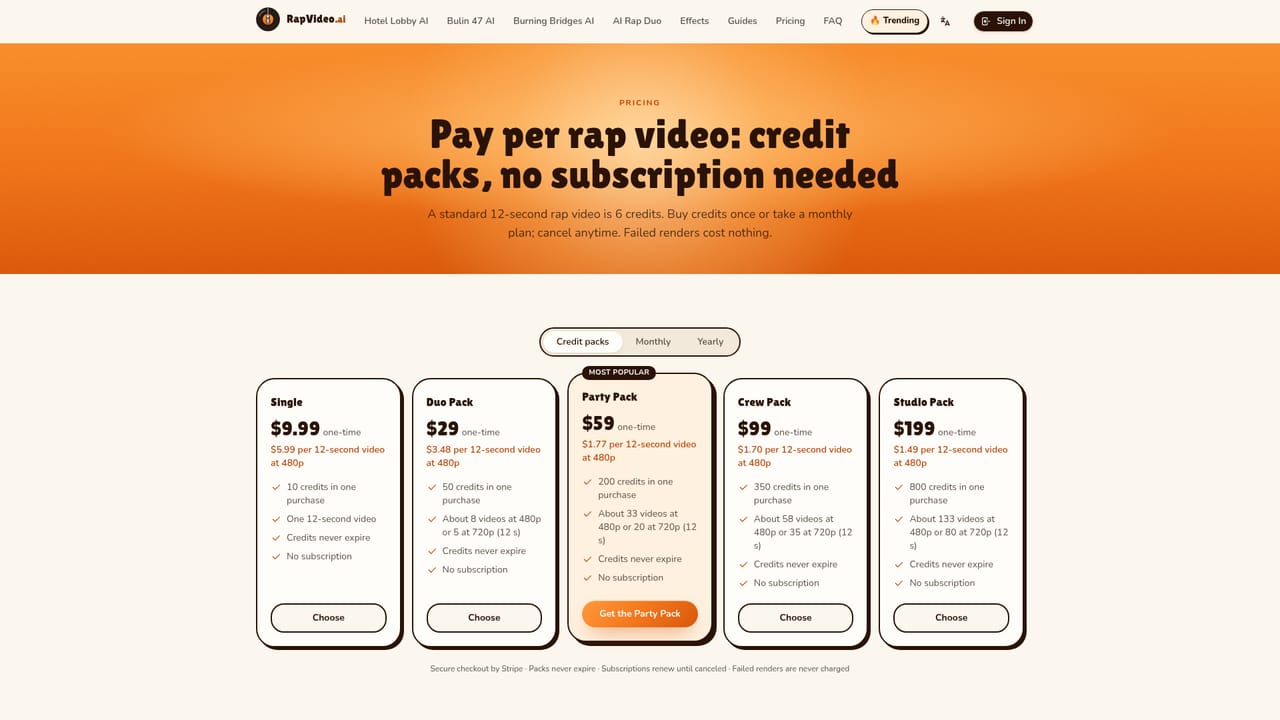
Credit based: a 12-second video at 480p costs 6 credits, and credits can be bought once from $9.99. Sound choice does not change the price by itself. Failed renders are not billed.

Learn more

Features

Two-photo or one-photo rap videos, four stages, Wan 3.0 (480p to 1080p) and Seedance models, own-song lip-sync, AI-written lyrics, 5 to 30 second MP4 with no watermark, and 33 single-photo effects.

Learn more

Frequently asked questions about RapVideo.ai

  • How much does RapVideo.ai cost?
    Credit based: a 12-second video at 480p costs 6 credits, and credits can be bought once from $9.99. Sound choice does not change the price by itself. Failed renders are not billed.
  • Does RapVideo.ai offer a free trial?
    A free 2-second preview is available, limited to one per account. The full 12-second video costs 6 credits at 480p.
  • How do you use RapVideo.ai?
    The walkthrough on this page covers 5 steps: 1. Add your rap duo 2. Pick a stage 3. Choose the sound 4. Set video settings and check pricing 5. Render and download.
  • What platforms does RapVideo.ai support?
    RapVideo.ai is available on Web App.
  • What are the limitations of RapVideo.ai?
    Clips are short, and own-song mode is capped at 15 seconds, so it is not a full music video tool. Renders on Wan 3.0 take about 5 to 15 minutes, which slows iteration. Results depend on clear, front-facing photos; group shots, masks and hidden faces work poorly.

Status

StatusActive
Views0
Outbound clicks0
Added10/18/2026

Platforms

Web App

Pricing

PaidFree Trial