Free trial
A free tier provides 10 messages per month with no credit card required, which functions as a limited trial rather than a time-boxed one.
Learn moreDesktop GPT chat with a prompt library, scratchpad and document Q&A

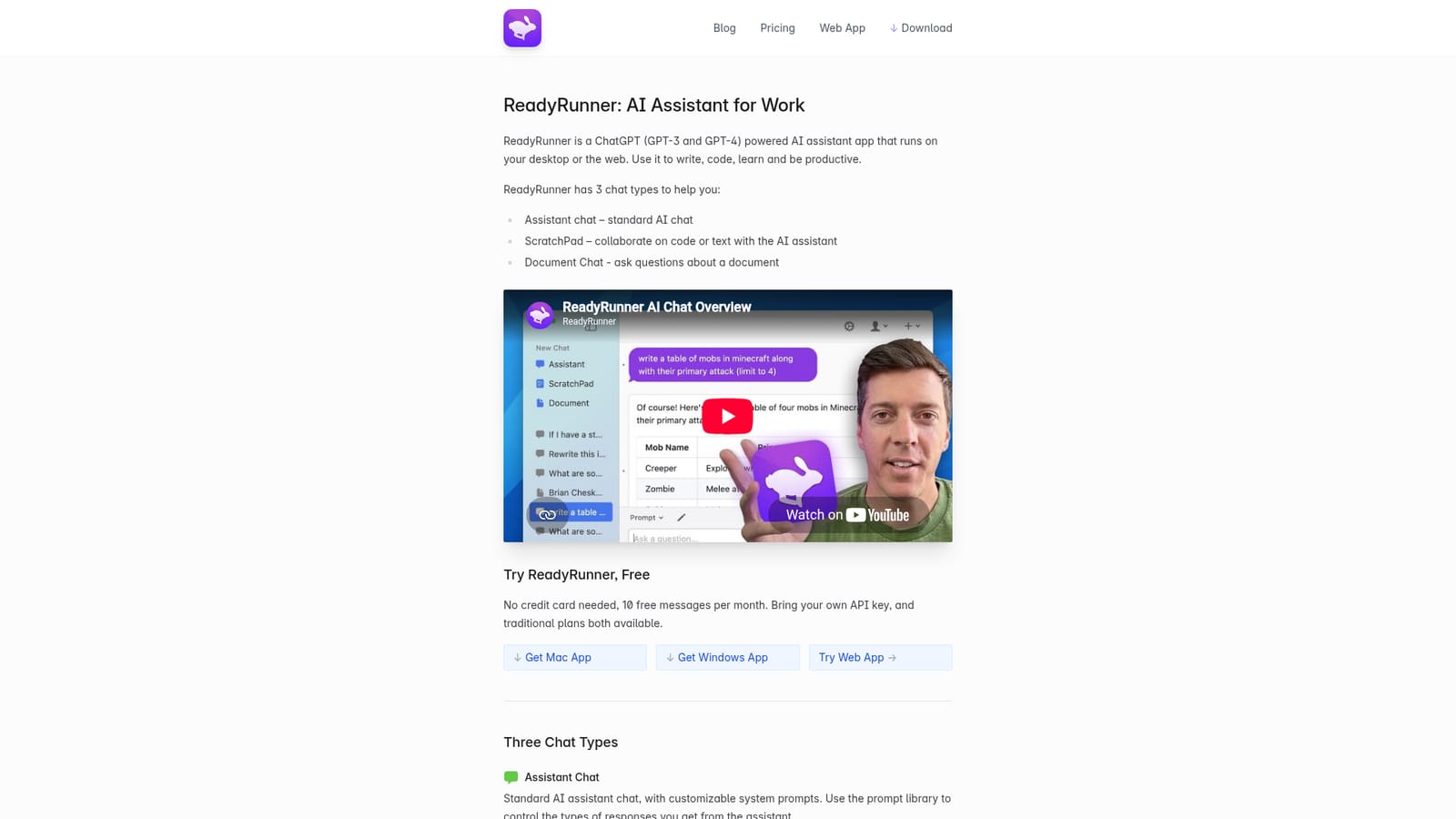
ReadyRunner is a desktop and web ChatGPT client with three chat modes (assistant, ScratchPad editing pane, document Q&A), a reusable system prompt library, a global hotkey and explicit memory controls.
ReadyRunner is a ChatGPT-based assistant that installs as a desktop application for Mac and Windows, with a web version at app.readyrunner.ai. It is built around the premise that a general chat window is not enough for daily work, so it ships three distinct chat modes. Assistant chat is the conventional back and forth conversation, but with system prompts you can save and reuse. ScratchPad places an editable text pane beside the chat, so you can ask about a passage or request edits and watch them land in the document itself, which works for code as well as prose. Document Chat accepts long or complex files, has the model read them, and lets you jump to the passages it drew on so you can verify the answer rather than trust it. The desktop client is the main differentiator. A configurable global hotkey pulls ReadyRunner in front of whatever application you are using, so a question does not cost you a context switch. Prompts are sent as system messages through the ChatGPT API, which is a capability the standard ChatGPT website does not expose, and the app includes a prompt library organized around jobs such as translation, summarizing, debugging and character work. Smaller touches show attention to long sessions: messages stream downward from the top of the window, memory is shown explicitly with dots so you can see which turns are in context, a broom button clears that context, the composer expands for multi-line input, and a model switcher toggles between GPT-3 and GPT-4 even mid-conversation. It suits developers, writers and researchers who already know how to prompt a language model and want that workflow available system-wide. Because you bring your own API key, you pay OpenAI for tokens directly and ReadyRunner for the client. Anyone expecting a bundled subscription with no key handling should look at a hosted chat product instead.


A free tier provides 10 messages per month with no credit card required, which functions as a limited trial rather than a time-boxed one.
Learn moreThree routes are listed: a free tier with 10 messages per month and no credit card, a bring-your-own OpenAI API key setup where you cover token costs, and traditional paid plans. No plan prices are published on the homepage.
Learn moreThe only stated integration is the OpenAI API through a personal API key. No other third party connections are described on the homepage.
Three chat modes (standard assistant chat, ScratchPad for collaborative editing of text and code, and Document Chat for querying long files), a customizable system prompt library, global hotkey access on desktop, top-down message streaming, explicit memory indicators with a clear button, an expanding multi-line composer with message history, and a GPT-3 to GPT-4 switcher that works mid-conversation.
Learn more AI Angels400+ customizable AI girlfriends for NSFW chat, voice calls, and roleplay
 Candy AIExperience the future of companionship with AI friends who chat, role-play, and connect with you on a human level.
 ourdream.aiA vast AI roleplay platform with millions of characters for chat, images, video and voiceAI Angels400+ customizable AI girlfriends for NSFW chat, voice calls, and roleplayCandy AIExperience the future of companionship with AI friends who chat, role-play, and connect with you on a human level.ourdream.aiA vast AI roleplay platform with millions of characters for chat, images, video and voice


