Free trial
Free editions of Recoverit are offered for both Windows and Mac, alongside free downloads of the full product. The homepage does not state what limits or file caps apply to the free versions.
Learn moreAI-powered file recovery and repair for drives, cards and crashed machines

Recoverit is a productivity tool. Wondershare Recoverit is an AI-assisted data recovery application for Windows and Mac that retrieves lost files from hard drives, USB sticks, SD cards, NAS and Linux volumes, and repairs corrupted photos and videos. It also offers bootable recovery for crashed computers.
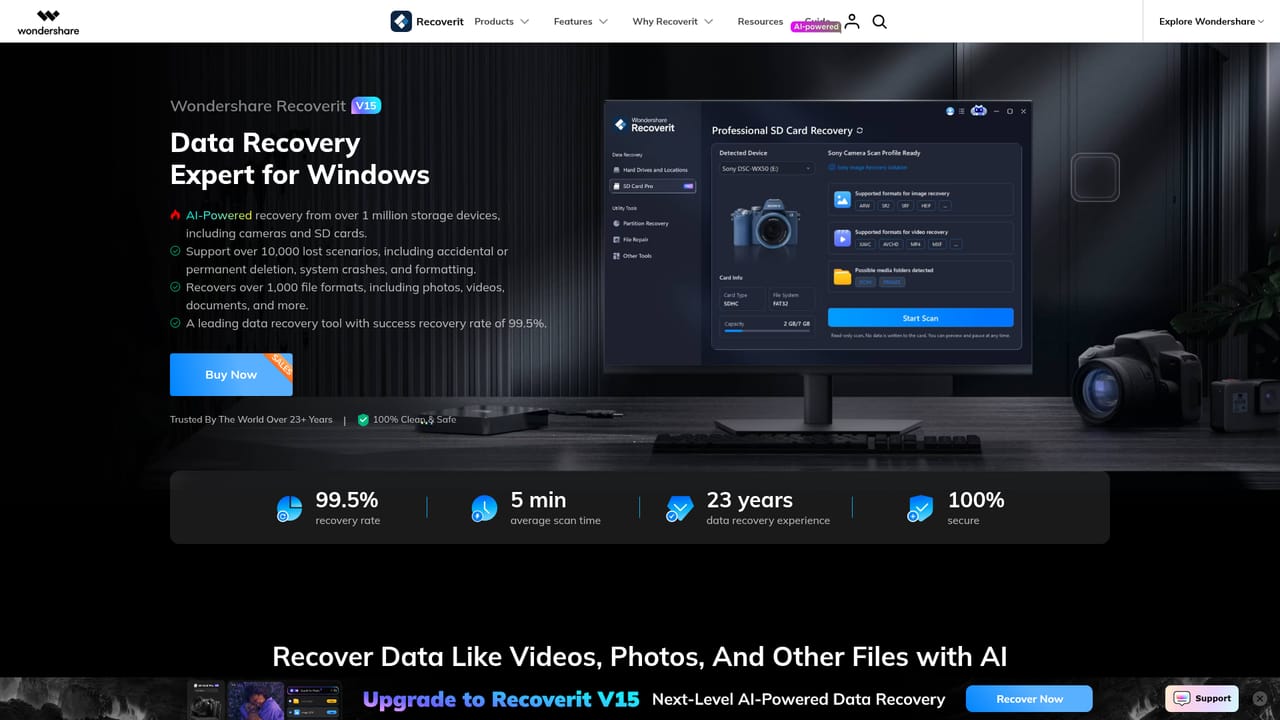
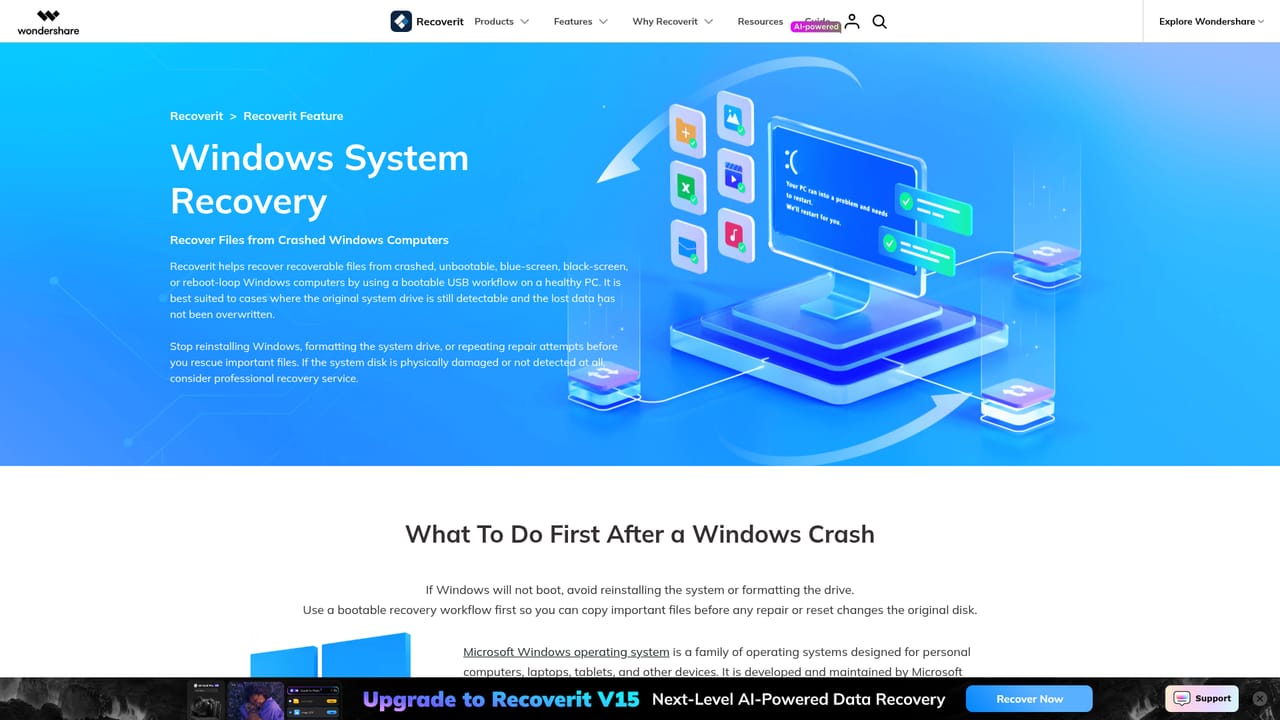
Recoverit is Wondershare's data recovery suite, now at version 15, built around the claim of an AI-assisted recovery engine. The software scans storage devices for deleted or lost files and can also repair photos and videos that were recovered but came back damaged. Its stated scope is broad: more than 1,000 file formats, over 10,000 loss scenarios, and support for a long list of hardware, from internal hard drives and USB sticks to SD cards, NAS servers and Linux volumes. In normal use the workflow is a scan and filter loop. Users point the tool at a drive or a location (recycle bin, desktop, a chosen folder, a disk image) and let it scan. The AI Search feature is the notable addition here: instead of scrolling a file tree, users describe what they want by file type, timestamp, camera or size and the software narrows the results. After recovery, said to hit a 99.5 percent success rate on the vendor's own figures, the repair module attempts to rebuild corrupted photos and reassemble fragmented Ultra HD, 4K and 8K video. The harder cases are where Recoverit differentiates itself from generic undelete utilities. A crashed Windows machine can be handled by creating a bootable USB drive to pull data off a system that will not start. NAS recovery from Synology, QNAP and Thecus devices runs remotely without unplugging disks. On the Linux side, EXT4, BTRFS, XFS and BFS file systems are supported. Camera-specific presets cover DJI, GoPro, Canon and Sony media. This is consumer and small-team software rather than a forensic platform, and a paid edition sits alongside a free one for both Windows and Mac. It suits photographers, videographers, IT generalists and home users recovering from an accidental delete or a failed boot drive, and it competes with other commercial recovery suites on breadth of scenarios rather than depth of low-level control.
Free editions of Recoverit are offered for both Windows and Mac, alongside free downloads of the full product. The homepage does not state what limits or file caps apply to the free versions.
Learn moreCore features include AI-assisted scanning, AI Search filtering by file type, timestamp, camera or size, recovery from hard drives, USB drives, SD cards and disk images, bootable recovery for crashed Windows systems, remote NAS recovery for Synology, QNAP and Thecus, Linux support for EXT4, BTRFS, XFS and BFS, and AI-enhanced repair of corrupted photos and fragmented 4K and 8K video.
Learn more AI Angels400+ customizable AI girlfriends for NSFW chat, voice calls, and roleplay
 Candy AIExperience the future of companionship with AI friends who chat, role-play, and connect with you on a human level.
 ourdream.aiA vast AI roleplay platform with millions of characters for chat, images, video and voiceAI Angels400+ customizable AI girlfriends for NSFW chat, voice calls, and roleplayCandy AIExperience the future of companionship with AI friends who chat, role-play, and connect with you on a human level.ourdream.aiA vast AI roleplay platform with millions of characters for chat, images, video and voice


