Free trial
Sign in with Google and process a photo with no credit card. Free-plan images carry a small watermark and are auto-deleted from the servers after 24 hours.
Learn morePortrait-focused AI that unblurs faces and restores old photos

Refini is a web-based AI photo enhancer tuned for portraits. It unblurs faces, restores old and damaged photos, colorizes black and white images and upscales to 4K, with extra tools for backgrounds, objects and lighting. Free to try.
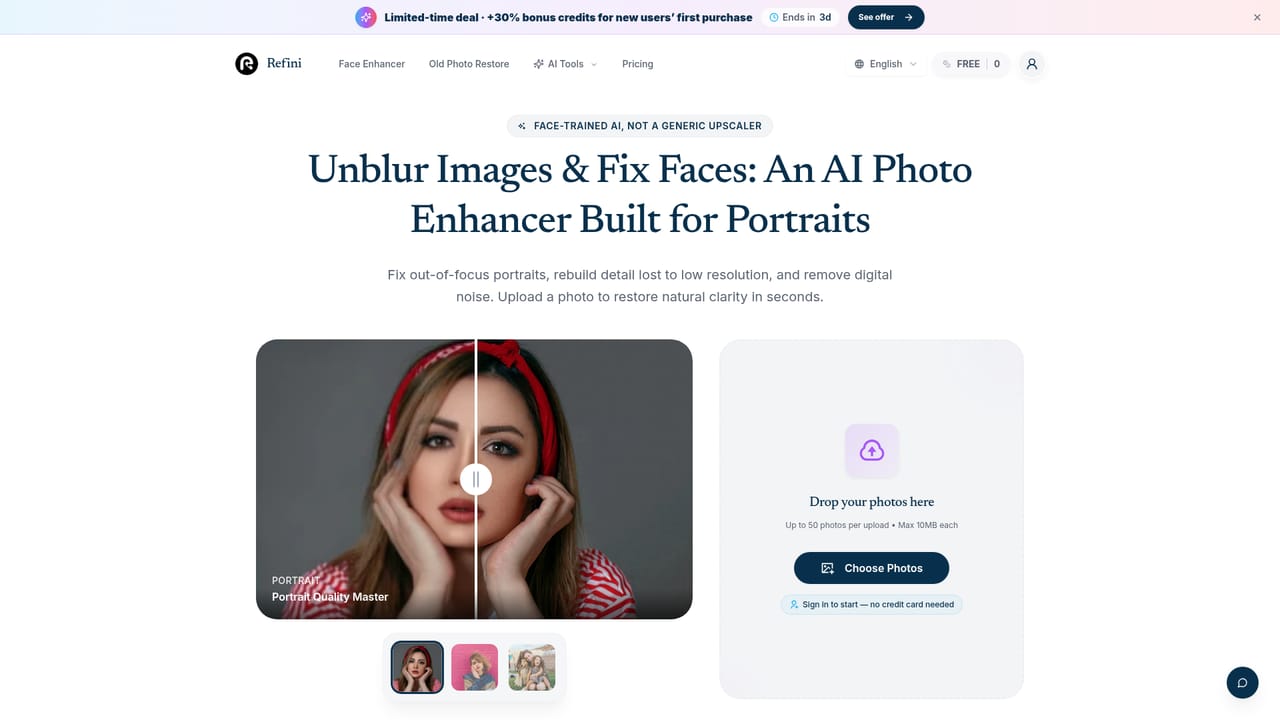
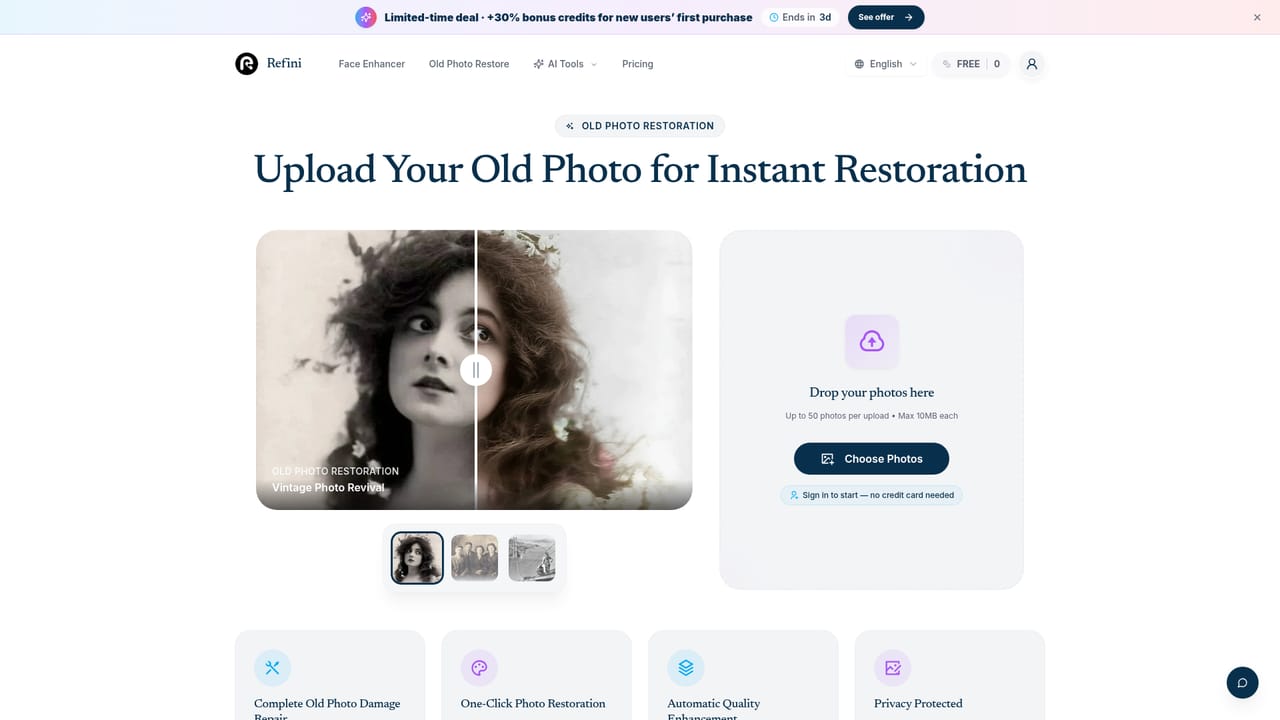
Refini is a browser-based photo enhancer built around human faces. Its core job is to take blurry selfies, soft group shots and low-resolution portraits and rebuild eyes, skin and hair so the subject is recognizable again. The service says its model is trained on portraits rather than scenery, and it aims to keep real skin pores instead of the smoothed, plastic look that generic upscalers often produce. It also states that it reconstructs the features already present rather than redrawing a face into someone else. A second focus is old photo restoration. A specialized restoration model handles scanned prints with scratches, creases, water spots, fading and missing color, and it can colorize black and white images. Output can be upscaled up to 4x, described as 4K, which makes restored family pictures large enough to print as posters or gifts. In practice the workflow is short. A user uploads a JPG, PNG, WebP, AVIF or iPhone HEIC file (up to 10MB and 8000x8000 pixels), chooses between Enhance, Restore and Upscale, then compares the result with a before/after slider and downloads it. Sign-in is through Google, and no credit card is needed to start. Free-plan results carry a small watermark that any paid plan removes. The site says free-plan images are deleted automatically after 24 hours and that uploads are never used to train its models. Beyond faces, Refini bundles a wider toolkit on separate pages: background removal, background replacement and blur, object removal, image extension, photo relighting, a white-background portrait tool, sketch-to-image and an image combiner. That makes it closer to a general photo utility suite than a single-purpose upscaler. It fits people who mainly fix portraits, selfies, social content and family archives, and who want a quick result without editing skills. Users who need fine manual control or non-portrait upscaling may prefer a conventional editor or a general-purpose upscaler.
Sign in with Google and process a photo with no credit card. Free-plan images carry a small watermark and are auto-deleted from the servers after 24 hours.
Learn moreFree to try with a watermark on results. Paid plans remove the watermark and unlock high-resolution downloads. A limited-time offer gives new users 30% bonus credits on a first purchase. Exact plan prices are not stated on the homepage.
Learn moreFace unblur, portrait enhancement, old photo restoration, colorizing, upscaling up to 4x, background removal, replacement and blur, object removal, image extension, relighting, sketch-to-image and image combining, with a before/after slider.
Learn more


