Free trial
The homepage offers a free trial of Reflect through a registration link, with no stated time limit. Full plan pricing is not disclosed and requires contacting sales.
Learn moreCodeless, AI-driven test automation for web and mobile apps

Reflect.run is a developer tool. Reflect is a SmartBear product that turns plain-English instructions into self-healing automated tests for web, mobile, and API workflows, aimed at functional testers who want regression coverage without maintaining selector-based scripts.
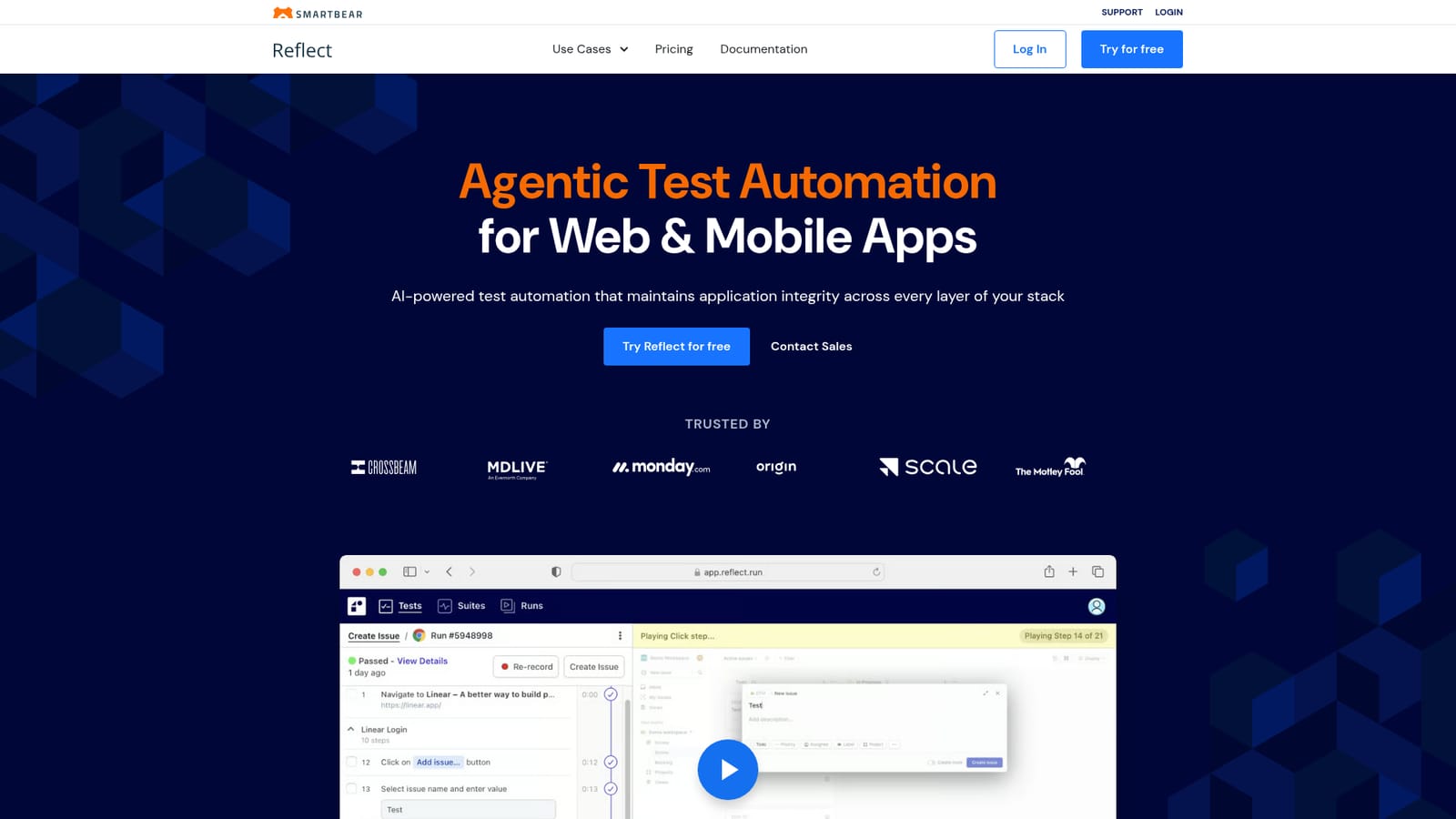
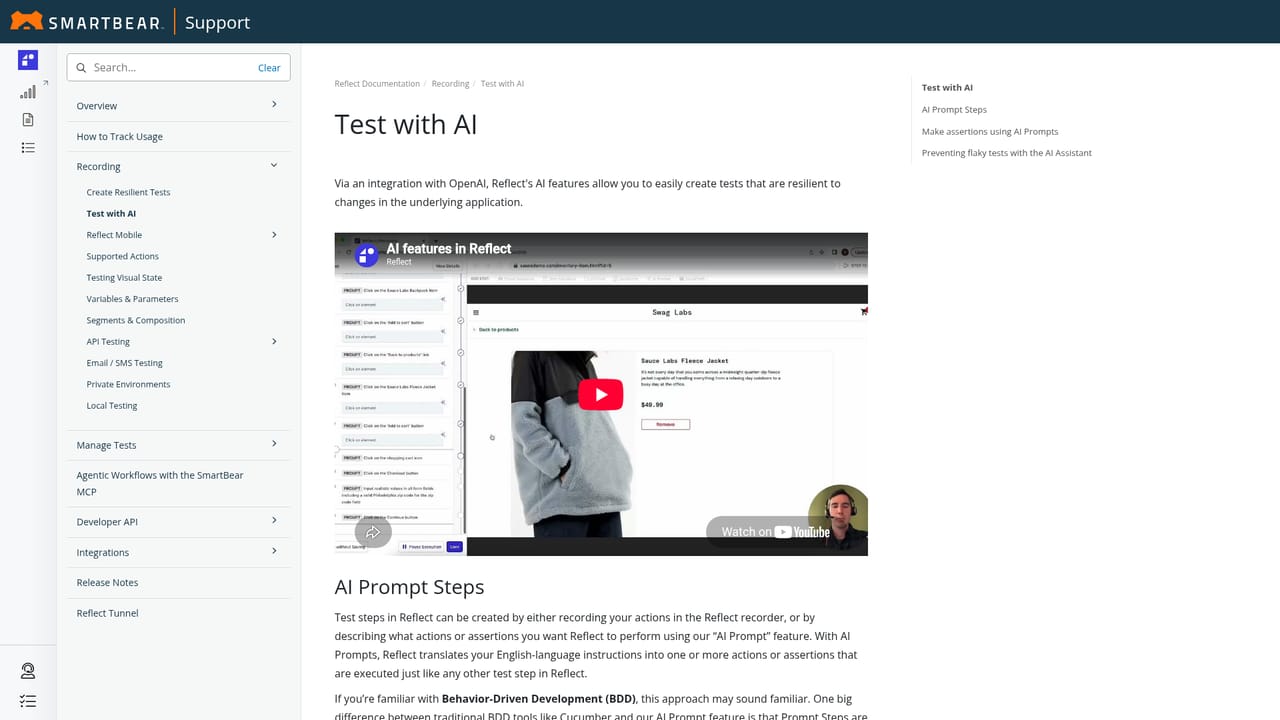
SmartBear Reflect is an agentic test automation platform for web and mobile applications. It targets the maintenance problem that has long defined UI testing: selector-based scripts that break whenever a layout shifts or an element is renamed. Reflect replaces those locators with an AI engine that interprets plain-English test steps and adapts to changes in the interface on its own, so a regression suite keeps running as the product evolves. The tool is built for functional testers rather than only for automation engineers. Steps can be written as ordinary instructions, and GenAI prompts turn those instructions into actions, which the vendor says lets testers build end-to-end tests roughly ten times faster than with code-based frameworks. Coverage stretches across browser workflows, native mobile devices (real hardware, not emulators), API requests and responses, visual regression checks, and email or 2FA scenarios. Data-driven parameterization lets one test run against many input sets. In day to day practice, a tester records or describes a flow, runs it in Reflect's test cloud, and reviews results that include HD video of the failure plus console and network logs. Those artifacts give developers concrete reproduction steps instead of a vague stack trace. Manual test cases stored in tools like Zephyr can be run as automated tests, and tests can also be generated from AI coding environments such as Claude Code or Cursor through the SmartBear MCP. Reflect sits in the enterprise testing market alongside conventional frameworks and low-code recorders, differentiated by self-healing behavior and integration with SmartBear's wider application integrity lineup. CI/CD pipelines, issue trackers, test case management platforms, and Slack or email notifications slot into existing development processes. Pricing is not published on the homepage, and the free trial requires registration.
The homepage offers a free trial of Reflect through a registration link, with no stated time limit. Full plan pricing is not disclosed and requires contacting sales.
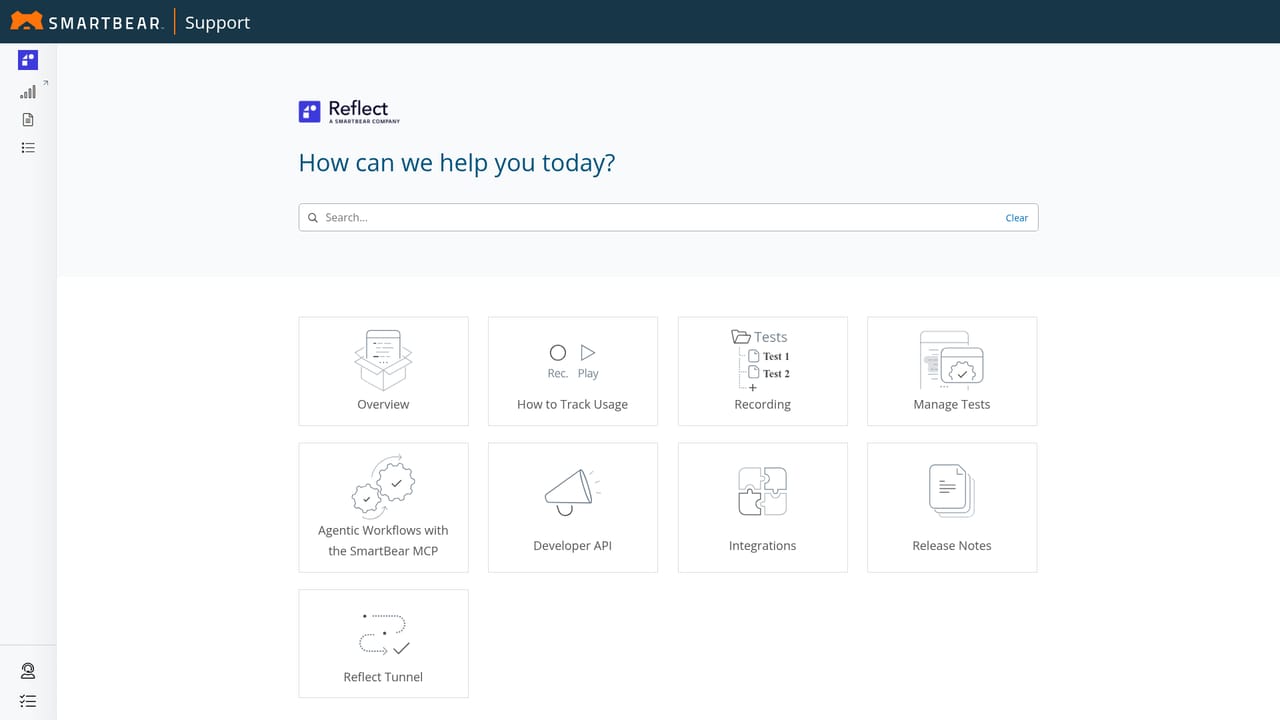
Learn moreSupport material includes a documentation portal for Reflect, a SmartBear community forum, a contact form, and a demo request page. No dedicated help desk scope is described on the homepage.
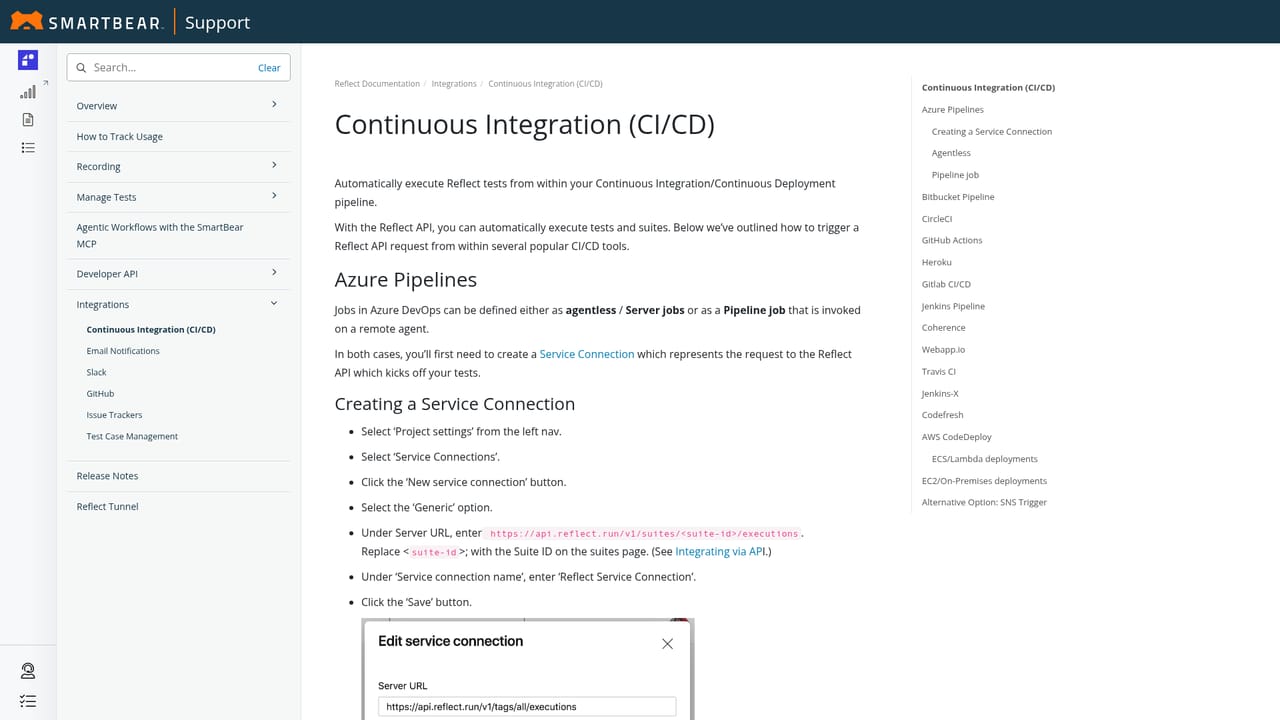
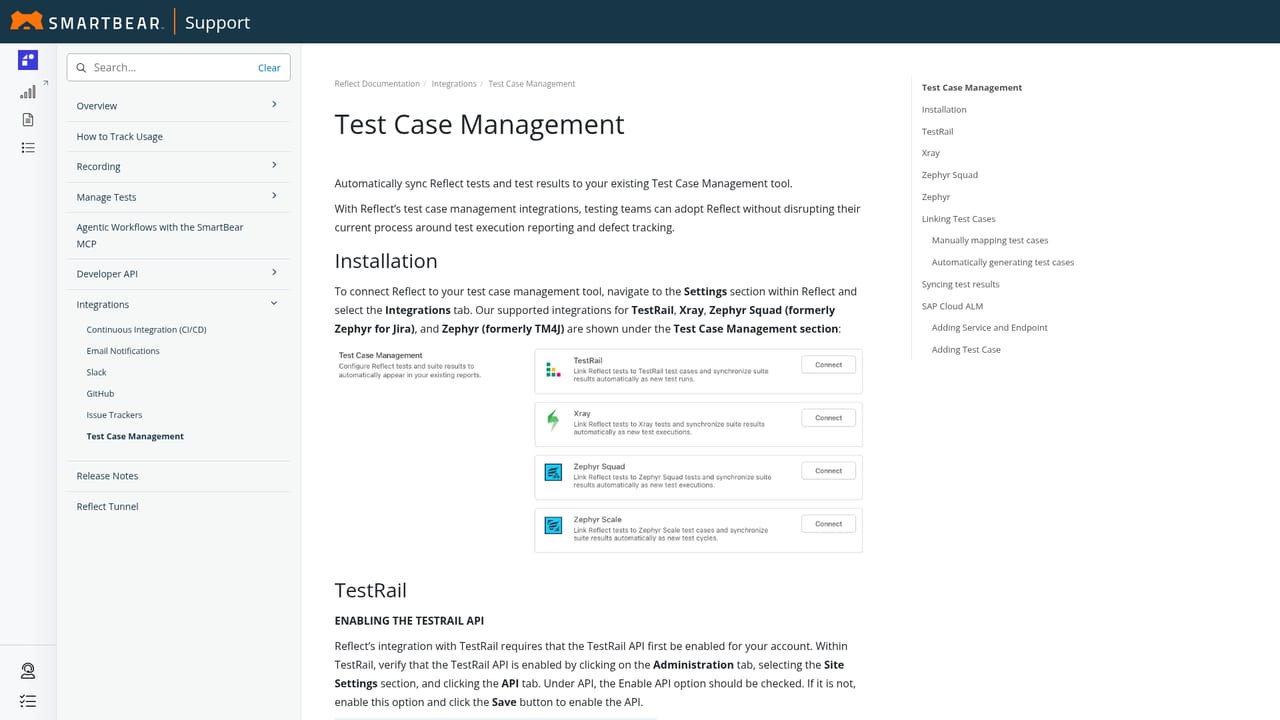
Learn moreThe homepage lists CI/CD support for Azure Pipelines, Bitbucket, CircleCI, GitHub Actions, GitLab, Jenkins, Heroku, Travis CI, and webapp.io, plus issue trackers, test case management tools, and Slack and email notifications.
Learn moreReflect covers web testing, mobile testing on real devices, API validation, visual regression, GenAI prompt-based steps, email and 2FA scenario testing, and data-driven parameterization. Test results include HD video, console logs, and network logs, and tests can be authored from AI coding agents via the SmartBear MCP.
Learn more AI Angels400+ customizable AI girlfriends for NSFW chat, voice calls, and roleplay
 Candy AIExperience the future of companionship with AI friends who chat, role-play, and connect with you on a human level.
 ourdream.aiA vast AI roleplay platform with millions of characters for chat, images, video and voiceAI Angels400+ customizable AI girlfriends for NSFW chat, voice calls, and roleplayCandy AIExperience the future of companionship with AI friends who chat, role-play, and connect with you on a human level.ourdream.aiA vast AI roleplay platform with millions of characters for chat, images, video and voice


