Free trial
The rephrase tool is free outright. The page additionally offers a free trial of the premium Regem AI platform via its signup link.
Learn moreFree, no-login AI rephrasing tool from Regem

Regem is a paraphrasing tool. A free, no-login web tool that rewrites pasted text in one click. It is part of the Regem AI suite of free utilities and points users toward a premium platform. Best for quick paraphrasing jobs rather than full document rewriting.
Regem AI Rephrase Tool is a free browser-based utility that rewrites text with a single click. Content is pasted into a box on the page, the rephrase button is pressed, and a rewritten version appears in the output panel below. The tool is built for short turnaround jobs: fixing a clumsy sentence, producing a second wording of a paragraph, or shifting a draft away from its original phrasing before it goes out. No account is needed to use it, and the page states plainly that it is free for all visitors. The tool was designed and developed by Vinay Chaudhary and is part of a wider set of free utilities on regem.in, which also includes an AI grammar checker, an AI writer, text to speech, two DeepSeek chat interfaces, a brand color generator, a YouTube tag generator, an email checker and several media downloaders. Someone who already uses one of those tools will find the rephrase tool sits in the same uncluttered pattern: type, click, copy. Regem also runs a separate premium AI platform at app.regemai.com, and the rephrase page invites visitors to try that paid product for free, so the free tool works as a front door to the larger suite. It suits students cleaning up assignments, marketers spinning a headline into variants, bloggers reworking sentences, and anyone who wants a fast paraphrase without opening a document editor or signing into a subscription service. Because it runs in the browser with no install and no login, it also fits quick mobile use. Among paraphrasing tools, Regem occupies the light end of the market. It does not advertise document upload, tone controls, grammar reporting or team features; the value is speed and zero friction. The trade-off is depth. The homepage is short, the output depends entirely on Regem's own model, and long or technical passages will likely need a human pass. Reviewers who need style presets or bulk processing should look at fuller writing suites, while casual users who just want a sentence said differently will find this quicker.
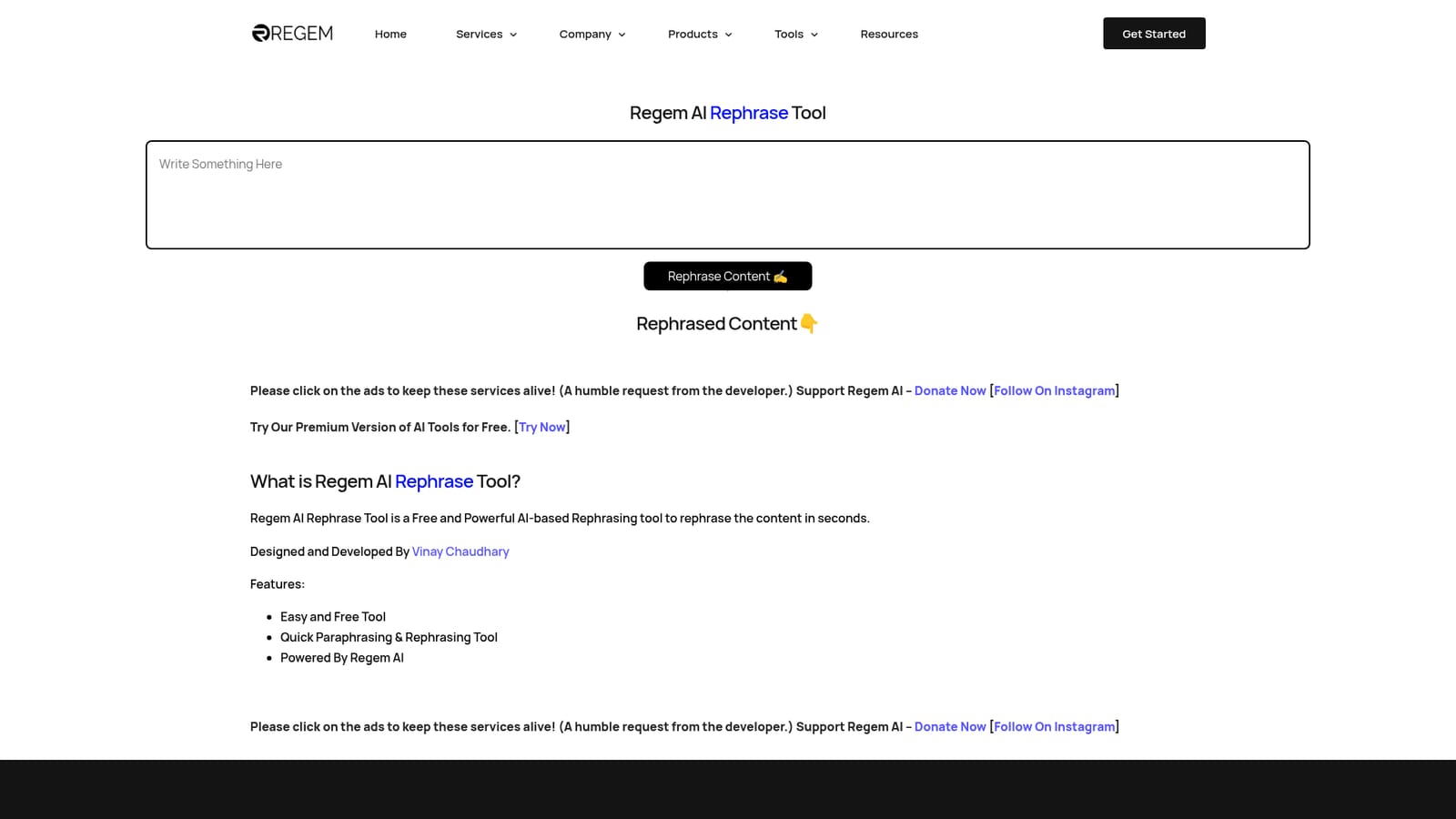
The rephrase tool is free outright. The page additionally offers a free trial of the premium Regem AI platform via its signup link.
Learn moreThe rephrase tool is free to use and requires no login. The page also promotes a separate premium Regem AI platform that visitors can try for free, but no subscription tiers or prices for the rephrase tool itself are listed.
Learn moreOne-click AI rephrasing of pasted text, with results returned to the same page in seconds. Free and login-free, built on Regem's own AI. The page lists quick paraphrasing as the core capability and points to an AI grammar checker, AI writer, text to speech and DeepSeek chat tools elsewhere on the site.
 AI Angels400+ customizable AI girlfriends for NSFW chat, voice calls, and roleplay
 Candy AIExperience the future of companionship with AI friends who chat, role-play, and connect with you on a human level.
 ourdream.aiA vast AI roleplay platform with millions of characters for chat, images, video and voiceAI Angels400+ customizable AI girlfriends for NSFW chat, voice calls, and roleplayCandy AIExperience the future of companionship with AI friends who chat, role-play, and connect with you on a human level.ourdream.aiA vast AI roleplay platform with millions of characters for chat, images, video and voice


