
Free trial
Free to start is stated on the homepage, with a free signup route into the builder. No trial length or paid plan terms are given.
Learn moreDesign, publish and export marketing sites from one component system
Relume is an AI mistress tool that designs publish and export marketing sites from one component system. Relume is a marketing site platform built on a reusable component system, covering brief to sitemap, wireframe, design and launch, with publishing on Relume itself or export to Figma, Webflow and React.
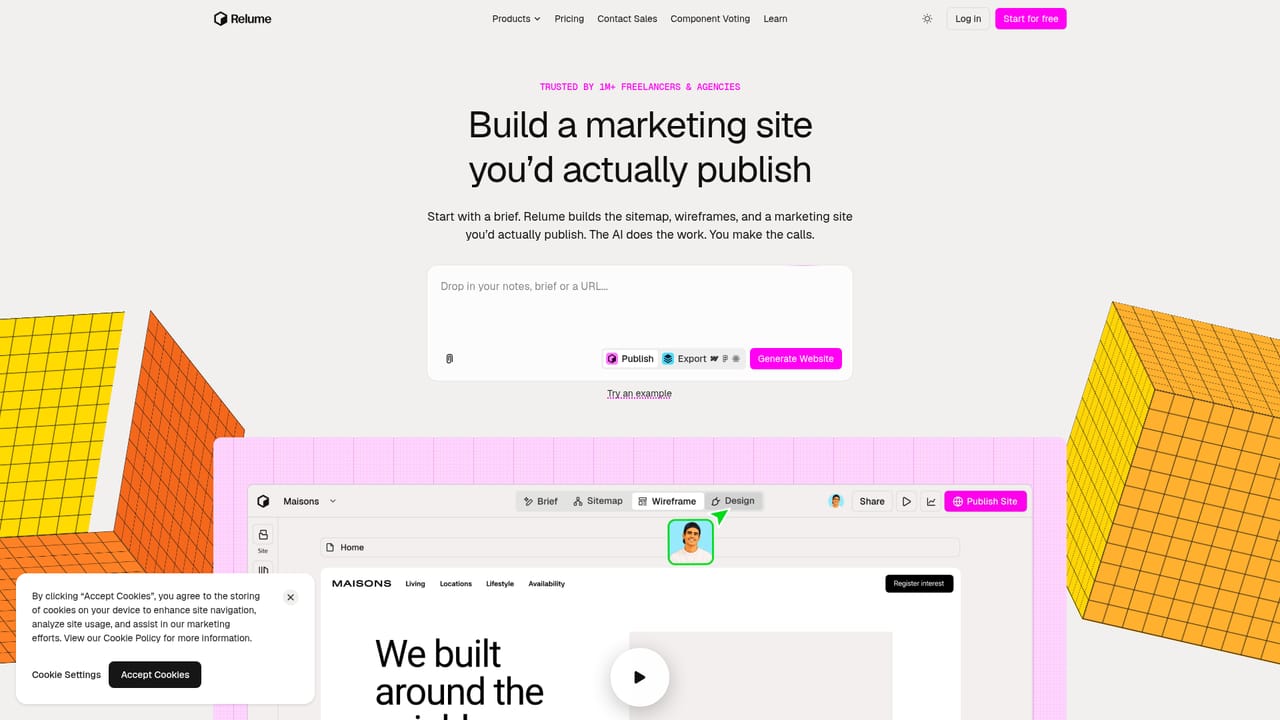
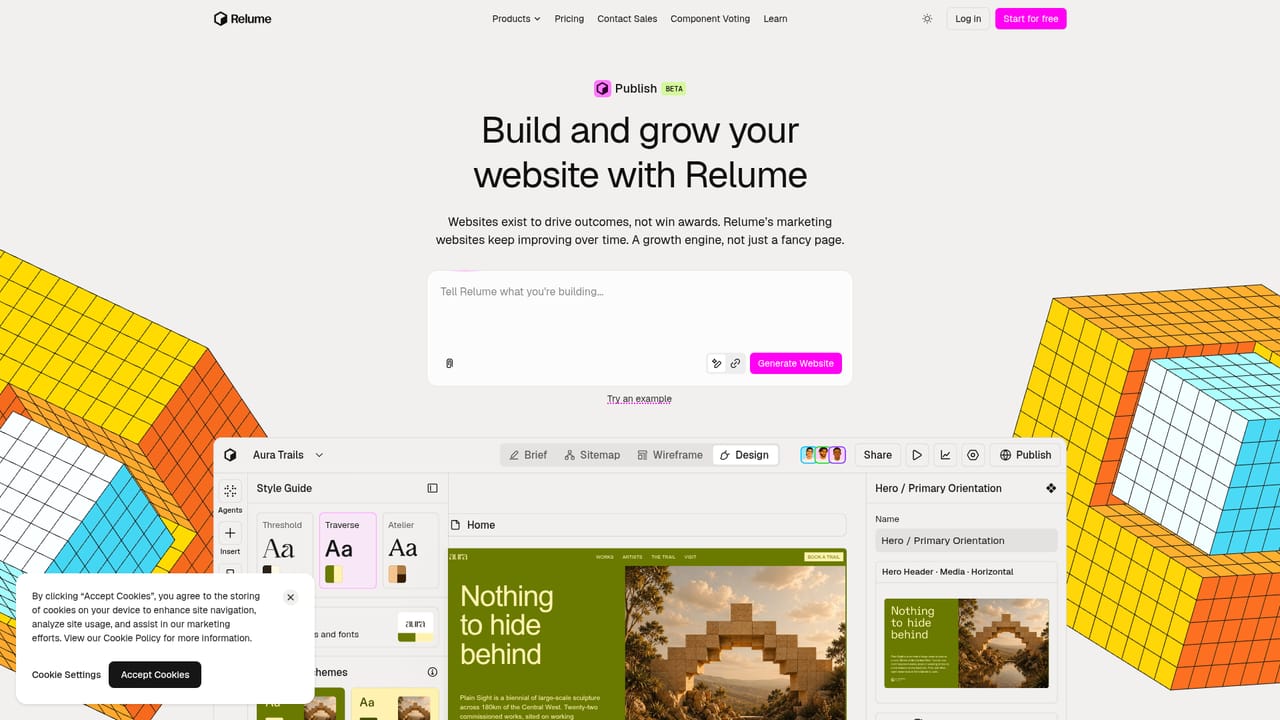
Relume is a site building platform for marketing teams and agencies that want a finished, publishable website rather than a pile of disconnected page sections. It is built on a human-made component system that the company says sits behind more than 2 million websites, and that library is the raw material for everything the product produces. The workflow runs through a structured pipeline: brief, sitemap, wireframe, design, then publish or export, with a style guide that holds brand colors, fonts, typography, spacing, icons and buttons in one place so changes propagate across the build. In practice, a project starts from a brief and a site template, then moves through wireframes into styled pages assembled from library components. Each component exposes layout, styling and behaviour controls, including color schemes and animation settings, so teams can adjust a hero or carousel without leaving the editor. Collaboration is built in, with sharing and multiple collaborators visible on a project. This positions Relume between a pure AI page generator and a traditional site builder: the design intelligence is real, but the output is constrained to a curated component vocabulary rather than free-form generated markup. The platform offers two destinations for finished work. Publishing keeps hosting inside Relume, with a custom domain and SSL handled during launch, a global edge network for load times, DDoS protection, an uptime objective of 99.99 percent and automatic scaling for traffic spikes. Export sends the same system into Figma, Webflow or React through an MCP integration, which suits studios that hand off to developers or maintain existing stacks. It fits agencies producing client sites at volume, in-house marketing teams shipping landing pages, and designers who want a head start on structure before customizing. The free starting tier makes evaluation cheap, and the export path limits lock-in, though teams should check current plan details before committing.
Free to start is stated on the homepage, with a free signup route into the builder. No trial length or paid plan terms are given.
Learn moreThe homepage states the product is free to start, and a signup link carries yearly workspace plan parameters, which suggests subscription billing. Specific plan prices and feature limits are not listed on the homepage, so check the pricing page before committing.
Learn moreNo support channels, documentation links or service commitments beyond the uptime objective are described on the homepage.
Export integrations for Figma, Webflow and React are described through the Relume MCP. No other third-party integrations are listed on the homepage.
Learn moreBrief, sitemap, wireframe and design stages in one editor; a library of human-made components with layout, styling and animation controls; a central style guide for colors, fonts, spacing, icons and buttons; collaboration and sharing; hosted publishing with custom domain, SSL, global CDN, DDoS protection, a 99.99 percent uptime objective and auto-scaling; export to Figma, Webflow and React via MCP.
Learn more AI Angels400+ customizable AI girlfriends for NSFW chat, voice calls, and roleplay
 Candy AIExperience the future of companionship with AI friends who chat, role-play, and connect with you on a human level.
 ourdream.aiA vast AI roleplay platform with millions of characters for chat, images, video and voiceAI Angels400+ customizable AI girlfriends for NSFW chat, voice calls, and roleplayCandy AIExperience the future of companionship with AI friends who chat, role-play, and connect with you on a human level.ourdream.aiA vast AI roleplay platform with millions of characters for chat, images, video and voice