Free trial
The homepage advertises free online shadow removal in the browser with no watermark, but it does not spell out usage limits or a formal trial period.
Learn moreBrush over a shadow and an AI erases it from faces, products and scenery
Own Remove Shadow From Photo? Verify ownership to get a dofollow link

Remove Shadow From Photo is an image improvement tool. A web-based AI shadow remover: upload a photo, brush over the shadow, click Remove and download a clean result. It suits portraits, product shots, real estate and landscapes, with a free online tier and yearly paid plans.
Remove Shadow From Photo is a browser-based editor built around a single job: taking unwanted shadows out of pictures. It handles harsh facial shadows under the chin, eyes or nose, drop shadows behind products, window streaks in interiors, and heavy cast shadows across landscapes. The AI evens out the lighting and aims to keep fine detail and true colors intact, so the result looks like a photo taken in better light rather than a heavily retouched one. The workflow is short. A user uploads or drags in an image (JPG, PNG, WEBP and GIF are listed as supported), paints a brush over the shadowed area, presses the Remove button and downloads the cleaned file in high resolution. The page also mentions that the same engine can erase other unwanted elements, including watermarks, stray text, glare, emojis and photobombers, and can replace or adjust shadows instead of deleting them. No layers, masks or retouching knowledge are required, which separates it from general editors such as Photoshop. The audience described on the site is practical: portrait photographers fixing hat or flash shadows, e-commerce sellers keeping marketplace thumbnails bright and consistent, product studios, real estate teams brightening rooms, social media creators with quick uneven shoots, and designers or marketers preparing ad and deck assets. Casual users with a shadowed selfie fit just as well. Access is split between a free online tier and paid yearly plans. The paid tiers (Basic, Pro and Premium) raise the annual image allowance, step up from basic to advanced to premium processing modes, speed up processing and include priority customer service, with watermark-free downloads on each. Among alternatives, it sits between full desktop editors, which offer more control but a steep learning curve, and broader object-removal or generative fill tools that treat shadows as one task among many. Buyers who only need lighting cleanup on single images will find it quick, while anyone needing batch work, an API or deep manual control should look elsewhere.
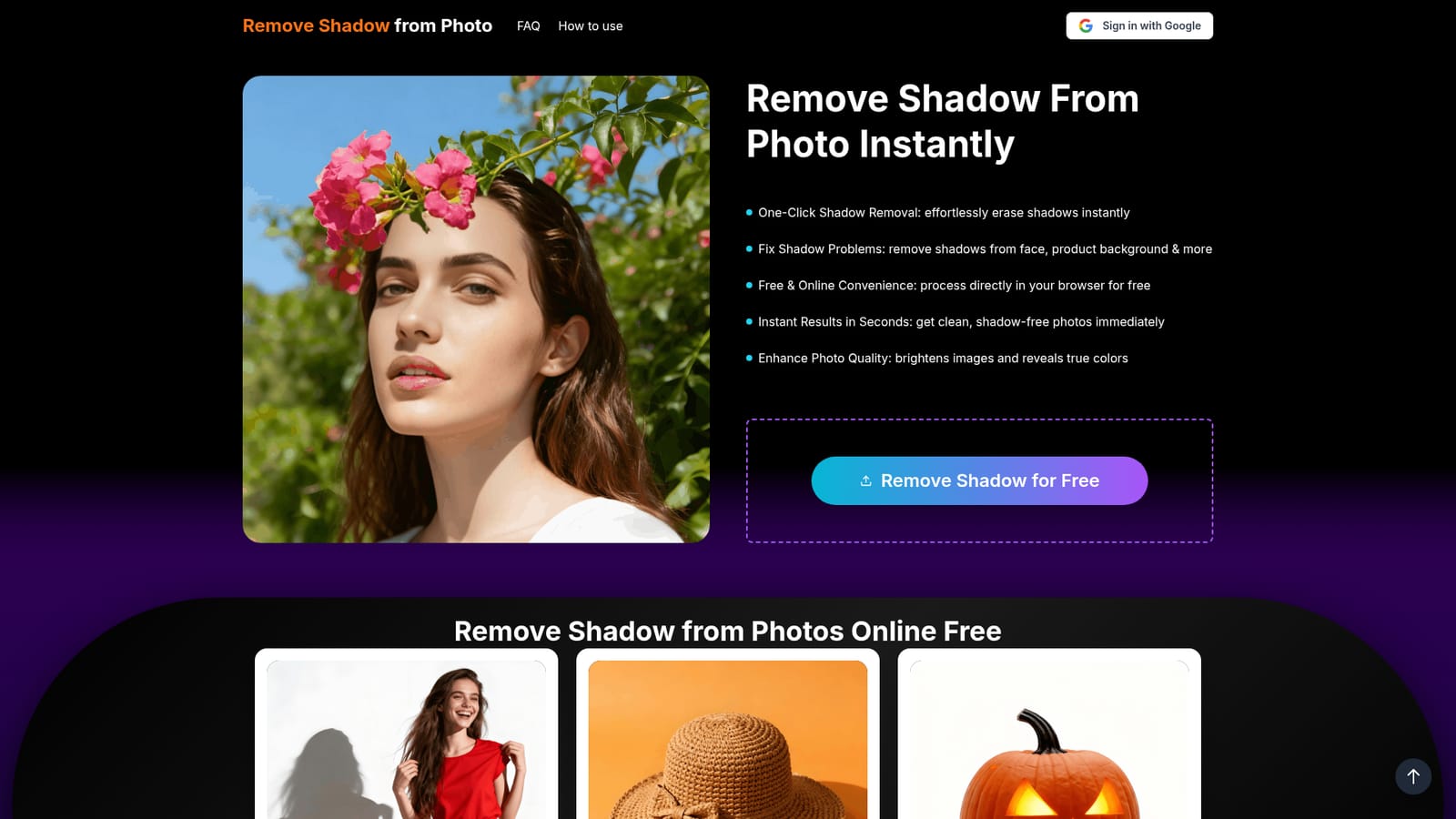
The homepage advertises free online shadow removal in the browser with no watermark, but it does not spell out usage limits or a formal trial period.
Learn moreFree online use is advertised, plus yearly subscriptions: Basic ($4.17/month, 120 images a year), Pro ($8.33/month, 240 images, advanced mode) and Premium ($16.67/month, 600 images, ultra-fast processing). Yearly billing saves 17% and plans can be cancelled anytime.
Learn morePaid plans include priority customer service. The homepage also has an FAQ section, though no help center or contact channels are detailed.
Brush-guided AI shadow removal for faces, products, backgrounds and landscapes. Also removes watermarks, text, glare, emojis and photobombers. Supports JPG, PNG, WEBP and GIF, with high-resolution downloads and paid tiers offering faster processing.


