Free trial
Free usage is advertised, including free access to Nano Banana 2 and Seedream 5.0 Lite image generation, and starting the workspace is described as free with no credit card required.
Learn moreOne creative workspace that routes dozens of AI models into video, image and audio work

Prism Videos is a background tool. A multi model AI studio for video, image and audio work, bundling generators, editors, face and background swap, upscaling, lipsync and virtual staging behind one workspace with an agent on top.
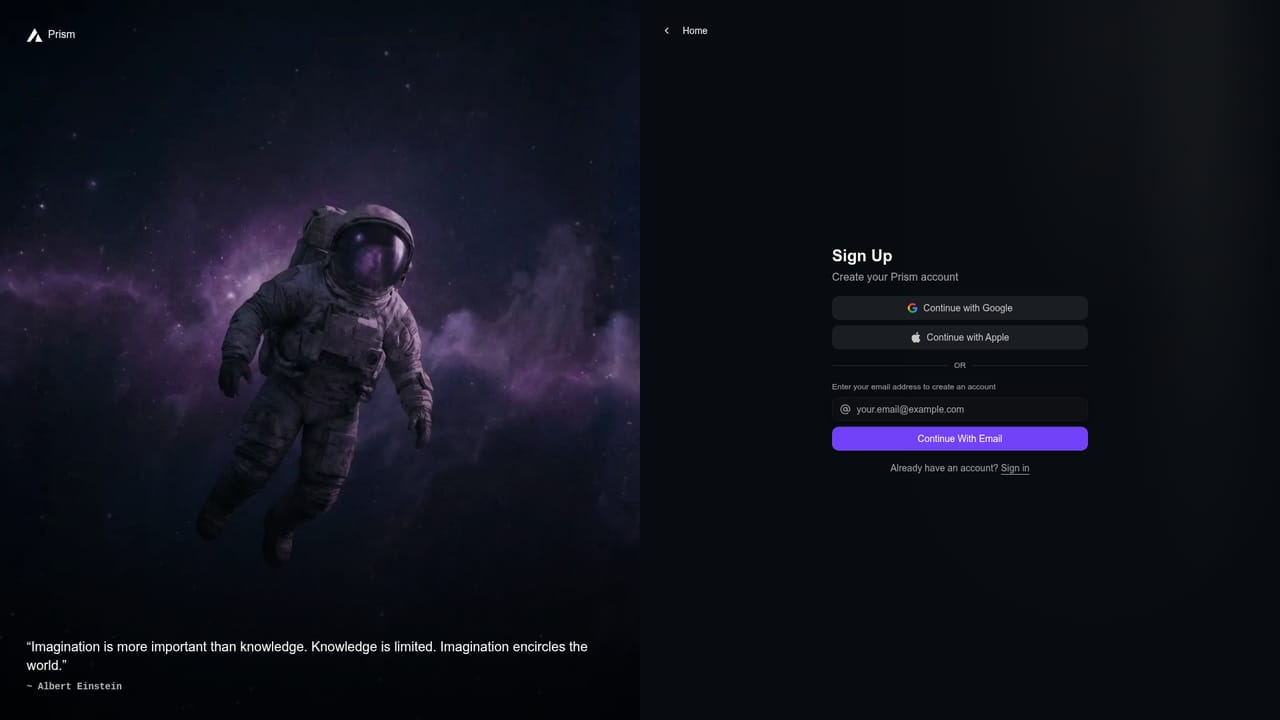
Prism Videos is a browser based media studio that pulls a long list of generative models into a single interface. Instead of subscribing to each model provider separately, users pick from Nano Banana 2, Kling 3.0, Seedance 2.5, Seedream 5.0 Lite, GPT Image 2.5 Flare, GPT Image 2.0, Veo 3.1, Grok Imagine Image 2.0, Krea 2 Turbo, MiniMax H3 and Flux 3 without leaving the workspace. The pitch is breadth: one login, one file library, one place to iterate. The product is organised around task specific apps rather than a single prompt box. The homepage lists a Video Generator, Image Generator, AI Image Editor, Face Swap, Background Swap, Speech Generator, Upscale, Lipsync, Virtual Staging and Visual Effects. That split suits creators who know what job needs doing, such as swapping a background on a product shot or staging an empty room, and who would rather click into a focused tool than engineer a prompt from scratch. A conversational layer called Prism Agent sits on top and is described as orchestrating hundreds of AI tools, so a plain language brief can be handed off rather than assembled by hand. The stated audience is creators, marketers and teams, with the marketing page signalling that on brand production and collaboration at any scale are the target use cases. Prism also advertises free usage on some image models, and the workspace can be entered without a credit card. That makes it reasonable for a solo operator testing output quality before committing, and for a small content team that needs video, stills and voiceover from one subscription. Where it fits: Prism competes less with any single model and more with other aggregator studios. The trade off is that quality and speed depend entirely on the underlying model chosen, so results vary app by app, and the pricing tiers, seat limits and commercial licensing terms need checking on the pricing page before a team standardises on it.
Free usage is advertised, including free access to Nano Banana 2 and Seedream 5.0 Lite image generation, and starting the workspace is described as free with no credit card required.
Learn morePricing is listed on a dedicated page with tiered plans across a Free, Freemium and paid structure. The homepage promotes a limited time offer of up to 20 percent off all plans, but per plan credits and limits are not stated on the homepage.
Learn moreVideo and image generation across models including Seedance 2.5, Kling 3.0, Veo 3.1, Flux 3, MiniMax H3, Krea 2 Turbo, Nano Banana 2, Seedream 5.0 Lite, GPT Image 2.5 Flare and Grok Imagine. Task apps cover Face Swap, Background Swap, AI Image Editor, Speech Generator, Upscale, Lipsync, Virtual Staging and Visual Effects, coordinated by Prism Agent.
Learn more AI Angels400+ customizable AI girlfriends for NSFW chat, voice calls, and roleplay
 Candy AIExperience the future of companionship with AI friends who chat, role-play, and connect with you on a human level.
 ourdream.aiA vast AI roleplay platform with millions of characters for chat, images, video and voiceAI Angels400+ customizable AI girlfriends for NSFW chat, voice calls, and roleplayCandy AIExperience the future of companionship with AI friends who chat, role-play, and connect with you on a human level.ourdream.aiA vast AI roleplay platform with millions of characters for chat, images, video and voice


