Free trial
The core tool is described as free to use with no registration, so no separate trial is needed. Whether paid tiers have their own trial is not stated on the homepage.
Learn moreStrip Sora and Sora 2 watermarks from AI video clips in the browser.
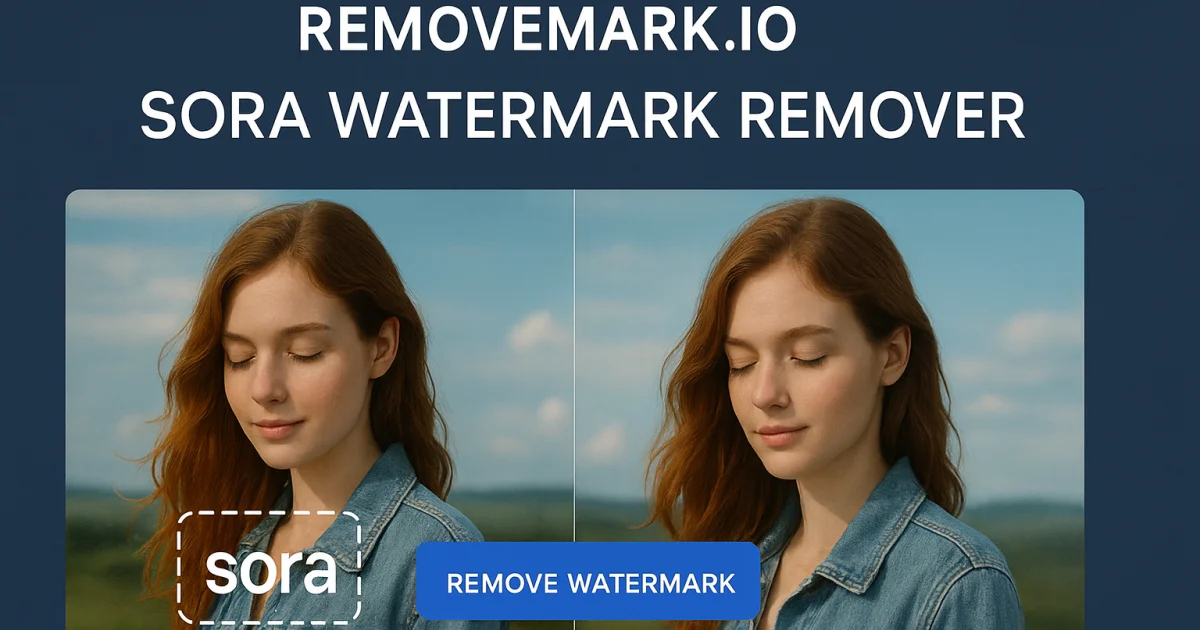
RemoveMark is a free web tool that removes watermarks from Sora and Sora 2 videos. Paste a Sora link, let the AI detection strip static or moving watermarks, and download the cleaned clip in HD or 4K. Aimed at creators and marketing teams, no install required and no registration according to the vendor.
RemoveMark is a browser-based utility built for a single, narrow job: taking the watermark off AI generated videos made with OpenAI's Sora and Sora 2. You paste a Sora video link into the tool, and it loads the clip server side for processing. The site advertises AI driven detection that handles both static and moving watermark patterns, then returns a clean export that keeps the original resolution and frame rate. There is no software to install and nothing to configure, which is the main draw for people who only occasionally need to clean up a Sora clip. The workflow is deliberately short. A demo link on the page shows a sample Sora video, and the interface reduces the process to paste, remove, download. According to the marketing copy, the free tier requires no registration and places no cap on how many videos you process, and there is mention of batch handling for teams that need to clean several clips at once. Output is offered in HD or 4K, and the page says the export preserves original quality without compression artifacts. These claims come from the vendor and are not independently verified here. The tool is aimed at content creators, social media managers, video editors and marketing teams who work with Sora output and want the watermark gone before publishing. It is a single purpose page rather than a general editing suite, so it does not compete with tools like Premiere or CapCut on the editing side. Its closest alternatives are other watermark removers, but RemoveMark narrows its focus to Sora formats specifically. Mobile and desktop browsers are both supported, so the platform is effectively the web browser, with no native app or extension mentioned. A few practical points are worth flagging. The homepage leans heavily on the same phrases repeated across sections, and several reviews are attributed to stock looking profiles, so treat the testimonials with skepticism. The FAQ is present but the visible answers are not included in the material provided, which means questions about data retention and upload limits remain open. There is also a payment page advertising a 75 percent discount, so the free positioning may not cover every feature.
The core tool is described as free to use with no registration, so no separate trial is needed. Whether paid tiers have their own trial is not stated on the homepage.
Learn moreThe site positions the Sora watermark remover as free, with no registration and no stated limits, but a payment page carries a limited time 75 percent discount banner, which implies paid plans exist. The homepage does not publish prices or a tier breakdown.
Learn moreOnly a homepage FAQ is offered. No email, chat, documentation hub or help centre address is listed on the page.
Removes watermarks from Sora and Sora 2 videos, handles static and moving watermark patterns with AI detection, exports in HD or 4K, works in mobile and desktop browsers, supports batch processing for multiple clips, and requires no installation or sign in according to the vendor.
 AI Angels400+ customizable AI girlfriends for NSFW chat, voice calls, and roleplay
 Candy AIExperience the future of companionship with AI friends who chat, role-play, and connect with you on a human level.
 ourdream.aiA vast AI roleplay platform with millions of characters for chat, images, video and voiceAI Angels400+ customizable AI girlfriends for NSFW chat, voice calls, and roleplayCandy AIExperience the future of companionship with AI friends who chat, role-play, and connect with you on a human level.ourdream.aiA vast AI roleplay platform with millions of characters for chat, images, video and voice


