Free trial
No trial is needed because the core watermark removal is free to use without an account. Premium plans are referenced for advanced needs but not priced on the page.
Learn moreFree browser-based AI that strips logos and text overlays from video.
Own CleanVideoAI Watermark Removal? Verify ownership to get a dofollow link

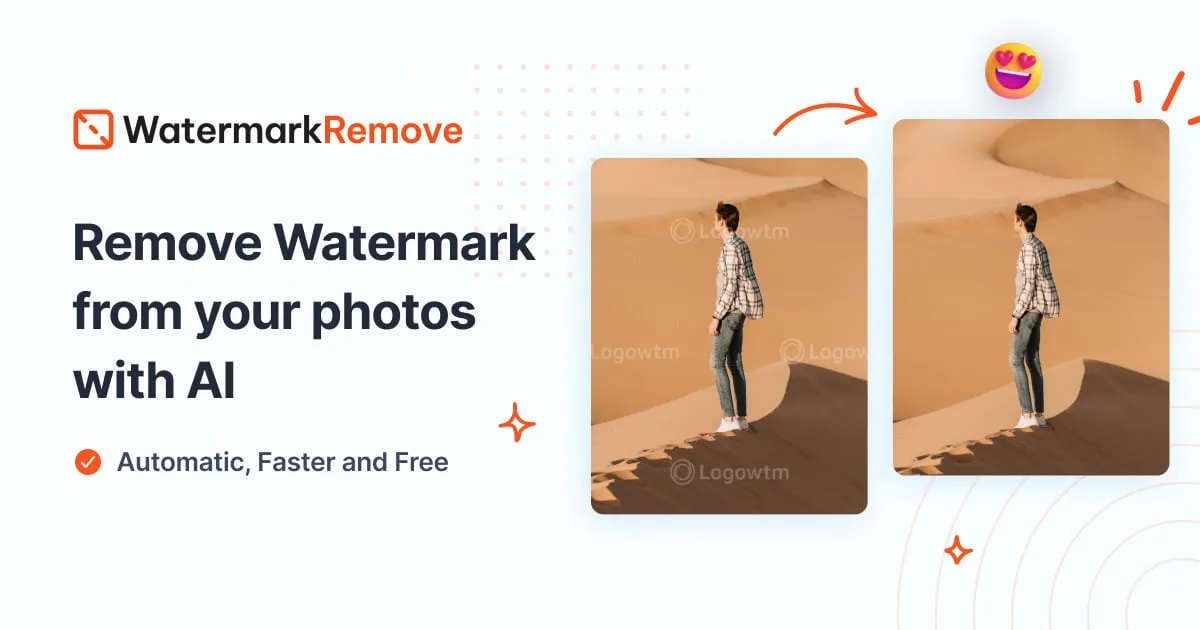
CleanVideoAI Watermark Removal is a video inpainting tool. A free, no-login web tool that uses AI to remove logos, text overlays and watermarks from video by reconstructing the background behind the mark, with HD export and browser-only operation.
CleanVideoAI Watermark Removal is a browser tool built to take watermarks, logos and text overlays out of video clips without a software install. The page positions it as a free, no-login service: a file is uploaded, the AI examines the pixels surrounding the mark, and it rebuilds the background so the area is filled rather than blurred. The workflow is deliberately simple and leans on a manual brush for precision, so a user marks the watermark region and the model handles edge blending and texture reconstruction frame by frame. The tool is pitched at creators, educators and marketing teams who work with their own footage. Typical jobs named on the site are cleaning CapCut exports, removing old branding from client projects, tidying screen recordings that carry software logos, and refreshing demo reels. It also claims compatibility with footage from Sora, Veo, Gemini, TikTok, Instagram, YouTube Shorts, Canva and NotebookLM, which mostly means the tool accepts common export formats rather than offering direct integrations with those platforms. In practice it is a single-file processor, not a pipeline. You upload a clip, let the AI analyse and remove, preview the result, and download. MP4, MOV and WebM are the supported formats, and short clips finish in roughly 30 to 60 seconds while longer 1080p files can take a few minutes. The site is candid that some re-encoding loss is unavoidable and that small static marks on plain backgrounds clean up best; large, animated or overlapping watermarks may leave visible artifacts. Batch processing is not available in the current version and is described as a possible premium addition. Against alternatives, CleanVideoAI competes on access rather than depth. It removes the account wall and the download that many desktop editors require, and it avoids the smeared look of a blur tool. The trade-offs are equally clear: it handles one video at a time, it does not promise frame-perfect results on complex marks, and the FAQ openly describes the current build as an MVP interface flow that can be connected to a processing backend. Buyers who need repeatable bulk output should look elsewhere; casual users with a few clips will find the barrier to entry low.
No trial is needed because the core watermark removal is free to use without an account. Premium plans are referenced for advanced needs but not priced on the page.
Learn moreThe tool is free to use with no credit card required, and the site describes a generous free tier for individual creators and occasional use. Premium plans are mentioned for higher resolution exports, longer videos, bulk processing and priority support, but no prices or tier details appear on the homepage.
Learn moreSupport is limited to an on-page FAQ and a rating widget. No email, chat or documentation portal is described on the homepage.
No direct integrations are listed. The tool accepts video files exported from platforms such as CapCut, TikTok, Instagram, YouTube Shorts, Canva, Sora, Veo and Gemini, which is a file compatibility claim rather than an API connection.
AI watermark removal with pixel-level background reconstruction, manual brush targeting, frame-by-frame processing, HD export at 1080p and 4K, support for MP4, MOV and WebM, browser-only operation on desktop and mobile, and automatic file deletion after processing.
Learn more AI Angels400+ customizable AI girlfriends for NSFW chat, voice calls, and roleplay
 Candy AIExperience the future of companionship with AI friends who chat, role-play, and connect with you on a human level.
 ourdream.aiA vast AI roleplay platform with millions of characters for chat, images, video and voiceAI Angels400+ customizable AI girlfriends for NSFW chat, voice calls, and roleplayCandy AIExperience the future of companionship with AI friends who chat, role-play, and connect with you on a human level.ourdream.aiA vast AI roleplay platform with millions of characters for chat, images, video and voice