Free trial
Free tier access is stated in the docs: the feature is listed as available to all builders, including free accounts, so no separate trial is needed to test it.
Learn moreDescribe an animated video in chat, get an exportable MP4
Own Replit Animated Videos? Verify ownership to get a dofollow link

Replit Animated Videos is a code animation tool. A Replit Agent artifact type that builds React-based motion graphics from a chat prompt and exports them as 720p or 1080p MP4, or publishes a share link, with no editing software required.
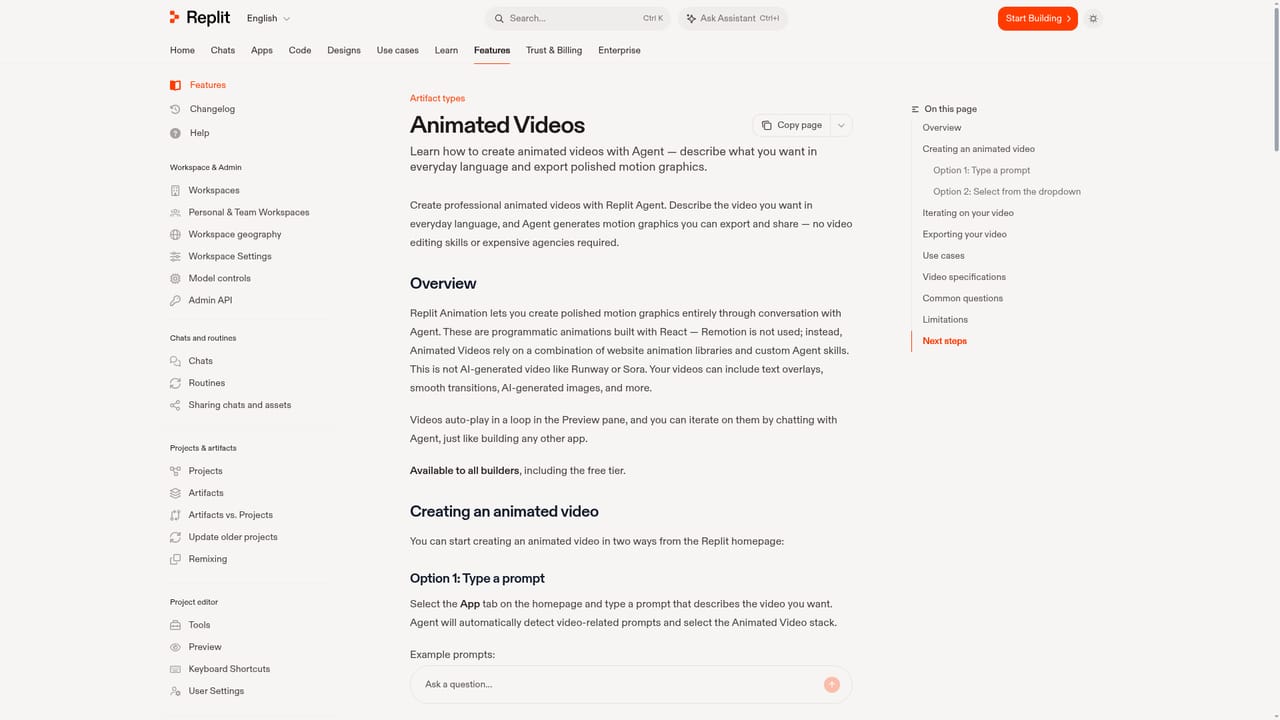
Replit Animated Videos is an artifact type inside Replit Agent that turns a plain-language prompt into motion graphics you can download as MP4. You describe the promo, explainer or brand film you want, and Agent writes the animation code and renders a looping preview in the Preview pane. There is no timeline editor and no keyframe work: the video is a program built with React, using website animation libraries plus custom Agent skills rather than Remotion. It is not generative video in the Runway or Sora sense, though Agent can generate images and place them inside the animation. Startup is two clicks or one sentence. On the App tab you either type a video prompt and let Agent detect the intent and pick the Animated Video stack, or you open the app type dropdown, choose Animation and then describe the result. The first draft appears automatically, loops in the preview, and every later change happens through chat: smoother transitions, a dark blue and gold palette, a logo reveal at the end. An Enhance Prompt button in the chat input is tuned for video descriptions and is worth using before the first build. The tool suits founders, marketers, designers and educators who need a launch promo, a 30 to 60 second explainer, a social clip or a landing page hero without hiring an agency or learning an editor. Distribution is simple: click Export in the top right of the preview, choose 720p or 1080p and 30 or 60fps, and the MP4 downloads when server-side rendering finishes. Publish instead shares a link. Output is 16:9 by default. Expect two to three prompt revisions before the result lands, and expect longer or more complex animations to take minutes to render. The feature is available to all builders, including the free tier. The preview has no built-in playback or scene controls, and asking Agent to add them can soften the design.
Free tier access is stated in the docs: the feature is listed as available to all builders, including free accounts, so no separate trial is needed to test it.
Learn moreThe documentation states Animated Videos is available to all builders, including the free tier. No separate price, credit cost or plan comparison is published on the page, so the feature is bundled with Replit access rather than sold on its own.
Learn moreSupport is limited to the documentation page and the Replit docs site itself, which carries a thumbs up and down feedback widget and a support email address in its assistant configuration.
No third-party integrations are described. The feature runs inside Replit Agent as an artifact type and relies on website animation libraries and custom Agent skills for rendering.
Prompt-driven generation of React motion graphics with an Animation app type, chat-based iteration, a video-tuned Enhance Prompt button, text overlays, transitions and AI-generated images, looping preview, MP4 export at 720p or 1080p and 30 or 60fps, server-side rendering, and link publishing. Output is 16:9 by default.
Learn more AI Angels400+ customizable AI girlfriends for NSFW chat, voice calls, and roleplay
 Candy AIExperience the future of companionship with AI friends who chat, role-play, and connect with you on a human level.
 ourdream.aiA vast AI roleplay platform with millions of characters for chat, images, video and voiceAI Angels400+ customizable AI girlfriends for NSFW chat, voice calls, and roleplayCandy AIExperience the future of companionship with AI friends who chat, role-play, and connect with you on a human level.ourdream.aiA vast AI roleplay platform with millions of characters for chat, images, video and voice


