Free trial
The homepage offers a Start for free path to the signup page, but it does not state trial duration or whether the free tier covers AI features.
Learn moreBuild AI apps, workflows and agents on top of your production data

Retool is a developer tool that builds AI apps, workflows and agents on top of your production data. Retool AI turns your production data into working AI apps, workflows and agents, with enterprise security and audit trails built in. A strong fit for internal tooling teams that need governed AI rather than another prompt playground.
Retool AI is the artificial intelligence layer of the Retool platform, aimed at teams that want to move LLM features past the prototype stage and into governed internal software. Rather than handing you a chatbot or a prompt sandbox, it generates full stack applications scaffolded from your live production data, including Postgres, Databricks and Salesforce, so the resulting tool already reflects your real schema, roles and permissions from the first render. The build experience is grounded rather than conversational. You can click a component, @mention a resource or select a region of the app and prompt a change against that specific context, which keeps edits anchored to the actual app state instead of relying on a chat thread to infer intent. Generated apps inherit existing SSO, role based access control and data level permissions by default, so admins do not have to re-implement security on every new tool. Beyond apps, the platform covers Workflows for chaining AI actions with data transformations and business rules, complete with monitoring and audit logs that record what each run did. Agents extend this to reasoning over connected business systems, and one-click RAG injects your own data into model calls. Retool states that any model provider works, whether direct from OpenAI, Anthropic or Google, through a cloud provider such as AWS or Azure, or a model you bring yourself. It fits organisations that already run internal tooling on Retool, or teams with strict compliance requirements that rule out unmanaged AI builders. The catalogue of prebuilt patterns (support agents, dashboards driven by natural language, approval routing, report generators, internal search) shows the intended shape of the work: operational software, not customer facing creative products. Smaller teams without existing data infrastructure will find the value depends heavily on what they can connect.
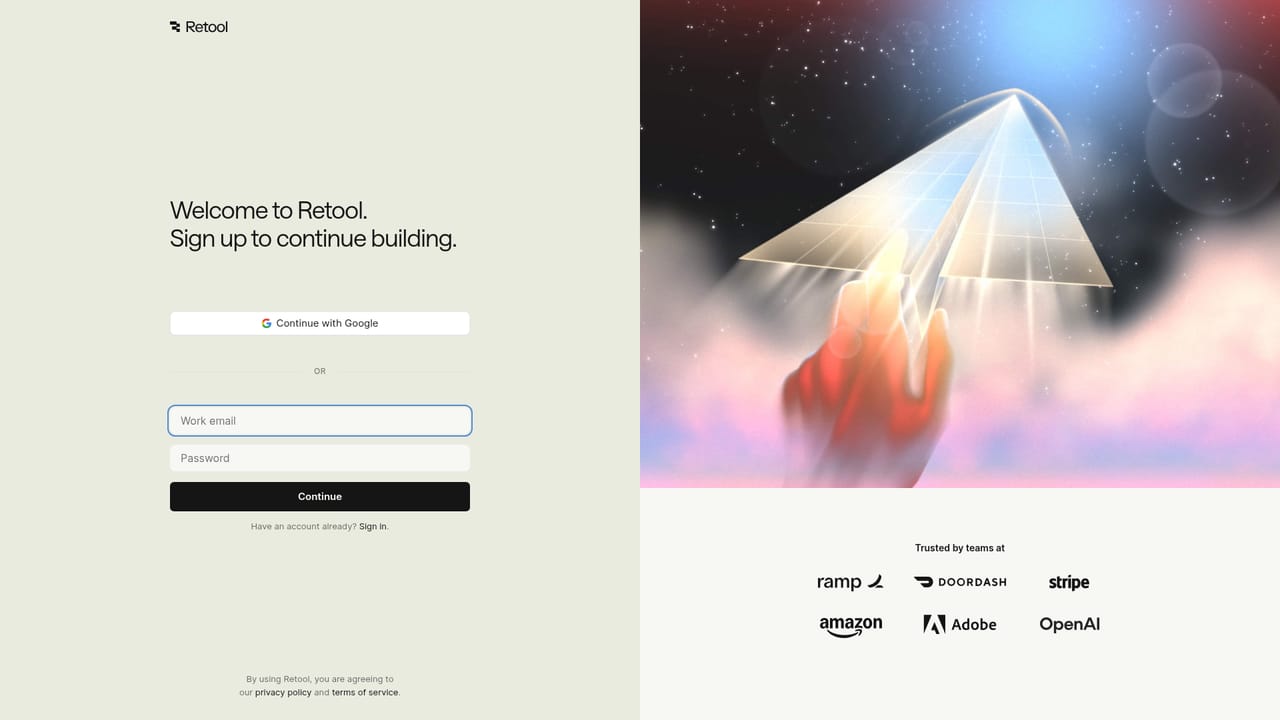
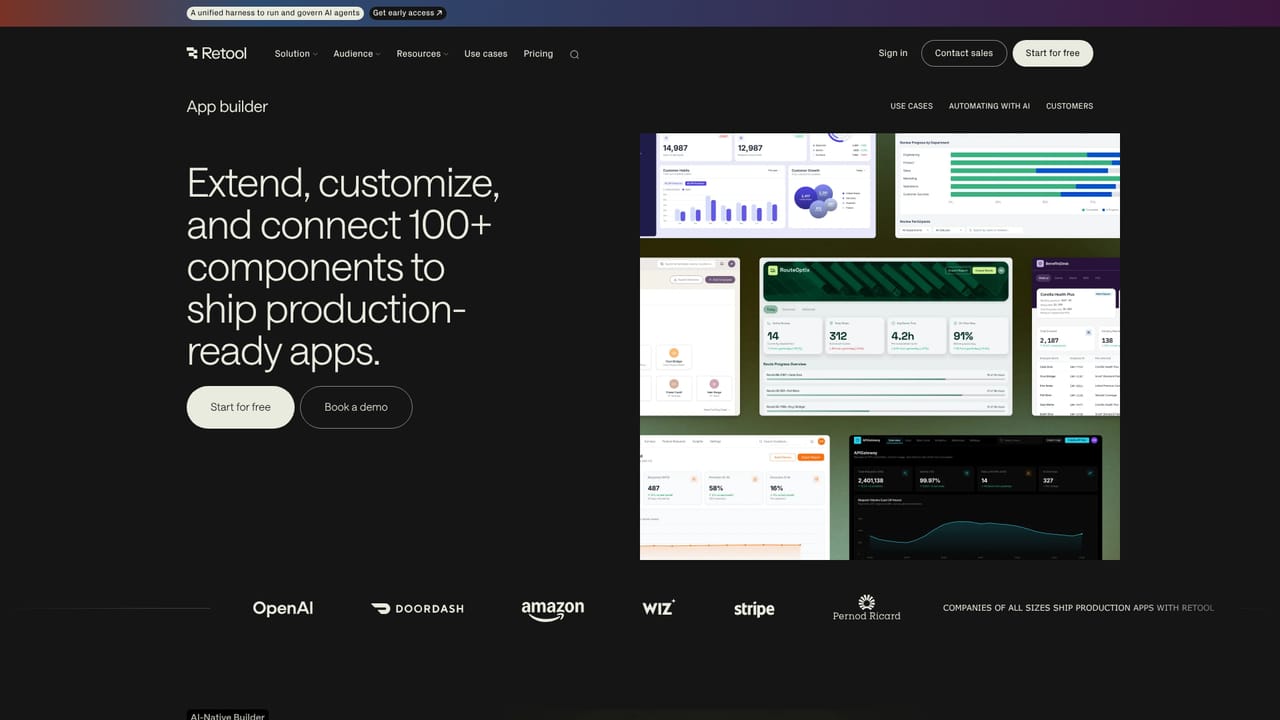
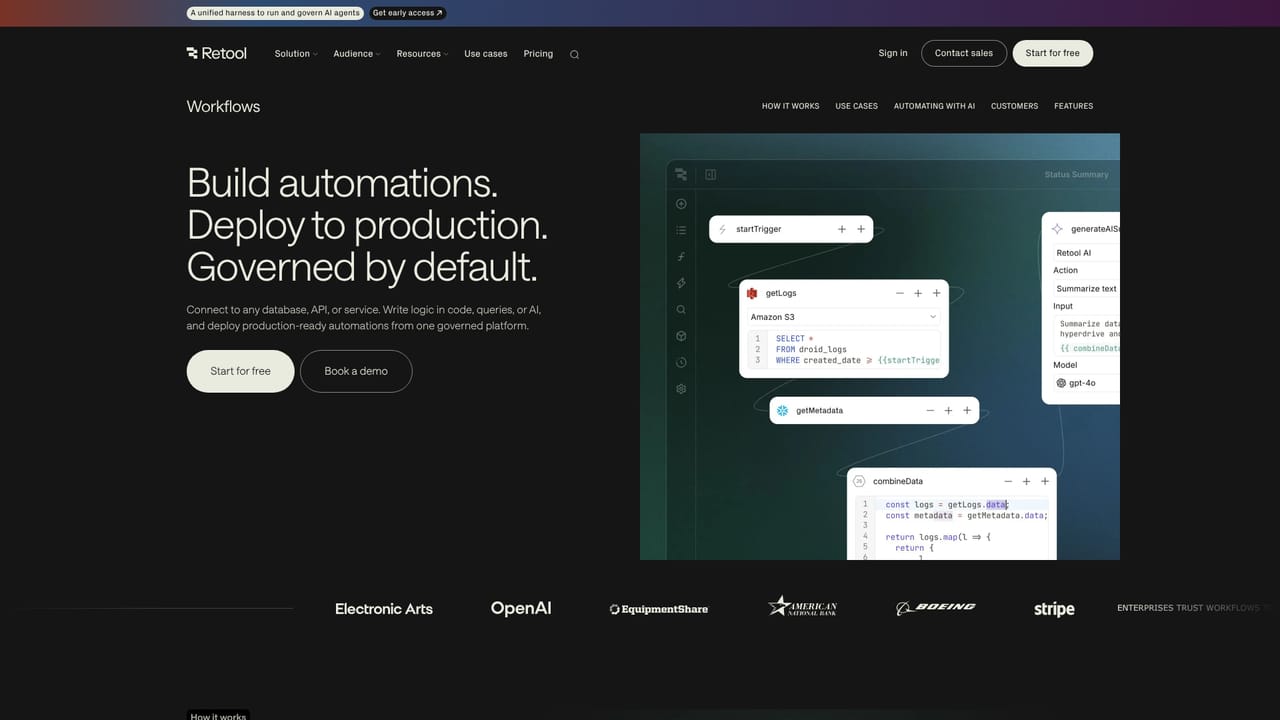
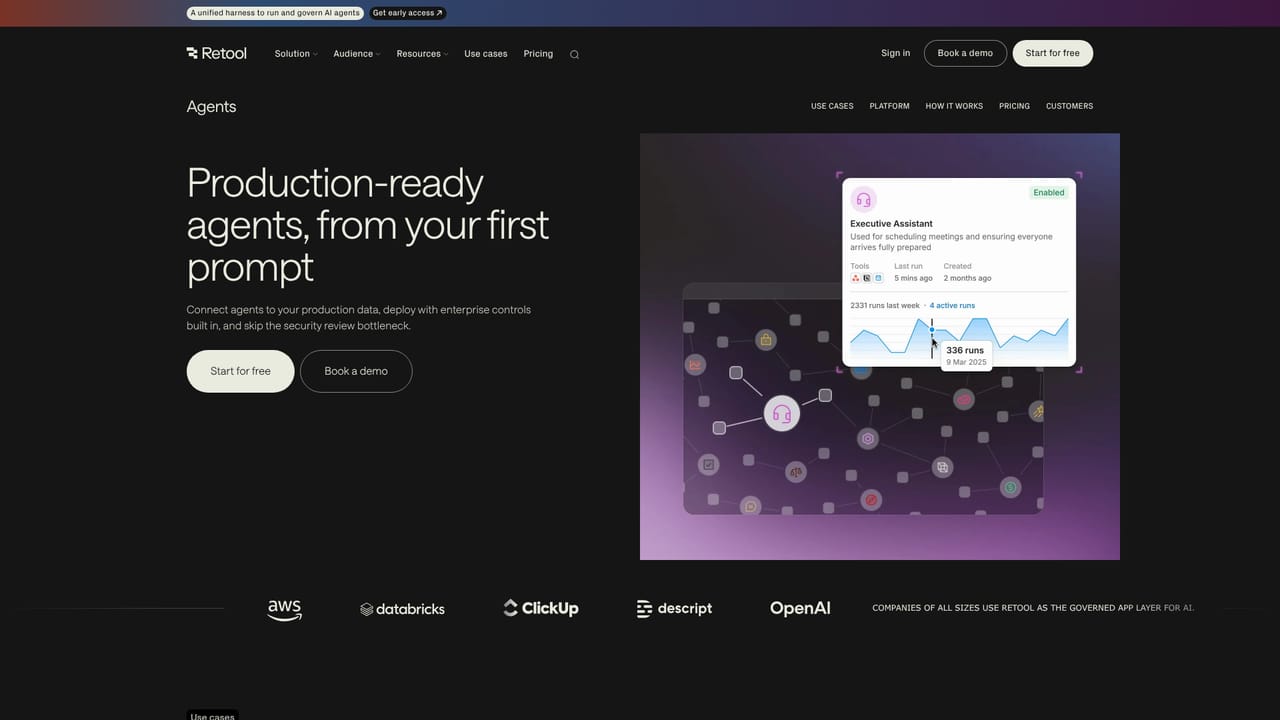
The homepage offers a Start for free path to the signup page, but it does not state trial duration or whether the free tier covers AI features.
Learn moreRetool states connections to production sources such as Postgres, Databricks and Salesforce, plus model providers including OpenAI, Anthropic, Google, AWS and Azure, or a model you bring yourself.
Full stack app generation from live data with context-aware editing, Workflows for multi-step AI orchestration with audit logs, one-click RAG, and deployable agents that connect to business systems under access controls. Platform policies such as SSO and RBAC are inherited by generated apps.
Learn more AI Angels400+ customizable AI girlfriends for NSFW chat, voice calls, and roleplay
 Candy AIExperience the future of companionship with AI friends who chat, role-play, and connect with you on a human level.
 ourdream.aiA vast AI roleplay platform with millions of characters for chat, images, video and voiceAI Angels400+ customizable AI girlfriends for NSFW chat, voice calls, and roleplayCandy AIExperience the future of companionship with AI friends who chat, role-play, and connect with you on a human level.ourdream.aiA vast AI roleplay platform with millions of characters for chat, images, video and voice


