Free trial
The homepage invites visitors to start creating for free and try each feature, but it does not state limits or duration.
Learn moreAI product photography, models and mockups from one photo

RewarxStudio is a web AI suite for ecommerce sellers that turns a single product photo into catalog shots, model images, ghost mannequin edits, mockups, listing sets, posters and short video clips.
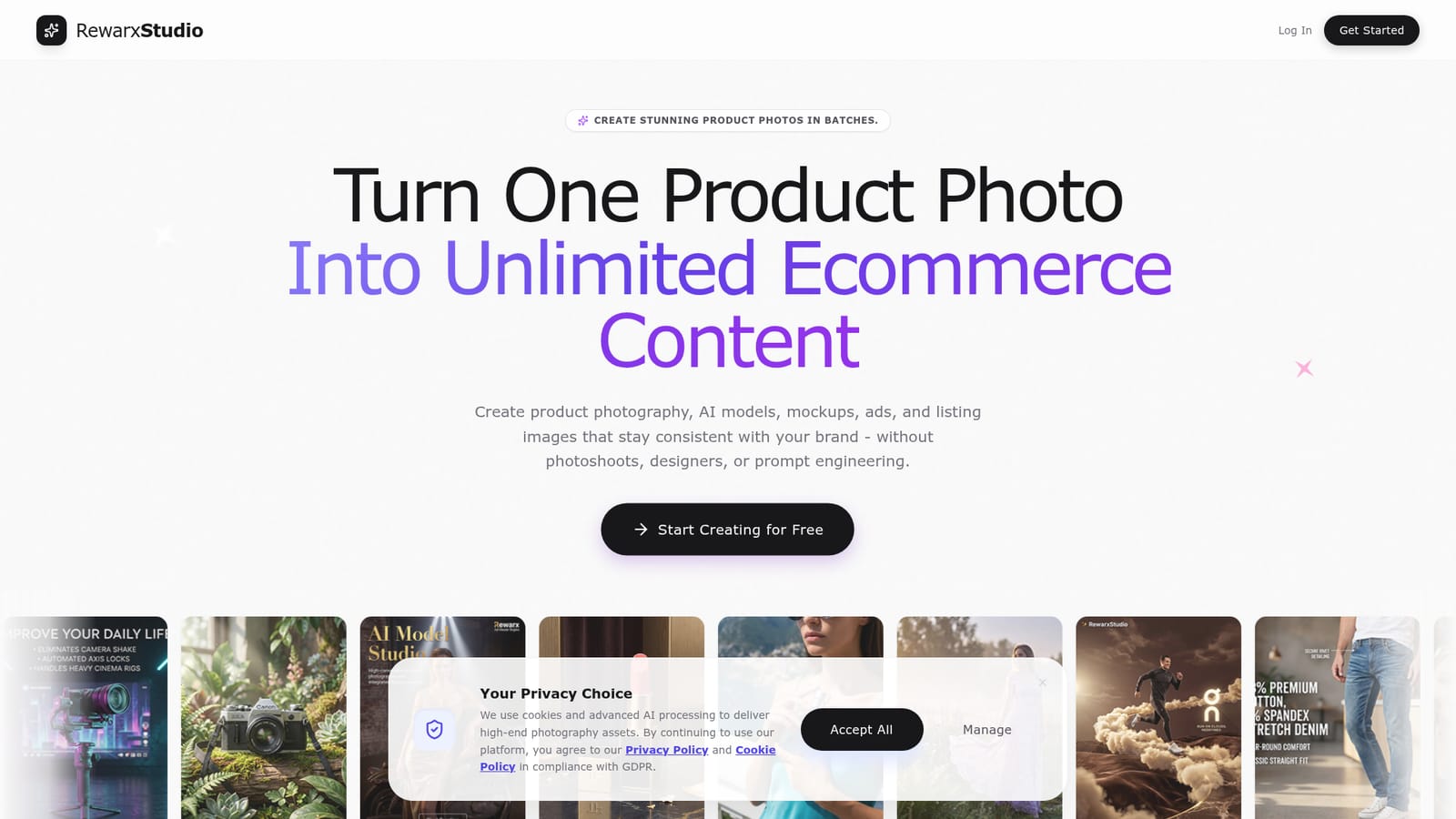
RewarxStudio is a web-based AI production suite aimed at ecommerce sellers who need a steady supply of product visuals without booking photoshoots or hiring designers. The pitch is simple: upload one product photo and generate catalog shots, lifestyle scenes, model photos, mockups, ads and listing images that keep a consistent brand look, with no prompt writing required. The workspace is split into purpose-built modules. A photography studio handles virtual shoots with control over lighting, depth and material texture. A lookalike creator takes a reference image and blends the product into that style and composition. A model studio places human models with products and handles contact shadows, while a ghost mannequin module removes the mannequin from garment photos to show linings and natural volume. Further modules cover mockups for print-on-demand merchandise, multi-product group shots, and a page builder that produces an eight-image detail set for marketplaces such as Amazon, Shopify and Etsy. A commercial poster tool and a detail refinement retouching step round out the stills, and a video module turns static shots into short cinematic clips. In practice the workflow is drag and drop. A product image is dropped into the editor, the tool detects what it is (the demo shows a T-shirt), a style such as minimal or luxury is chosen, and background removal and generation run from there. Smart style templates let a successful lighting setup be reused across a product line, and batch sets generate multiple angles and contexts at once. The tool fits fashion brands, marketplace sellers and print-on-demand shops that outgrow manual editing in general-purpose image editors. Compared with broad image generators, it trades open-ended creativity for ecommerce-specific outputs and templated consistency. Teams that need bespoke art direction or fine manual control may still want a conventional retouching pipeline alongside it. The homepage offers free access to start but does not publish plan details.
The homepage invites visitors to start creating for free and try each feature, but it does not state limits or duration.
Learn morePhotography studio, lookalike style matching, model studio, ghost mannequin, mockup generator, group shots, 8-image product page builder, commercial ad posters, detail refinement, smart style templates, batch sets and cinematic video from still shots.


