Free trial
Free accounts translate 3 images after signing in, valid for 30 days. No payment is described as being needed for these.
Learn moreTranslate finished product images into French, German or Spanish

Ricalco is an image editing tool that translates finished product images into French, German or Spanish. Ricalco translates English text inside finished JPG or PNG product images into French, German or Spanish, redrawing only the text areas and checking each result.
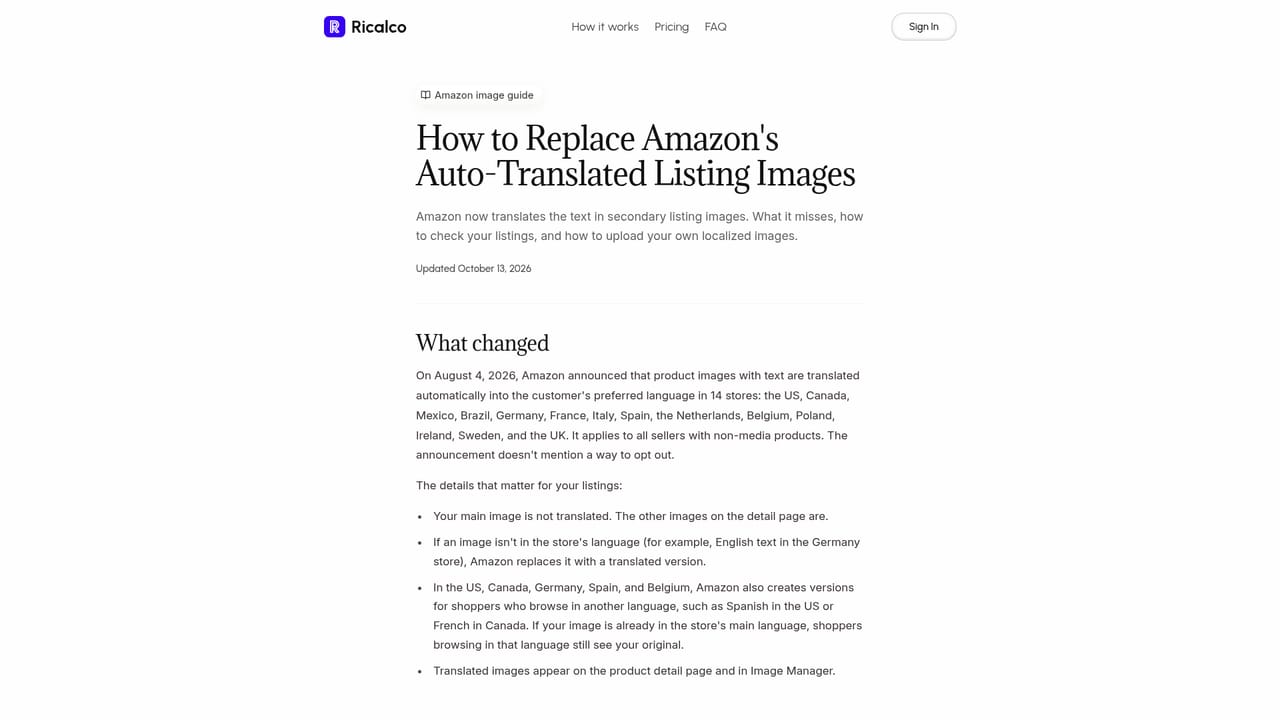
Ricalco is a web service that localizes text baked into finished product images. A user uploads JPG or PNG graphics containing English copy, picks one target language (French, German or Spanish), and receives translated image files in the same format. It targets agencies, localization teams and ecommerce brands that get flattened graphics from clients with no PSD, Figma or Canva sources to edit. The workflow runs in three stages. After signing in, the user uploads up to 30 images per batch, each up to 10 MB. The user then sets the language for the batch and can add brand names or model names that must stay unchanged, or give preferred translations for short phrases. These rules guide the translation but are not guaranteed to hold every time. Behind the scenes, the service finds the English text, translates it, redraws only the text areas together with the background directly behind them, and leaves the product photo itself untouched. Each render is compared with the original, and if the check finds wrong text or style drift, the image is rendered again with corrections. Review happens side by side. Any result can be marked as needing a fix, and each image gets one retry, either from the original or by redrawing only selected lines with the user's own wording. Finished results download together as a ZIP. Images are deleted three days after upload, and only the owning account can open a batch. The site is candid about limits: fonts, spacing, line breaks and backgrounds can change, vertical and curved text stays in English, and some outputs will still need a touch-up in a regular image editor. It does not output editable layered files and does not connect to Shopify or Amazon, so translated images are uploaded manually. A dedicated guide covers replacing Amazon's automatically translated secondary images. Compared with general image generators or manual redesign in design software, Ricalco is narrow and priced per delivered image rather than per seat. That makes it a practical fit for marketplace listing graphics, feature callouts and infographics, and less suited to work that demands pixel-exact brand typography.
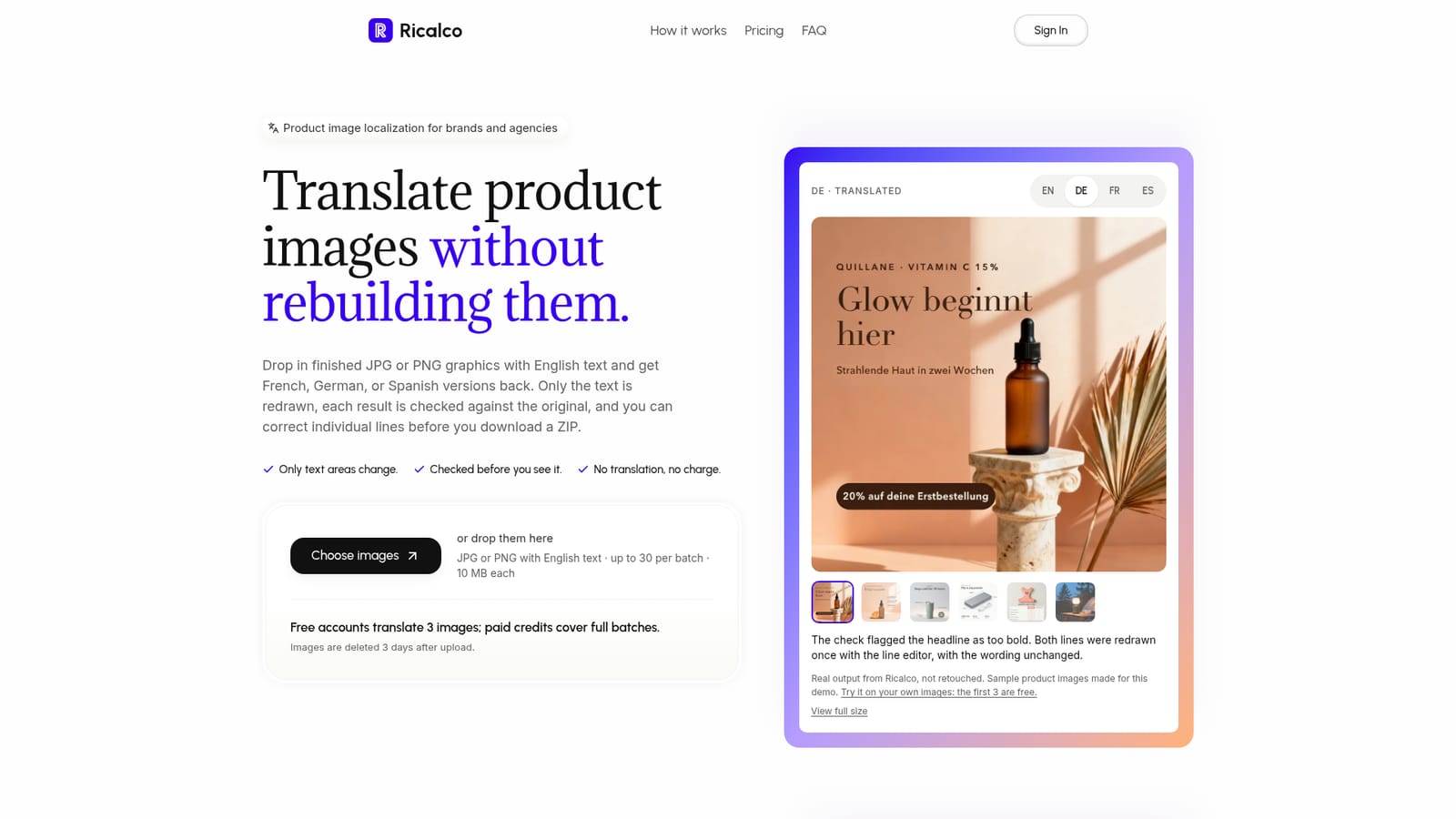
Free accounts translate 3 images after signing in, valid for 30 days. No payment is described as being needed for these.
Learn moreThe first 3 images are free after sign-in. Starter is $19 one-time for 30 translations (about $0.63 each); Studio is $59 one-time for 100 translations (about $0.59 each). One credit covers one image in one language, and credits never expire.
Learn moreSupport channels are not described on the homepage. It offers an FAQ, a pricing details page, an Amazon image replacement guide and a privacy policy.
No integrations. The site states it does not connect to Shopify or Amazon or publish images to a store; translated files are downloaded and uploaded manually.
Batch translation of up to 30 JPG or PNG images from English into French, German or Spanish. Redraws only text areas, auto-checks each result, offers keep-unchanged terms, a line editor for retries, side-by-side review and ZIP download.


