Free trial
No standard trial is described. The launch offer gives the first month free on the Starter plan with the code FIRST50, and plans can be cancelled at any time.
Learn moreValidate your go-to-market before you spend a dollar

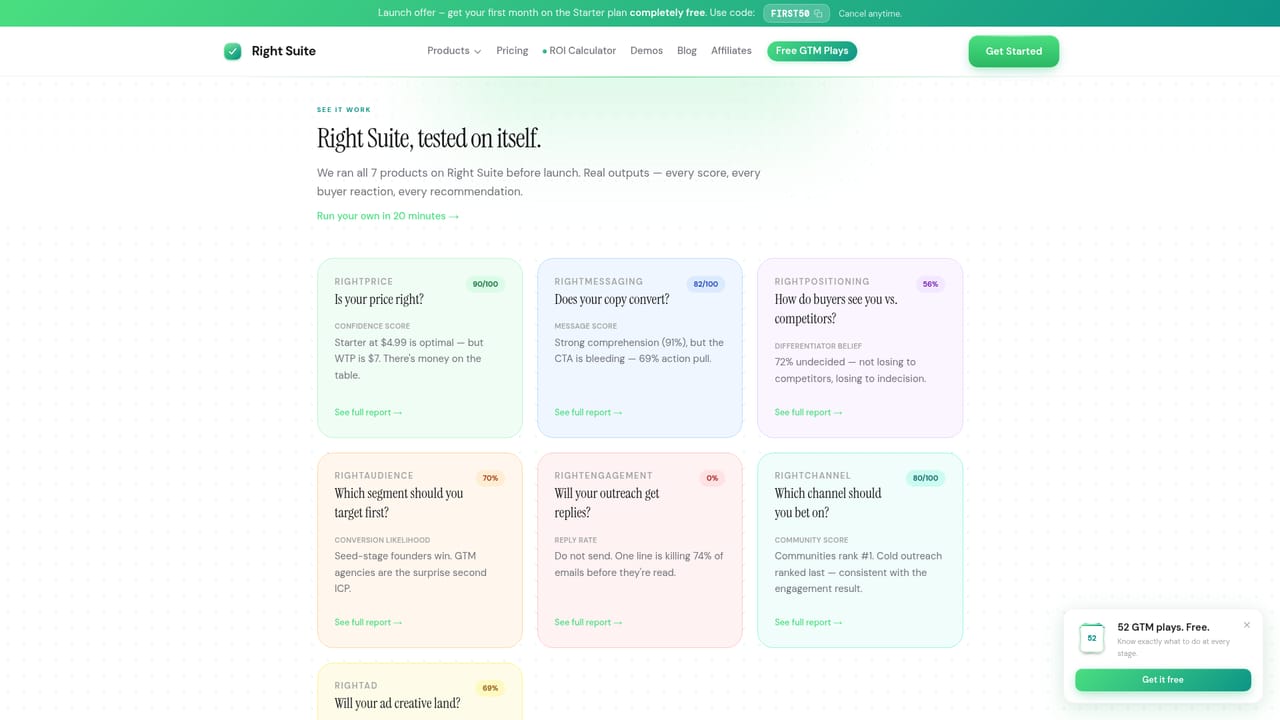
Right Suite is an AI simulation generator tool. A seven-product GTM validation suite that runs your pricing, positioning, audience, channel and copy questions past 100+ simulated buyers and returns ranked answers in about 20 minutes.
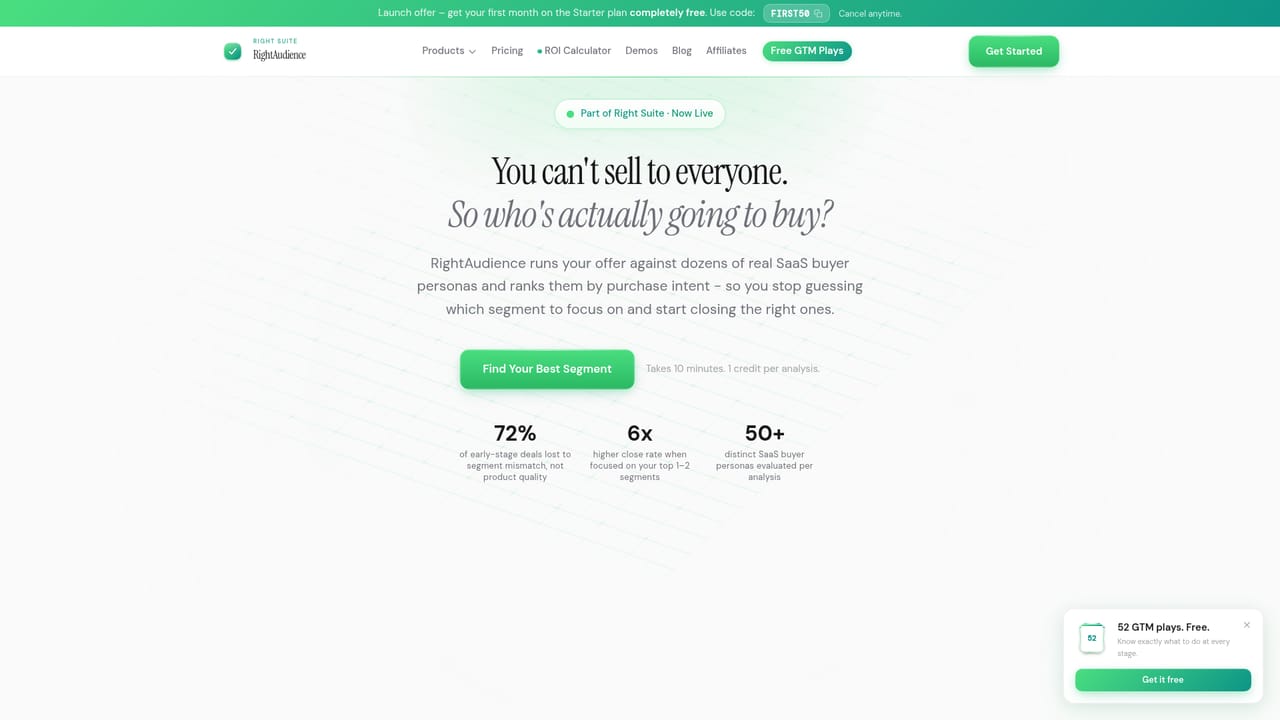
Right Suite is a go-to-market validation platform for founders who would rather test a decision than discover it the hard way. Instead of launching a campaign, a price change or a new landing page and waiting weeks for the market to respond, you describe your product and the suite runs the question past a simulated panel of more than 100 buyers. Each run returns a data-backed answer in roughly 20 minutes, according to the company, and the seven products are sequenced in the order most teams actually face: audience, positioning, price, channel, engagement, ad creative and messaging. The suite splits into three stages. Strategy covers RightAudience (ranks 50+ buyer archetypes by purchase intent), RightPositioning (tests whether differentiation is clear) and RightPrice (checks whether the number holds up). Reach covers RightChannel, which points at where buyers actually spend time, and RightEngagement, which assesses cold outreach copy before it goes out. Convert is RightAd, which scores whether creative stops the scroll, and RightMessaging, which looks at whether visitors stay past the hero. A separate ROI calculator on the site estimates what a wrong call in each area costs in time and pipeline. In practice you sign in, pick the product you are stuck on, load your offer details and read the ranked output. Credits are consumed per analysis, so a solo founder can validate a price and a hero headline inside one month of the entry plan. The obvious comparison is with A/B testing tools and customer research panels: Right Suite front-loads synthetic feedback rather than live traffic, which makes it faster and cheaper but not a substitute for real conversion data on a live page. Founders, small GTM teams and agencies running validation across several client offers are the core audience.
No standard trial is described. The launch offer gives the first month free on the Starter plan with the code FIRST50, and plans can be cancelled at any time.
Learn moreThree monthly credit plans: Starter at $4.99/mo (15 credits, billed as $49 after launch), Growth at $9.99/mo (50 credits) and Scale at $19.99/mo (150 credits, multi-client features launching soon). Each analysis uses 1 to 3 credits. A launch code gives the first month free on Starter.
Learn moreSeven products: RightAudience ranks 50+ buyer archetypes by purchase intent, RightPositioning tests differentiation, RightPrice validates pricing, RightChannel picks channels, RightEngagement checks outreach copy, RightAd scores creative and RightMessaging reviews page copy. Runs use 100+ simulated buyers and return answers in about 20 minutes.
Learn more AI Angels400+ customizable AI girlfriends for NSFW chat, voice calls, and roleplay
 Candy AIExperience the future of companionship with AI friends who chat, role-play, and connect with you on a human level.
 ourdream.aiA vast AI roleplay platform with millions of characters for chat, images, video and voiceAI Angels400+ customizable AI girlfriends for NSFW chat, voice calls, and roleplayCandy AIExperience the future of companionship with AI friends who chat, role-play, and connect with you on a human level.ourdream.aiA vast AI roleplay platform with millions of characters for chat, images, video and voice


