Free trial
A free plan allows trying the Build capability before choosing a paid plan. No credit card is required to start. Solve and Intelligence require a paid plan.
Learn moreResearch, build, and track competitors in one shared context system.
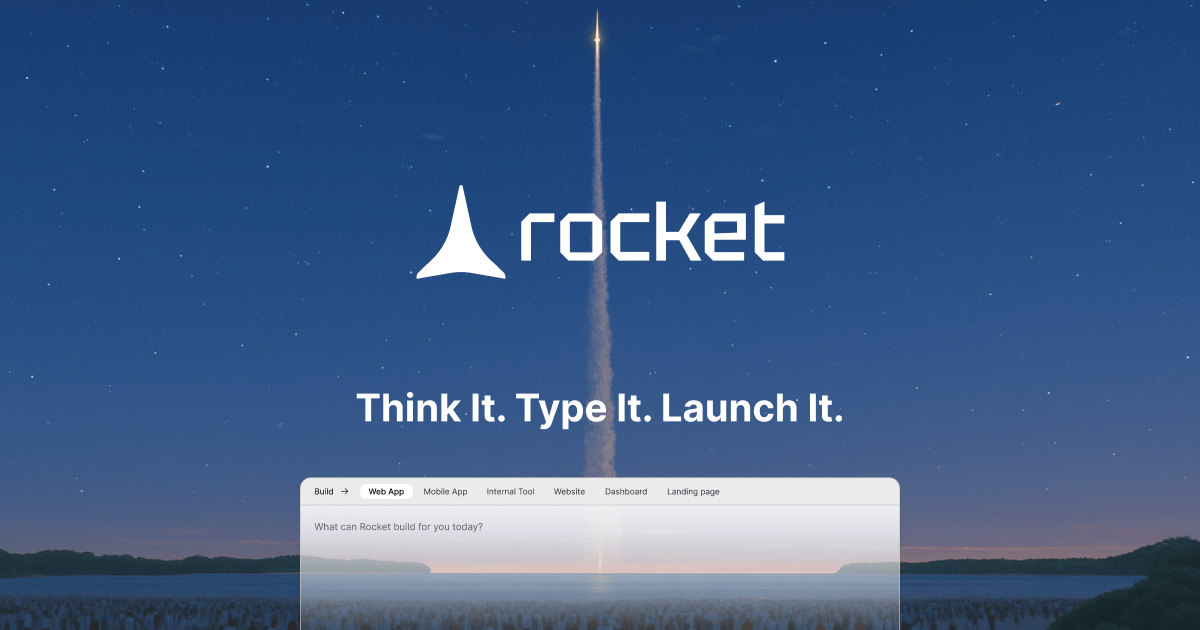
Rocket is a vibe solutioning platform that combines market research, production-grade app building, and continuous competitor tracking in one system with a shared context. It is aimed at founders, product teams, and operators who want to decide what to build, ship it, and stay ahead of market changes.
Rocket is a platform that combines market research, app building, and competitive intelligence into a single system with a shared context. The premise is that most AI tools accelerate execution but do not help decide what to execute. Rocket addresses that by starting with the thinking: a user describes a market problem or opportunity in plain language, and Rocket returns a structured brief with research, evidence, and a clear recommendation. That brief can then be taken directly into the build environment without re-explaining the context. The Build capability generates web apps, mobile apps, landing pages, SaaS products, internal tools, and dashboards from natural language prompts or from the context of prior decisions. It produces production-grade code from the first generation, includes staging and production environments, and supports one-click deployment. For teams with existing code, Rocket can continue any Next.js project without starting over. The platform also connects to internal systems, APIs, and third-party tools through connectors, so built applications work with real data. Intelligence is the third pillar. Rocket continuously monitors competitors for website changes, pricing shifts, product launches, hiring signals, ad activity, and social media activity. It goes beyond alerting to interpret what each signal means and suggest next steps, delivered through daily briefs. This makes Rocket suitable for solo founders, product teams, engineering teams, sales leaders, and consultants who need to move from strategy to execution to ongoing market awareness in one place. Rocket is built for three types of users: builders who write code and want production-grade output, operators who need research and competitive analysis without a technical background, and teams that want strategy and execution connected without acting as the integration layer between separate tools. The platform emphasizes security with SOC 2, ISO 27001, GDPR, CCPA, SSO/SAML, role-based access, and audit logs available by default. Users own all generated IP. A free plan allows trying the Build capability, while paid plans unlock higher limits and access to Solve and Intelligence.
A free plan allows trying the Build capability before choosing a paid plan. No credit card is required to start. Solve and Intelligence require a paid plan.
Learn moreFree plan available to try the Build capability without a credit card. Paid plans unlock higher usage limits and access to Solve and Intelligence capabilities. Specific pricing tiers and amounts are not listed on the homepage.
Learn moreSupport options are not detailed on the homepage. Documentation and connector guides are available at docs.rocket.new.
Connect internal systems, APIs, and third-party tools through connectors to make built applications work with real data. Specific connector names are not listed on the homepage.
Learn moreRocket offers three connected capabilities: Solve for market research and recommendations, Build for generating production-grade web and mobile apps with staging and one-click deploy, and Intelligence for continuous competitor monitoring with daily briefs. It supports connectors, Next.js continuation, and includes security features like SOC 2, ISO 27001, SSO/SAML, and audit logs.
 AI Angels400+ customizable AI girlfriends for NSFW chat, voice calls, and roleplay
 Candy AIExperience the future of companionship with AI friends who chat, role-play, and connect with you on a human level.
 ourdream.aiA vast AI roleplay platform with millions of characters for chat, images, video and voiceAI Angels400+ customizable AI girlfriends for NSFW chat, voice calls, and roleplayCandy AIExperience the future of companionship with AI friends who chat, role-play, and connect with you on a human level.ourdream.aiA vast AI roleplay platform with millions of characters for chat, images, video and voice