Free trial
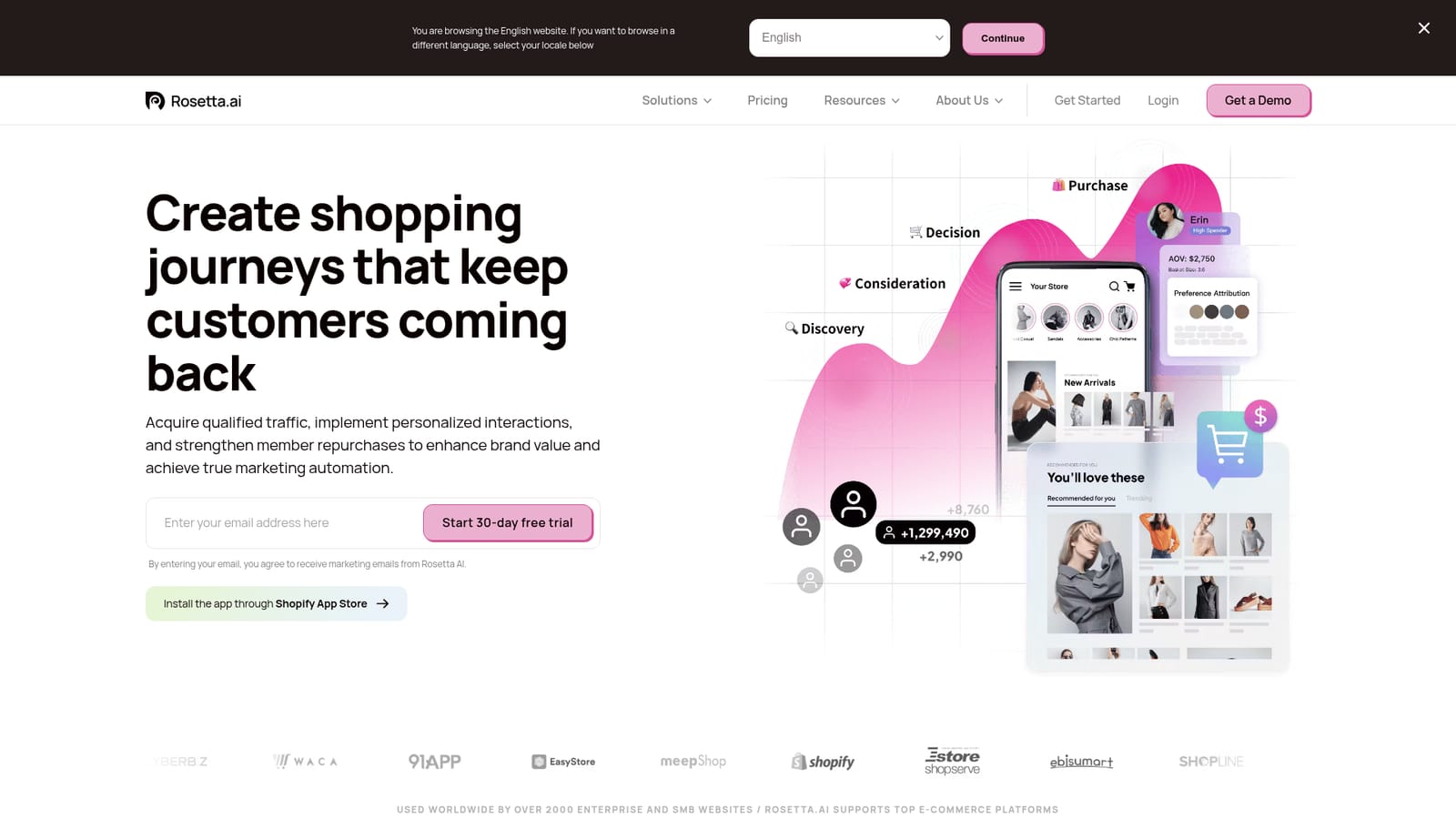
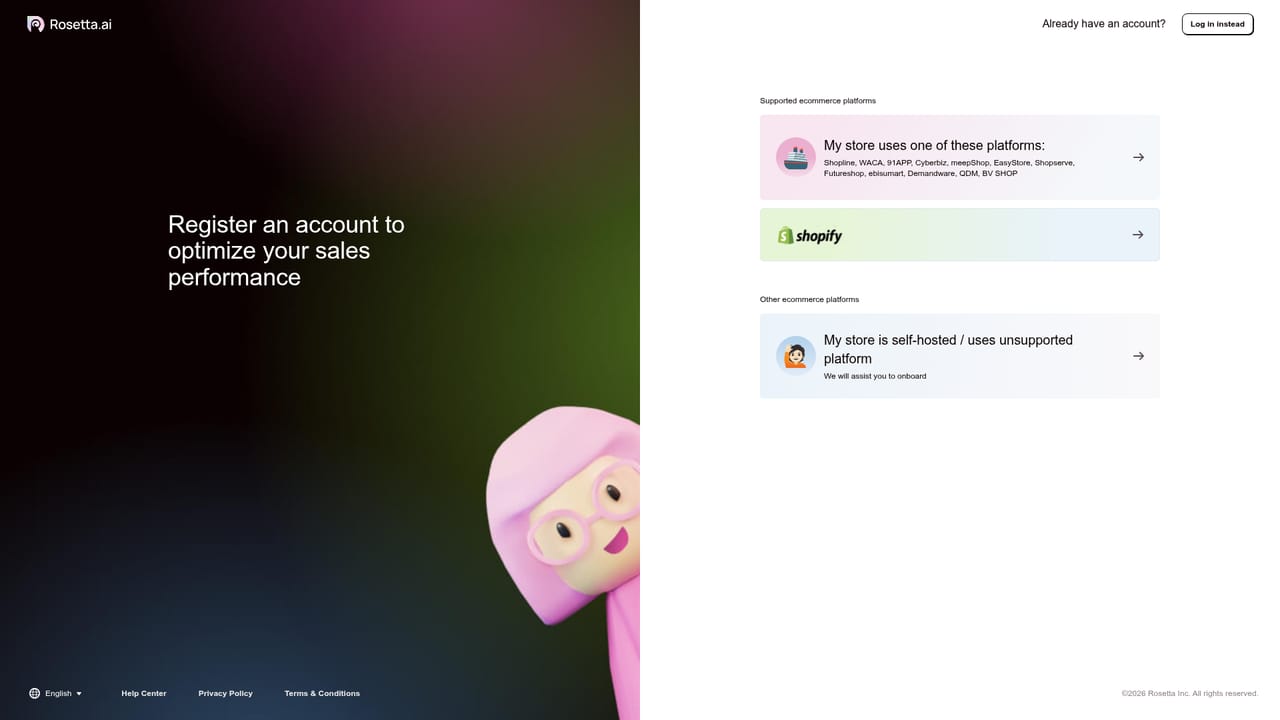
A 30-day free trial is offered. Sign up with an email address on the homepage, or install the app through the Shopify App Store.
Learn morePersonalized product recommendations for e-commerce teams

Rosetta is an analytics tool. Rosetta.ai adds image-based product recommendation, interactive on-site modules, cross-site ads and multi-channel retargeting to online stores, with automated product labelling and shopper preference analytics. Built for e-commerce brands on supported platforms such as Shopify, Shopline and 91APP, with a 30-day free trial.
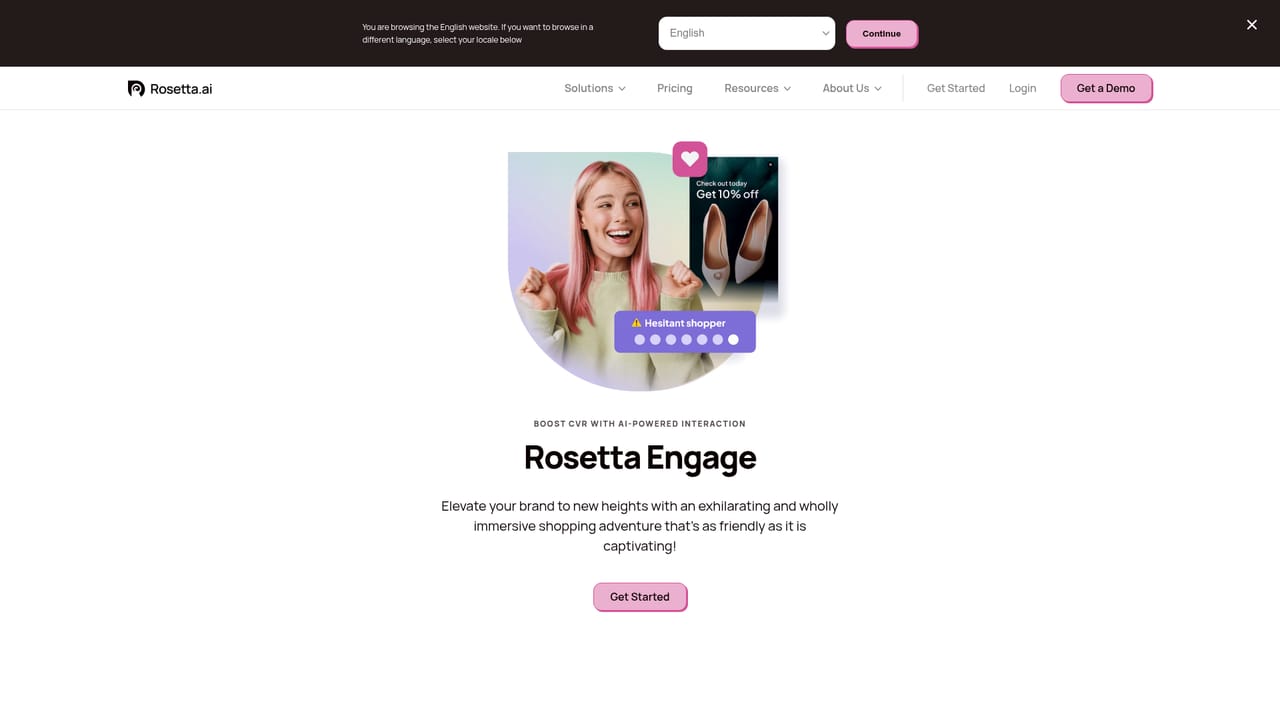
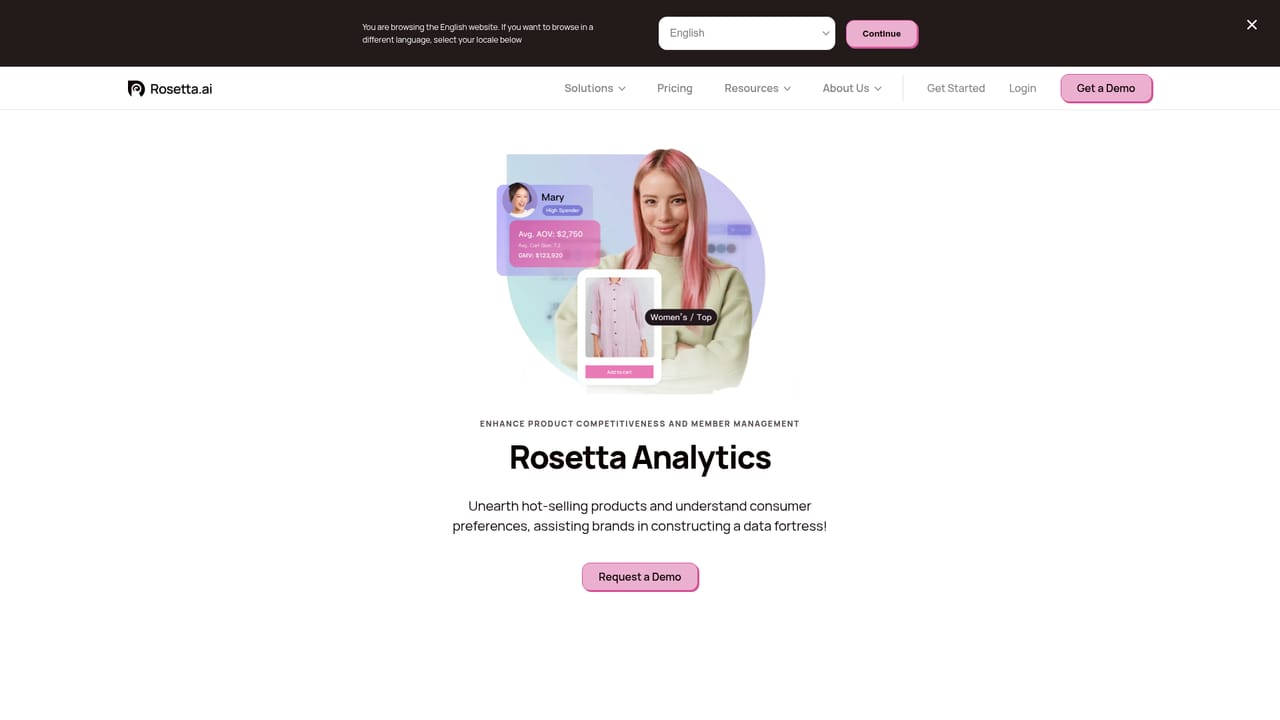
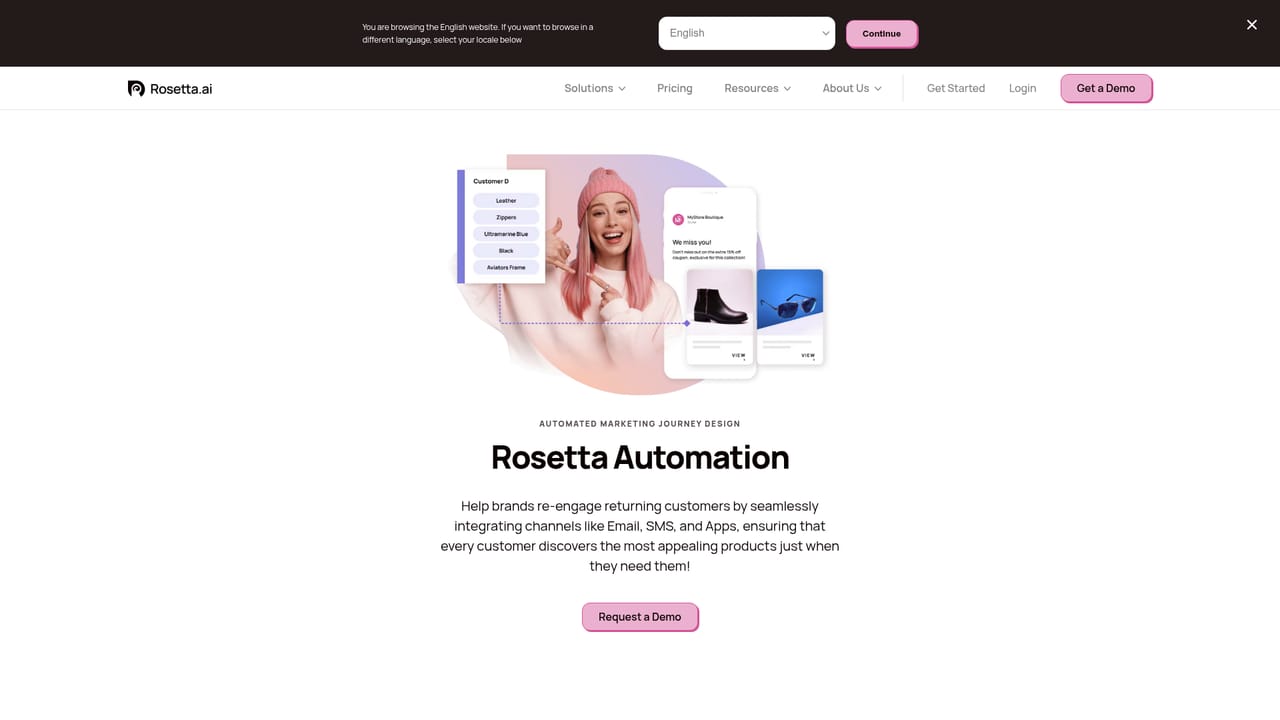
Rosetta.ai is a personalization and recommendation layer for online stores. It reads product images with machine learning to generate product labels automatically, then tracks which visual attributes each shopper responds to. That preference data feeds site-wide recommendation modules and promotional widgets, so the products shown to a visitor change based on what that visitor has actually looked at. The stated aim is not just better clicks but higher average order value and checkout conversion. The product is split into four parts. AdMatch places products on non-competing partner sites to pull in traffic from shoppers with high spending intent. Engage puts interactive recommendation experiences at each touchpoint in the shopping journey. Analytics combines product label data with consumer preference analysis, which Rosetta positions as richer than a general web analytics tool for merchandising decisions. Automation handles retargeting across email, SMS and LINE push notifications, with duplicate messages suppressed so the same customer is not hit twice. This is aimed at e-commerce operators rather than general marketers: merchandisers who need to surface the right catalogue items without hand-building segments, CRM and lifecycle teams running repeat purchase campaigns, and growth leads who want ad spend to reach qualified shoppers rather than broad traffic. Apparel, cosmetics and accessories brands are the visible focus, and Rosetta reports use by more than 2000 enterprise and SMB websites, largely on Asian commerce platforms such as Shopify, Shopline, Cyberbiz, 91APP, EasyStore and WACA. Setup runs through an app install on the store platform, which means the realistic audience is a store already on one of the supported suites. The closest alternatives are the native recommendation widgets bundled into commerce platforms and broader marketing automation suites that bolt on personalization. Rosetta's differentiator is image-based attribute modelling, which matters most when a catalogue has visual variety a keyword feed cannot capture. Teams with small, text-friendly catalogues will find less to gain. Pricing is not published on the homepage, so budget discussions start with a demo or the 30-day trial.
A 30-day free trial is offered. Sign up with an email address on the homepage, or install the app through the Shopify App Store.
Learn moreWorks with commerce platforms including Shopify, Shopline, Cyberbiz, WACA, 91APP, EasyStore, MeepShop, Estore, Ebisumart and others. Retargeting runs through email, SMS and LINE push notifications.
Four modules: AdMatch for ads on non-competing partner sites, Engage for interactive on-site recommendations, Analytics for image-based product labelling and shopper preference insights, and Automation for retargeting via email, SMS and LINE with duplicate message suppression.
Learn more AI Angels400+ customizable AI girlfriends for NSFW chat, voice calls, and roleplay
 Candy AIExperience the future of companionship with AI friends who chat, role-play, and connect with you on a human level.
 ourdream.aiA vast AI roleplay platform with millions of characters for chat, images, video and voiceAI Angels400+ customizable AI girlfriends for NSFW chat, voice calls, and roleplayCandy AIExperience the future of companionship with AI friends who chat, role-play, and connect with you on a human level.ourdream.aiA vast AI roleplay platform with millions of characters for chat, images, video and voice


