Free trial
A free allowance of 10 conversations a month is offered without a credit card. On-premise evaluation is arranged by booking a demo rather than through self-serve sign-up.
Learn moreTurn messy spreadsheets and PDFs into reviewable dashboards and reports
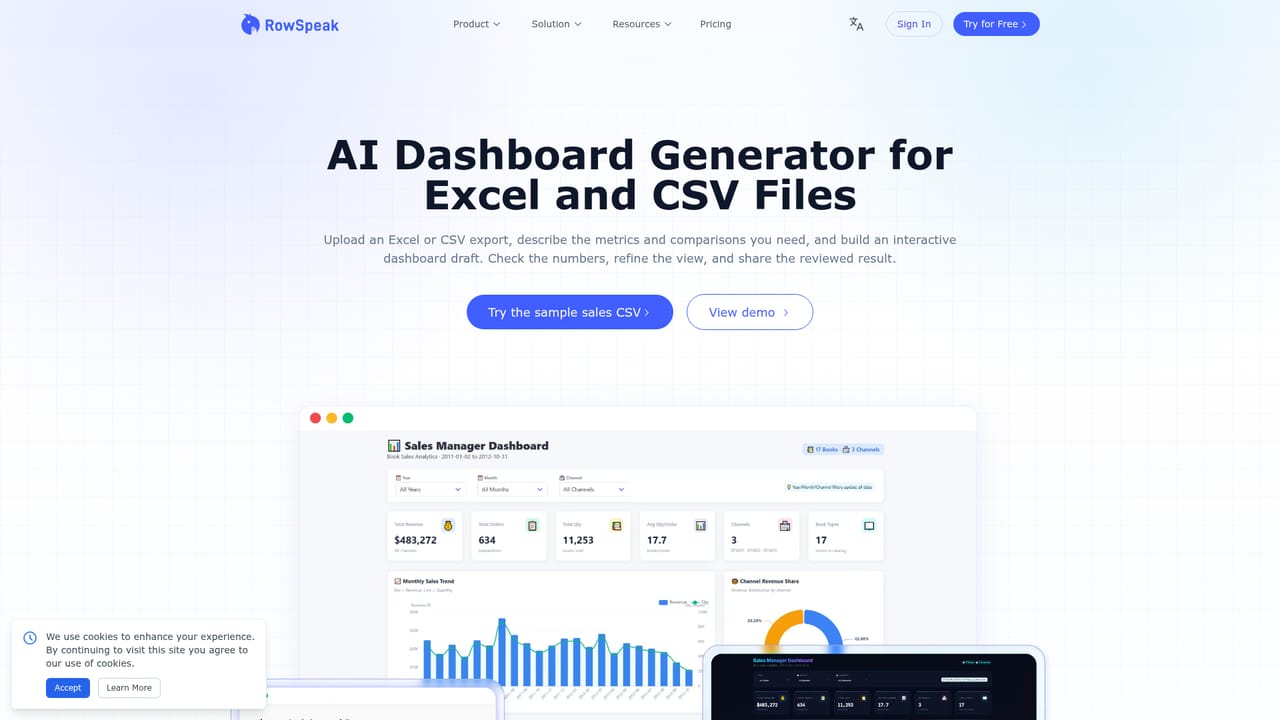
RowSpeak is an AI mistress tool that turns messy spreadsheets and PDFs into reviewable dashboards and reports. RowSpeak analyses Excel, CSV, PDF and image tables with AI, returning charts, dashboards, variance explanations and report-ready summaries that users can review, correct and share.
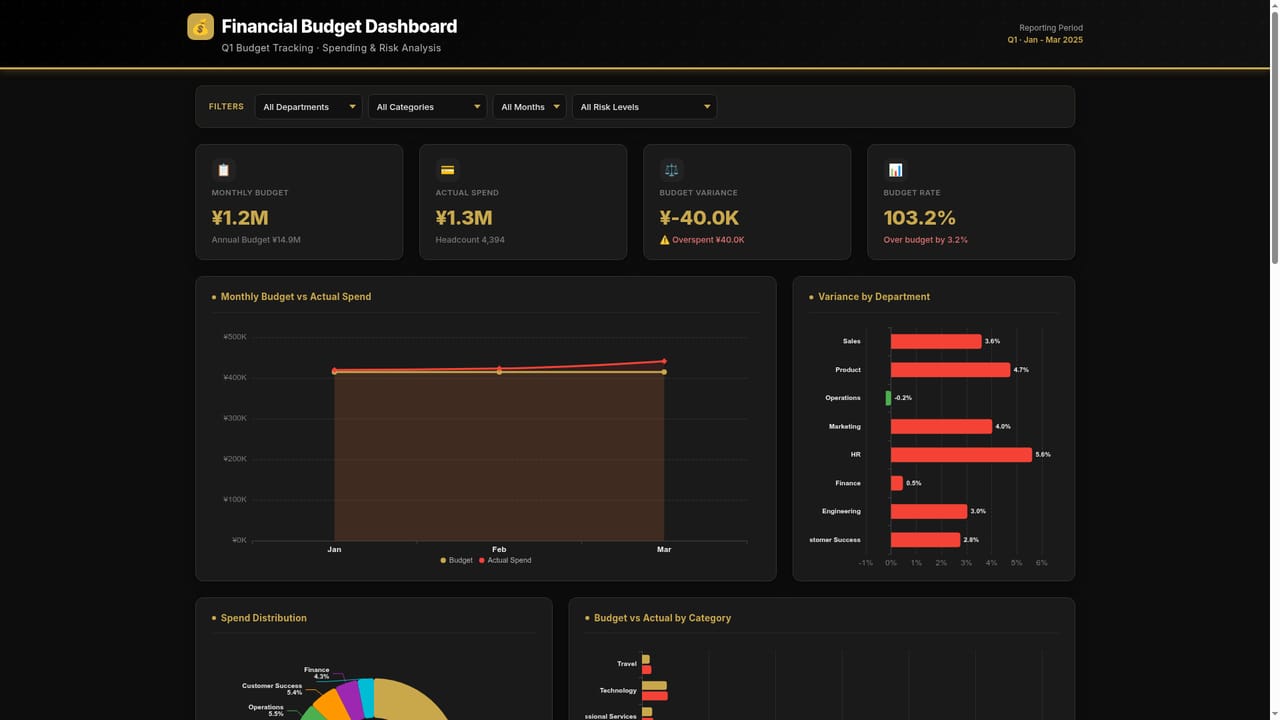
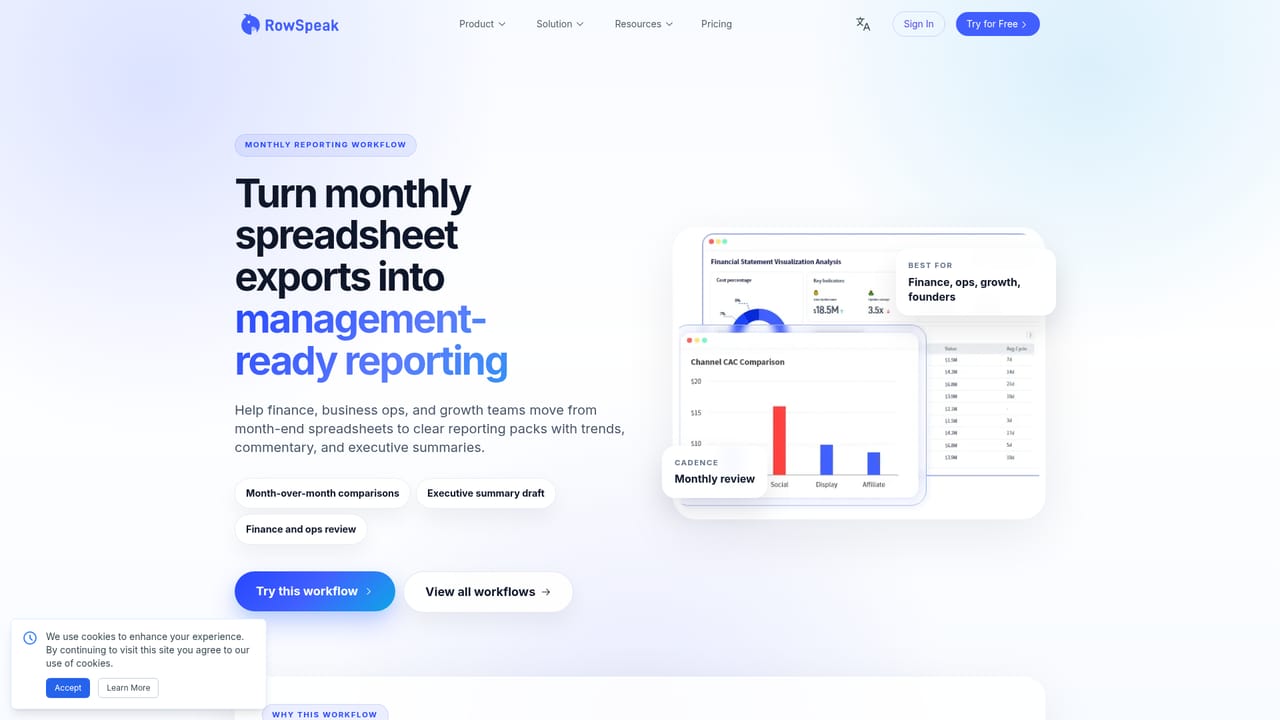
RowSpeak is an AI data analytics workspace built for the files businesses actually keep: Excel workbooks, CSV exports, PDF tables, screenshots and exported business reports. Rather than requiring a data warehouse or a live connector, it takes an upload and answers plain-language questions about it. A user can ask for revenue by week, a top-product ranking, a region comparison or an explanation of an unusual movement, and RowSpeak returns charts, KPI views and report-ready summaries. The pitch is deliberately modest about automation: results are framed as drafts that a person inspects, corrects and then shares. The product is organised around recurring business reporting rather than one-off exploration. Users save their questions, metrics and sanity checks once, then drop an updated monthly or weekly file into the same place. RowSpeak re-runs the formulas and checks, calculates variances against a prior benchmark and compiles executive summaries. Finance teams get monthly close, cash flow and budget-versus-actual views. Sales and operations teams get pipeline, conversion and fulfillment tracking from CRM exports. Inventory teams get stock movement and low-stock flags, and marketing teams get ROAS and CAC comparisons across ad network exports. The site lists finance, sales, inventory and marketing as named solution areas, alongside a monthly management reporting workflow. In practice the workflow is upload, ask, review, share. When the AI picks the wrong revenue field, date range or grouping dimension, the assumption can be corrected without rebuilding the whole analysis, which is the main thing separating this from a black-box answer engine. Outputs include Excel, CSV, images, PowerPoint, charts and KPI views. Privacy is handled with encryption in transit and at rest, tenant-isolated workspaces, a stated policy of not training models on customer data, and an on-premise deployment option running open-source models for organisations that cannot send files to a vendor cloud. The obvious comparison is with BI platforms and spreadsheet copilots. RowSpeak sits closer to the reporting analyst than to the data engineer: there is no warehouse to model and no SQL to write, but direct connectors to Google Analytics, Google Sheets and databases are not available yet, so exports must be uploaded manually. Teams that already run a modern BI stack will find less depth here; small finance functions, operators and independent analysts working from recurring exports are the better fit.
A free allowance of 10 conversations a month is offered without a credit card. On-premise evaluation is arranged by booking a demo rather than through self-serve sign-up.
Learn moreThe homepage advertises a free tier of 10 conversations per month with no credit card required. No paid tiers, seat counts or per-file limits are published on the homepage; on-premise deployment is discussed through a demo request.
Learn moreContact and demo booking are offered through the site, and on-premise deployment requirements are discussed directly with the team. The homepage does not describe chat support, SLAs or a help centre.
Learn moreNo direct connectors are live. Google Analytics, Google Sheets and database connections are described as coming soon, and the current route is to upload exports from those tools and analyse them the same way.
Uploads cover Excel, CSV, PDF tables, screenshots and business exports. Outputs include Excel, CSV, images, PowerPoint, charts, KPI views, pattern explanations and report-ready summaries. A recurring execution engine re-runs saved questions, formulas and sanity checks on updated files, with deterministic calculations and conditional rules for finance, sales, inventory and marketing reporting.
Learn more AI Angels400+ customizable AI girlfriends for NSFW chat, voice calls, and roleplay
 Candy AIExperience the future of companionship with AI friends who chat, role-play, and connect with you on a human level.
 ourdream.aiA vast AI roleplay platform with millions of characters for chat, images, video and voiceAI Angels400+ customizable AI girlfriends for NSFW chat, voice calls, and roleplayCandy AIExperience the future of companionship with AI friends who chat, role-play, and connect with you on a human level.ourdream.aiA vast AI roleplay platform with millions of characters for chat, images, video and voice