Free trial
The homepage invites visitors to get started for free and to launch ComfyUI without installation, but does not state trial length, included GPU hours or credit amounts.
Learn moreRun ComfyUI workflows in the cloud, no install required

RunComfy is a developer tool. A browser-hosted ComfyUI with 200+ ready-to-run workflow templates, an auto-setup agent that resolves nodes and models from a workflow.json file, GPU machines from 16GB to 141GB of VRAM, shareable reproducible environments, and a serverless API for deploying saved workflows.
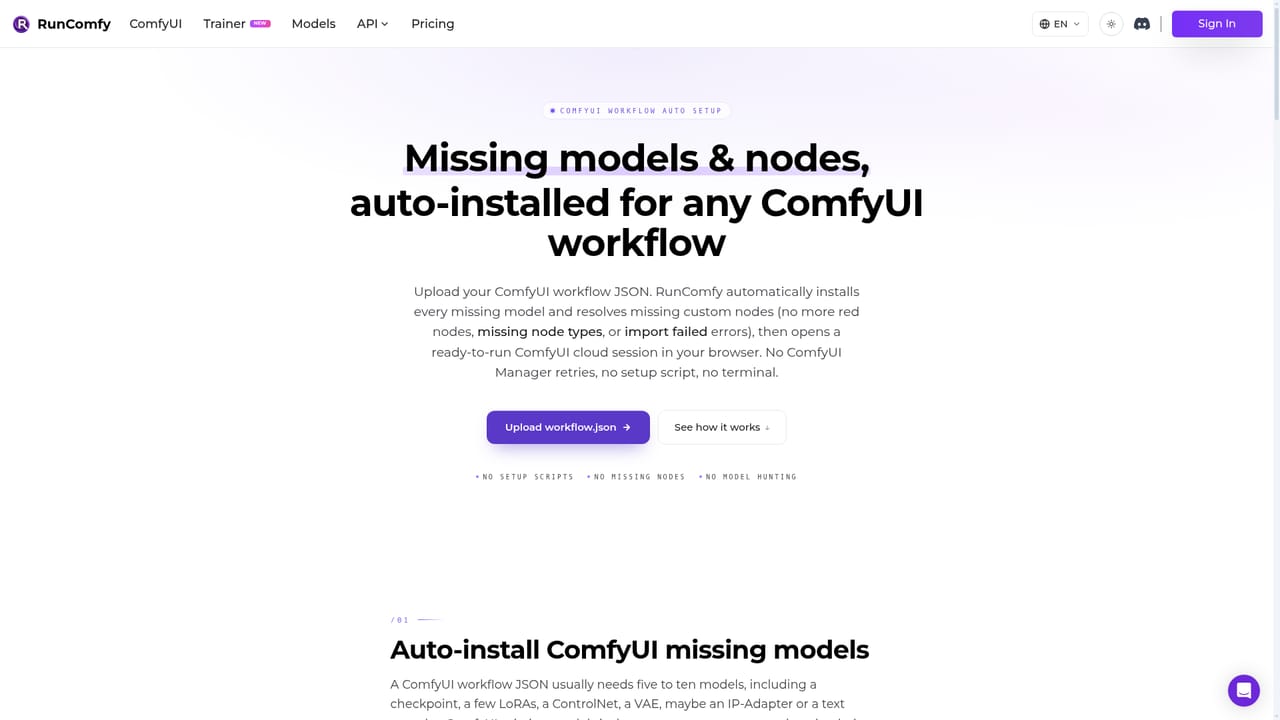
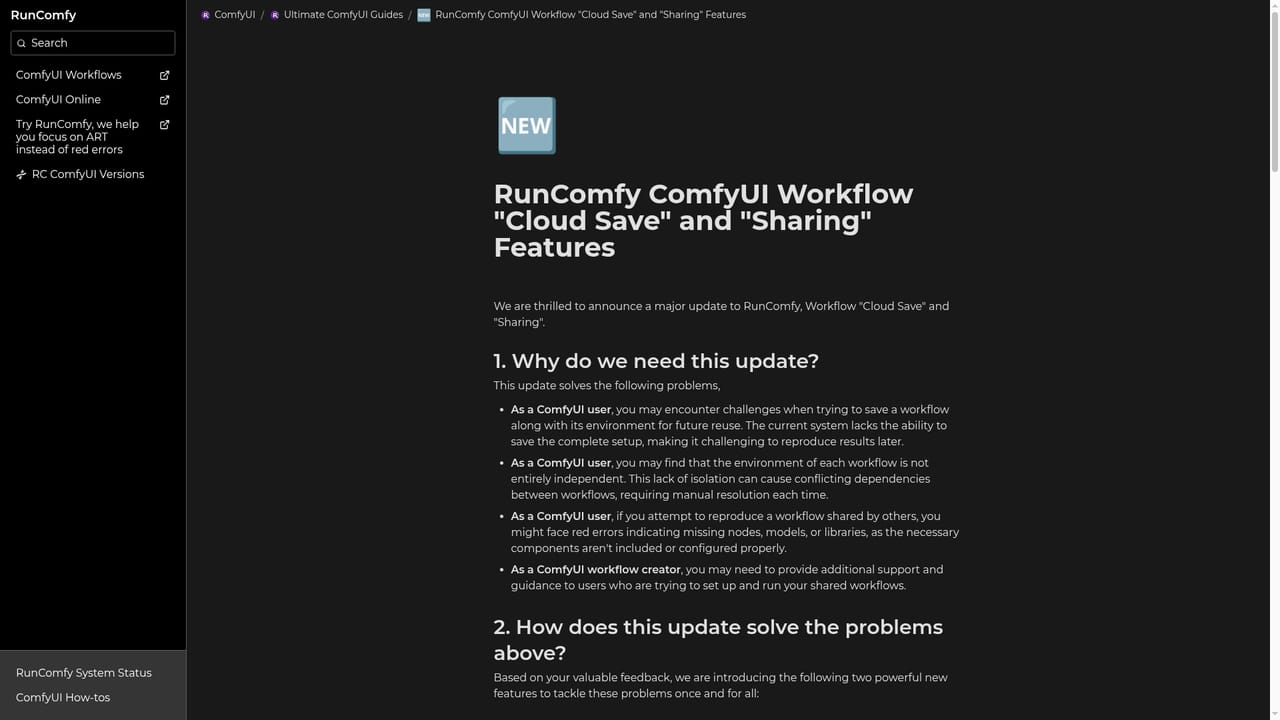
RunComfy is a hosted ComfyUI environment for people who want the node-based Stable Diffusion interface without managing a local GPU rig. The platform runs an unmodified ComfyUI build in the browser, so workflows built locally behave the same way in the cloud. Around that core sits a library of over 200 ready-to-run templates covering text to image, image editing, video creation and transformation, restoration and upscaling, and 3D modeling, with dedicated model pages for FLUX, WAN, LTX, Z-Image, Qwen Image Edit, Krea 2, MiniMax H3 and Qwen Image 2.1. Setup work is the main thing the product removes. An auto-setup agent accepts a workflow.json file and resolves the custom nodes, dependencies and model downloads that would otherwise break a fresh environment. Models can be pulled directly from Civitai, Hugging Face and Google Drive, and RunComfy claims download speeds 25 times faster than local uploads with persistence across sessions. ComfyUI-Manager is available for installing nodes, and on-demand machines come in five VRAM tiers from 16GB up to 141GB, which matters for larger models. Saved workflows capture the whole stack (JSON, OS, Python environment, ComfyUI build, nodes and models) so reopening one reproduces the exact environment, and a share link drops teammates or students into that same state. The audience splits into two groups. Artists, VFX compositors and educators use the cloud workspace and templates to build and teach without hardware headaches; the site cites courses from ActionVFX and Shoot First as examples. Developers and studios use the serverless API, which turns a cloud-saved workflow into an HTTPS endpoint that autoscales and scales to zero when idle, with versioning and run monitoring, and no DevOps work. Against running ComfyUI locally, RunComfy trades control over your own hardware for convenience, and against closed generator apps it trades simplicity for the full node graph. The tradeoff is a subscription and dependence on network access, but for teams that need reproducibility and shared environments, the saved-workflow model is the differentiator.
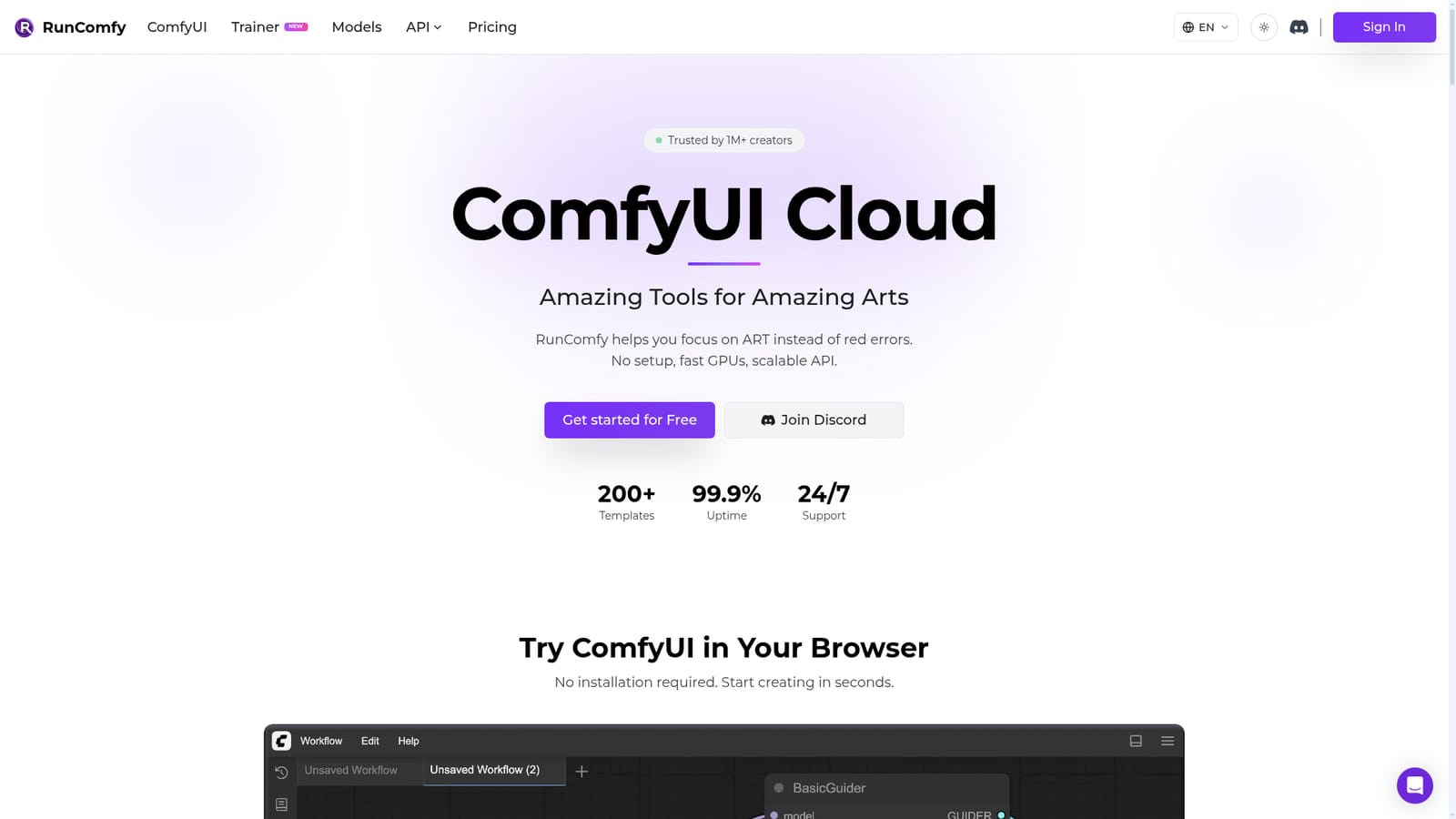
The homepage invites visitors to get started for free and to launch ComfyUI without installation, but does not state trial length, included GPU hours or credit amounts.
Learn moreThe site advertises 24/7 support and a Discord community, alongside guides, docs, tutorials and a system status page.
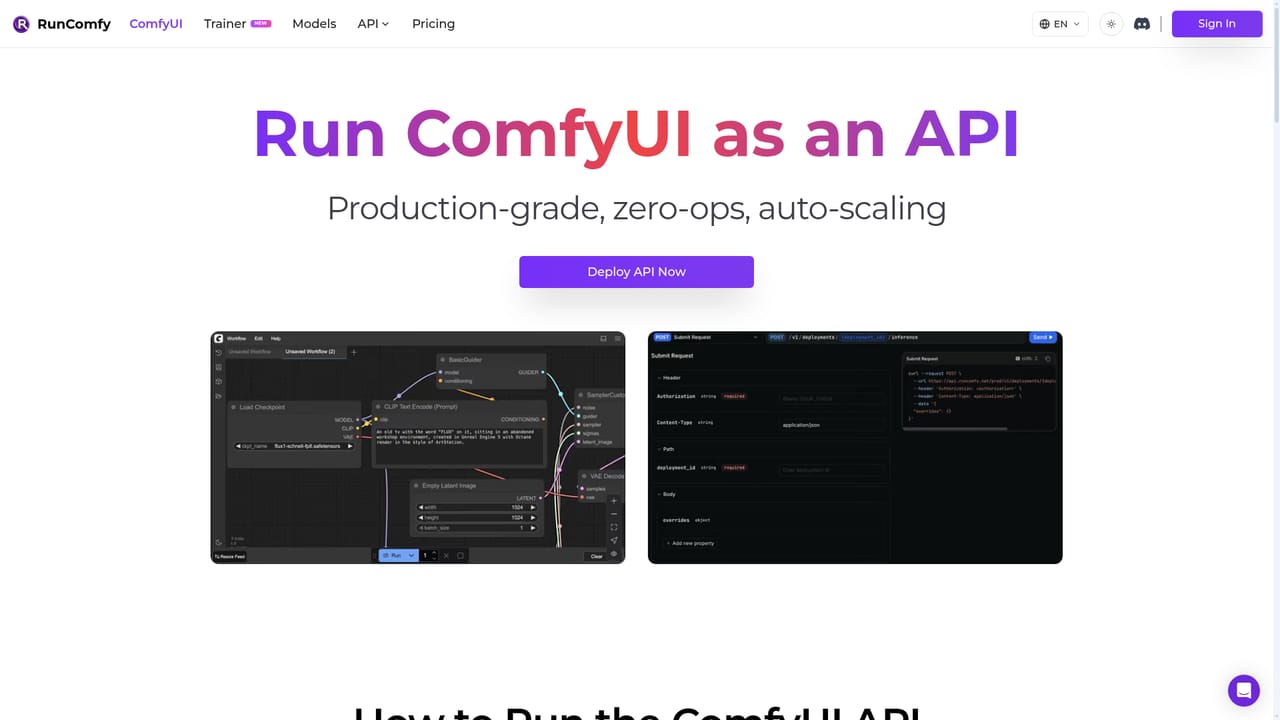
Learn moreModel sources include Civitai, Hugging Face and Google Drive, with ComfyUI-Manager for nodes. The serverless API exposes saved workflows as HTTPS endpoints callable from any application.
Learn moreHosted, unmodified ComfyUI with 200+ templates, an auto-setup agent for workflow.json files, ComfyUI-Manager node installs, model downloads from Civitai, Hugging Face and Google Drive, five GPU tiers from 16GB to 141GB VRAM, reproducible saved environments, link-based sharing, and a serverless autoscaling API.
Learn more AI Angels400+ customizable AI girlfriends for NSFW chat, voice calls, and roleplay
 Candy AIExperience the future of companionship with AI friends who chat, role-play, and connect with you on a human level.
 ourdream.aiA vast AI roleplay platform with millions of characters for chat, images, video and voiceAI Angels400+ customizable AI girlfriends for NSFW chat, voice calls, and roleplayCandy AIExperience the future of companionship with AI friends who chat, role-play, and connect with you on a human level.ourdream.aiA vast AI roleplay platform with millions of characters for chat, images, video and voice


