Runware

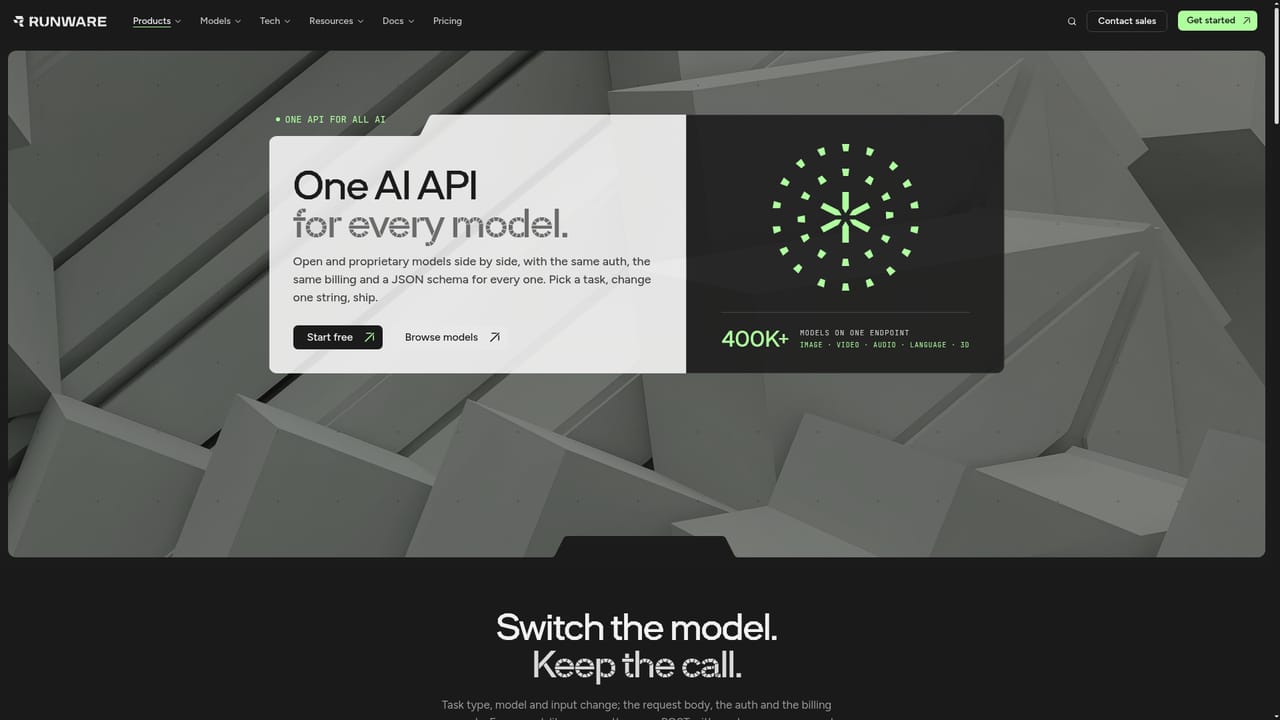
One inference API for 400K+ image, video, audio and language models

Advanced API
Screenshot of Runware, One inference API for 400K+ image, video, audio and language models

What is Runware?

Runware is a developer tool. Developer focused inference platform with one API for 400K+ models across image, video, audio, language and 3D, running on Runware's own modular data centers and priced well below typical market rates.

Runware is an AI infrastructure company that exposes more than 400,000 models through a single API endpoint. The model catalogue spans image generation and editing, video, audio, language, vision and 3D, and it mixes open weights models, frontier and partner models, and private uploads of your own. Every model is addressed the same way, so changing from one image model to another is a string change rather than a new integration, and one key, one endpoint and one invoice cover all modalities. The interesting part is what sits underneath. Runware designs, builds and operates its own modular data centers, called Sonic Pods, and runs a software orchestration layer on top. Weights are preloaded across regions and requests are routed through shared queues to hardware that already holds the model in memory, which is the stated source of the throughput and the low unit cost. Runware claims up to 10x lower cost per generation than published market rates and up to 90 percent below market on some open models, with 99.99 percent uptime over the last 90 days. The platform has two further layers. Serverless GPUs let teams bring their own containers and weights and pay by the second, scaling to zero when idle, while reserved capacity gives guaranteed GPUs on the serverless pool or a dedicated bare metal cluster. A hosted MCP server, a CLI and skill files connect the same catalogue to agents such as Claude Code and Cursor. This is developer infrastructure first. Product teams, studios and platforms embedding generative media into their own apps are the core audience, and the customer list on the homepage (Freepik, Wix, Runway, NightCafe and others) reflects that. People who simply want a tidy image generator interface will find the Playground useful for testing, but the product is built around API calls. Runware competes with inference aggregators and GPU clouds on price and breadth rather than on a polished end user studio.

How do you use Runware?

  1. 1Create an account and get an API key
    Sign up on the Runware site, then generate an API key from the dashboard. The same key authenticates every model and modality.
    Runware — Create an account and get an API key
  2. 2Test a model in the Playground
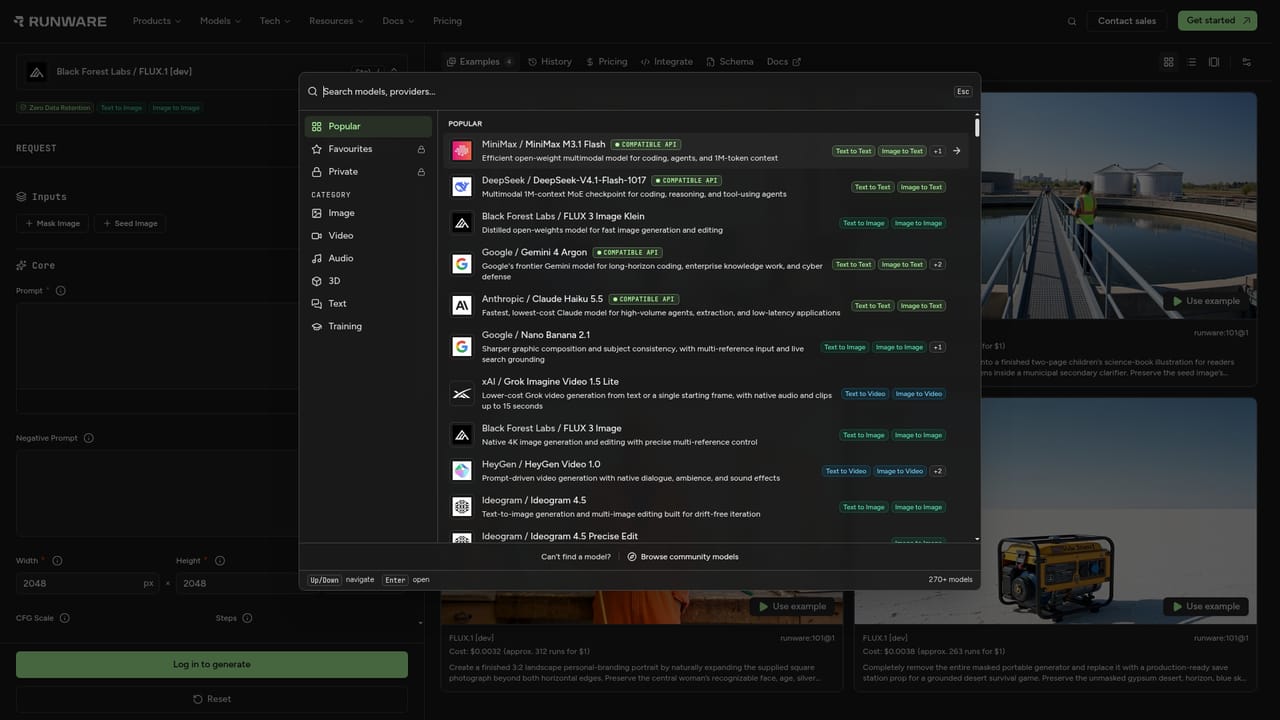
    Open the Playground to send a prompt to an image model and inspect the request payload and response before writing any code.
    Runware — Test a model in the Playground
  3. 3Send your first API request
    POST an array of tasks to the v1 endpoint with taskType imageInference, a model identifier and a prompt. Batch several tasks in one call if you need to.
    Runware — Send your first API request
  4. 4Read the docs and model schemas
    The docs cover REST, WebSockets, webhooks and per model parameters. Model schemas are published as JSON so you can validate inputs programmatically.
    Runware — Read the docs and model schemas
  5. 5Optionally connect an agent via MCP
    Add the hosted MCP server to Claude Code, Cursor or another MCP client with one command and sign in through OAuth. The agent can then list models and run tasks.
  6. 6Scale to serverless GPUs if needed
    When you need custom containers or your own weights, deploy them on serverless GPUs billed by the second, with reserved capacity available once your baseline is clear.

Pros and cons

Pros

  • One endpoint and one key for image, video, audio, language and 3D models, with modality batching in a single requestAI
  • Stated pricing is significantly lower than published market rates on many open image modelsAI
  • Own hardware stack (Sonic Pods) plus preloaded weights is a credible explanation for the low unit costAI
  • Clear path from pay as you go serverless to reserved capacity and bare metal as usage growsAI
  • Hosted MCP server, CLI and skill files make it easy to wire into coding agentsAI

Cons

  • Built for developers: there is no full studio app, so non technical users depend on the Playground or their own front endAI
  • Headline savings figures come from Runware's own comparisons and should be verified against your actual workloadAI
  • Bare metal reservations start at 72 GPUs, which puts dedicated clusters out of reach for small teamsAI
  • Pricing varies by hardware and model, so forecasting costs needs real testing rather than a single rate cardAI
  • Documentation and model schemas are spread across docs, llms.txt and JSON schema files, a steep start for newcomersAI

How much does Runware cost?

Pricing

Pay as you go API usage plus serverless GPUs metered by the second (RTX PRO 6000 listed at $1.99 per GPU-hour versus $3.00 to $4.00 elsewhere). Reserved serverless capacity is quoted as low as $0.63 per GPU-hour on a term commitment. Bare metal clusters on Sonic Pods start from 72 GPUs. Exact per image and per model rates are not listed on the homepage.

Learn more

Support

Docs, llms.txt and JSON model schemas are public. Runware lists 24/7 engineering support alongside SOC 2, ISO 27001 and GDPR compliance, and a sales contact for enterprise and Zero Data Retention questions.

Learn more

Integrations

Hosted MCP server with OAuth 2.1 for Claude Code, Cursor, Codex and other MCP clients, plus a CLI and skill files. Partner model creators include Black Forest Labs, Google, Alibaba, ByteDance, Kling, Bria, Lightricks, MiniMax, OpenAI, PixVerse and Runway.

Learn more

Features

Single v1 endpoint for 400K+ models across image, video, audio, language, vision and 3D, with REST, WebSockets and per task webhooks. Open models expose full parameter control including stacked LoRAs and swapped VAEs. Serverless GPUs accept your own containers and weights, reserved capacity and bare metal clusters cover steady workloads, and a hosted MCP server, CLI and skill files connect the catalogue to coding agents.

Learn more

Frequently asked questions about Runware

  • How much does Runware cost?
    Pay as you go API usage plus serverless GPUs metered by the second (RTX PRO 6000 listed at $1.99 per GPU-hour versus $3.00 to $4.00 elsewhere). Reserved serverless capacity is quoted as low as $0.63 per GPU-hour on a term commitment. Bare metal clusters on Sonic Pods start from 72 GPUs. Exact per image and per model rates are not listed on the homepage.
  • Does Runware have an API?
    Yes, Runware offers an API.
  • How do you use Runware?
    The walkthrough on this page covers 6 steps: 1. Create an account and get an API key 2. Test a model in the Playground 3. Send your first API request 4. Read the docs and model schemas 5. Optionally connect an agent via MCP 6. Scale to serverless GPUs if needed.
  • What platforms does Runware support?
    Runware is available on Web App.
  • What does Runware integrate with?
    Hosted MCP server with OAuth 2.1 for Claude Code, Cursor, Codex and other MCP clients, plus a CLI and skill files. Partner model creators include Black Forest Labs, Google, Alibaba, ByteDance, Kling, Bria, Lightricks, MiniMax, OpenAI, PixVerse and Runway.
  • What are the limitations of Runware?
    Built for developers: there is no full studio app, so non technical users depend on the Playground or their own front end. Headline savings figures come from Runware's own comparisons and should be verified against your actual workload. Bare metal reservations start at 72 GPUs, which puts dedicated clusters out of reach for small teams.

Status

StatusActive
Views0
Outbound clicks0
Added10/21/2026

Platforms

Web App

Pricing

PaidFree Trial