Sales Ask

AI sales coaching built for the home trade industries

Beginner
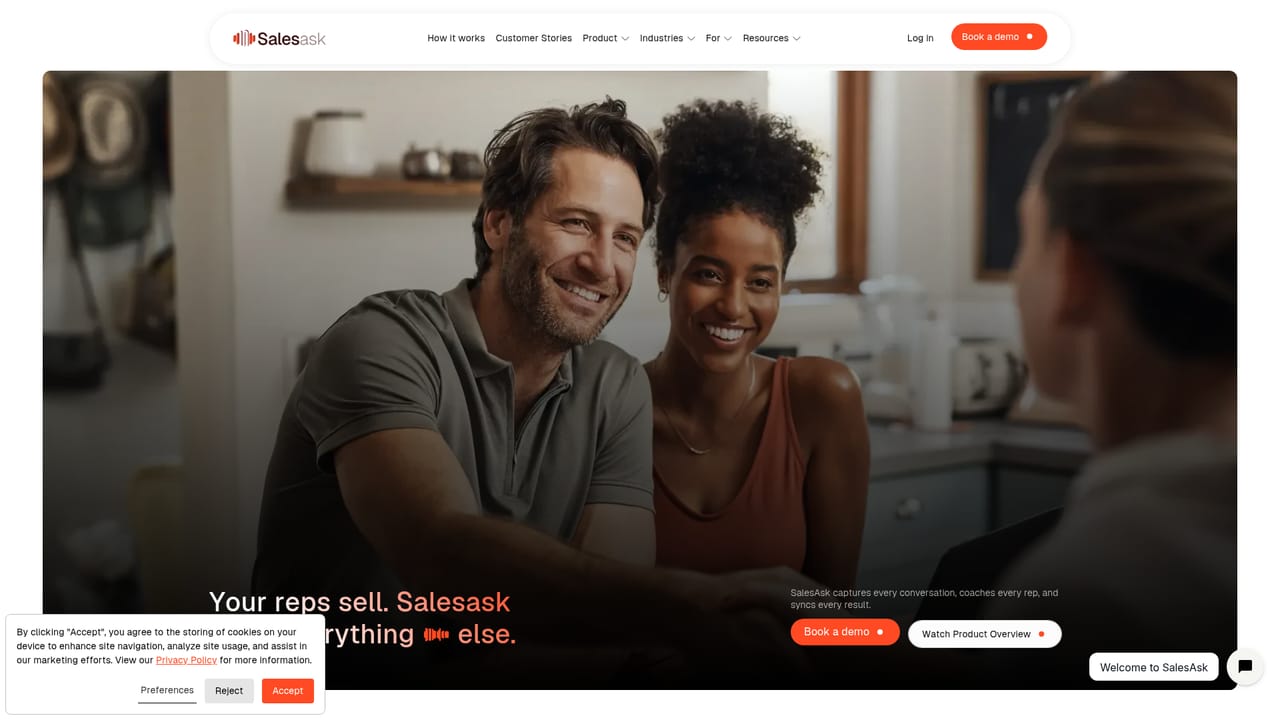
Screenshot of Sales Ask, AI sales coaching built for the home trade industries

What is Sales Ask?

Sales Ask is an AI task generator tool. AI sales coaching and conversation intelligence tuned for HVAC, roofing, plumbing, home builders and remodelers. Records and analyzes sales calls, feeds team and self coaching, and adds analytics, automation and an AI agent named Coach Dean.

Sales Ask is an AI conversation platform for sales teams in home services, home building and home remodeling. The pitch is narrow and deliberate: the companies doing in-home estimates and high-ticket trade work get coaching tuned to their world, rather than a general purpose call reviewer retrofitted for contractors. HVAC crews, roofers, plumbers, builders and remodelers sit at the center of the product. The core loop runs on recordings. Calls and in-home conversations are captured, then analyzed by conversation intelligence that surfaces what was said, how the rep handled objections and where the deal stalled. Managers get team coaching tools to review patterns across the roster, while individual reps can run self coaching on their own calls. An AI agent called Coach Dean adds a conversational layer, and sales automation and analytics reporting round out the stack with pipeline views and performance trends. For a homeowner-facing business this structure fits the actual workflow. An owner or sales manager can spot that estimates are being lost at the pricing conversation, pull the relevant recordings and coach to that specific moment. A rep can revisit a tough walkthrough and hear what a stronger close would have sounded like. Because the tool is sold by industry verticals and by role (rep, manager, owner), there is an obvious path from a single user to a wider rollout. Where it sits among alternatives: general conversation intelligence platforms cover every industry and leave you to configure vocabulary and scorecards yourself. Sales Ask arrives with the context already assumed, which shortens setup but narrows the addressable audience. Companies outside the home trades will find little here. Companies inside them get a product that speaks the language of the estimate, the site visit and the trade crew.

How do you use Sales Ask?

  1. 1Review how the platform works
    Start on the how it works page to see the coaching loop from recording through analysis to rep feedback before committing time to a demo.
    Sales Ask — Review how the platform works
  2. 2Book a demo for your trade
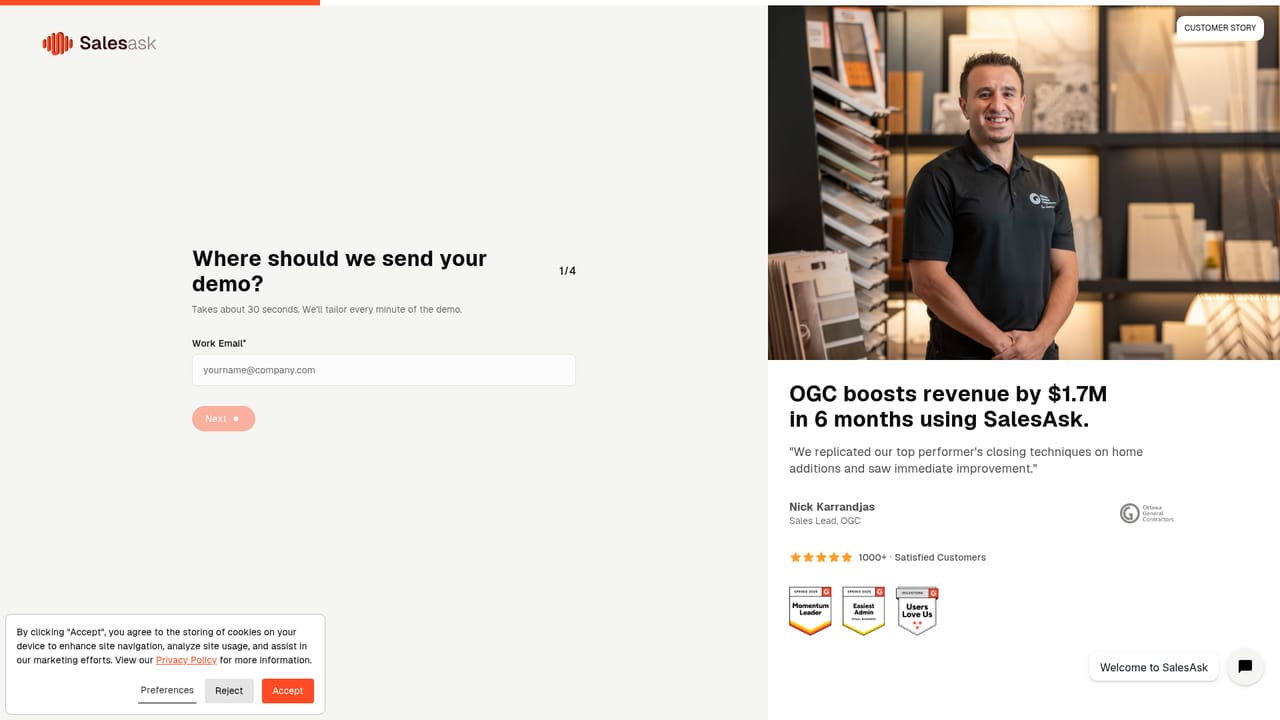
    Schedule a demo and pick your vertical (home services, builders or remodeling) so the walkthrough uses calls that resemble your own.
    Sales Ask — Book a demo for your trade
  3. 3Connect call recording
    Once onboarded, set up recording so sales conversations flow into the platform for analysis. Confirm consent handling with your team before the first in-home visit.
  4. 4Read the conversation intelligence output
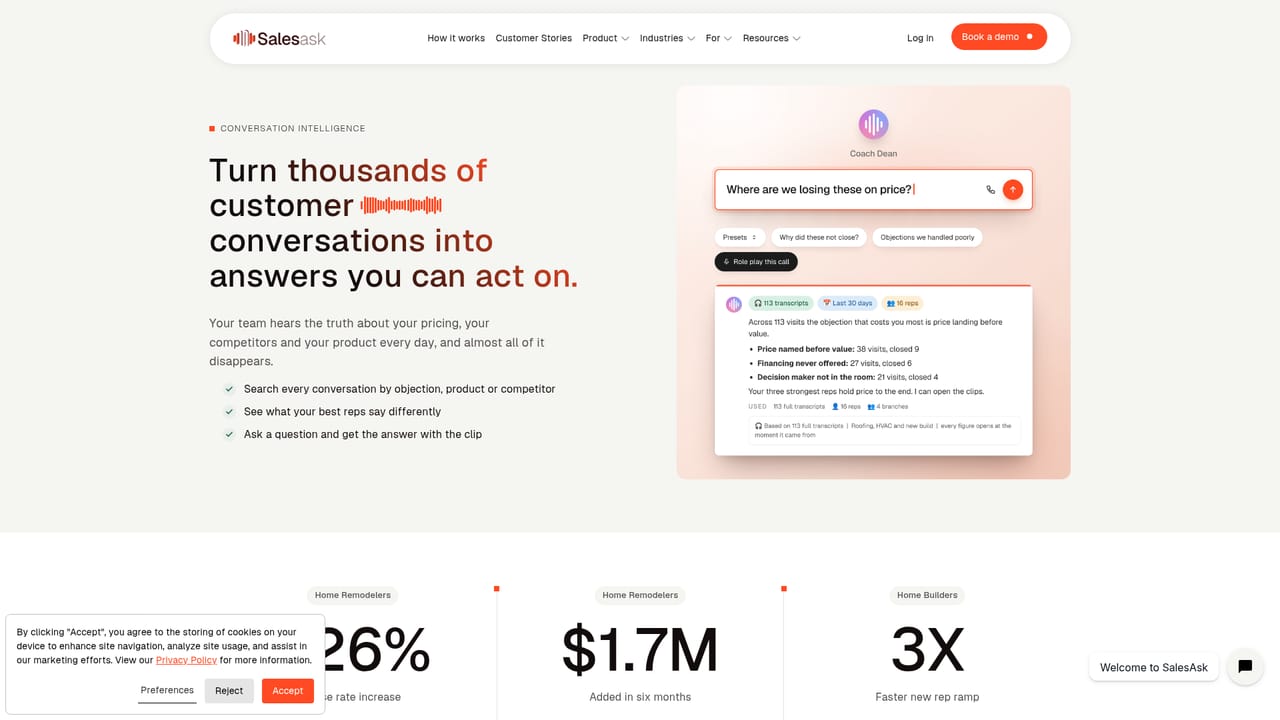
    Open analyzed calls and look at the extracted talk tracks, objections and deal signals to see how the AI scored each conversation.
    Sales Ask — Read the conversation intelligence output
  5. 5Set up coaching for reps and managers
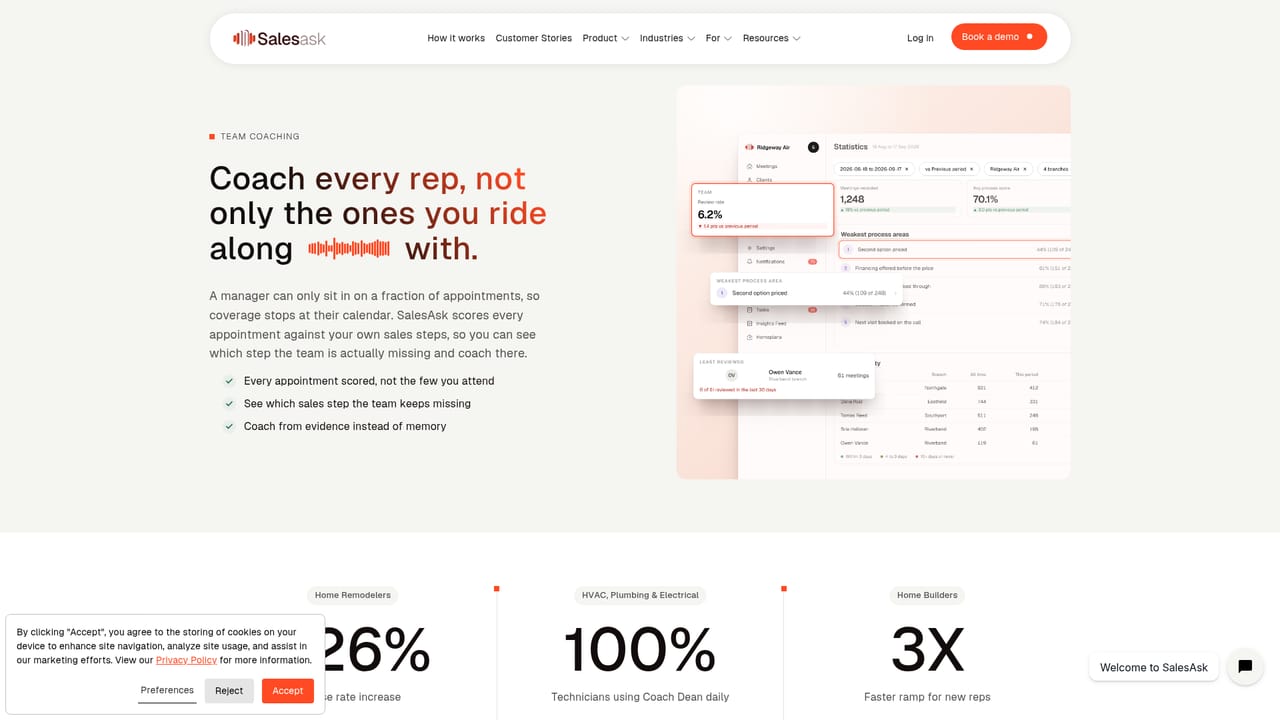
    Managers assign reviews through team coaching, while reps use self coaching on their own recordings to work on weak spots between sessions.
    Sales Ask — Set up coaching for reps and managers
  6. 6Track results in analytics
    Use the analytics and reporting views to follow close rates and coaching impact over time, and compare against the customer stories for realistic expectations.

Pros and cons

Pros

  • Coaching vocabulary and workflows are specific to home services and home building rather than generic salesAI
  • Covers the full loop: recordings, conversation intelligence, team coaching, self coaching and reportingAI
  • Separate entry points for reps, managers and owners mean the tool maps to real rolesAI
  • Coach Dean AI agent gives reps an on-demand coaching surface outside scheduled reviewsAI
  • Published customer stories from roofing, general contracting and home service franchises show real deploymentsAI

Cons

  • Very narrow industry focus: teams outside the home trades get little valueAI
  • No public pricing information, so budget planning requires a sales conversationAI
  • Pricing, free trial and support details are not stated on the homepageAI
  • Ideal call handling depends on consistent recording of in-home conversations, which raises consent and process questionsAI
  • Platform scope is not documented beyond the web application, so mobile field use is unclearAI

How much does Sales Ask cost?

Features

Call recordings, conversation intelligence that analyzes sales conversations, team coaching for managers, self coaching for reps, analytics and reporting, sales automation, and Coach Dean, an AI agent that supports coaching. Industry pages cover home builders, home services, home remodeling and roofing, and role pages cover reps, managers and owners.

Learn more

Frequently asked questions about Sales Ask

  • How do you use Sales Ask?
    The walkthrough on this page covers 6 steps: 1. Review how the platform works 2. Book a demo for your trade 3. Connect call recording 4. Read the conversation intelligence output 5. Set up coaching for reps and managers 6. Track results in analytics.
  • What platforms does Sales Ask support?
    Sales Ask is available on Web App.
  • What are the limitations of Sales Ask?
    Very narrow industry focus: teams outside the home trades get little value. No public pricing information, so budget planning requires a sales conversation. Pricing, free trial and support details are not stated on the homepage.

Status

StatusActive
Views0
Outbound clicks0
Added10/21/2026

Platforms

Web App

Pricing

Paid