Free trial
You can build and test a receptionist for free with no card. Claiming it starts 7 free days, after which the subscription begins; cancelling inside the trial is handled in 30 days.
Learn moreAn AI receptionist that turns missed calls into booked jobs and warm leads

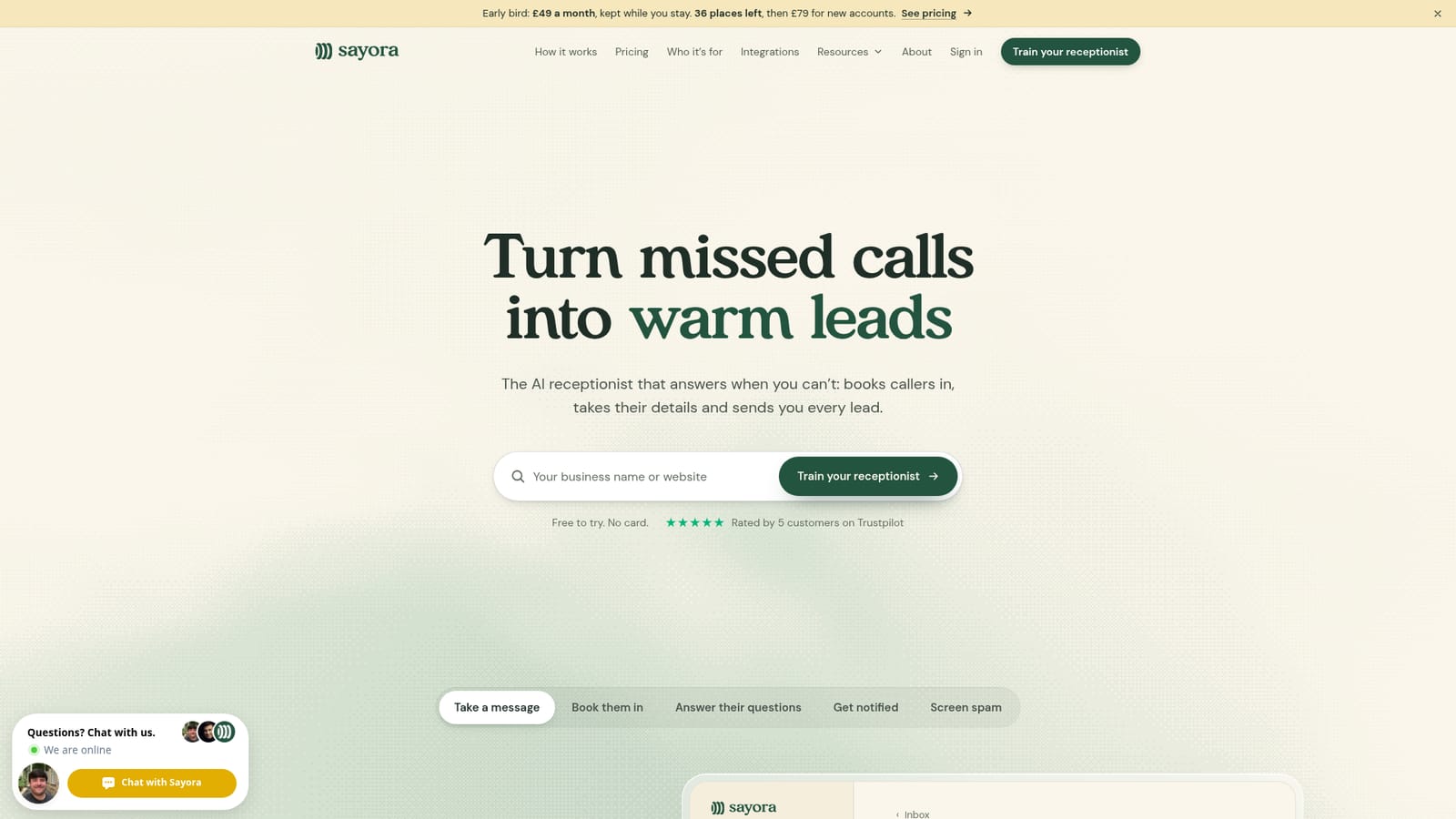
Sayora is an AI phone receptionist for UK small businesses. It answers missed or diverted calls, books callers into Google Calendar or Cal.com, screens spam and sends each lead by text or email with a summary. Setup is generated from your website and Google listing in about a minute.
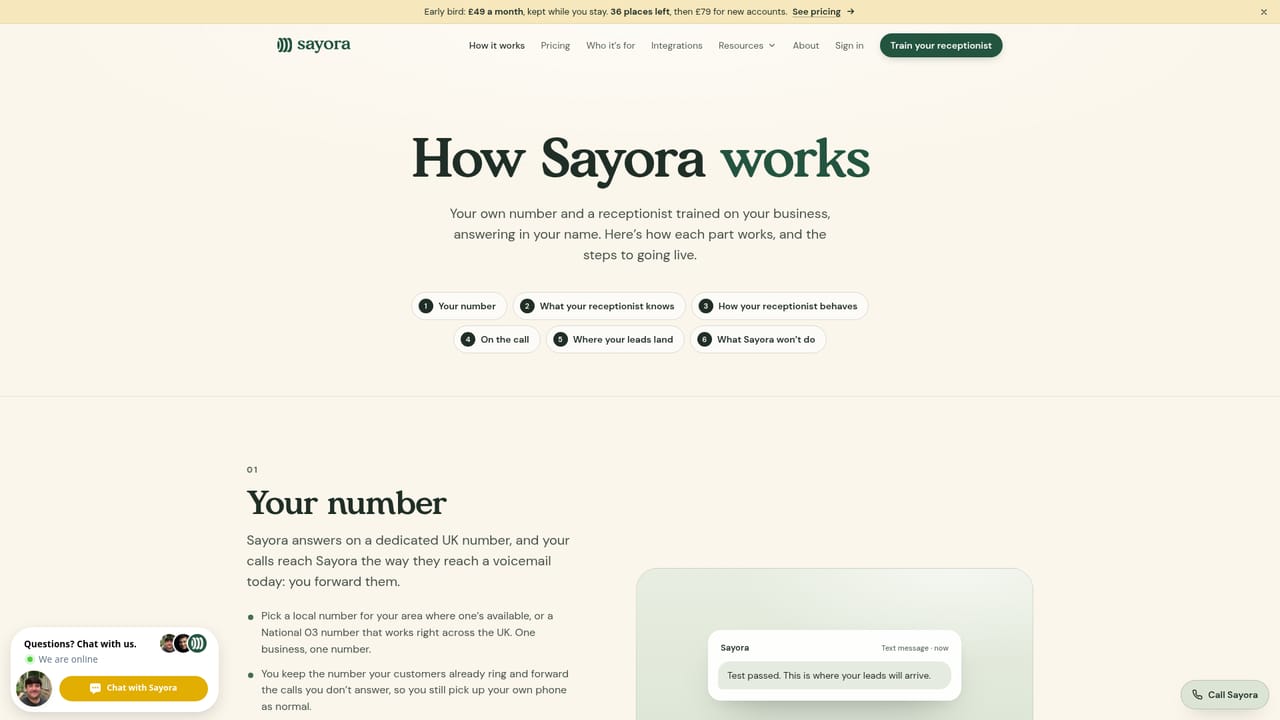
Sayora is a phone receptionist built for small UK businesses that cannot always get to the phone. It answers calls in your business name, day or night, takes the caller's details, books appointments against your diary and sends you a written lead the moment the call ends. The product is aimed squarely at tradespeople, estate agents, security firms and other owner-run operations where a missed call is a lost job. The company positions itself around one problem: the calls you miss while up a ladder, driving or with a customer. Setup starts with your business name or website. Sayora reads the site and your Google listing and drafts a receptionist in about a minute, then lets you correct it. You can add up to ten rules in plain English, each checked when saved, and supply answers to the questions callers always ask. You pick one of 18 British and Irish voices and give the receptionist a name. Calls reach it either through a new local or 03 number you choose, or by diverting only the calls you miss on your existing line. Booking runs against Google Calendar or Cal.com, and the caller gets a confirmation text. In practice Sayora is deliberately conservative. When it does not know something it takes a message and passes the question to you rather than inventing a price or a promise. Every new caller is told they are speaking to an AI and that the call is recorded, and cold callers are screened out before they reach your inbox. Each lead arrives by text, email or both with a summary, the caller's number and any details you asked for, marked urgent where relevant. Against human answering services it is cheaper and always on, but it cannot transfer a live call to you, which some callers will find limiting. Against generic AI voice agents it is narrower and more opinionated: UK numbers, UK voices, UK small business workflows.
You can build and test a receptionist for free with no card. Claiming it starts 7 free days, after which the subscription begins; cancelling inside the trial is handled in 30 days.
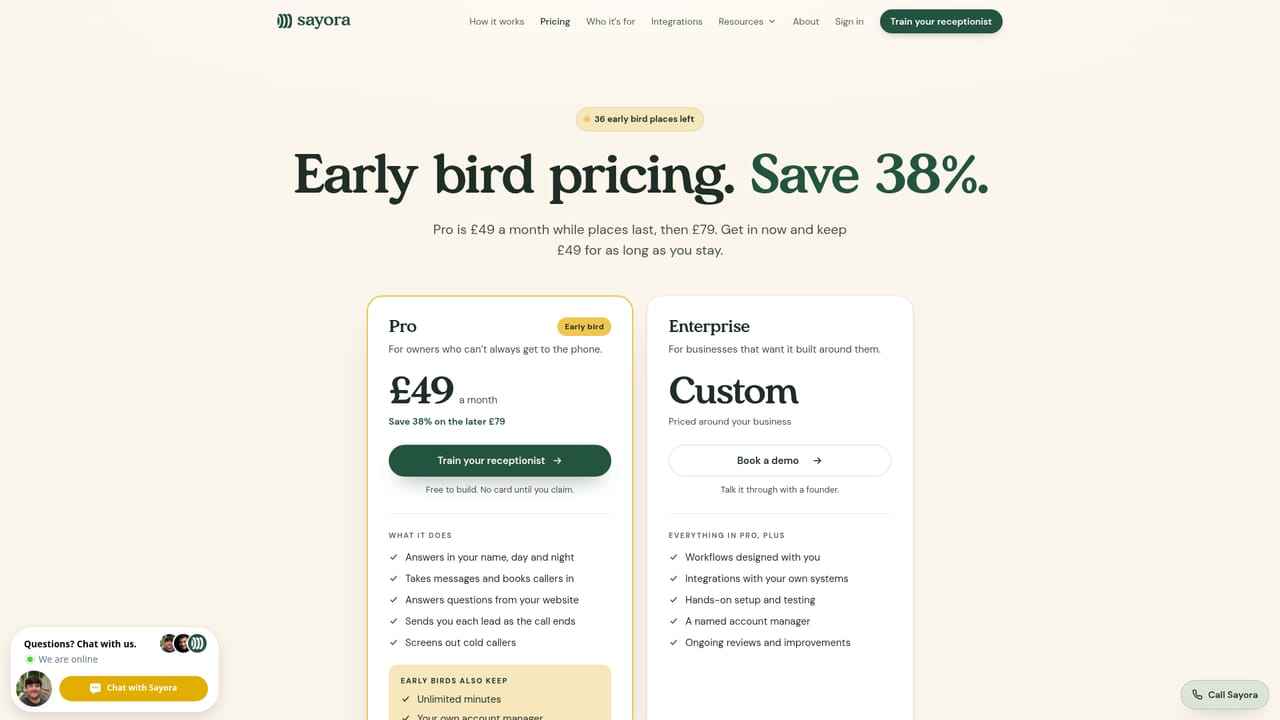
Learn moreTwo plans. Pro is £49 a month on the early bird rate for the first 36 places, kept while you stay, and rises to £79 for new accounts; it includes unlimited minutes and an account manager for early birds. Enterprise is custom priced and adds tailored workflows, integrations with your own systems and hands-on setup. No contract.
Learn moreEarly bird accounts get an account manager, and Enterprise adds a named account manager plus hands-on setup and ongoing reviews. Customers on Trustpilot praise fast, helpful responses when changes are needed.
Bookings sync with Google Calendar and Cal.com, and the receptionist is built from your website and Google listing. Enterprise plans add integrations with your own systems, designed with the Sayora team.
Answers calls in your business name day and night, takes messages, books against Google Calendar or Cal.com and texts the caller a confirmation. Questions are answered from your website and your own saved answers, with gaps passed to you rather than guessed. Leads arrive by text, email or both as the call ends, cold callers are screened, and the AI discloses itself and call recording. Choose from 18 British and Irish voices and set up to ten rules.
Learn more AI Angels400+ customizable AI girlfriends for NSFW chat, voice calls, and roleplay
 Candy AIExperience the future of companionship with AI friends who chat, role-play, and connect with you on a human level.
 ourdream.aiA vast AI roleplay platform with millions of characters for chat, images, video and voiceAI Angels400+ customizable AI girlfriends for NSFW chat, voice calls, and roleplayCandy AIExperience the future of companionship with AI friends who chat, role-play, and connect with you on a human level.ourdream.aiA vast AI roleplay platform with millions of characters for chat, images, video and voice


