Pricing
The homepage states that all features are free for now, with no subscription and no credit card required. No paid tiers, usage limits, or future pricing are described.
Learn moreBrowser-based LaTeX editor with real-time collaboration and Git version control.

ScienHub is an academic research tool. A browser-based LaTeX editor offering real-time multi-author editing, instant compilation, and Git version control. Positioned as a free alternative to Overleaf, it targets researchers and co-authoring teams who want to write scientific documents without local installation.
ScienHub is a web-based LaTeX editor built for collaborative scientific writing. It brings the typesetting language of academia into the browser, removing the need to install a local TeX distribution or configure an editor. The pitch is straightforward: open a document, share it with co-authors, and watch edits appear as they happen. The core workflow revolves around real-time multi-user editing. Multiple authors can work on the same .tex file simultaneously, with changes reflected instantly for everyone in the session. Compilation is handled server-side, so PDF output arrives without the user managing a local toolchain. For teams that treat manuscripts as code, ScienHub also offers Git version control, letting writers commit, branch, and review history in a familiar versioning model rather than relying on ad hoc file naming. ScienHub is aimed at researchers, graduate students, and co-authoring teams who already write in LaTeX and want a lower-friction alternative to desktop setups or existing cloud editors. It suits interdisciplinary projects where authors are spread across institutions and need a shared source of truth for a paper, thesis, or grant proposal. The homepage presents it explicitly as a free Overleaf alternative, positioning it against the established cloud LaTeX incumbent on the basis of cost and browser access rather than a deep feature matrix. In practice, a project starts with signup, then a document, then an invitation to collaborators. The editor surfaces the LaTeX source alongside compilation results, and Git gives the team a way to snapshot milestones. Because everything runs in the browser, there is no install step and no platform lock to a specific operating system. The trade-off is that heavy or highly customized LaTeX builds may still push users toward a local setup, and the product is young enough that its ecosystem of templates and integrations is not yet documented on the homepage.
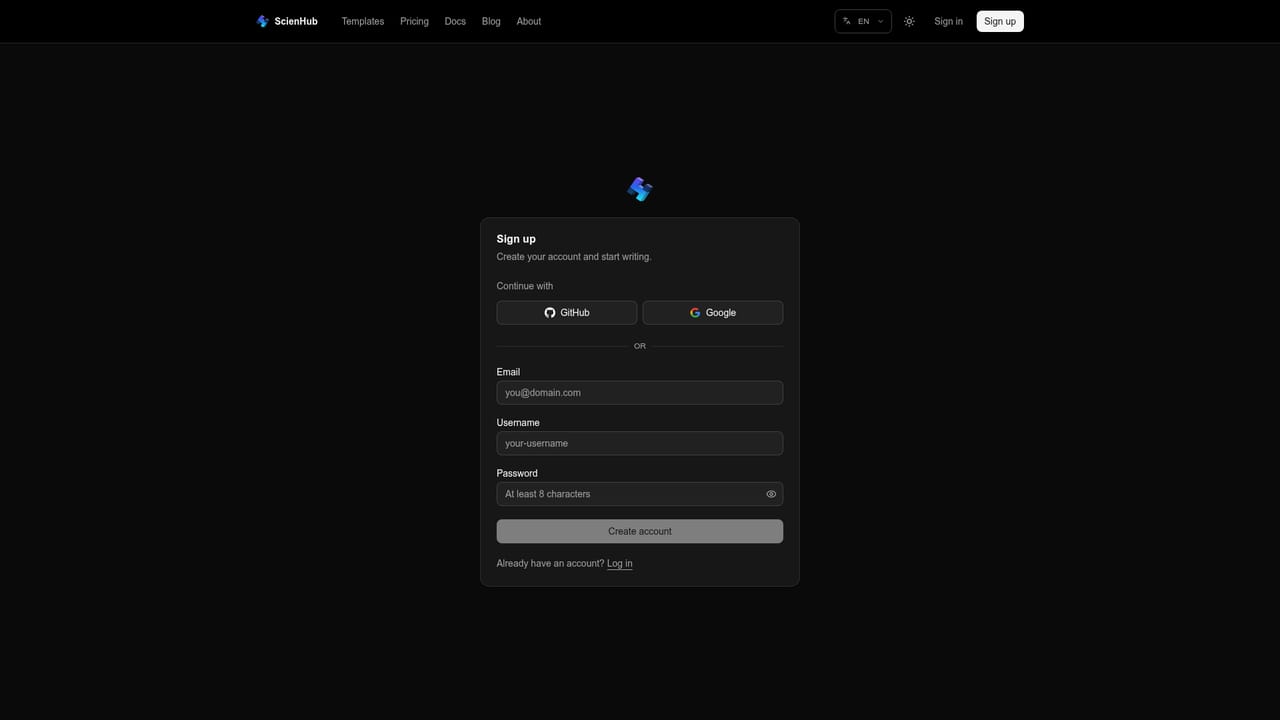
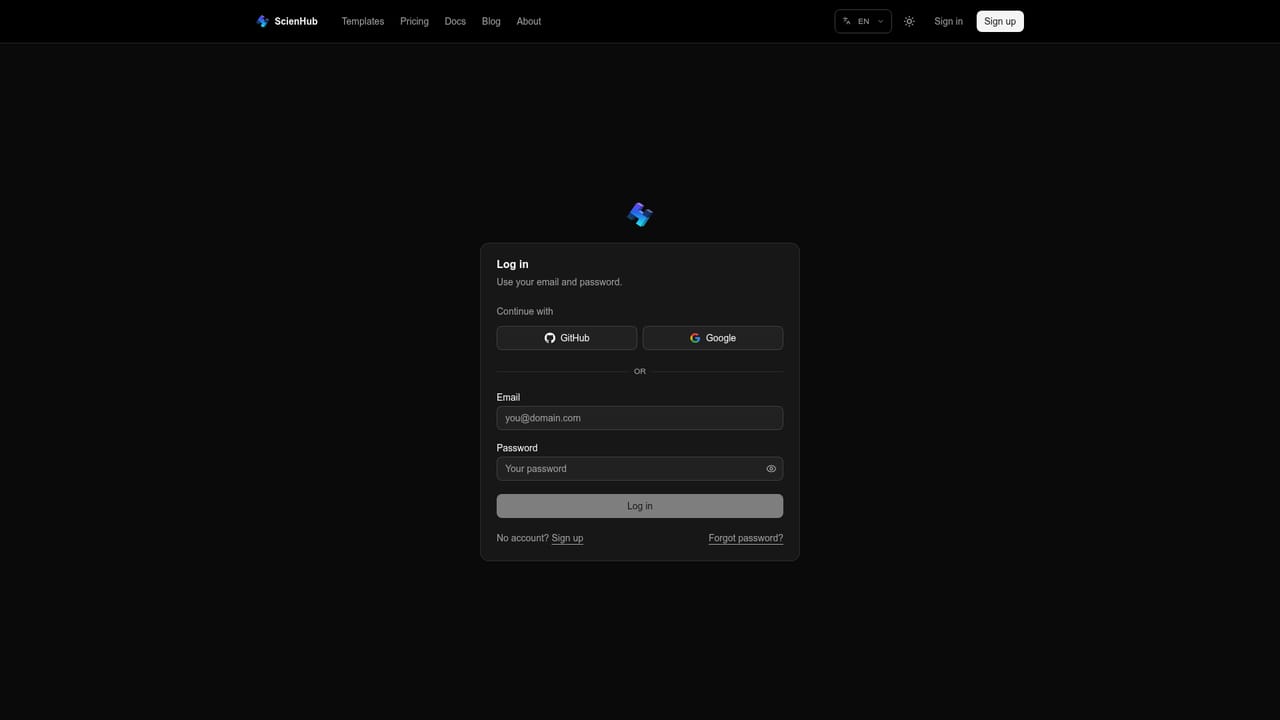

The homepage states that all features are free for now, with no subscription and no credit card required. No paid tiers, usage limits, or future pricing are described.
Learn moreSupport is community-based through WhatsApp, WeChat, and Xiaohongshu groups, joined by scanning QR codes on the homepage. No email help desk or documentation portal is mentioned.
Git version control is built in. No third-party integrations (reference managers, cloud storage, or submission systems) are listed on the homepage.
Real-time multi-user editing on the same LaTeX source, server-side instant compilation to PDF, and Git version control for tracking revisions. Everything runs in the browser with no installation, and the editor is presented as a free alternative to Overleaf.
 AI Angels400+ customizable AI girlfriends for NSFW chat, voice calls, and roleplay
 Candy AIExperience the future of companionship with AI friends who chat, role-play, and connect with you on a human level.
 ourdream.aiA vast AI roleplay platform with millions of characters for chat, images, video and voiceAI Angels400+ customizable AI girlfriends for NSFW chat, voice calls, and roleplayCandy AIExperience the future of companionship with AI friends who chat, role-play, and connect with you on a human level.ourdream.aiA vast AI roleplay platform with millions of characters for chat, images, video and voice


