Integrations
The page shows LLM logos including ChatGPT, Claude, Gemini and Copilot, and people systems such as Workday, SAP, UKG, ADP, Dayforce and Oracle. Sync depth and API access are not specified.
Measure AI adoption and turn usage signals into a transformation roadmap.
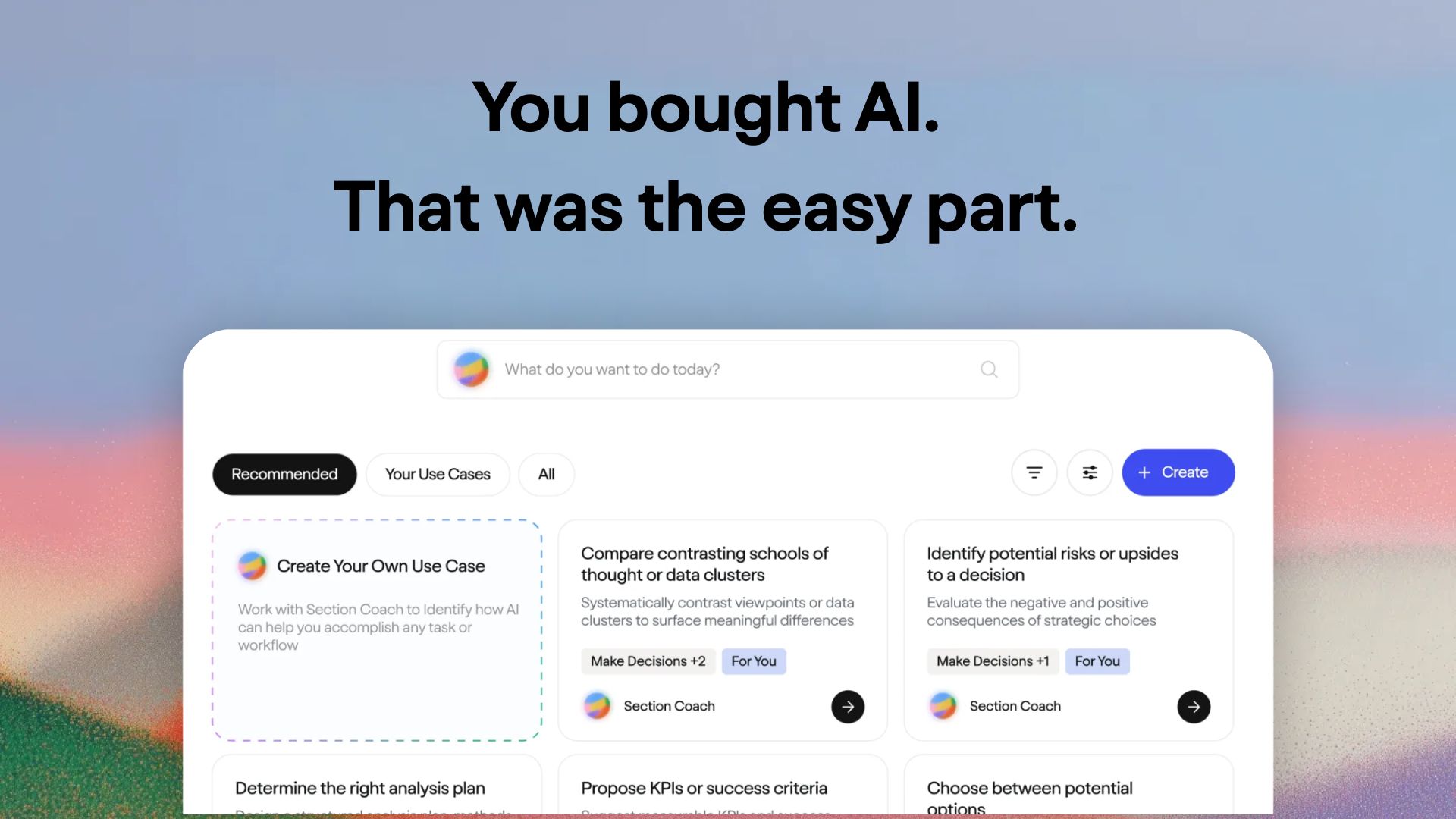
Section HQ is an enterprise AI adoption platform that tracks usage, proficiency and impact across LLMs and AI tools, then turns those signals into a transformation roadmap and agent-governance view for AI, L&D and functional leaders.
Section HQ is an AI adoption and enablement platform aimed at the leaders who have to show that AI investments are producing results. Rather than another chatbot, it is a measurement and management layer that sits above the AI tools a company already uses. The product tracks usage, proficiency and impact across core LLMs, agentic platforms and even tools that IT may not have inventoried, then rolls those signals into a transformation playbook. The core promise is simple: answer the question "what is this doing for us?" with evidence instead of anecdotes. The platform is built for four overlapping audiences: heads of AI who need to decide the next intervention and build a forwardable narrative for leadership, L&D and people leaders who must measure whether enablement programs actually moved adoption, functional leaders who want a department-level view of AI use, and program owners who need to govern a growing suite of AI agents. In practice, Section HQ connects to LLM providers and people systems (workday, SAP, UKG, ADP, Dayforce and Oracle are shown as examples), then presents dashboards on daily and weekly active users, message volume, and proficiency trends by department. From there it generates agentic insights and recommendations, such as flagging a coaching program with an unusually low acceptance rate, and maps tasks against an AI roadmap so teams can see which phase they are in. The tool takes pains to avoid overclaiming on ROI: it says it quantifies what changed in adoption, proficiency signals and use-case momentum, and supports ROI modeling using the customer's own assumptions rather than asserting a universal return figure. That honesty is unusual in a category full of inflated promises, but it also means buyers must bring their own financial model and internal data to complete the picture. Section HQ fits alongside vendor-native analytics from Copilot, ChatGPT or Claude rather than replacing them outright; its value is the cross-tool, cross-department and cross-HR view that individual vendors cannot provide. It is an enterprise-first product with SOC 2 Type II certification, GDPR and CCPA compliance, ISO 27001-aligned controls and automated penetration testing, and the public path to access is a demo request rather than self-serve signup.
The page shows LLM logos including ChatGPT, Claude, Gemini and Copilot, and people systems such as Workday, SAP, UKG, ADP, Dayforce and Oracle. Sync depth and API access are not specified.
Usage, proficiency and impact tracking across LLMs and AI tools; department-level dashboards on DAU, WAU, message volume and proficiency trends; AI agent governance with approved agent lists and usage status; a transformation roadmap organized by phase and cadence; agentic insights and recommendations, such as coaching acceptance benchmarks; ROI modeling built from customer-supplied assumptions.
 AI Angels400+ customizable AI girlfriends for NSFW chat, voice calls, and roleplay
 Candy AIExperience the future of companionship with AI friends who chat, role-play, and connect with you on a human level.
 ourdream.aiA vast AI roleplay platform with millions of characters for chat, images, video and voiceAI Angels400+ customizable AI girlfriends for NSFW chat, voice calls, and roleplayCandy AIExperience the future of companionship with AI friends who chat, role-play, and connect with you on a human level.ourdream.aiA vast AI roleplay platform with millions of characters for chat, images, video and voice