Integrations
The homepage mentions an API ("Get API") for programmatic access but lists no named integrations.
Unified image generation and editing model from ByteDance, up to 4K

Seedream is an image editing tool. Seedream 4.0 is ByteDance's image model that handles text-to-image generation and instruction-based editing in one architecture, outputting up to 4K, with a web try-out, an API and a prompt guide.
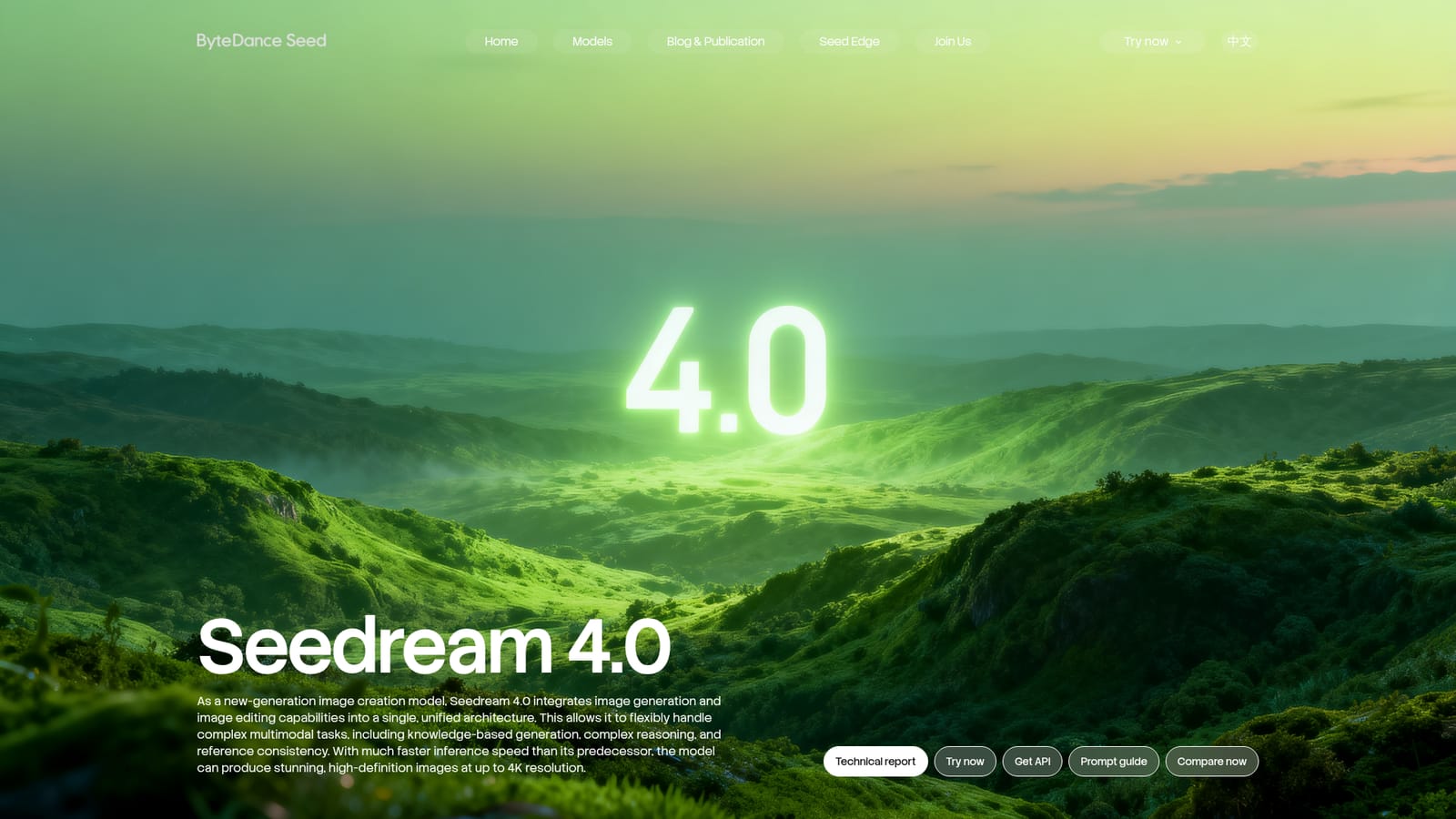
Seedream 4.0 is an image creation model from ByteDance's Seed team that folds image generation and image editing into one architecture instead of treating them as separate products. The same model that draws a picture from a text prompt can also take an existing picture and change it according to a written instruction. Output can reach 4K resolution, and the maker says inference is much faster than in the previous generation. The showcase on the homepage gives a clear idea of the range. Editing examples include removing a person from a photo, rewriting the text and dates on an event poster while keeping color scheme, font and alignment, relighting a living room while the evening outside stays unchanged, swapping a dog for a Schnauzer, and colorizing a scratched old photograph. Reference-driven work is shown too, such as turning a line draft into a finished tennis scene, plus style transfer from a reference picture. Knowledge-oriented prompts cover a retro museum website design, a blackboard that solves a pair of linear equations, a dynasty timeline with Chinese captions, an informational poster and an architecture comparison chart. This makes the tool relevant to designers, marketers, illustrators, educators and developers who need both fresh imagery and precise revisions without moving between systems. The page offers a try-now entry point, an API option for building the model into other products, a prompt guide and a comparison view against other models. A technical report is linked for readers who want details on the architecture. Among alternatives, Seedream 4.0 sits with the current wave of multimodal image models that combine creation and instruction-based editing, competing with general image generators and with dedicated photo editors. Its pitch rests on reference consistency, reasoning-heavy prompts and text rendering inside images, rather than on a polished consumer editing interface. The homepage is a model showcase and does not describe pricing tiers, supported platforms or support channels.
The homepage mentions an API ("Get API") for programmatic access but lists no named integrations.
Unified text-to-image generation and image editing, output up to 4K, faster inference than the predecessor, reference consistency, knowledge-based generation, complex reasoning, text editing within images, style transfer and line-draft-to-scene generation.


