Free trial
A 7 day free trial is offered with no credit card required and no engineers needed for setup.
Learn moreCreative analytics that turns your ad data into the next winning ad

Segwise is a pattern recognition tool. Segwise tags every ad you run, links those tags to performance across 15+ ad networks and attribution partners, tracks competitor creatives the same way, and generates new static, video and playable ads from the patterns that are winning.
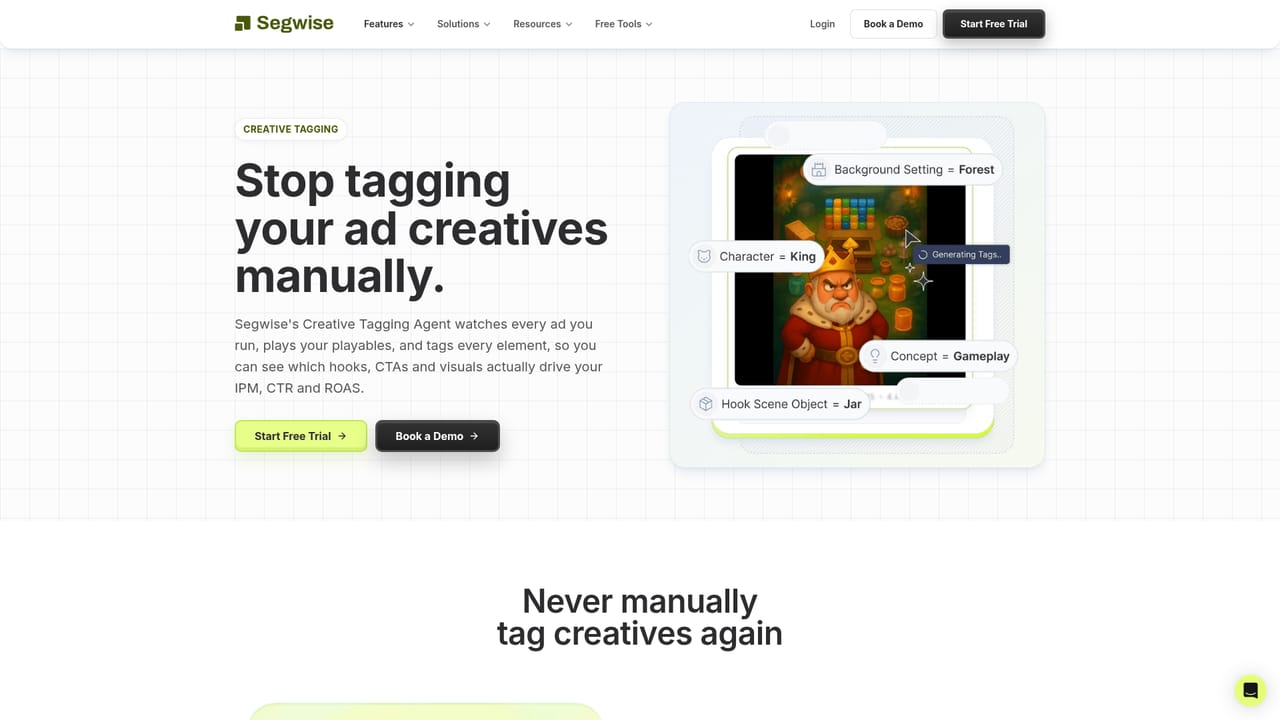
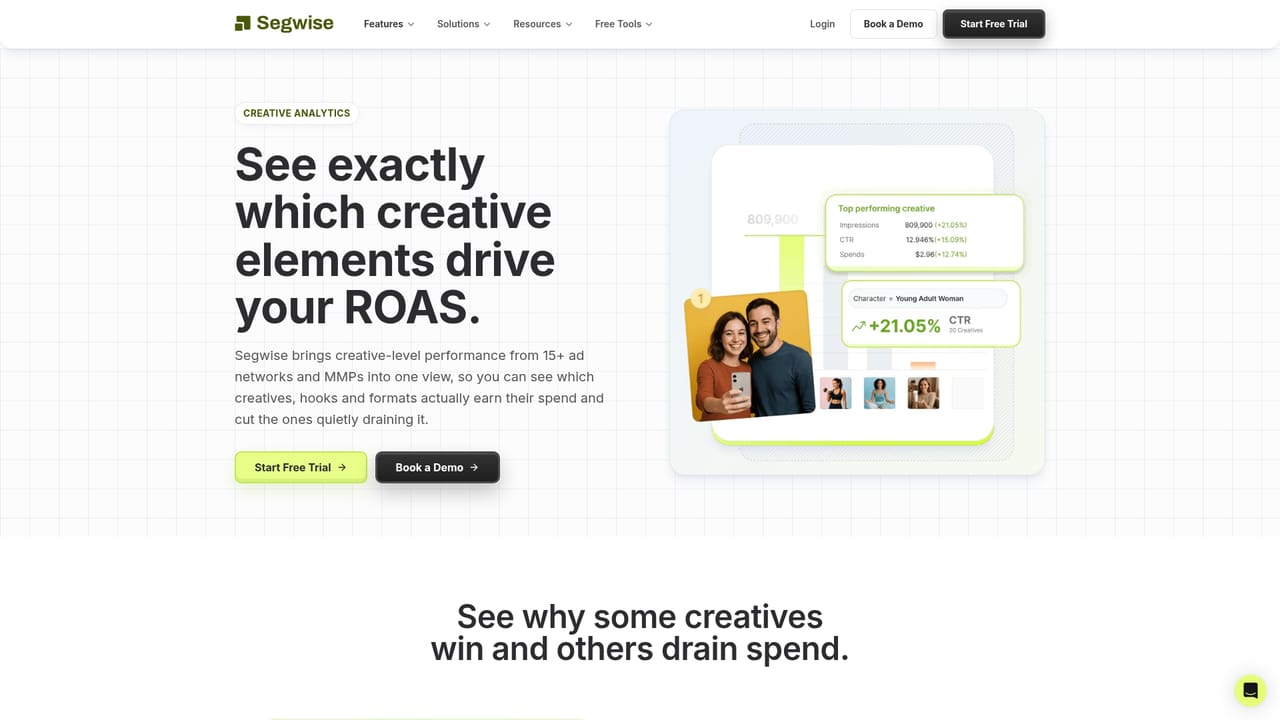
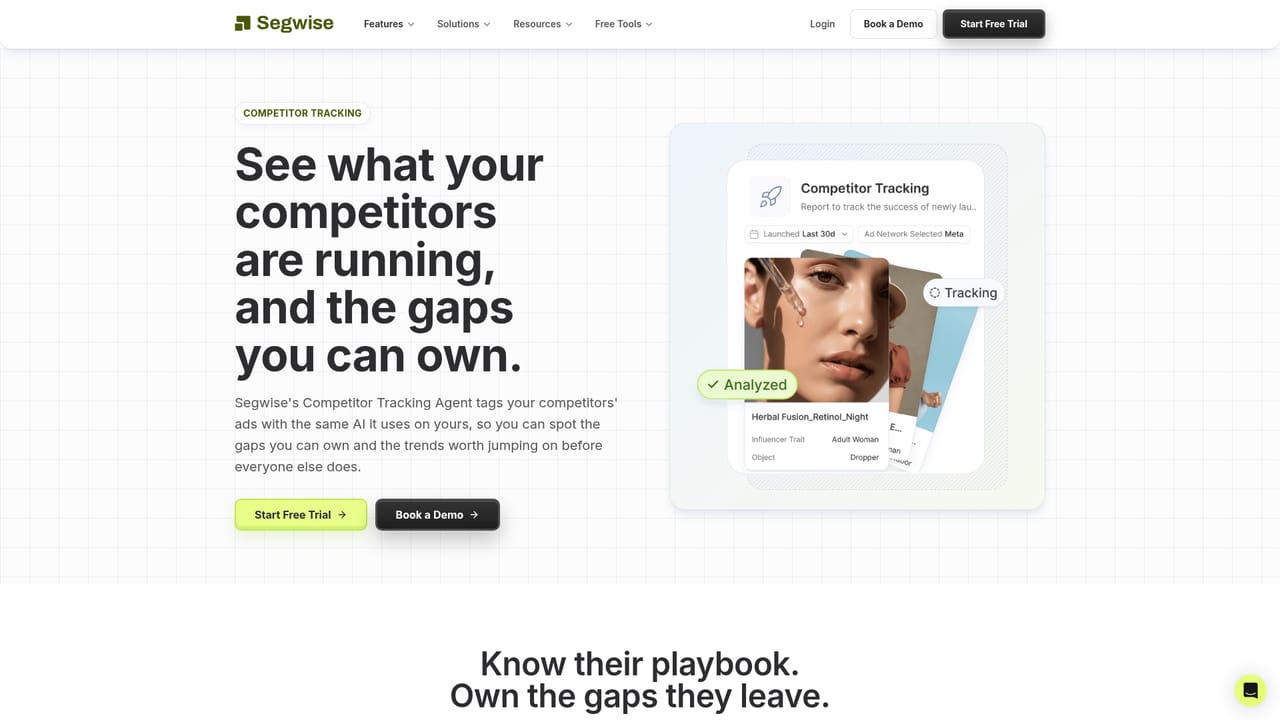
Segwise is a creative analytics and ad generation platform built for performance marketing teams that run large volumes of paid creative. It connects to the ad networks and attribution partners a team already uses, then watches and tags every creative that goes live, whether video, static image or playable. Tags cover the variables that matter to ad platforms: hook scene, hook tactic, emotion, pain point, persona, benefit, gameplay mechanic, palette and call to action. Because every asset past and present gets labelled the same way, teams get an organized creative base without manual labelling or taxonomy work, and those tags are joined to spend, ROAS and other performance numbers at the creative level. On top of that base sit three further agents. Competitor tracking decodes the ads rival brands are running using the same tagging system, exposing their playbook and the gaps a team could own. A creative strategy assistant answers questions about your own data and the competition in plain language, with answers grounded in real creative patterns. Creative generation then drafts static, video and playable ads from the patterns that are working, shaped by constraints such as persona, product, season or country, with the reasoning behind each suggestion attached. In practice the workflow is a loop: tag what ran, read the analytics, ask what to try next, generate candidates, ship them, and let the system learn from what goes live. Teams can filter by network, campaign, ad group, country and creative type, and use creative clustering to follow one asset across networks. The product is aimed at performance marketers, creative strategists, growth agencies and studios in mobile gaming, subscription apps and DTC ecommerce, where the volume of creative needed keeps rising. It sits alongside a design toolchain rather than replacing it: the output is a draft asset and a brief for a human team to edit and ship. Segwise positions itself against spreadsheet reporting and manual creative reviews, replacing both with automated tagging and a strategist that has seen every ad you have run. Budgets leak through dead-on-arrival creatives, quietly fatiguing winners and campaigns starved of fresh assets, and the pitch is that the data already holds the answers.
A 7 day free trial is offered with no credit card required and no engineers needed for setup.
Learn moreConnects to 15+ ad networks and attribution partners (MMPs) for creative and performance data. Individual network names are not listed on the homepage.
Creative tagging across video, image and playable formats, with 25+ tag types covering hooks, scenes, emotions, personas, benefits, CTAs and palette. Creative level analytics slice spend, ROAS and CTR by network, campaign and country, with clustering across networks. Competitor tracking tags rival ads. A chat based strategy assistant answers questions from your own data. Creative generation drafts statics, videos and playables from winning patterns, with reasoning attached.
Learn more AI Angels400+ customizable AI girlfriends for NSFW chat, voice calls, and roleplay
 Candy AIExperience the future of companionship with AI friends who chat, role-play, and connect with you on a human level.
 ourdream.aiA vast AI roleplay platform with millions of characters for chat, images, video and voiceAI Angels400+ customizable AI girlfriends for NSFW chat, voice calls, and roleplayCandy AIExperience the future of companionship with AI friends who chat, role-play, and connect with you on a human level.ourdream.aiA vast AI roleplay platform with millions of characters for chat, images, video and voice


