Free trial
The homepage invites users to connect a first source in about two minutes with no credit card, but it does not name a trial length or the limits that apply.
Learn moreGive Claude and ChatGPT read-only access to your live marketing data

Sequel is an analytics tool. Sequel connects marketing, revenue and warehouse sources to Claude, ChatGPT, Cursor and other MCP clients through one read-only connection. Shared metric definitions keep answers consistent across tools, and every result arrives with the query behind it so numbers can be verified.
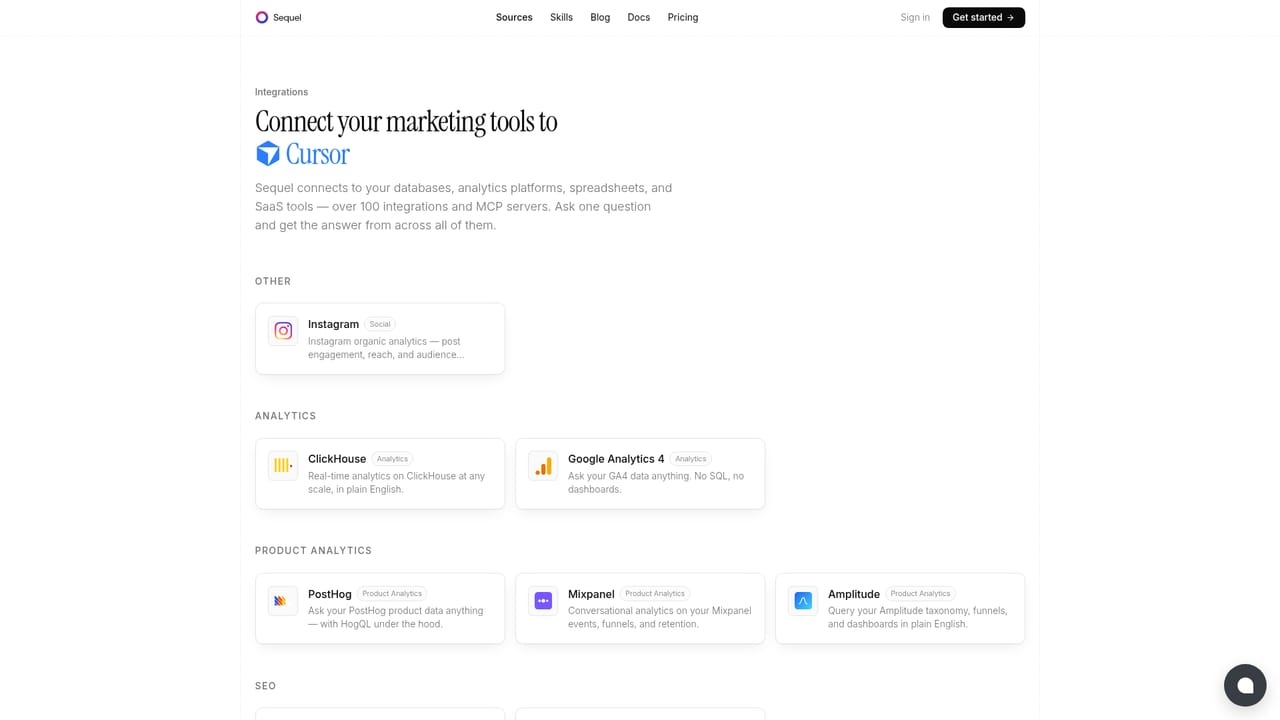
Sequel is a connection layer that lets AI assistants query live business data instead of guessing from training data. It links sources such as Google Analytics, Google Ads, Search Console, Meta Ads, HubSpot, Stripe, Mixpanel, Amplitude, PostHog, Intercom, Google Sheets, BigQuery, Snowflake and Postgres to Claude, ChatGPT, Cursor, Codex, VS Code and any other app that speaks the Model Context Protocol. Setup runs over OAuth or an API key, and nothing needs to be self-hosted. The part that separates Sequel from a generic database connector is shared metric definitions. Teams tell Sequel once what a qualified lead, an active account or blended CAC means in their own terms, and every agent then applies that same definition. A question about channel CAC returns the same number across all connected clients, with the SQL query behind it attached so the figure can be checked rather than trusted. Sequel also retains schema memory and vocabulary across sessions, so answers improve as the workspace accumulates context. Safety is designed around read-only defaults. Connectors cannot write, pause campaigns, move budgets or edit records unless a team explicitly enables that capability. Each connection carries only the access granted to it, agents reach data through a gateway that keeps credentials hidden, and any enabled write must be shown as the exact call before it executes. Every query is logged, attributed and reviewable. Sequel suits marketing, revenue, finance and founder teams that already work inside an AI assistant and want answers that span several systems at once, which is the point where CSV exports and hand-built pipelines stop scaling. It competes less with BI dashboards than with ad hoc data plumbing: the query and dashboard layer lives inside the assistant already in use. Specific pricing tiers and trial terms are not published on the homepage.
The homepage invites users to connect a first source in about two minutes with no credit card, but it does not name a trial length or the limits that apply.
Learn moreRuns over MCP for Claude, ChatGPT, Cursor, Codex, VS Code and other compatible clients. Sources include Google Analytics, Search Console, Google Ads, Meta Ads, HubSpot, Stripe, Mixpanel, Amplitude, PostHog, Google Sheets, Intercom, BigQuery, Snowflake and Postgres.
Learn moreRead-only connectors to marketing, revenue, product and warehouse data; shared metric definitions applied across every agent; schema and vocabulary memory that persists between sessions; a visible query behind every answer; cross-system joins handled automatically; live dashboards and plain-English debugging; per-source scoping with logged, attributed and reviewable queries; write actions gated behind explicit confirmation.
 AI Angels400+ customizable AI girlfriends for NSFW chat, voice calls, and roleplay
 Candy AIExperience the future of companionship with AI friends who chat, role-play, and connect with you on a human level.
 ourdream.aiA vast AI roleplay platform with millions of characters for chat, images, video and voiceAI Angels400+ customizable AI girlfriends for NSFW chat, voice calls, and roleplayCandy AIExperience the future of companionship with AI friends who chat, role-play, and connect with you on a human level.ourdream.aiA vast AI roleplay platform with millions of characters for chat, images, video and voice


