Free trial
Every account starts with 30 free credits, no card required, which covers about 30 minutes of video. Free exports carry a small watermark and allow up to 3 shorts per video.
Learn moreTurns one long video into captioned 9:16 shorts and schedules them

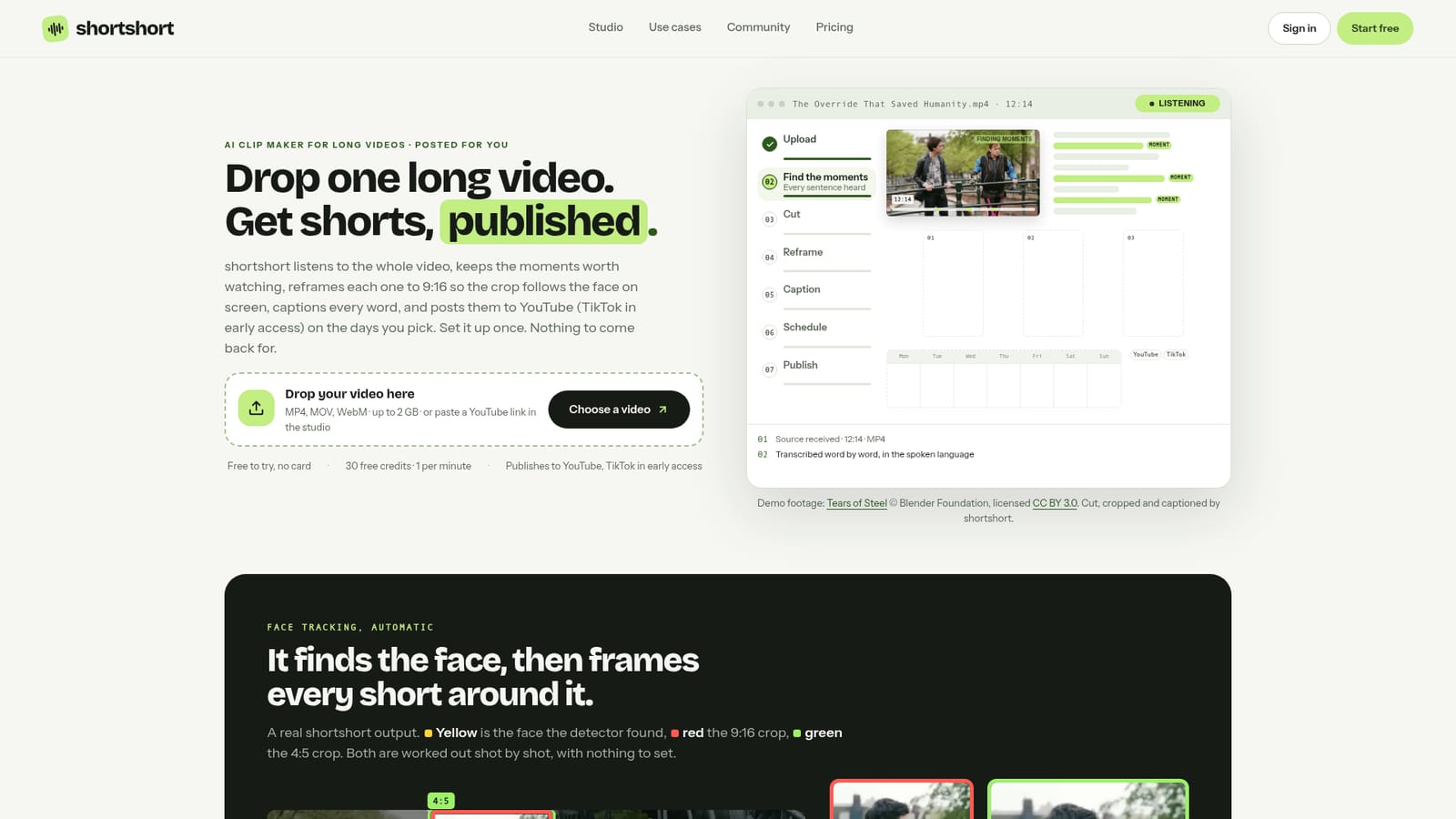
shortshort is a social media tool that turns one long video into captioned 9:16 shorts and schedules them. shortshort is a web AI clip maker that turns a long video of up to 2 GB into 9:16 shorts that end on full sentences, follow the face on screen, carry word-timed captions and can be scheduled to YouTube.
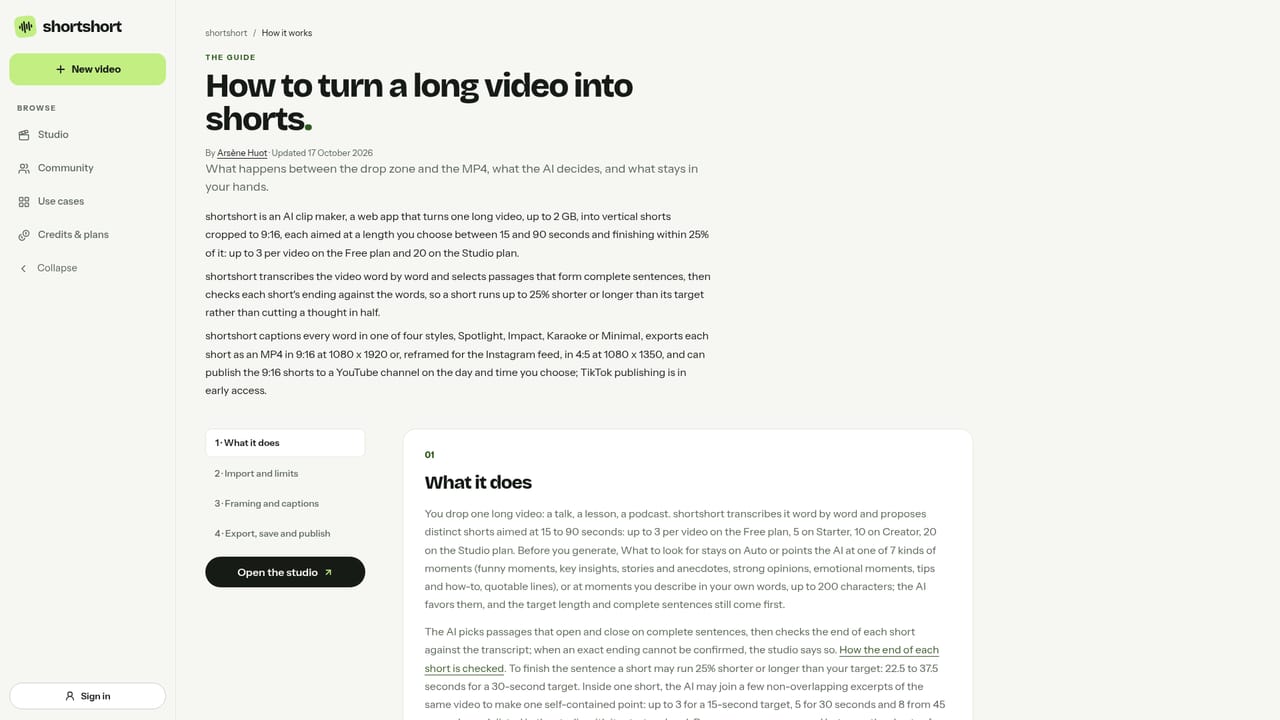
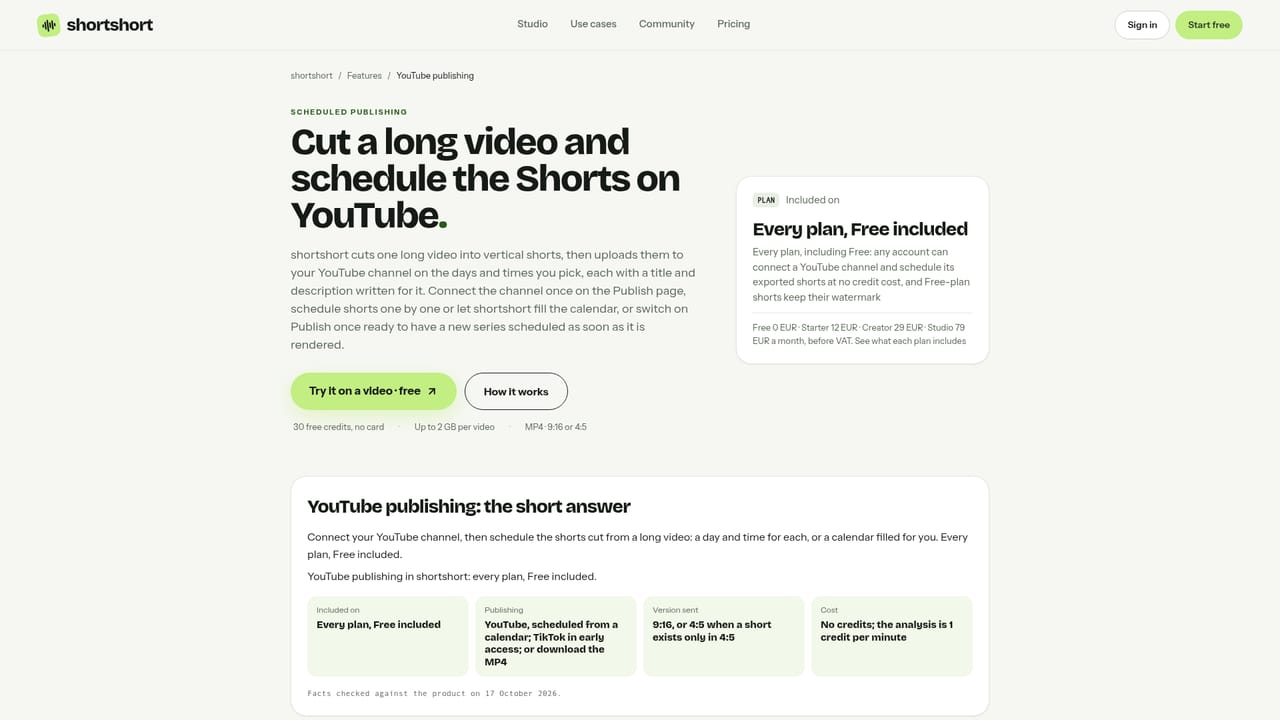
shortshort is a web-based AI clip maker built for people who already have long recordings and want vertical shorts without editing them by hand. A single upload of up to 2 GB (MP4, MOV or WebM) is transcribed word by word, and the system selects passages that form complete sentences. Each short aims at a length chosen between 15 and 90 seconds, then the ending is checked against the transcript, so a clip may run up to 25% shorter or longer than the target instead of cutting a thought in half. In practice the workflow is short. The user picks how many shorts to produce and how long each should run, then the job runs on the vendor's servers, so the tab can be closed once the upload finishes. Every clip is reframed to 9:16 with a crop that tracks the most visible face, using automatic zooms between x1.0 and x1.6, while slides, screens and wide shots stay full-frame. Captions are timed on every word and come in four styles: Spotlight, Impact, Karaoke and Minimal. Exports are MP4 files at 1080 x 1920, or 4:5 at 1080 x 1350 for the Instagram feed. Each result is a proposal that can be edited in the studio before export. Publishing is part of the product. A connected YouTube channel receives shorts on the days and times the user picks, with titles and descriptions written in a chosen language, or the calendar can be filled automatically. TikTok publishing is in early access, and Instagram is not connected, so those files are downloaded and posted manually. Framing has limits: the tracker does not identify who is speaking, and there are no manual framing controls. The tool suits podcasters, webinar and course teams, conference speakers, YouTube creators and sales teams, with separate use-case pages for each. Credits are billed at one per minute of source video, and a free account starts with 30. Among clip tools, its distinguishing traits are sentence-complete endings, face-following crops and built-in scheduling, set against a smaller choice of caption styles and no manual reframing.
Every account starts with 30 free credits, no card required, which covers about 30 minutes of video. Free exports carry a small watermark and allow up to 3 shorts per video.
Learn moreFree plan with 30 welcome credits (one credit per minute of source video), up to 3 shorts per video and a small watermark. Paid plans Starter, Creator and Studio remove the watermark and allow 5, 10 or 20 shorts per video. Prices are on the pricing page.
Learn morePublishes to a connected YouTube channel, with TikTok in early access. Accepts uploaded files or YouTube links. Instagram is not connected. Transcription uses OpenAI whisper-1 and analysis uses Google Gemini or OpenAI.
Learn moreWord-by-word transcription, complete-sentence clip selection, face-tracking 9:16 reframing with auto zoom, four caption styles, 4:5 export, an editor for proposals, and scheduled YouTube publishing with generated titles and descriptions.
Learn more


