Pricing
The homepage does not publish prices, tiers or a per-resolution cost. Teams are routed to a demo request instead, and a separate ROI calculator exists on the site to estimate value before a formal quote.
Learn moreAn AI CX operating system for consumer brands

Siena CX is an AI customer experience platform for consumer brands, combining support automation, a shopping agent, social agent and voice-of-customer analytics in one intelligence layer across every customer channel.
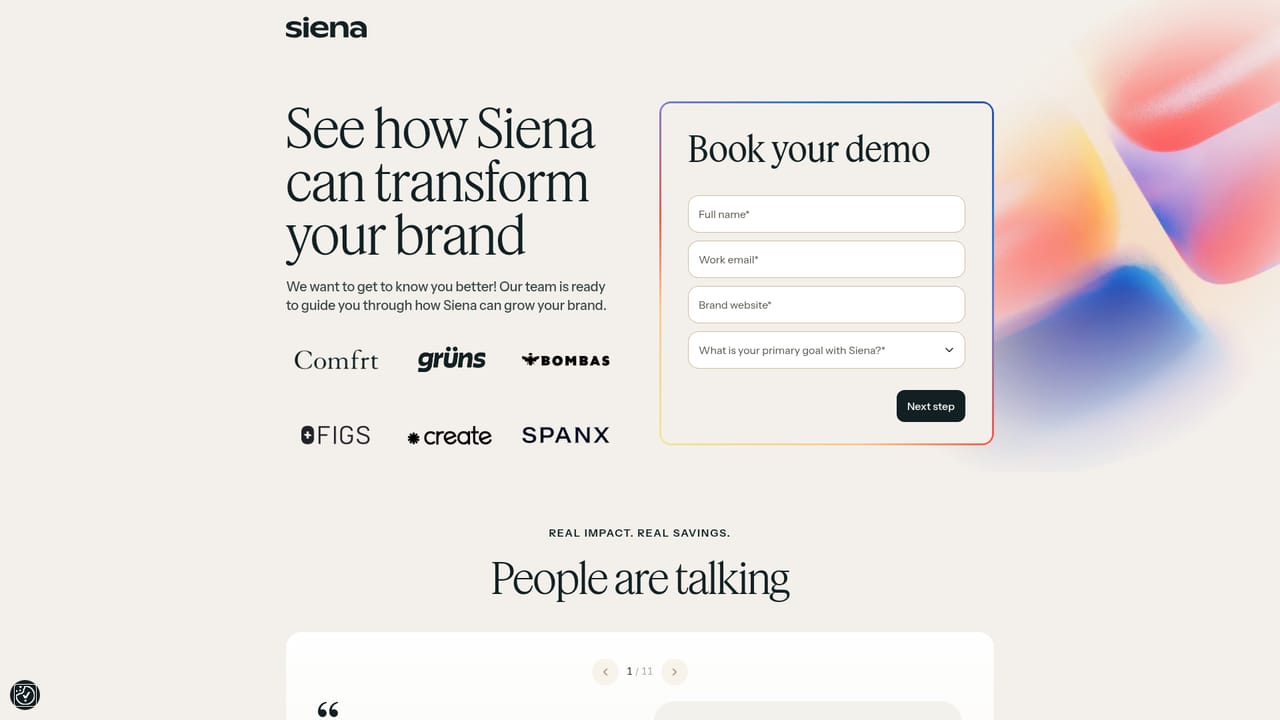
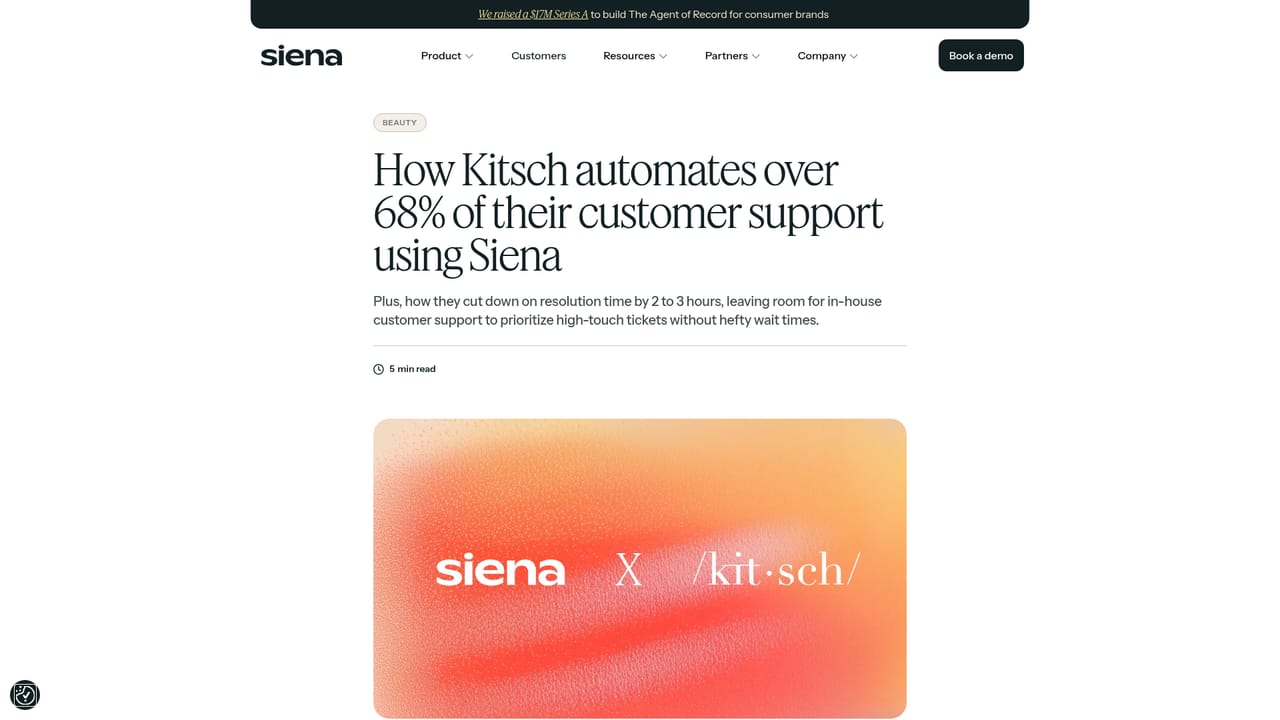
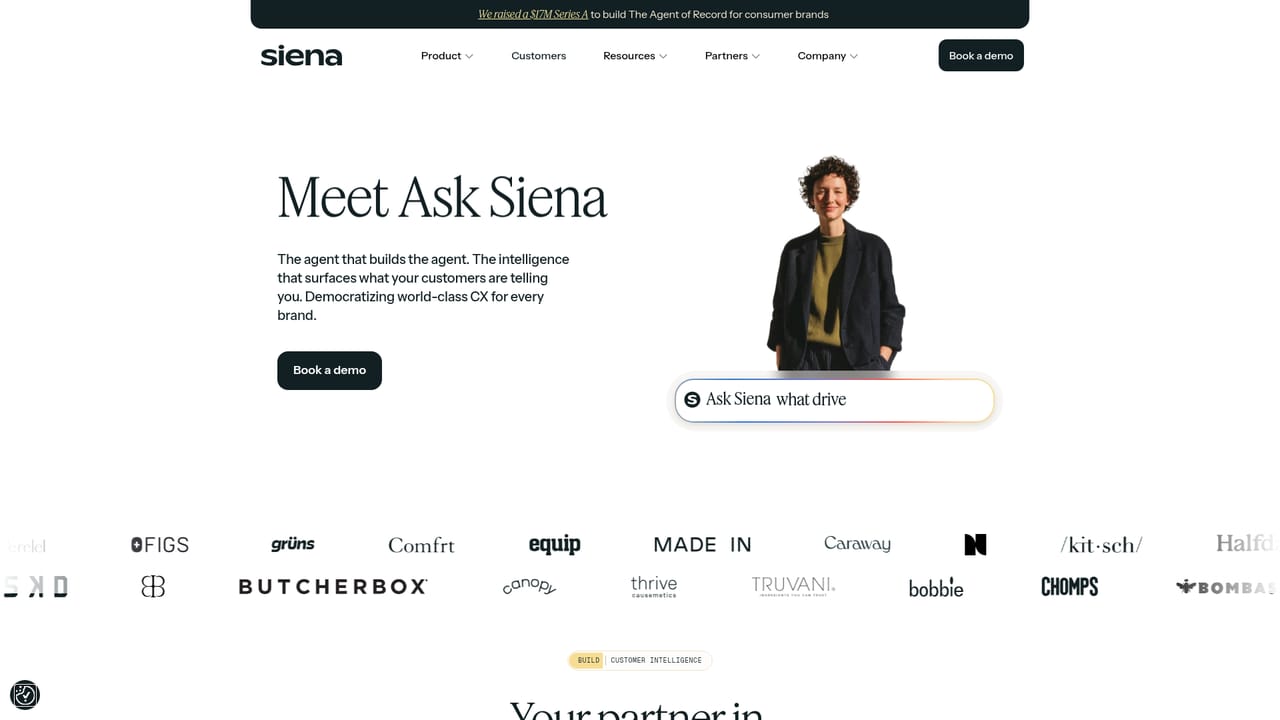
Siena CX is an AI customer experience platform built for consumer brands, particularly ecommerce and direct-to-consumer companies. The product is described as one intelligence layer powering agents across every customer surface, meaning the same underlying model and knowledge base handles support conversations wherever shoppers show up. Named agents include a shopping agent, a social agent and a QA agent, with additional tools such as AI review management, memory and Ask Siena for voice-of-customer analysis. In practice the platform answers customer questions, triages and resolves routine support work, and escalates the conversations that need a human. The pitch is empathic automation: replies that read like a trained agent wrote them rather than a script. Customers on the site report substantial automation rates and CSAT scores, and several describe using Ask Siena to surface product demand and generate weekly voice-of-customer reporting for retail partners. One notable use case came from True Sea Moss, where customer feedback led to a sampler pack now sold in national retail chains. Siena is aimed at CX leaders, support operations managers and founders at growing consumer brands who want to scale service without proportionally growing headcount. It sits in the same conversation as help desks with AI add-ons, but positions itself as AI native rather than a traditional ticketing system with a bot bolted on. It also has an ROI calculator to help teams build an internal business case. The roster is weighted toward high volume DTC brands such as Spanx, HexClad, Simple Modern, Dossier and Momentous, so teams with small ticket volumes should sanity-check the commercial fit. Pricing is not published in detail on the homepage, so evaluate costs through a demo.
The homepage does not publish prices, tiers or a per-resolution cost. Teams are routed to a demo request instead, and a separate ROI calculator exists on the site to estimate value before a formal quote.
Learn moreSupport enquiries appear to run through a help centre and a sales demo request. The homepage does not spell out service level commitments or plan-specific support terms.
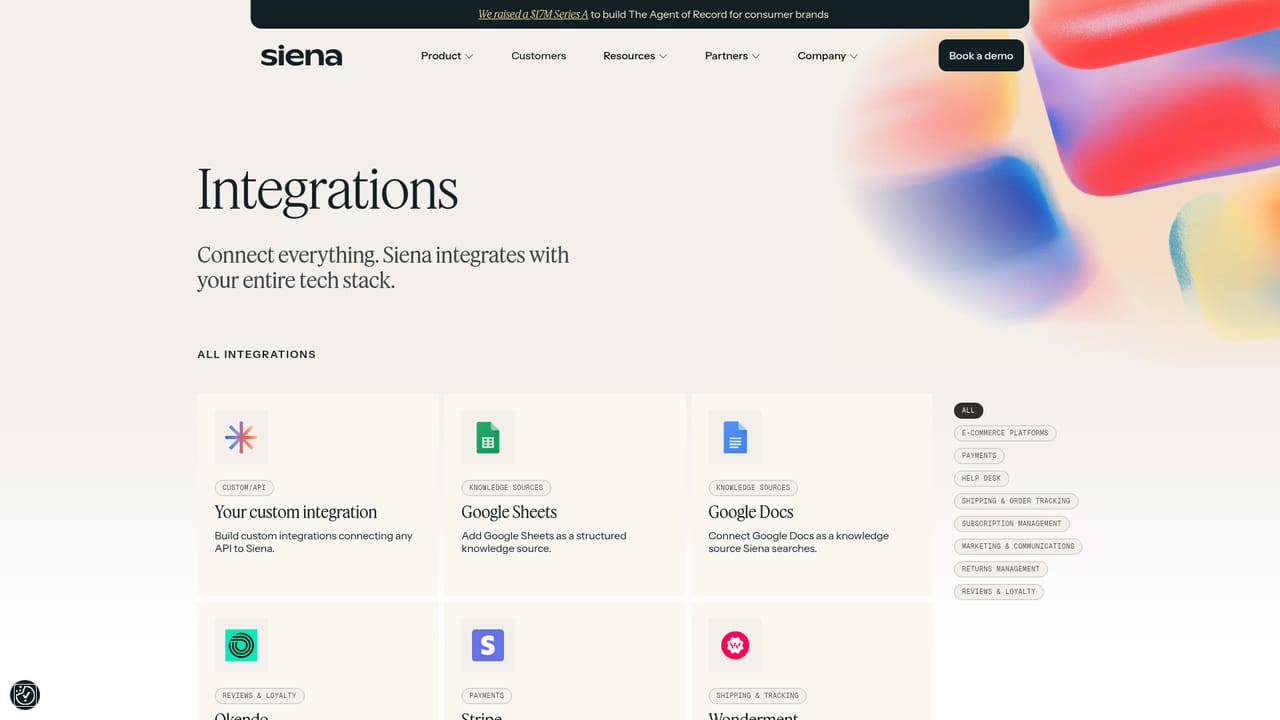
Learn moreA dedicated integrations page lists the help desks, messaging platforms and commerce tools Siena connects to. The homepage confirms agents run across every customer surface rather than a single channel.
Learn moreSpecialised agents including a shopping agent, social agent and QA agent sit on one shared intelligence layer. Supporting tools cover AI review management, persistent memory across conversations, Ask Siena voice-of-customer analysis, a topics explorer and an ROI calculator.
Learn more AI Angels400+ customizable AI girlfriends for NSFW chat, voice calls, and roleplay
 Candy AIExperience the future of companionship with AI friends who chat, role-play, and connect with you on a human level.
 ourdream.aiA vast AI roleplay platform with millions of characters for chat, images, video and voiceAI Angels400+ customizable AI girlfriends for NSFW chat, voice calls, and roleplayCandy AIExperience the future of companionship with AI friends who chat, role-play, and connect with you on a human level.ourdream.aiA vast AI roleplay platform with millions of characters for chat, images, video and voice


