Free trial
A "Start Free Trial" button appears in the offer banner, and the meta description calls it a free AI hairstyle changer. Trial limits are not detailed on the homepage.
Learn morePreview new haircuts and hair colors on your own photo

Silky AI is a web-based hairstyle and hair color changer. Upload a portrait, choose a template or describe a color, and get an AI preview of the new look for men and women before visiting a salon.
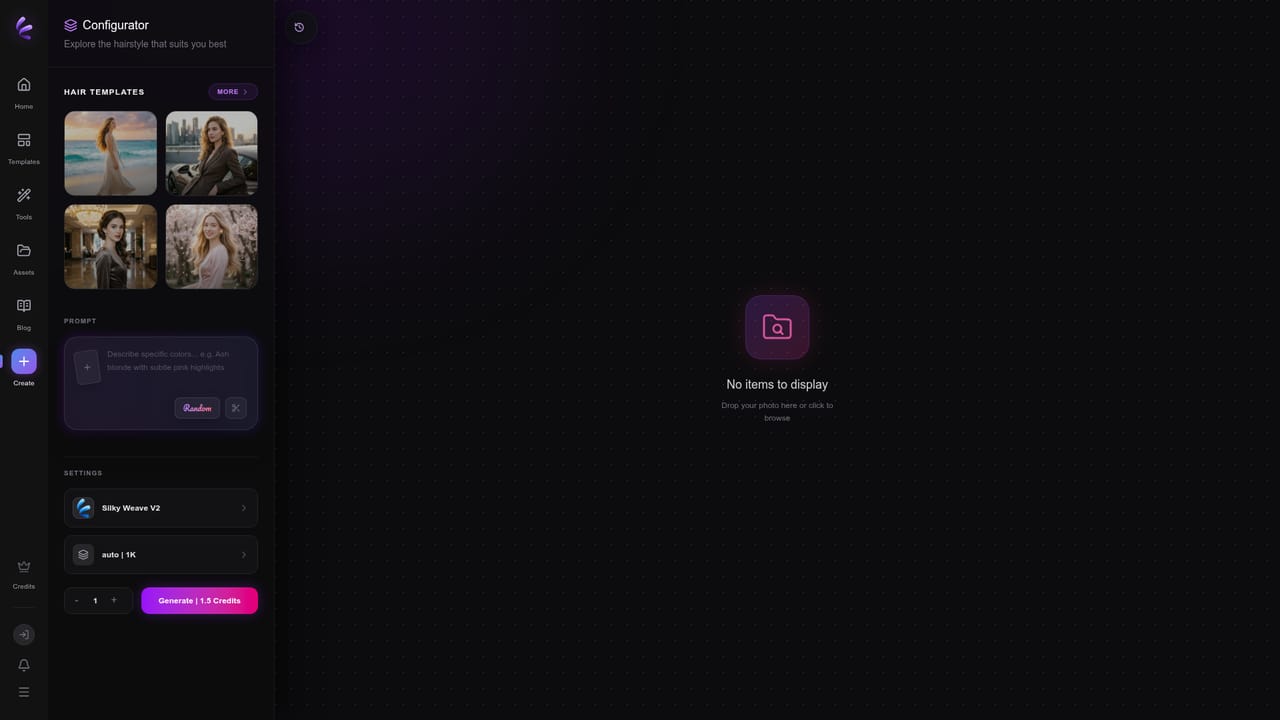
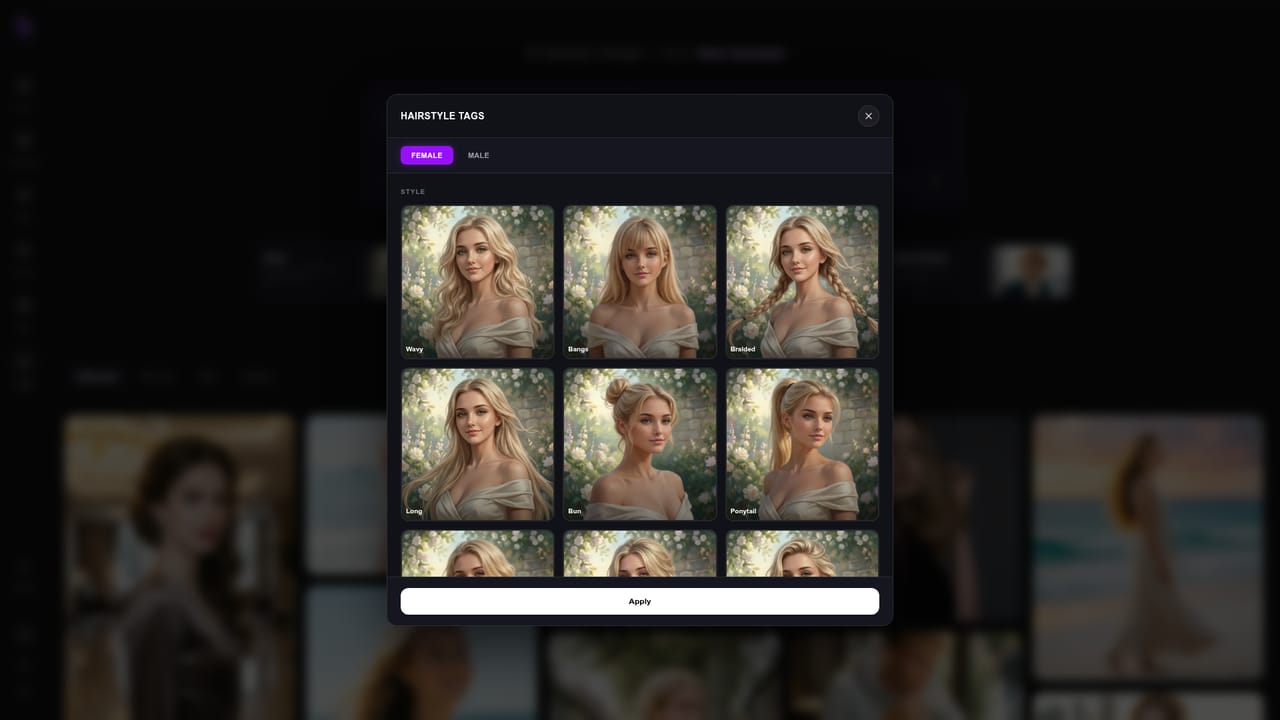
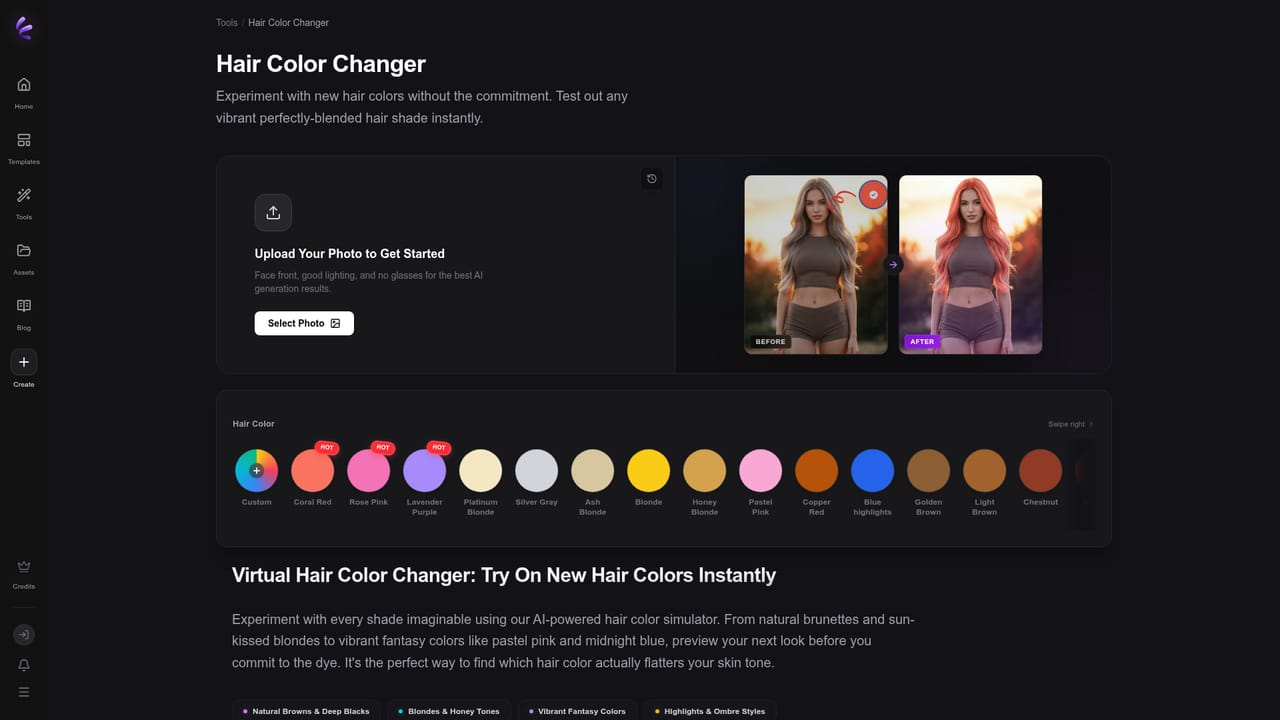
Silky AI is a browser-based hairstyle and hair color previewer. A user uploads a portrait, picks a look, and the service generates an AI image showing how that cut or shade could appear on their own face. The pitch is simple: compare ideas before sitting in a salon chair, rather than relying on inspiration photos of strangers. The catalog covers short, long, curly, layered and bangs styles, with separate suggestions for women and men. The homepage surfaces trending picks that refresh hourly, such as wavy cuts and coral red for women, or a French side part and golden blonde for men. A gallery of example looks lets visitors start from an existing template with a "Try This Look" button, while a prompt field accepts plain-language color direction, for example an ash blonde with sunset lighting. The editor offers a model selector (Silky Weave V2 is shown) and output settings such as resolution and a numeric option. In practice the workflow is short: open the editor, add a photo, choose a hairstyle or describe a color, and generate. Dedicated pages exist for the general hairstyle changer, a hairstyle try-on flow, and a hair color changer, which helps people who arrive with one specific goal. The site presents results as AI-generated previews, not real photos or professional advice. Silky AI suits people planning a haircut or dye job, anyone curious about a big change, and creators who want quick portrait variations. Compared with general image generators, it narrows the task to hair, which means less prompting skill is required. Compared with salon-app try-ons, it leans on a template gallery and prompts. Safety rules are stated openly: nudity, minors, illegal content and deceptive face swaps are prohibited, and terms, refund and contact pages are published. Paid access is sold as a monthly plan with a credit-style capacity, advertised at about 600 pictures.
A "Start Free Trial" button appears in the offer banner, and the meta description calls it a free AI hairstyle changer. Trial limits are not detailed on the homepage.
Learn moreThe homepage shows a limited-time offer of $15.90 per month, down from $19.90 (20% off), with an estimated capacity of about 600 pictures. Benefits activate instantly after purchase.
Learn moreA contact page, refund policy, terms and AI safety page are linked from the homepage for support and policy questions.
Learn moreAI hairstyle changer, virtual haircut previews and hair color simulation for men and women. Includes trending styles, a template gallery, prompt-based color control, a model selector (Silky Weave V2) and short, long, curly, layered and bangs looks.
Learn more


